🡠 Back


How to see what you uploaded to AI Training
Reading time
1 min
AI
October 27, 2026
afrus.ai
Learn how to review the documents, instructions and web pages you uploaded to AFRUS AI Training.
In this article
Labels are shown as they appear in the Spanish version of the console.
Step by step
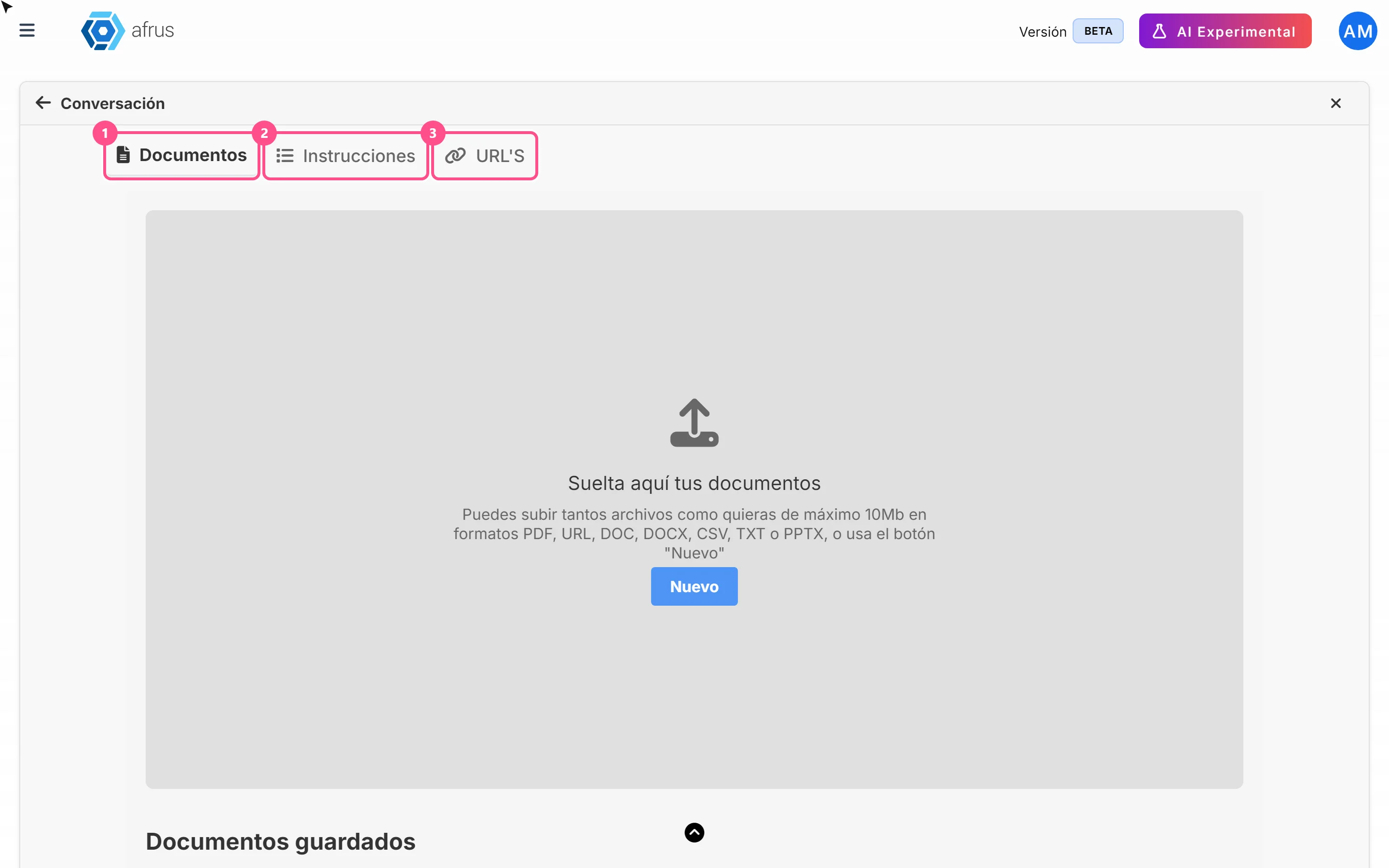
- Review your documents. On the Documentos tab, the Documentos guardados (Saved documents) list shows name, type, attribute, tags and upload date. The eye icon downloads the file.
- Review your instructions. On the Instrucciones tab, open each topic's panel.
- Review your web pages. On the URL'S tab you see each saved address.
Frequently asked questions
How do I delete something?
With the trash icon on the row. Careful: a document is deleted immediately, without confirmation, and can't be recovered.
Can I search for a document?
Today the "Buscar" (Search) button doesn't filter the list. Look through the list by name or date.
Need help? Talk to the afrus team
In this article
✕
Related Tutorials
AI
October 27, 2026
What AI Training (Entrenamiento [AI RAG]) is
Learn what AI Training is: the place where you give AFRUS AI your organization's information.
afrus.ai
AI
October 27, 2026
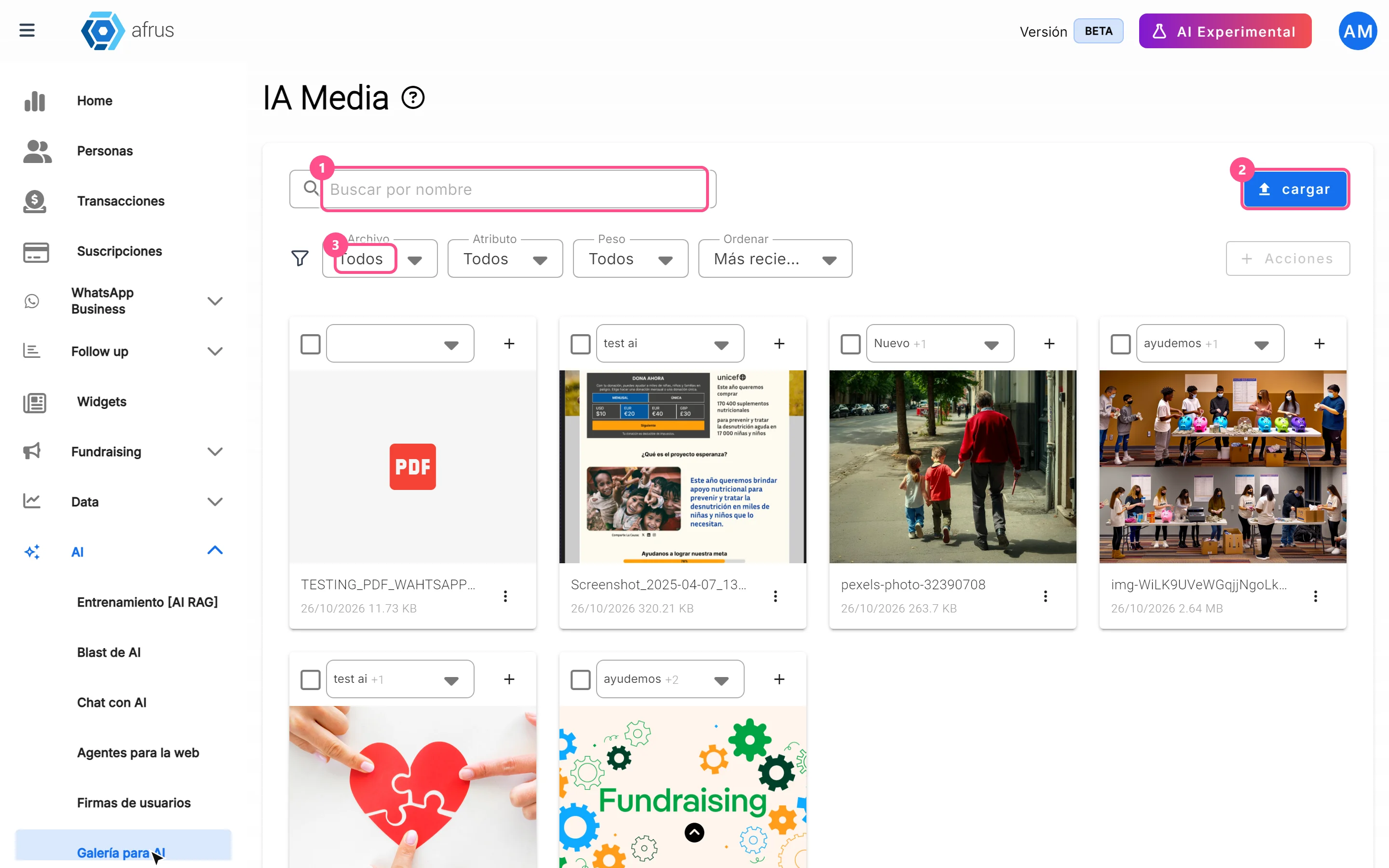
What the AI gallery is for
Learn what the AI gallery is for: putting your photos in AI emails and choosing which images each one uses.
afrus.ai
AI
October 27, 2026
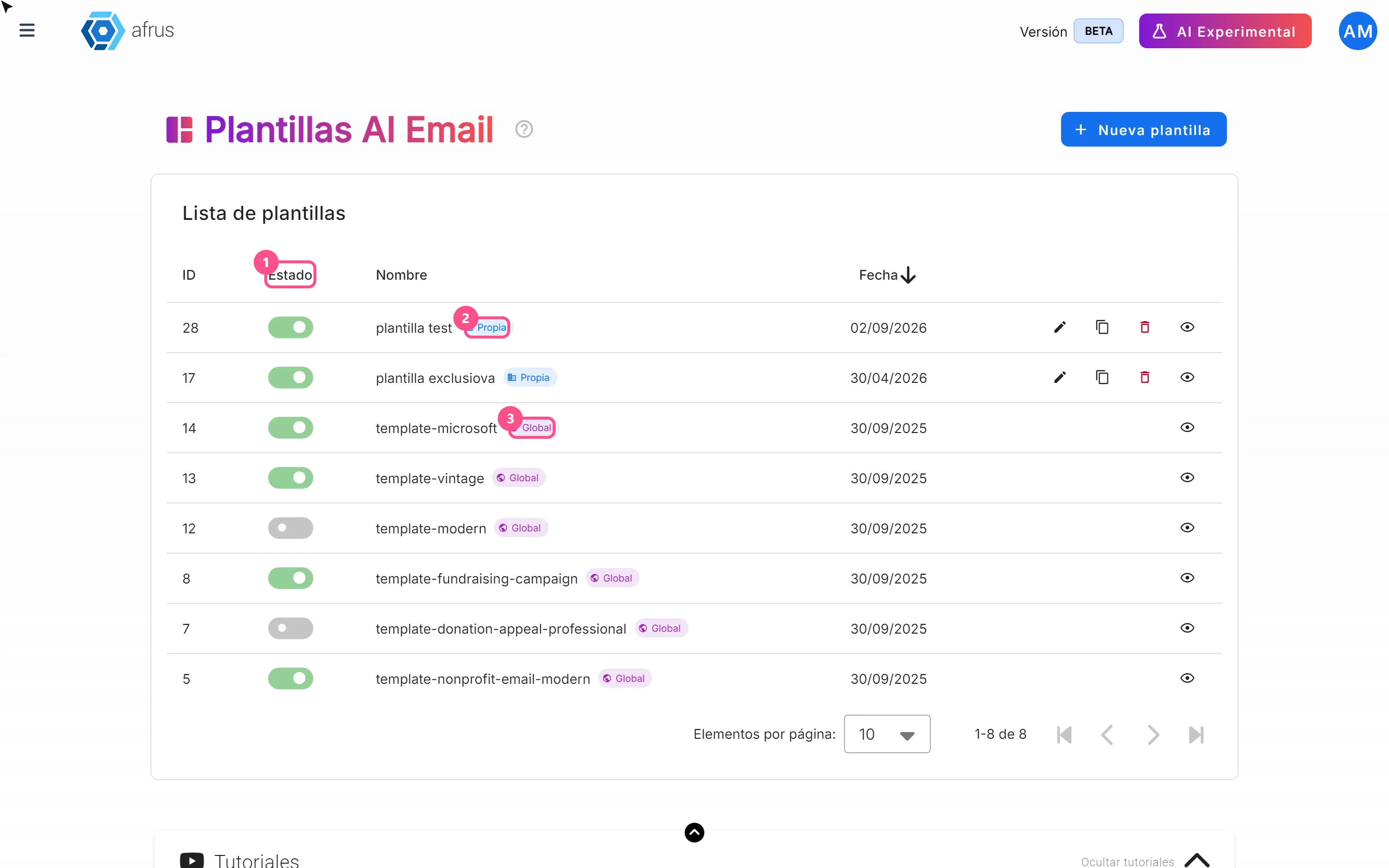
What AI email templates are for
Learn what AI email templates are for: giving AI emails your style and deciding which designs are used.
afrus.ai
AI
October 27, 2026
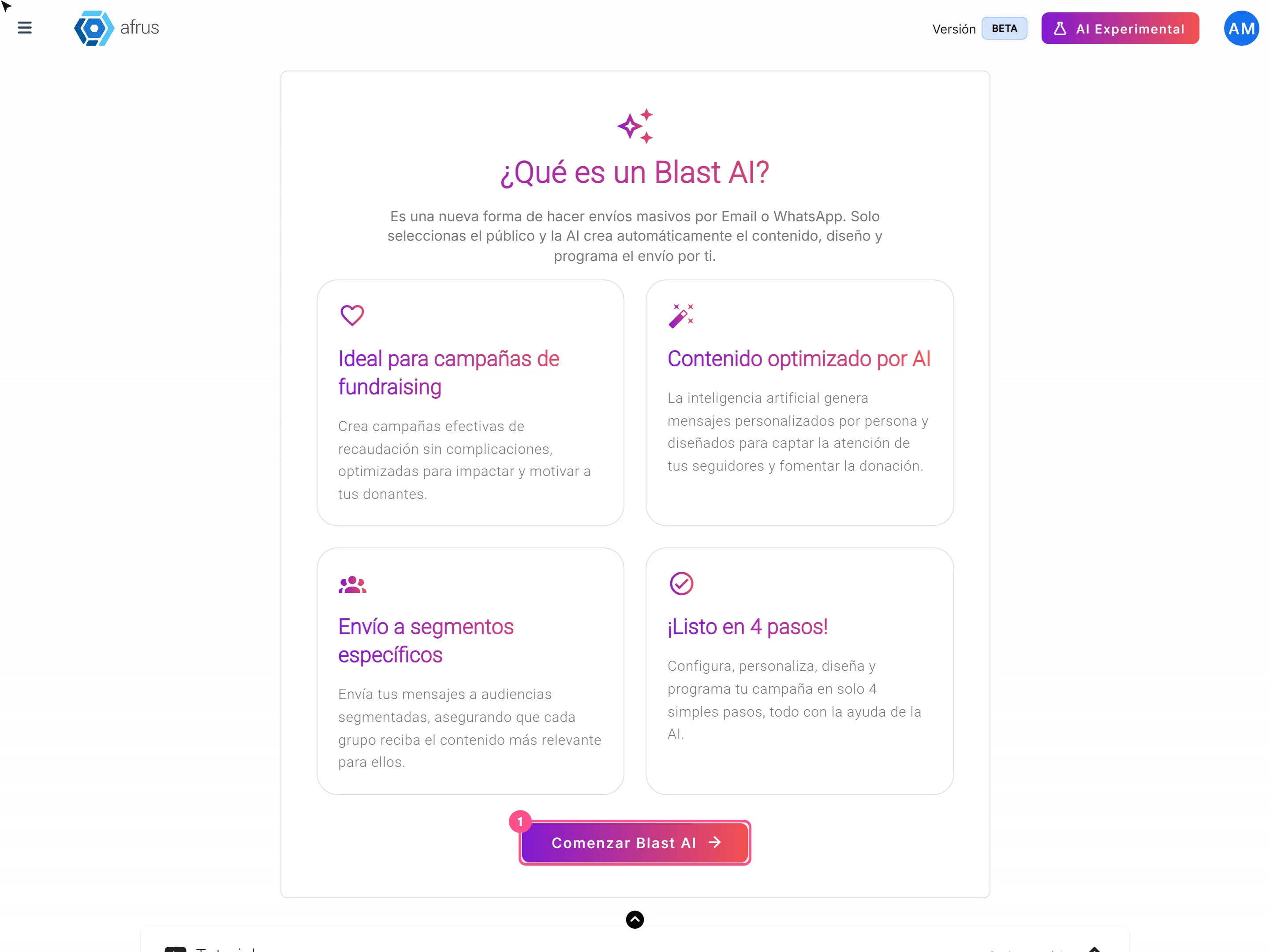
What an AI Blast is for
Learn what an AI Blast is for: running email campaigns without writing the message, with a text for each person.
afrus.ai