The channel that turns intent
into donations, in minutes
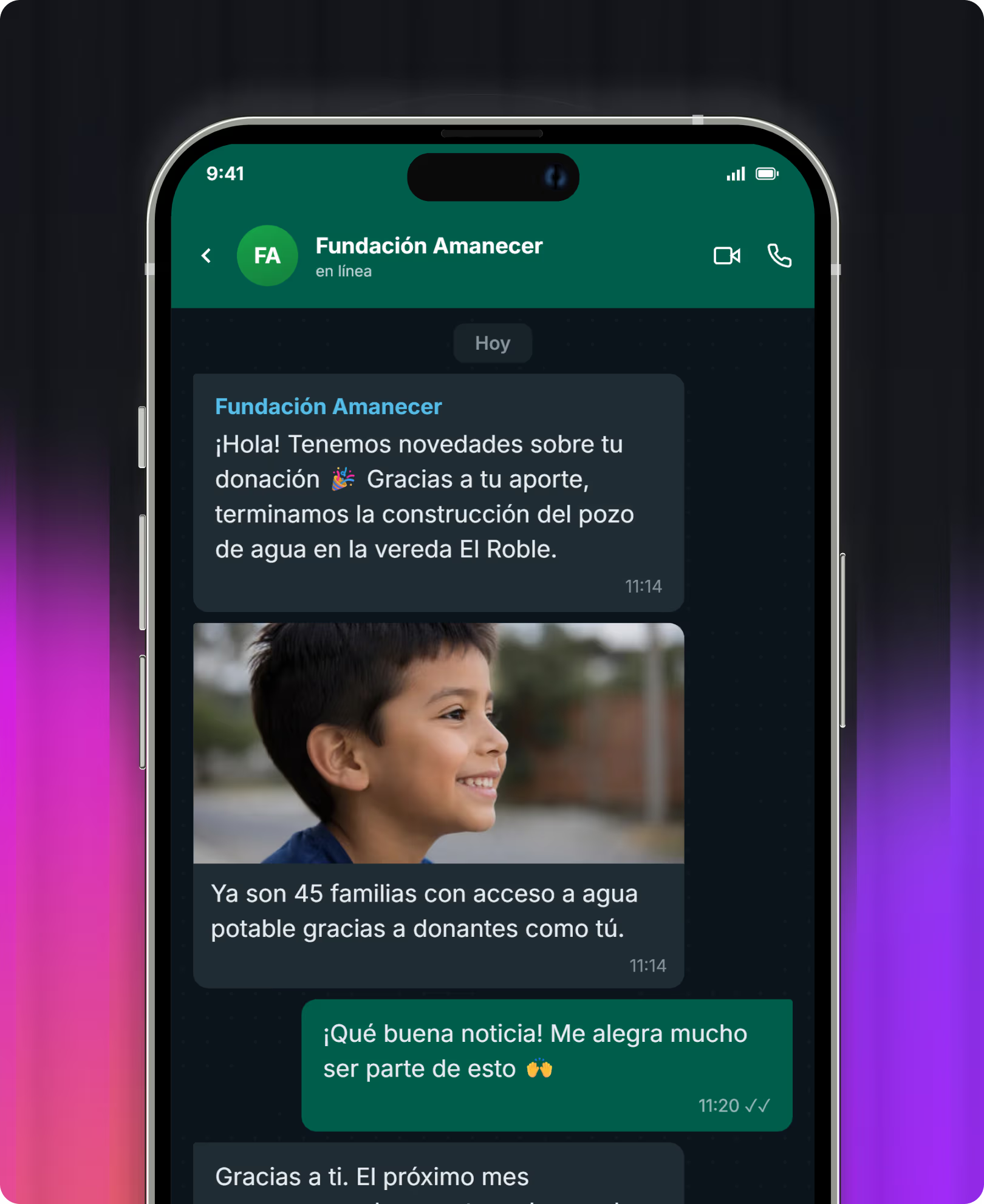
Nothing feels more immediate than WhatsApp for the moment someone has already decided to help.

ALMA handles conversations autonomously to achieve specific goals: inviting someone to donate, converting a one-time donor into a recurring one, or re-engaging inactive supporters.
.avif)
You write to an entire segment of your database just once—the same way you would with a bulk email, but via WhatsApp.

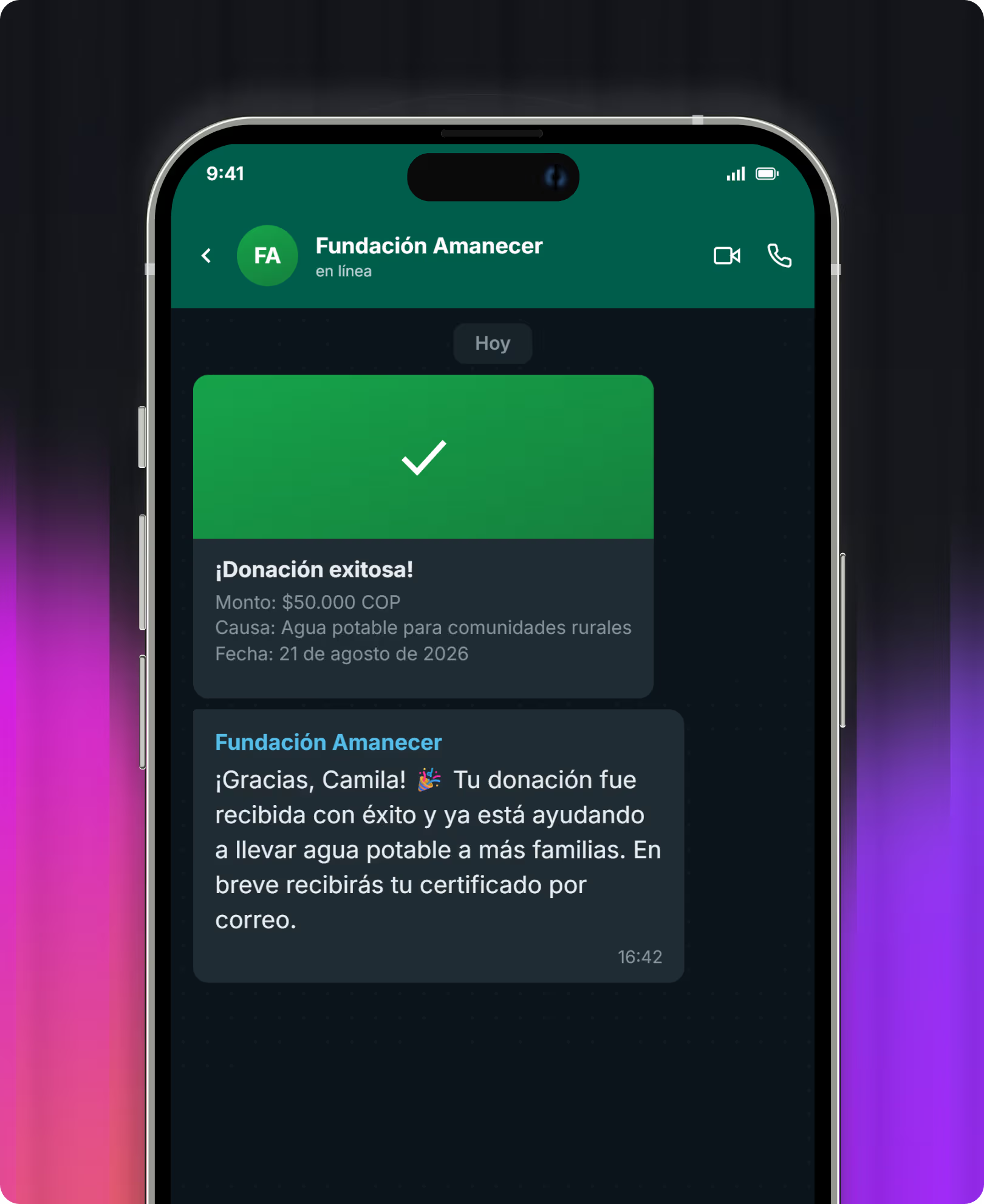
Pre-configured automated responses—for example, sending an instant thank you as soon as someone donates.

No. You only need to have your WhatsApp Business account already created to connect it and log in to afrus. afrus does not create the account for you, but the integration is ready to use.
Your WhatsApp Business account must already be approved by WhatsApp, with an approved and verified number. Without that verified number, it is not possible to connect the account to afrus or start using any of its features.
Your organization creates them within afrus, and they are then sent to Meta for approval, as required by WhatsApp Business for any message initiated by your organization.
No. In addition to autonomous conversations with ALMA, afrus allows you to send bulk WhatsApp messages to a segment of your database and set up autoresponders to reply automatically.
Only to those who have opted in to receive WhatsApp messages. The channel-specific opt-in we saw in the Donor CRM is automatically respected for every send.
Yes. When someone abandons a donation halfway through, WhatsApp is one of the channels available for your team or ALMA to follow up.
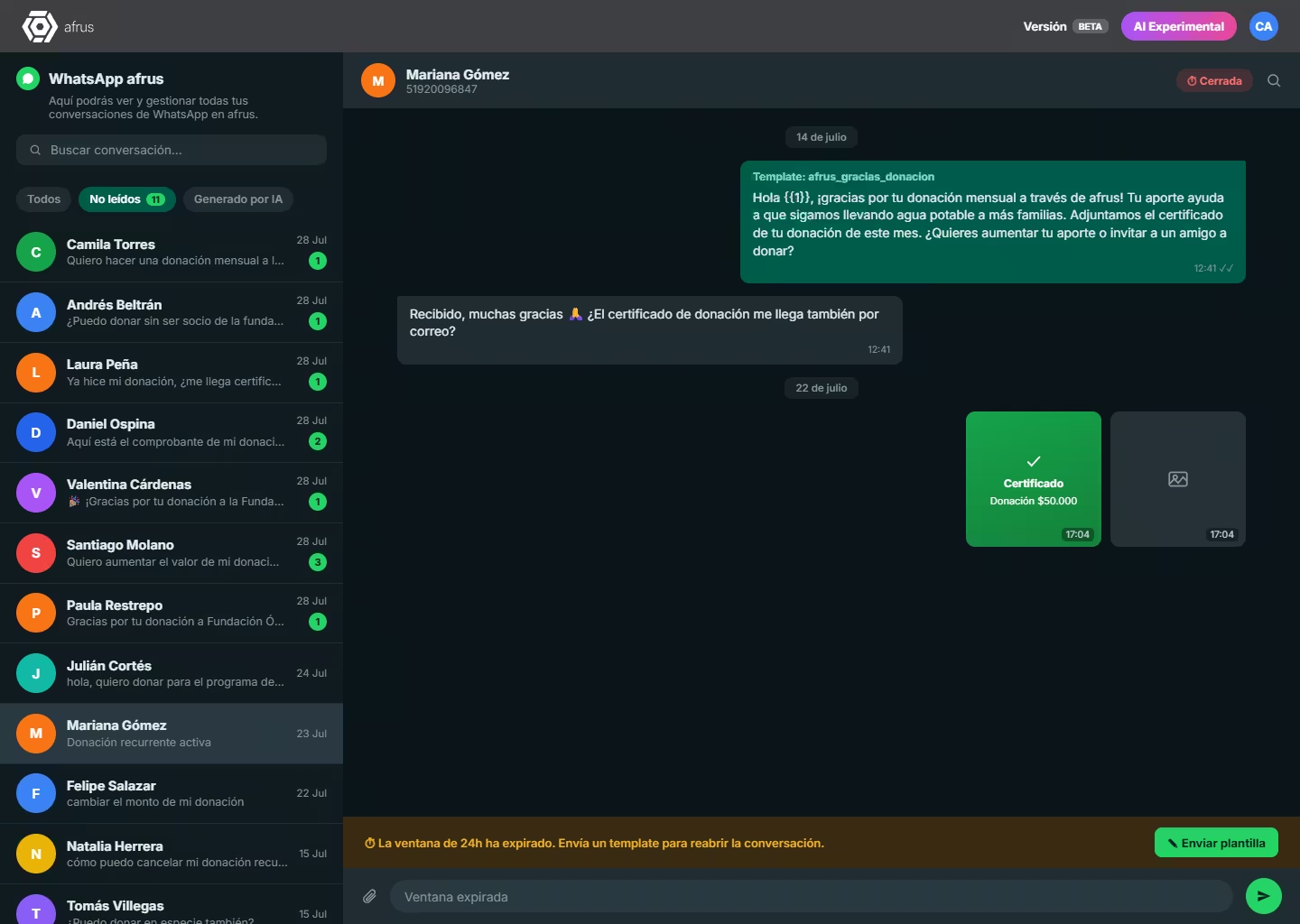
Yes. All WhatsApp conversations are visible in an inbox within afrus, which can be filtered by unread messages or those managed by AI. Your team can read them, reply, or step in whenever needed.
This is a WhatsApp rule, not an afrus one: if a person hasn't messaged you in the last 24 hours, the conversation closes and can only be reopened by sending a template pre-approved by Meta.