🡠 Back


How to set up the Recurrence service
Reading time
1 min
Settings
October 27, 2026
afrus.ai
Learn how to set the frequency, charge days and retries of your recurring donations in AFRUS.
In this article
Before you start
- Changes are not immediate: they apply to the next billing cycles.
- Check with AFRUS first: it is not yet confirmed that these settings change the real charges.
Step by step
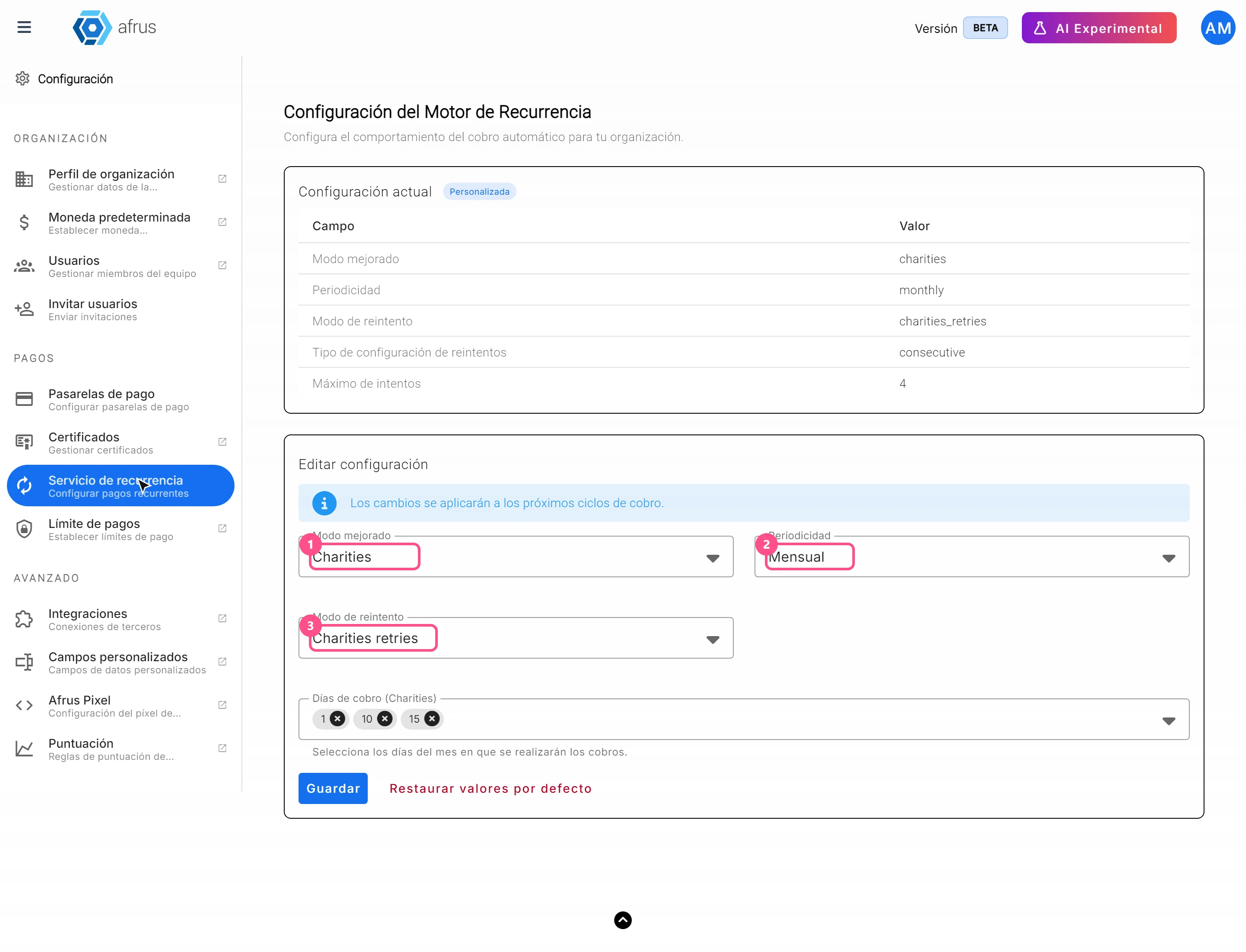
- Open the screen. Go to Ajustes de Organización > Servicio de recurrencia.
- Choose the mode. In Modo mejorado (Enhanced mode), choose Standard or Charities.
- Choose how often to charge. In Periodicidad (Frequency), choose Mensual (monthly), Trimestral (quarterly), Semestral (every six months) or Anual (yearly).
- If you chose Charities, pick the charge days in Días de cobro (Charities).
- Decide what happens if a charge fails. In Modo de reintento (Retry mode), choose Standard retries, Charities retries or Custom.
- If you chose Custom, set the retries: Consecutivo (with a Máximo de intentos, maximum attempts) or Fechas específicas (specific dates).
- Save your changes.
Frequently asked questions
Can it be undone?
Yes. Change the options whenever you want, or click "Restaurar valores por defecto" (Restore default values).
Need help? Talk to the afrus team
In this article
✕
Related Tutorials
Settings
October 27, 2026
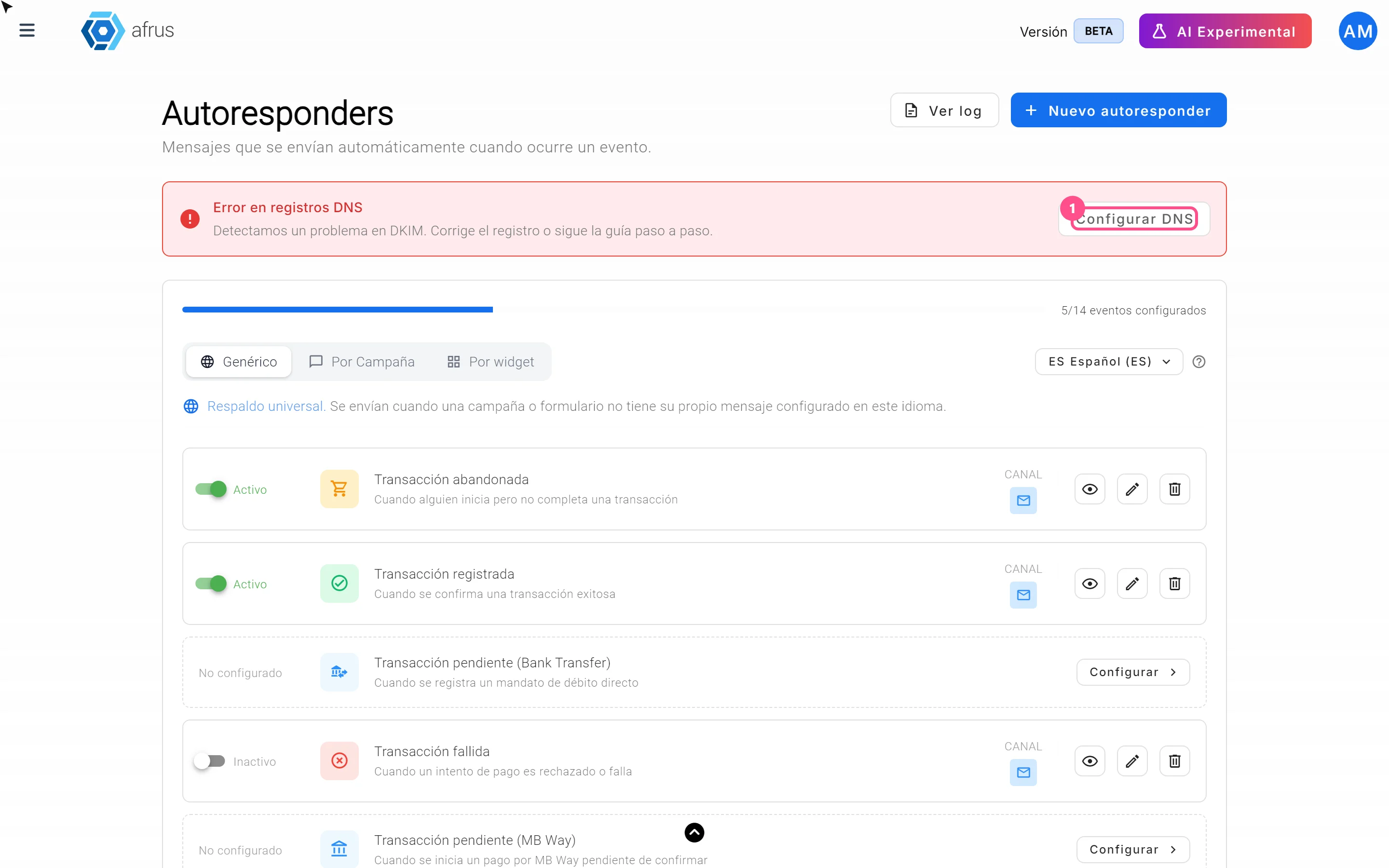
What onboarding automation is
Learn what setting up your email domain in AFRUS means and how to know if it's ready.
afrus.ai
Settings
October 27, 2026
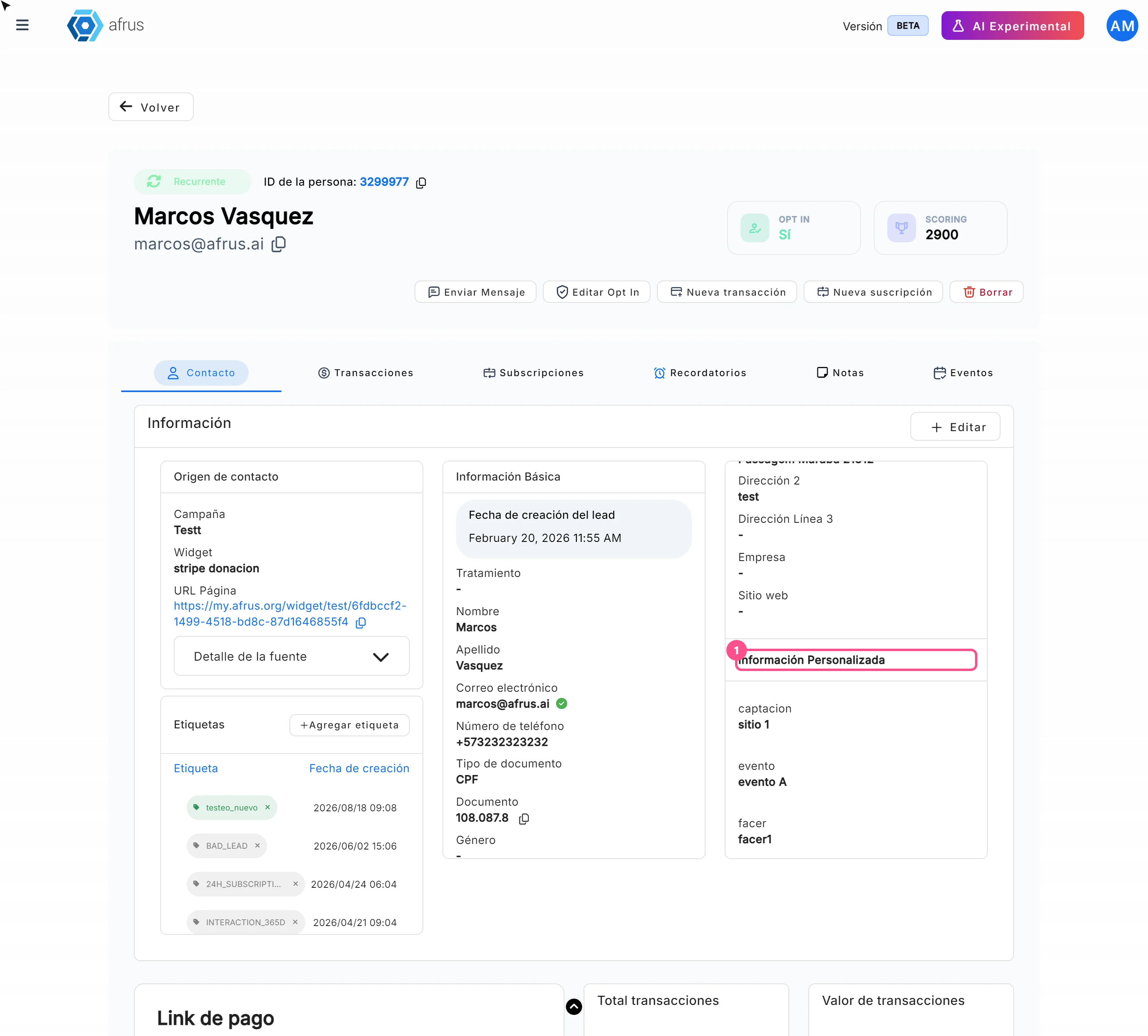
Where to see custom fields
Learn where to see custom fields: in the person's profile, in the people download and in your emails.
afrus.ai
Settings
October 27, 2026
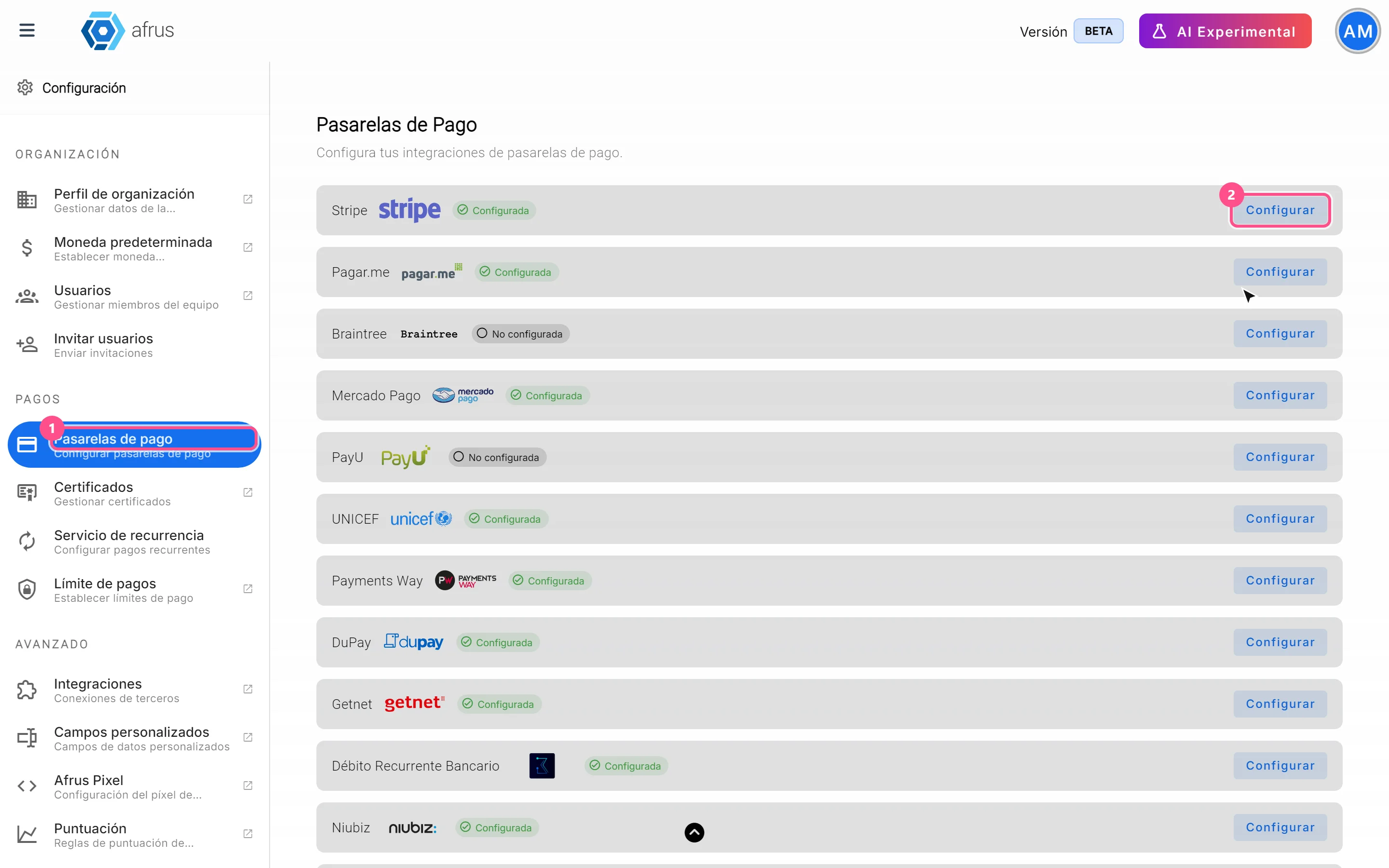
What payment gateways are
Learn what a payment gateway is in AFRUS and where your organization's gateways are set up.
afrus.ai

Settings
October 27, 2026
How to set up my DNS in AFRUS
Learn how to set up your domain's DNS step by step so AFRUS sends your emails with your organization's domain.
afrus.ai