🡠 Back


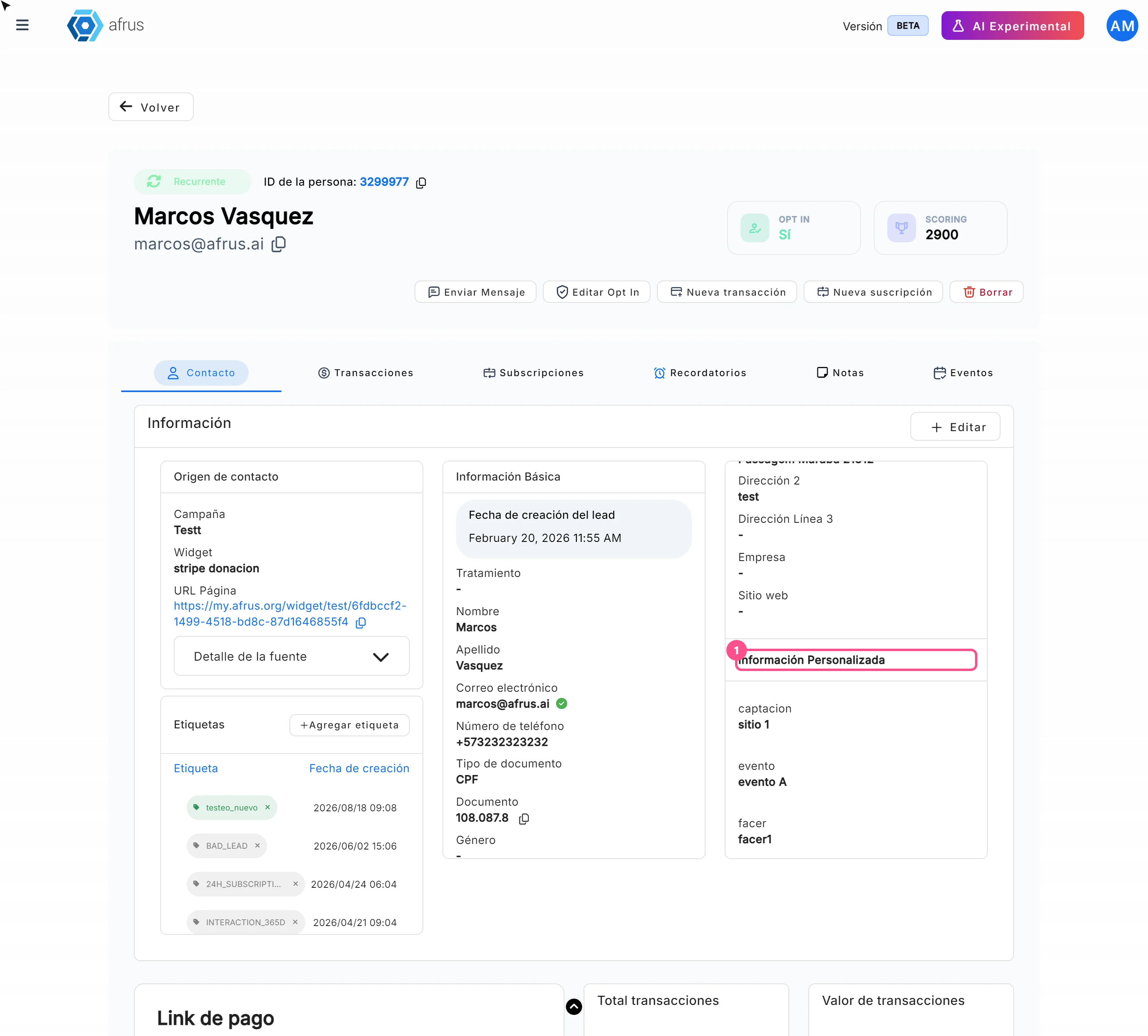
Where to see custom fields
Reading time
1 min
Settings
October 27, 2026
afrus.ai
Learn where to see custom fields: in the person's profile, in the people download and in your emails.
In this article
Labels are shown as they appear in the Spanish version of the console.
- In the person's profile. Open the person in Personas, Contacto (Contact) tab, Más información (More information) card, Información Personalizada section. The section only appears if the person has a custom field.
- In the people download. When you download with Base de datos en tiempo real (Real-time database), each field comes out in its own column.
- In your emails. In an autoresponder you can show the value with the merge tag {{customFields.<field>}}, replacing <field> with your field's name.
Note: in landings, custom fields don't work as variables: the donor would see the text as is.
Need help? Talk to the afrus team
In this article
✕
Related Tutorials
Settings
October 27, 2026
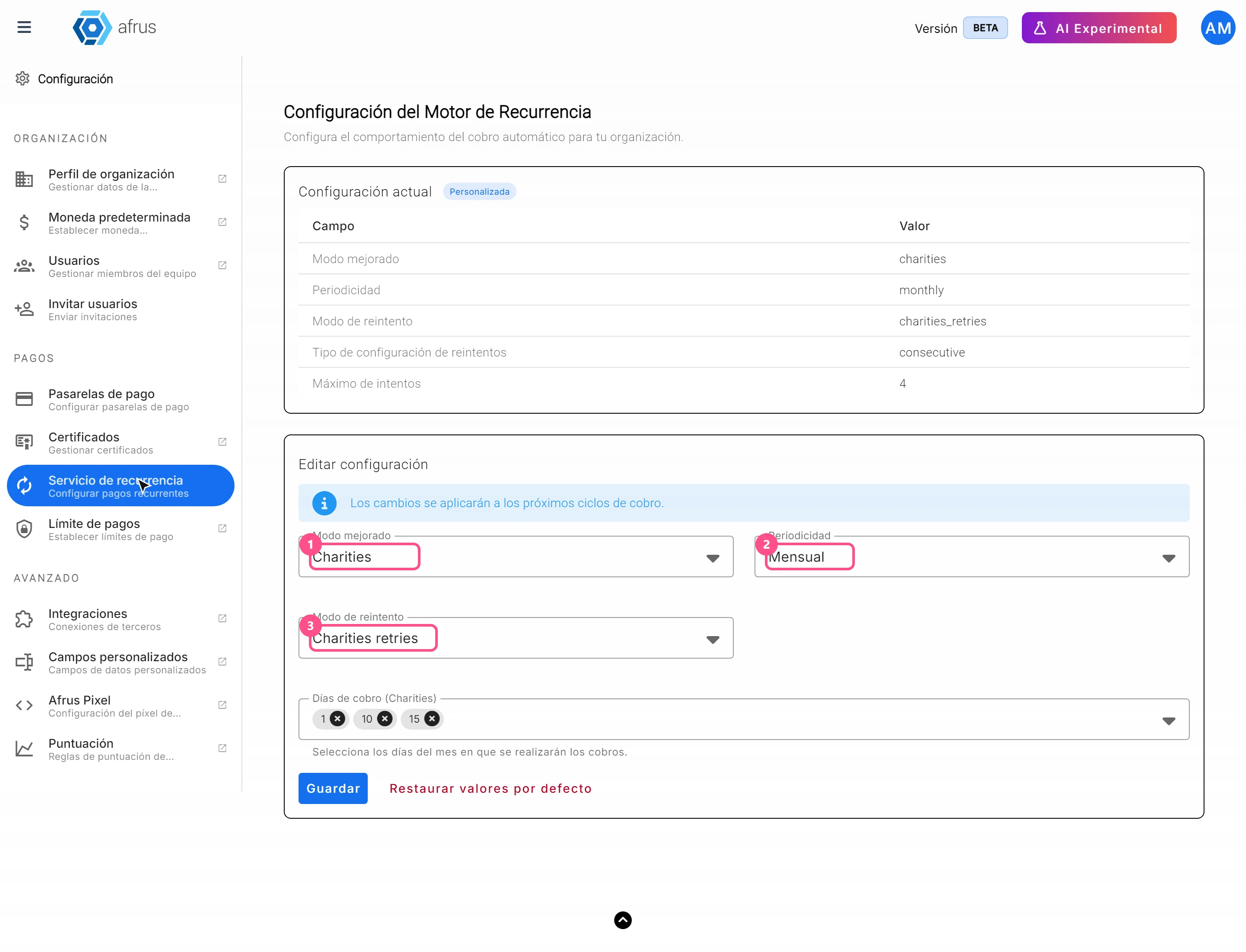
How to set up the Recurrence service
Learn how to set the frequency, charge days and retries of your recurring donations in AFRUS.
afrus.ai
Settings
October 27, 2026
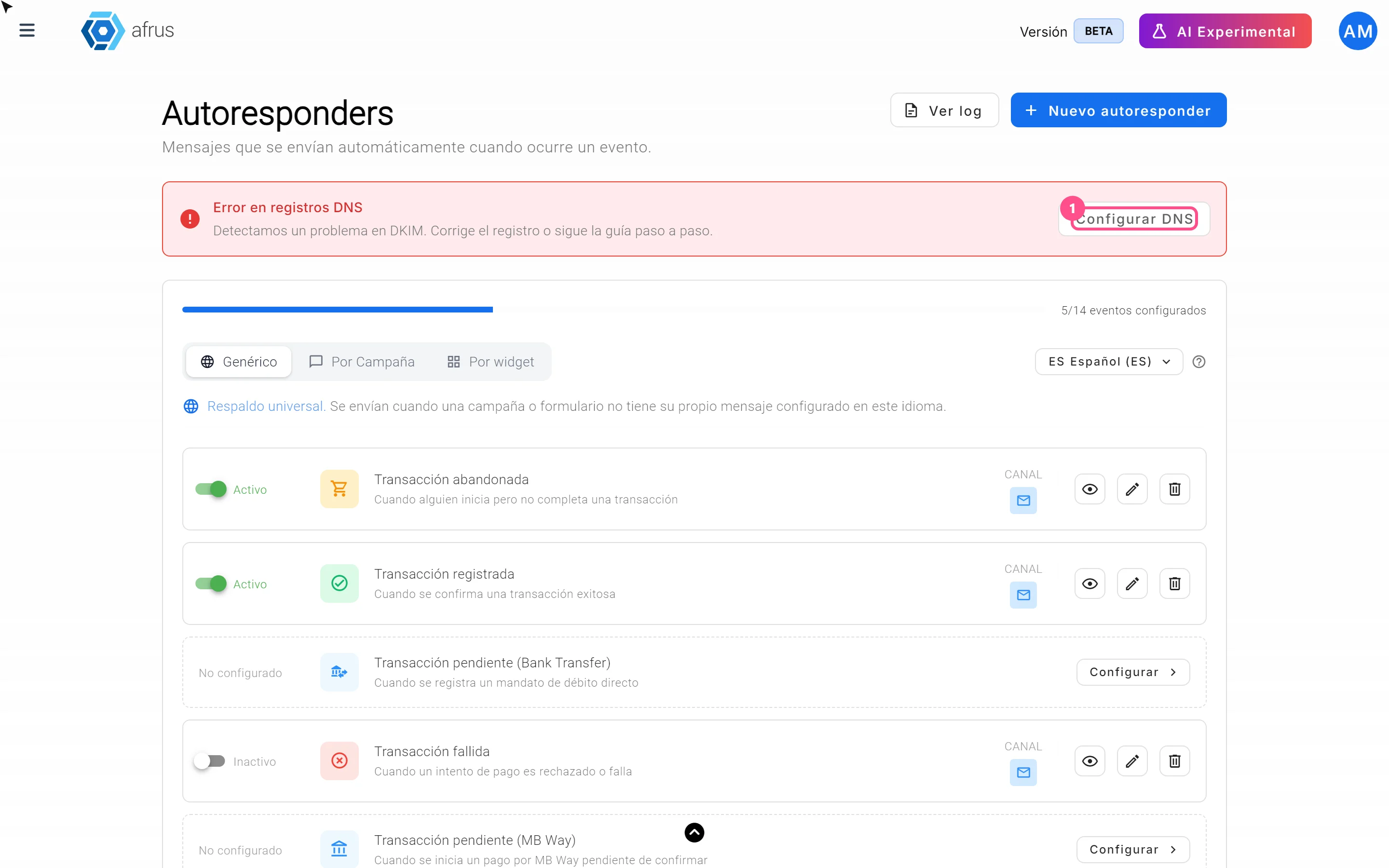
What onboarding automation is
Learn what setting up your email domain in AFRUS means and how to know if it's ready.
afrus.ai
Settings
October 27, 2026
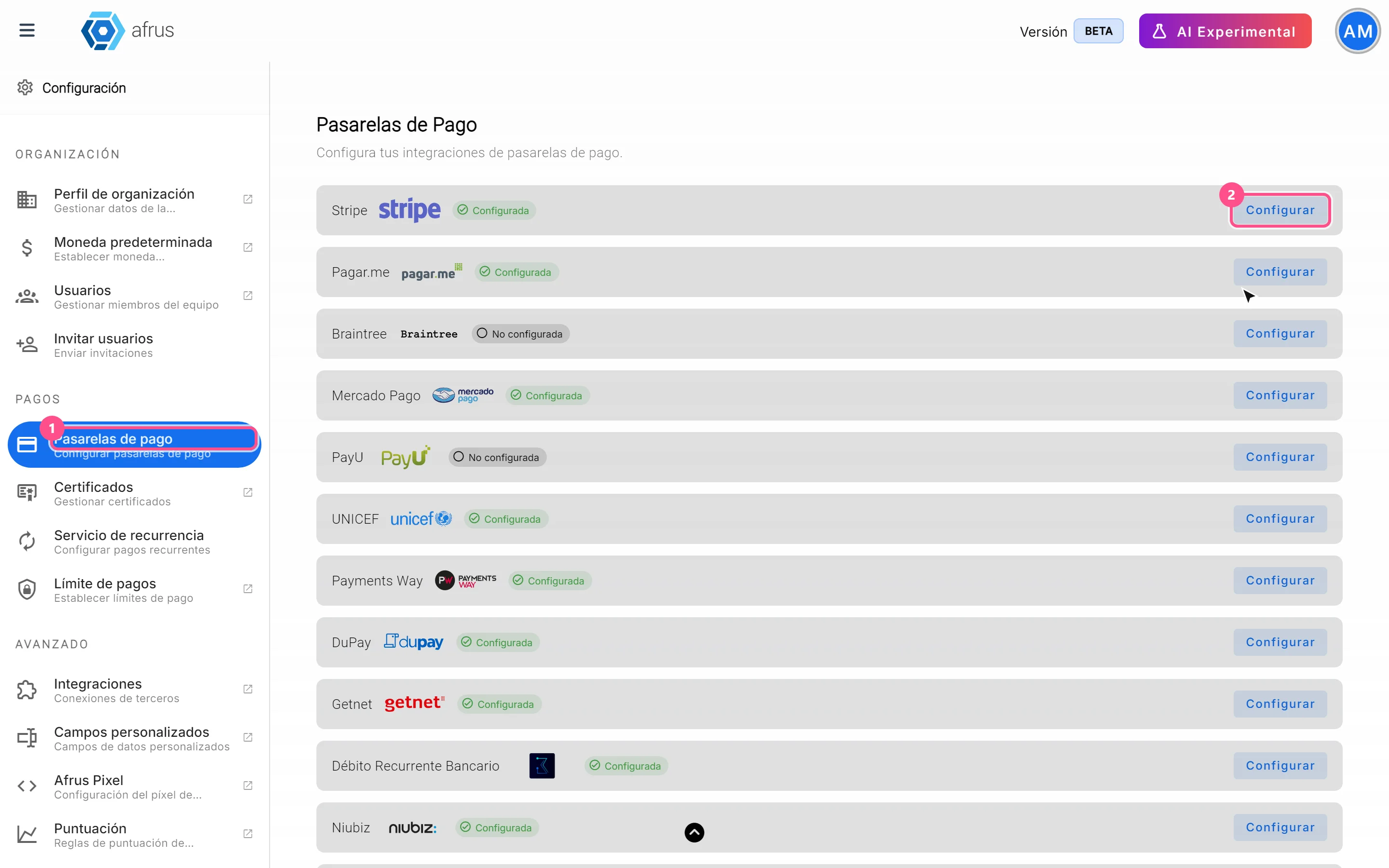
What payment gateways are
Learn what a payment gateway is in AFRUS and where your organization's gateways are set up.
afrus.ai

Settings
October 27, 2026
How to set up my DNS in AFRUS
Learn how to set up your domain's DNS step by step so AFRUS sends your emails with your organization's domain.
afrus.ai