🡠 Back


How to use AI Chat
Reading time
1 min
AI
October 27, 2026
afrus.ai
Learn how to talk with AFRUS's AI assistant, use its answers and pick up your conversations.
In this article
Labels are shown as they appear in the Spanish version of the console.
Before you start
- Turn on AFRUS AI. In the Business profile (profile menu), create your profile and click "Enviar AI" (Send to AI).
- Upload information in AI > Entrenamiento [AI RAG]. The more you tell it, the better its answers.
Step by step
- Open the chat. Go to AI > Chat con AI. For a new conversation, click "Nuevo chat" (New chat).
- Write your message. Press Enter to send it (Alt + Enter for a new line).
- Wait for the answer. It can take between 30 seconds and 2 minutes.
- Use the answer. Copy it or ask for another. You can also edit your message and send it again.
- Pick up conversations. They're saved in Historial de conversaciones (Conversation history).
Tip: be specific. Say the type of text, length, tone and topic.
Need help? Talk to the afrus team
In this article
✕
Related Tutorials
AI
October 27, 2026
What AI Training (Entrenamiento [AI RAG]) is
Learn what AI Training is: the place where you give AFRUS AI your organization's information.
afrus.ai
AI
October 27, 2026
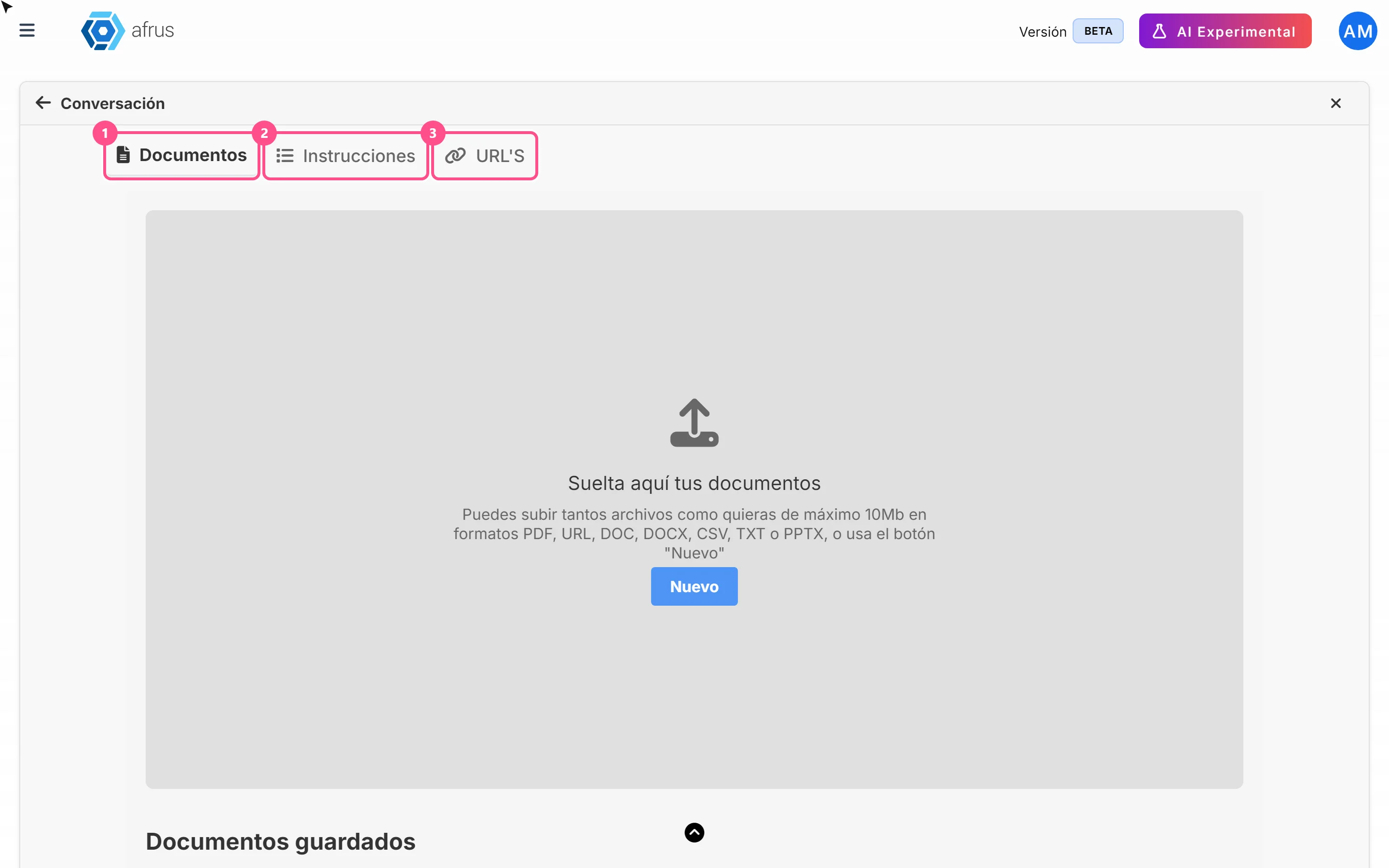
How to see what you uploaded to AI Training
Learn how to review the documents, instructions and web pages you uploaded to AFRUS AI Training.
afrus.ai
AI
October 27, 2026
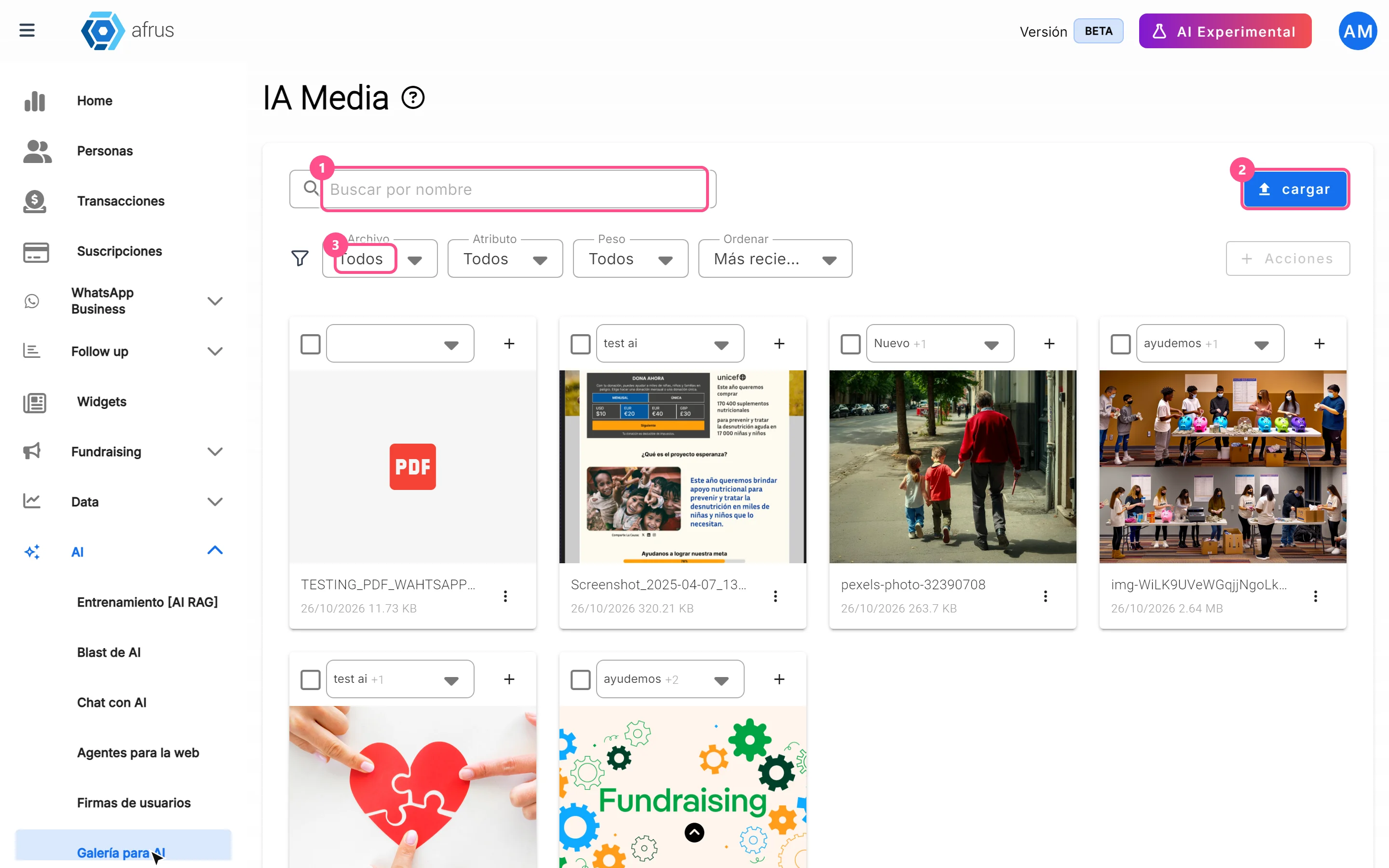
What the AI gallery is for
Learn what the AI gallery is for: putting your photos in AI emails and choosing which images each one uses.
afrus.ai
AI
October 27, 2026
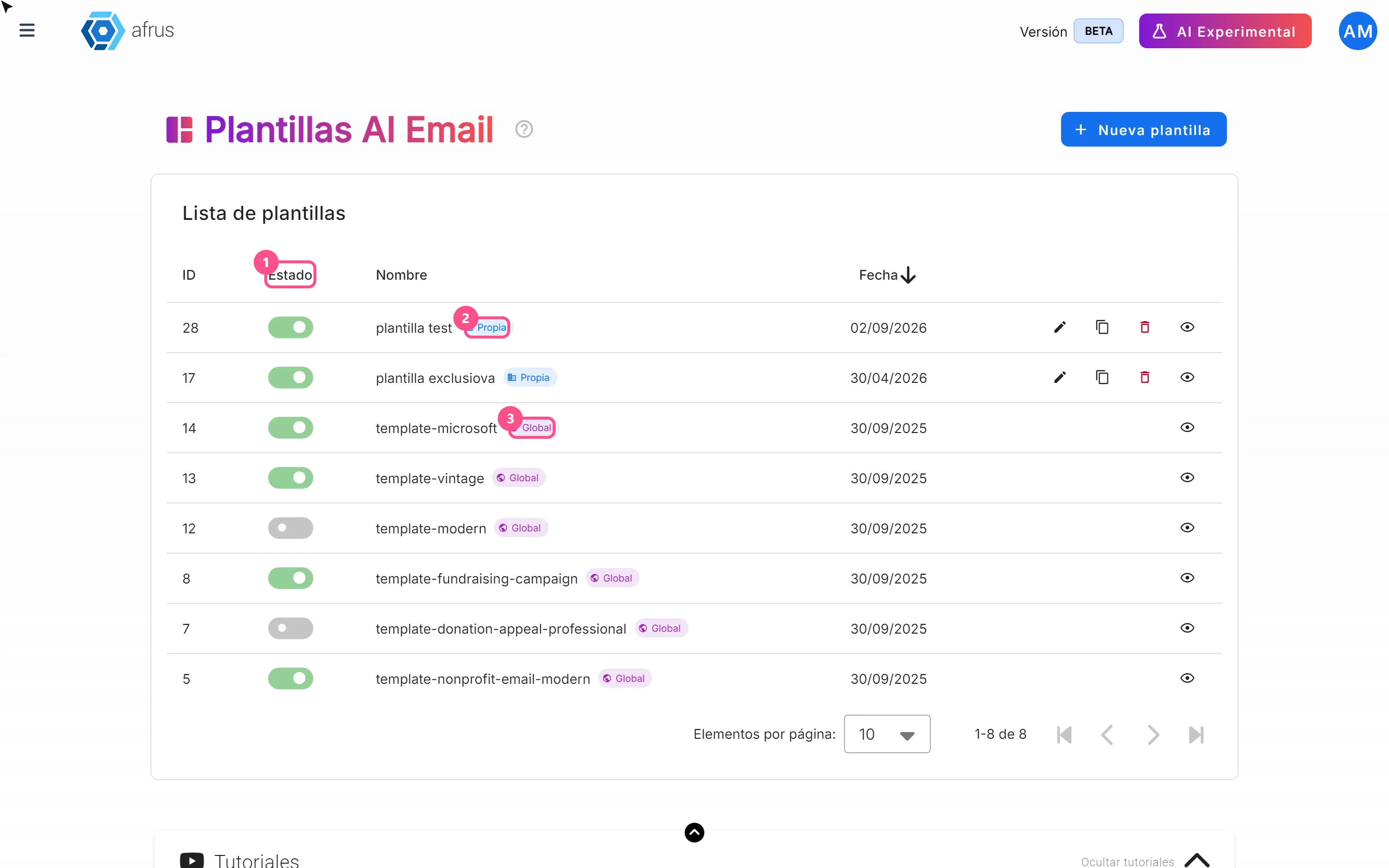
What AI email templates are for
Learn what AI email templates are for: giving AI emails your style and deciding which designs are used.
afrus.ai