🡠 Back


How to use AI email templates
Reading time
1 min
AI
October 27, 2026
afrus.ai
Learn how to turn templates on or off for your AI emails and how to create your own design.
In this article
Labels are shown as they appear in the Spanish version of the console.
Turn a template on or off
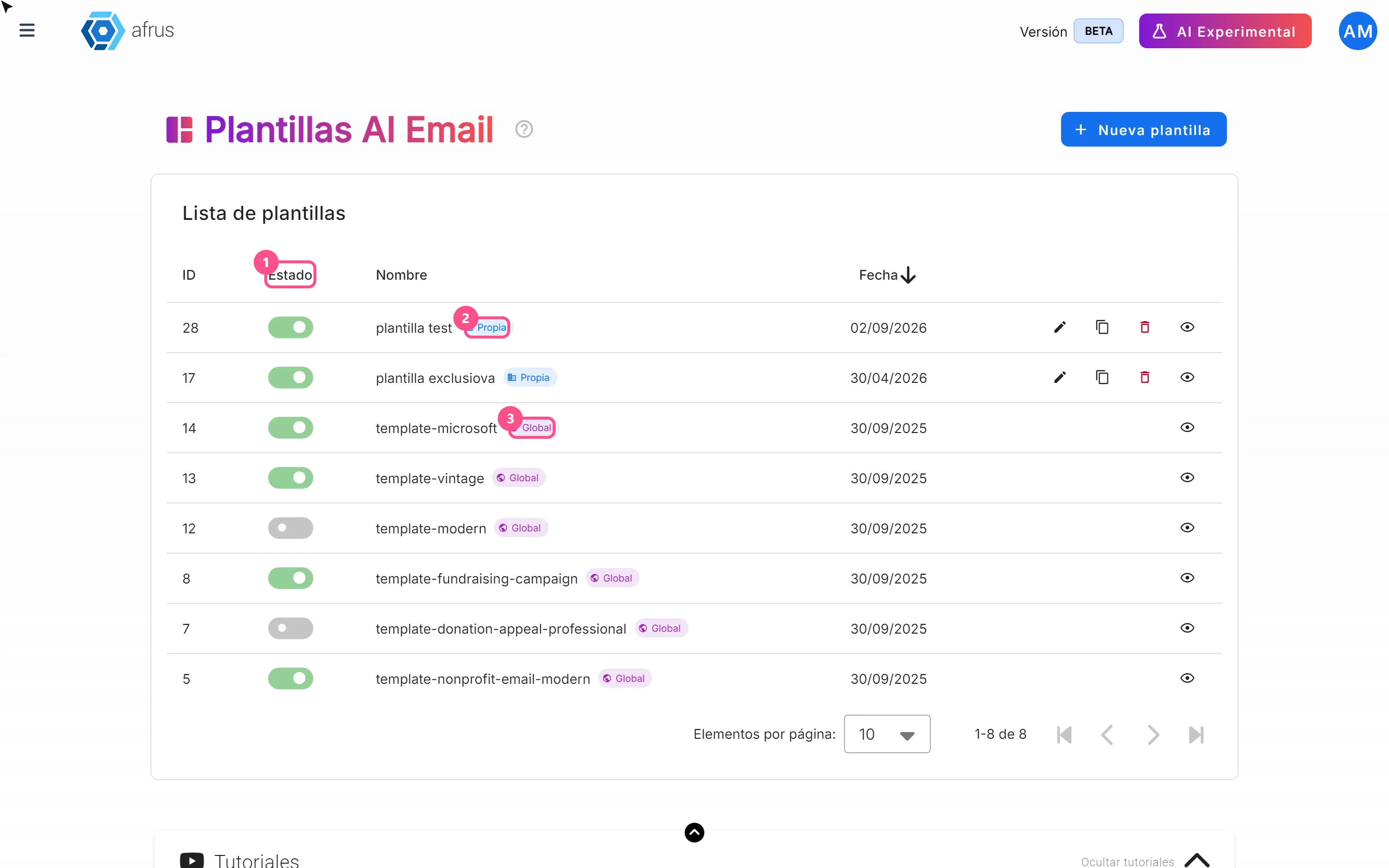
- Open templates. Go to AI > Plantillas AI Email.
- Use the switch. In the Estado (Status) column, turn it on or off.
Create your own template
- Start a new one. Click "Nueva plantilla" (New template).
- Name it. Type the Nombre (Name) and choose Habilitado (used right away) or Borrador (Draft).
- Design the email. Click "Abrir editor visual" (Open visual editor).
- Add the spaces the AI fills in. Click Merge tags, copy each space you need and paste it into your design. Include at least the title, the button text, the button link and the unsubscribe link.
- Save the design in the editor, then click "Guardar" (Save).
Frequently asked questions
I saved and the template doesn't appear. If you save without saving the design first, the template is not created and no message appears. Open the editor, save the design and save again.
Can I recover a deleted template?
No. If you only want the AI to stop using it, turn off its switch.
Need help? Talk to the afrus team
In this article
✕
Related Tutorials
AI
October 27, 2026
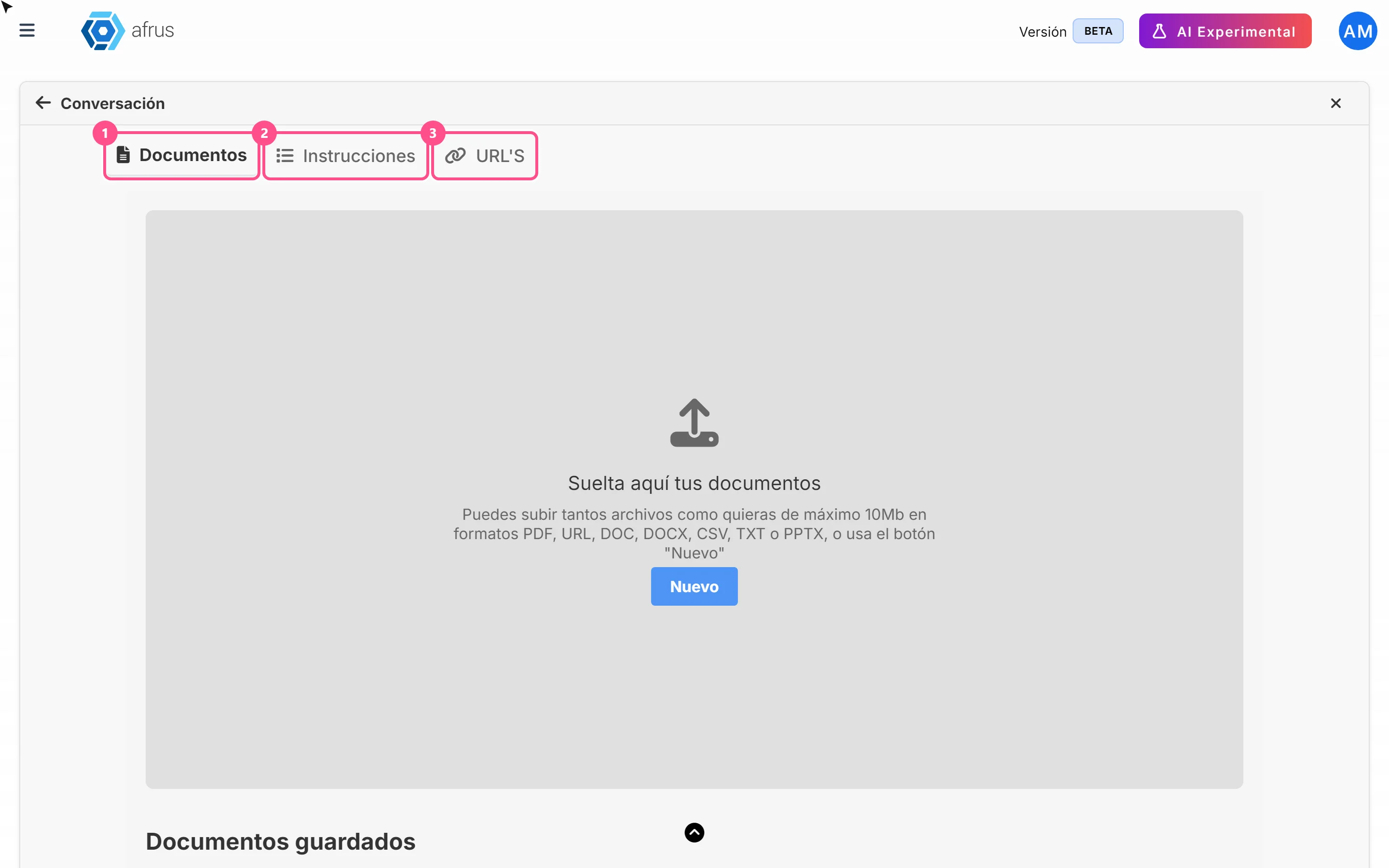
What AI Training (Entrenamiento [AI RAG]) is
Learn what AI Training is: the place where you give AFRUS AI your organization's information.
afrus.ai
AI
October 27, 2026
How to see what you uploaded to AI Training
Learn how to review the documents, instructions and web pages you uploaded to AFRUS AI Training.
afrus.ai
AI
October 27, 2026
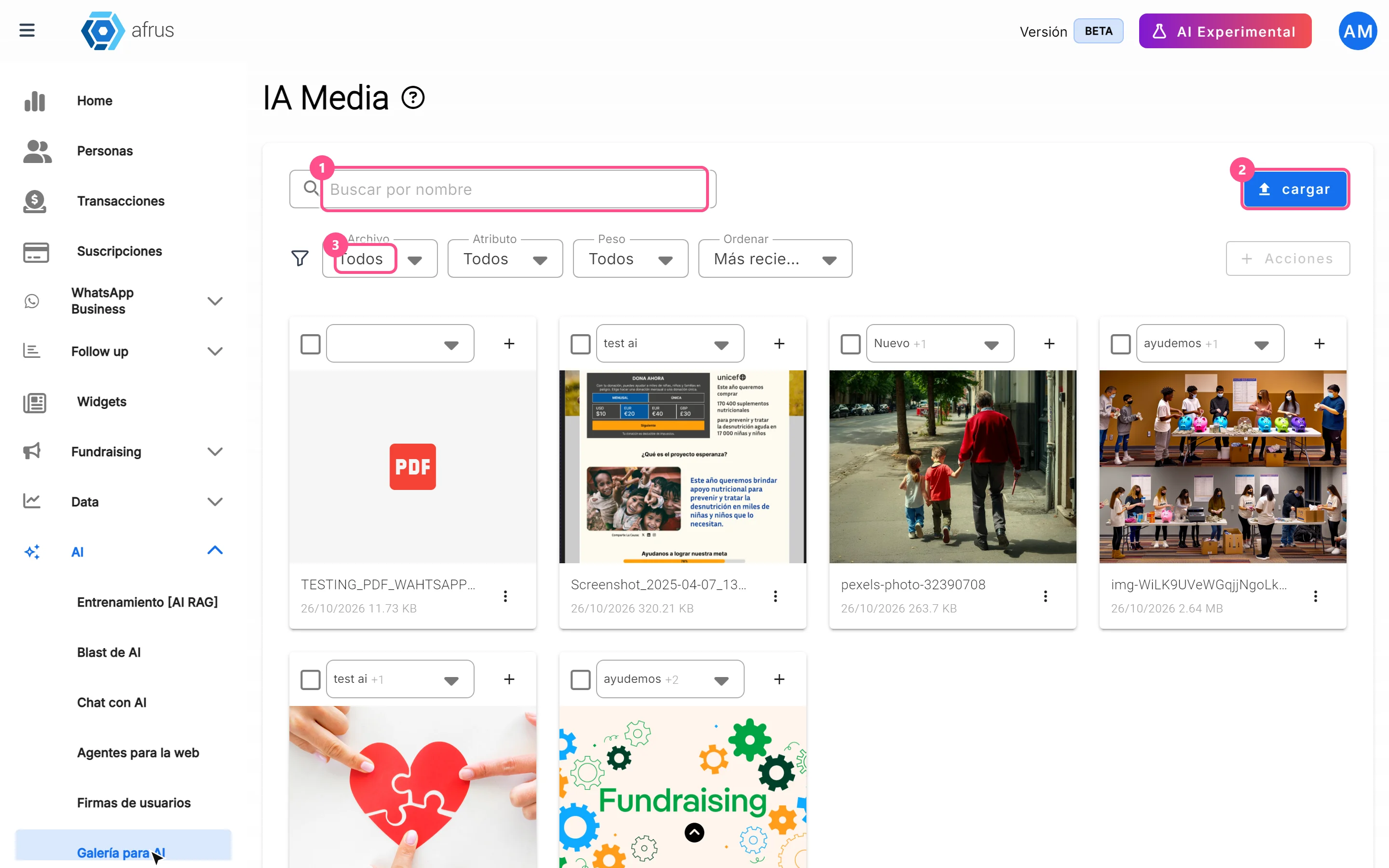
What the AI gallery is for
Learn what the AI gallery is for: putting your photos in AI emails and choosing which images each one uses.
afrus.ai
AI
October 27, 2026
What AI email templates are for
Learn what AI email templates are for: giving AI emails your style and deciding which designs are used.
afrus.ai