🡠 Back


How to use user signatures
Reading time
1 min
AI
October 27, 2026
afrus.ai
Learn how to create, edit and delete a user signature, and use it as the sender of your AI autoresponders.
In this article
Labels are shown as they appear in the Spanish version of the console.
Step by step
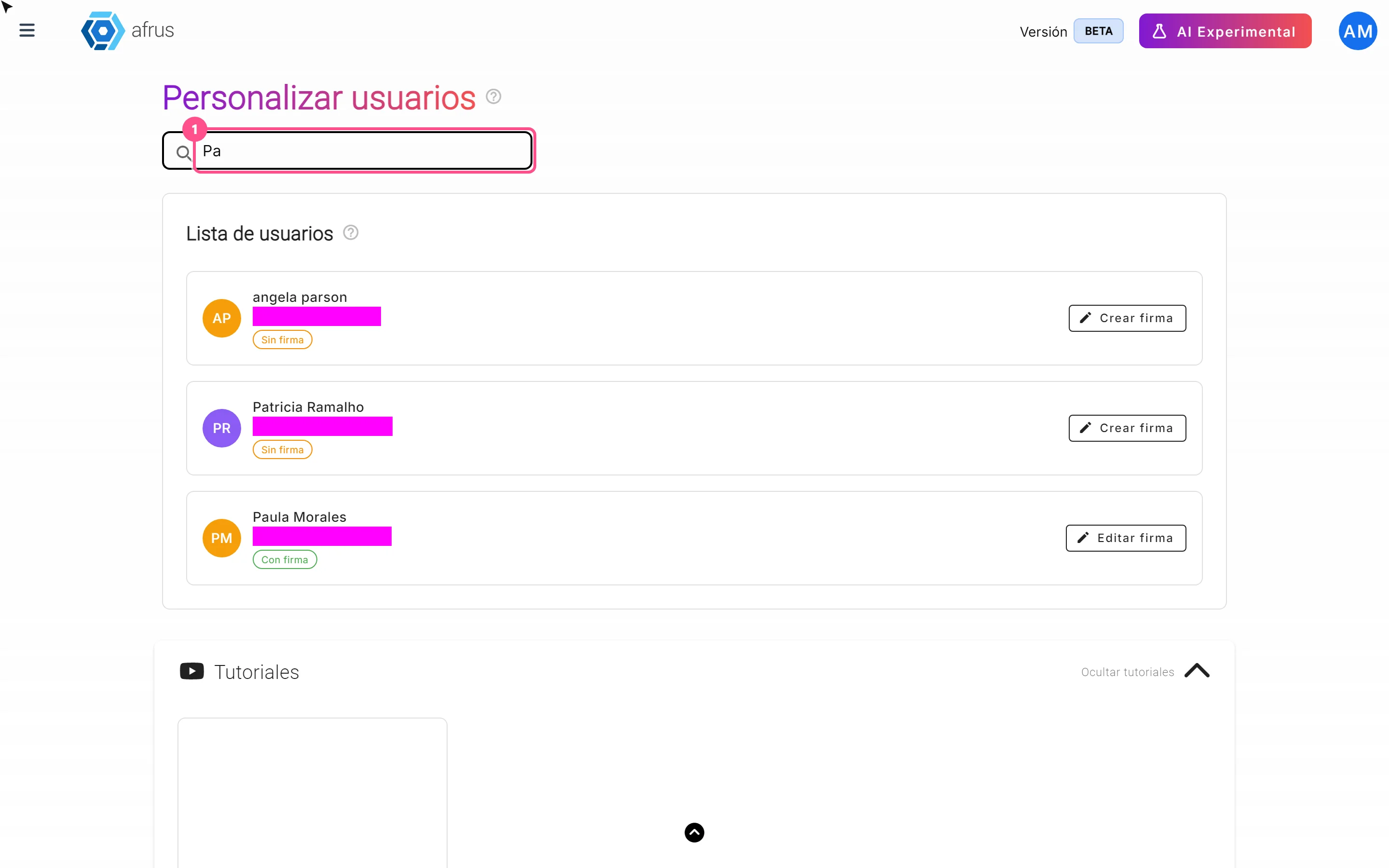
- Open signatures. Go to AI > Firmas de usuarios and find the user.
- Open their signature. Click "Crear firma" (Create signature) or "Editar firma" (Edit signature).
- Fill in the details. Name your contacts will see, sending email, Cargo para firma (job title) and Reply to (where you receive replies). All are required.
- Write the description, or let the AI write it. Choose tone, style and length, and click "Generar" (Generate). "Mejorar" (Improve) rewrites a text you already have. The description is required.
- Save. Click "Crear firma" or "Actualizar firma" (Update signature).
Then, when you set up an AI autoresponder, choose the user as Remitente (Sender) in Configuración IA (AI settings).
Frequently asked questions
Can I delete a signature?
Yes, with "Eliminar firma" (Delete signature). It can't be undone: you'll need to create it again.
Need help? Talk to the afrus team
In this article
✕
Related Tutorials
AI
October 27, 2026
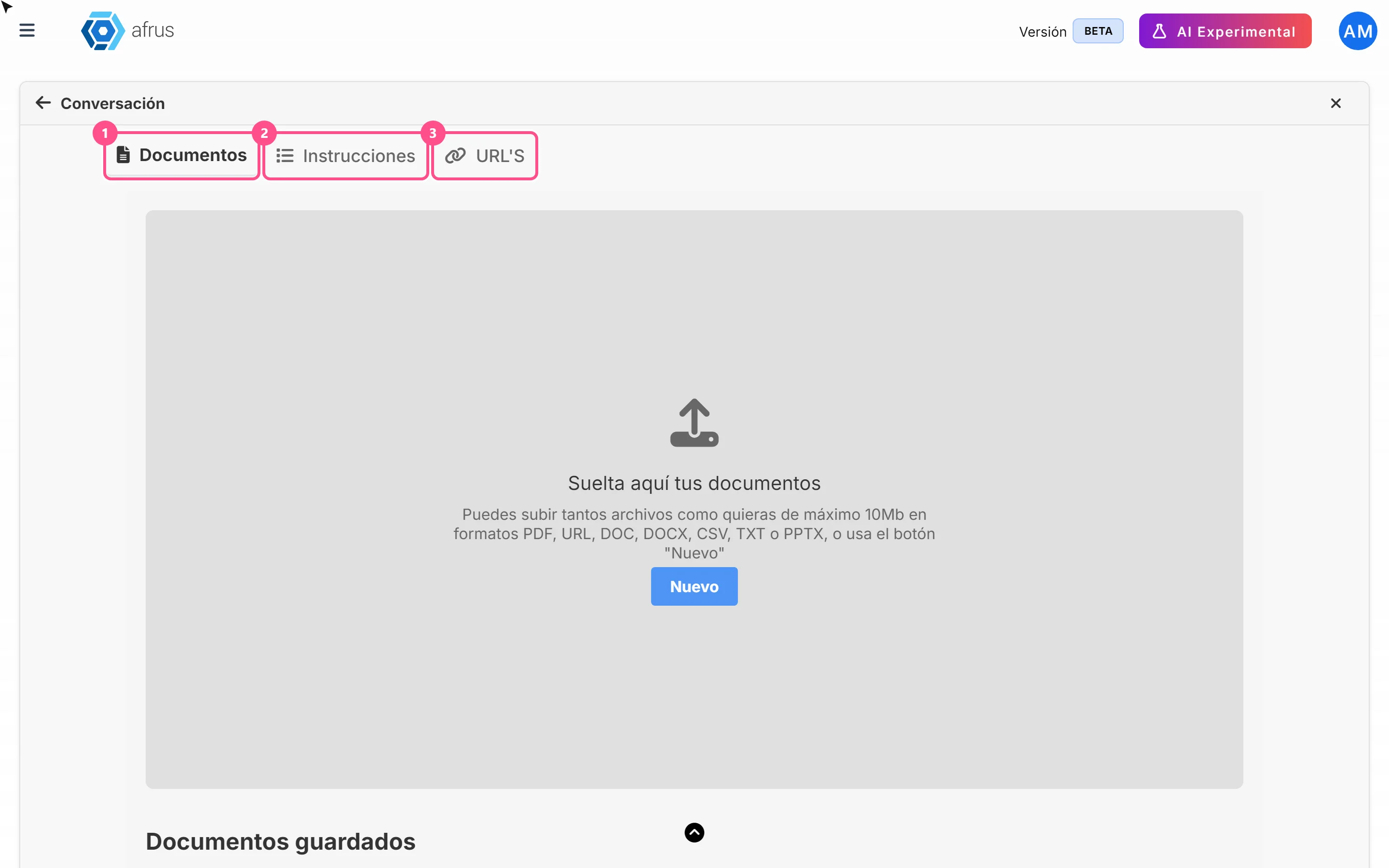
What AI Training (Entrenamiento [AI RAG]) is
Learn what AI Training is: the place where you give AFRUS AI your organization's information.
afrus.ai
AI
October 27, 2026
How to see what you uploaded to AI Training
Learn how to review the documents, instructions and web pages you uploaded to AFRUS AI Training.
afrus.ai
AI
October 27, 2026
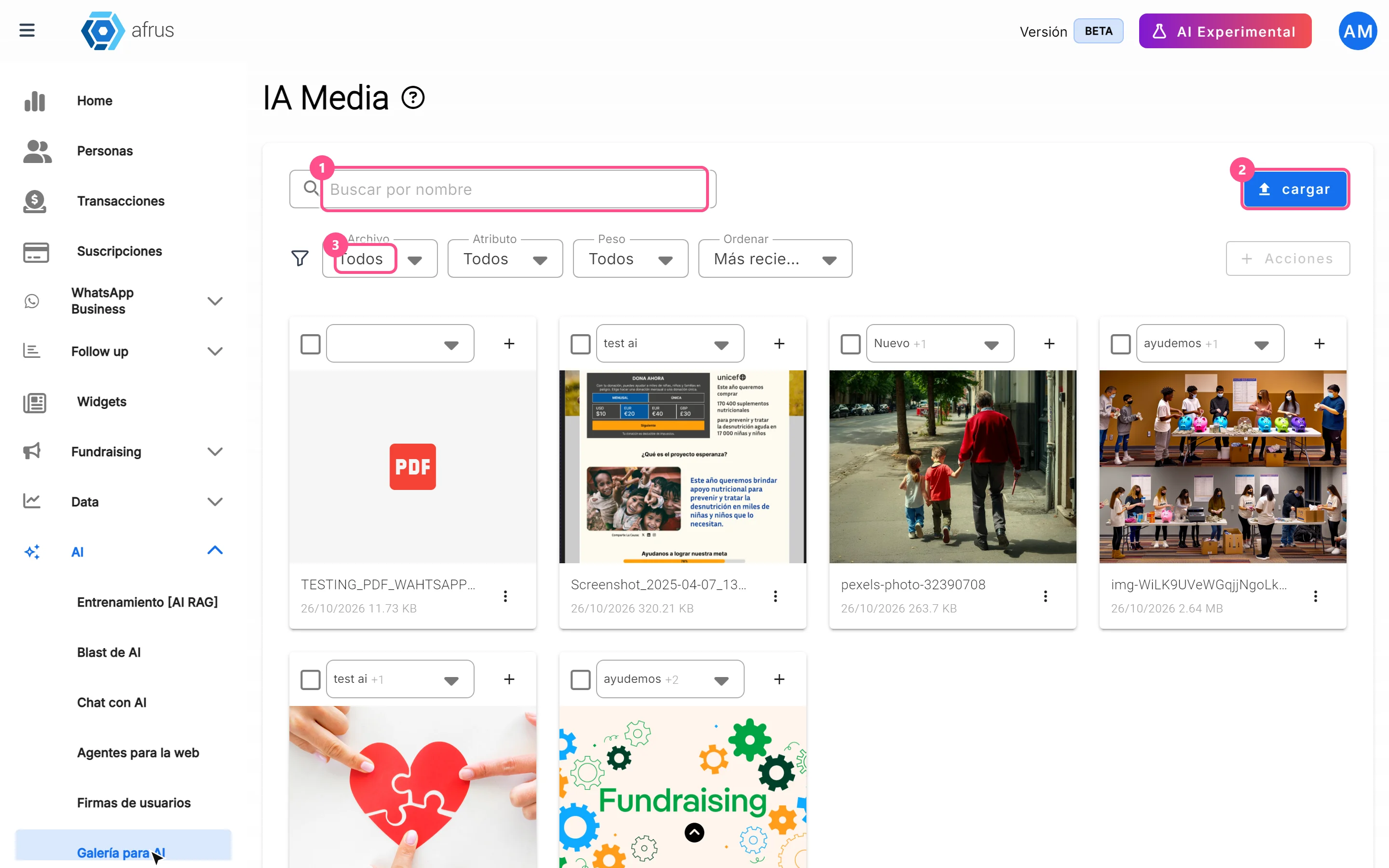
What the AI gallery is for
Learn what the AI gallery is for: putting your photos in AI emails and choosing which images each one uses.
afrus.ai
AI
October 27, 2026
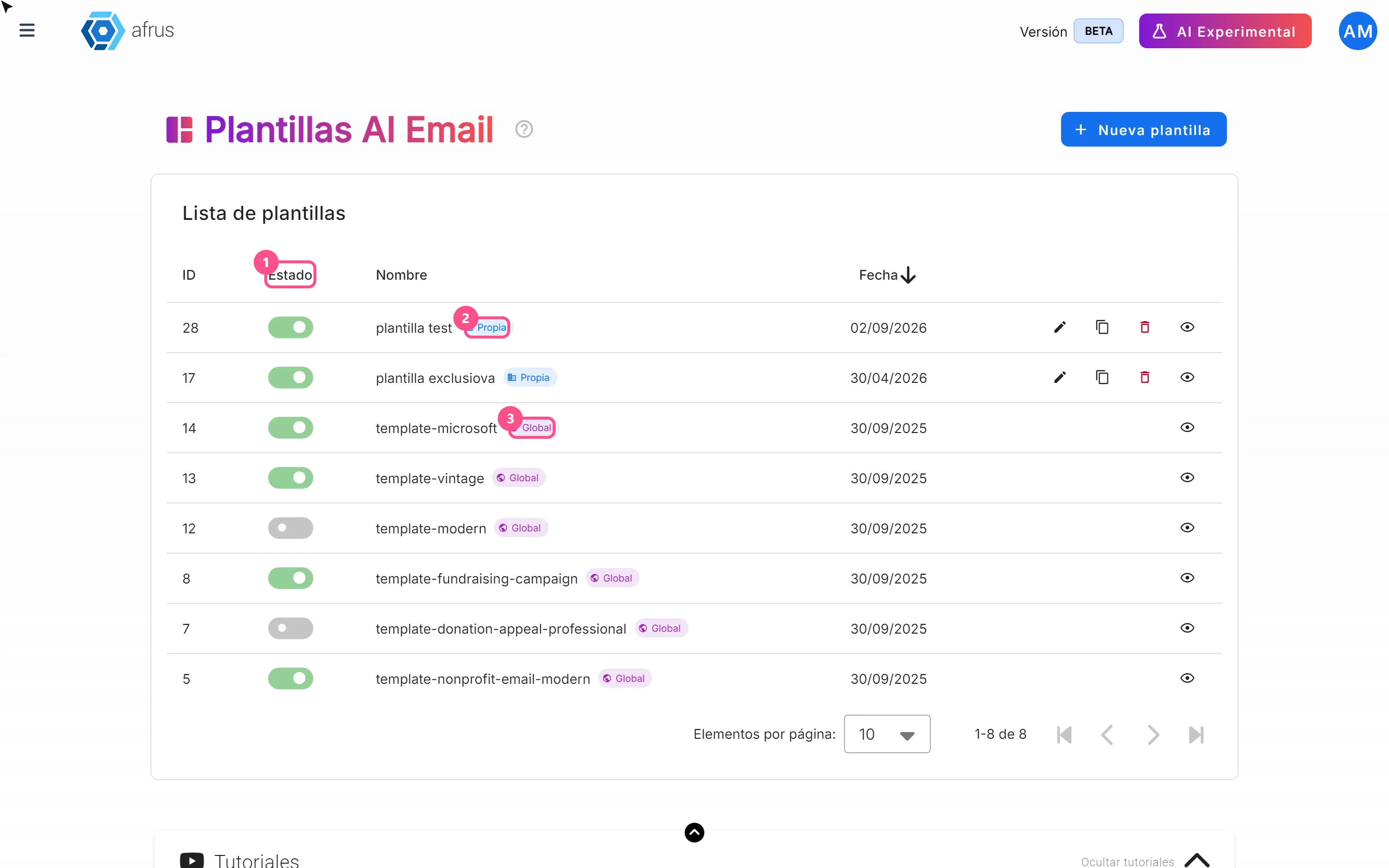
What AI email templates are for
Learn what AI email templates are for: giving AI emails your style and deciding which designs are used.
afrus.ai