🡠 Back


What the Monitor de interacciones is for
Reading time
1 min
Trackers
October 27, 2026
afrus.ai
Learn what the Monitor de interacciones is for: knowing whether you can keep sending and finding the send causing bounces.
In this article
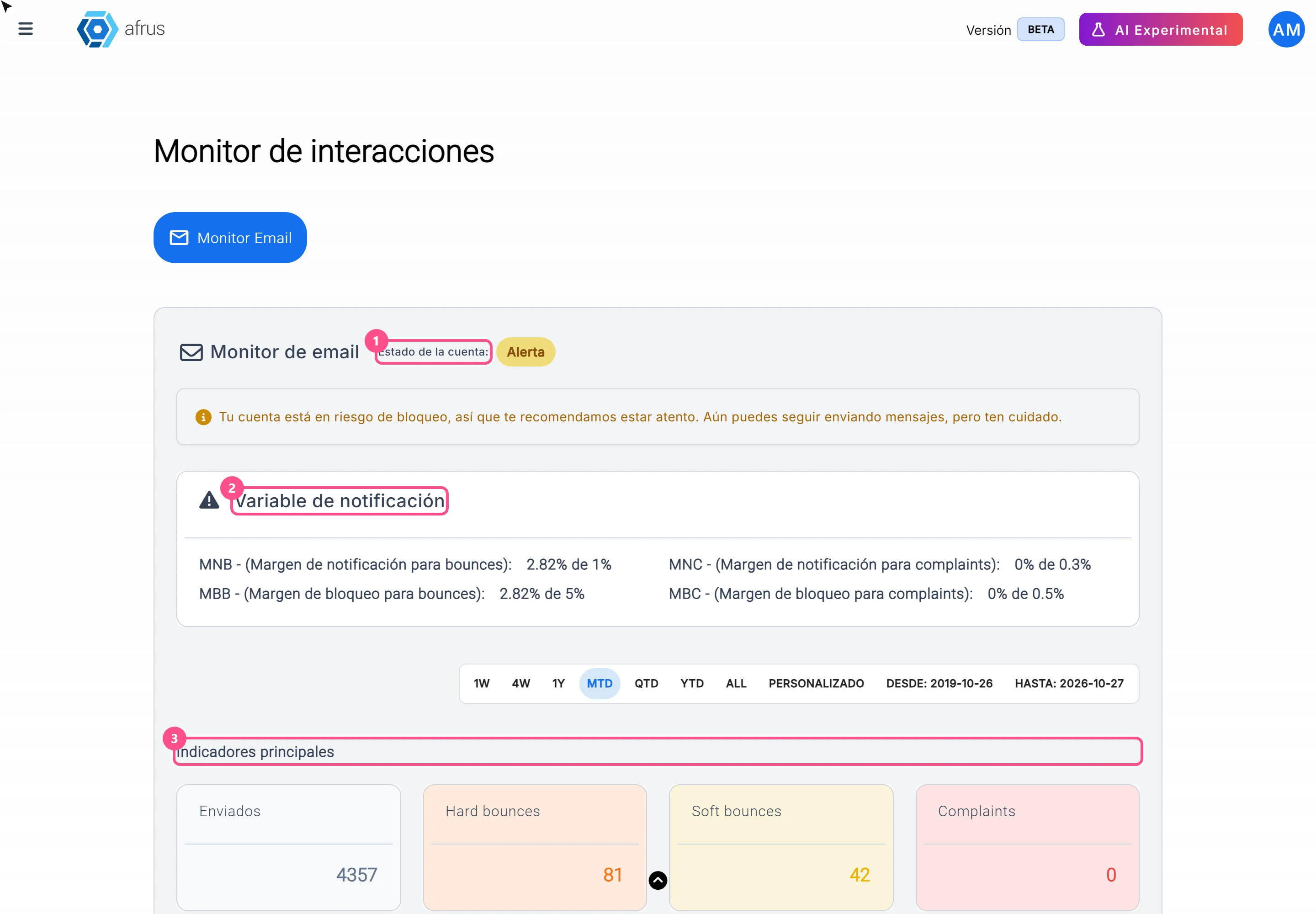
The Monitor de interacciones (Trackers > Monitor de interacciones) helps you:
- Know whether you can keep sending. See whether your account is active, on alert or blocked.
- Keep your bounce and complaint rates healthy. Compare your numbers with AFRUS's limits.
- Find the send that caused problems. So you know which list to clean.
Frequently asked questions
What are AFRUS's limits?
You'll see them in the Variable de notificación section, next to your current rate. They're the same for every organization.
Need help? Talk to the afrus team
In this article
✕
Related Tutorials
Trackers
October 27, 2026
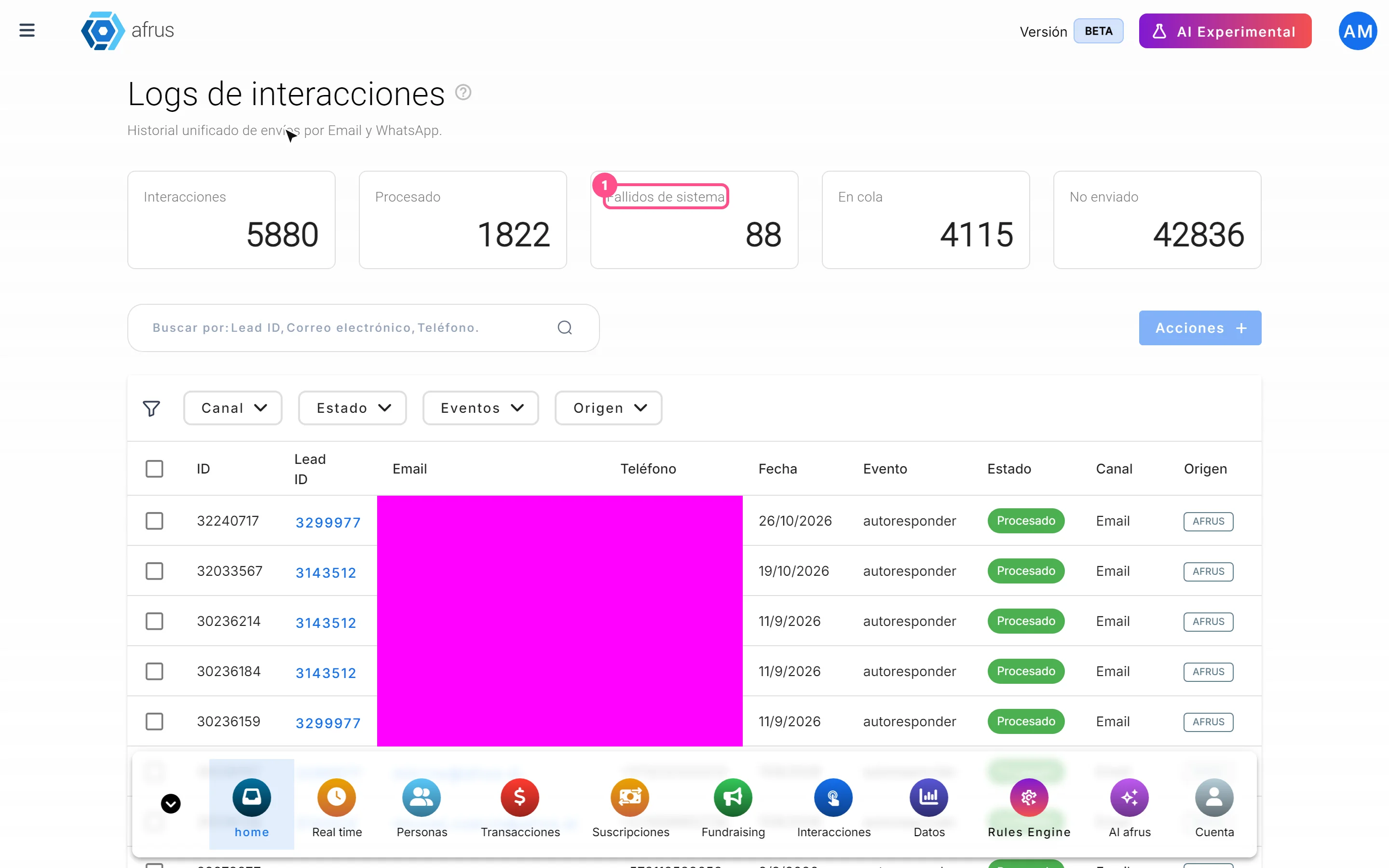
What Logs de interacciones is
Learn what Logs de interacciones is: the history of every email and WhatsApp message AFRUS prepared for a person.
afrus.ai

Trackers
October 27, 2026
What Procesos en ejecucion is
Learn what Procesos en ejecucion is: the list of actions you ran on many people at once, with their progress.
afrus.ai
Trackers
October 27, 2026
What the Monitor de interacciones is
Learn what the Monitor de interacciones is: the dashboard showing your mass emails' health and your sending account status.
afrus.ai
Trackers
October 27, 2026
How to read Procesos en ejecucion
Learn how to read the information in Procesos en ejecucion and what to do if a bulk action doesn't finish.
afrus.ai