🡠 Back


How to read Procesos en ejecucion
Reading time
2 min
Trackers
October 27, 2026
afrus.ai
Learn how to read the information in Procesos en ejecucion and what to do if a bulk action doesn't finish.
In this article
Step by step
- Open the screen. Go to Trackers > Procesos en ejecucion. You can also use the "Ver procesos" (View processes) button in Personas, Transacciones, Suscripciones, Segmentos and Data > Tags.
- Find your process. To see only one teammate's processes, type their email in Buscar por email (Search by email).
- See the newest first. Click the ID or Creado en (Created on) title.
- Check the progress. Compare Total de leads with Total de leads procesados. When it's done, Finalizado (Finished) says "Sí" (Yes).
- Reload to see changes. The screen doesn't refresh by itself.
The Tipo (Type) column shows: tag, delete, opt-in (communication permission) and workflow_enroll (workflow enrollment). If the Actualizado en (Updated on) time doesn't change for a long time, the process has stopped.
What to do if a process doesn't finish
- If it was a tag: add it again to the same group. Nobody gets it twice.
- If it was a deletion, a permission change or an enrollment: write down the ID and contact AFRUS support.
Frequently asked questions
My tag still says "No". What happened?
If someone in the group couldn't be processed (for example, they were deleted), the process can stay on "No" even though everyone else got the tag. Check it in Data > Tags.
Need help? Talk to the afrus team
In this article
✕
Related Tutorials
Trackers
October 27, 2026
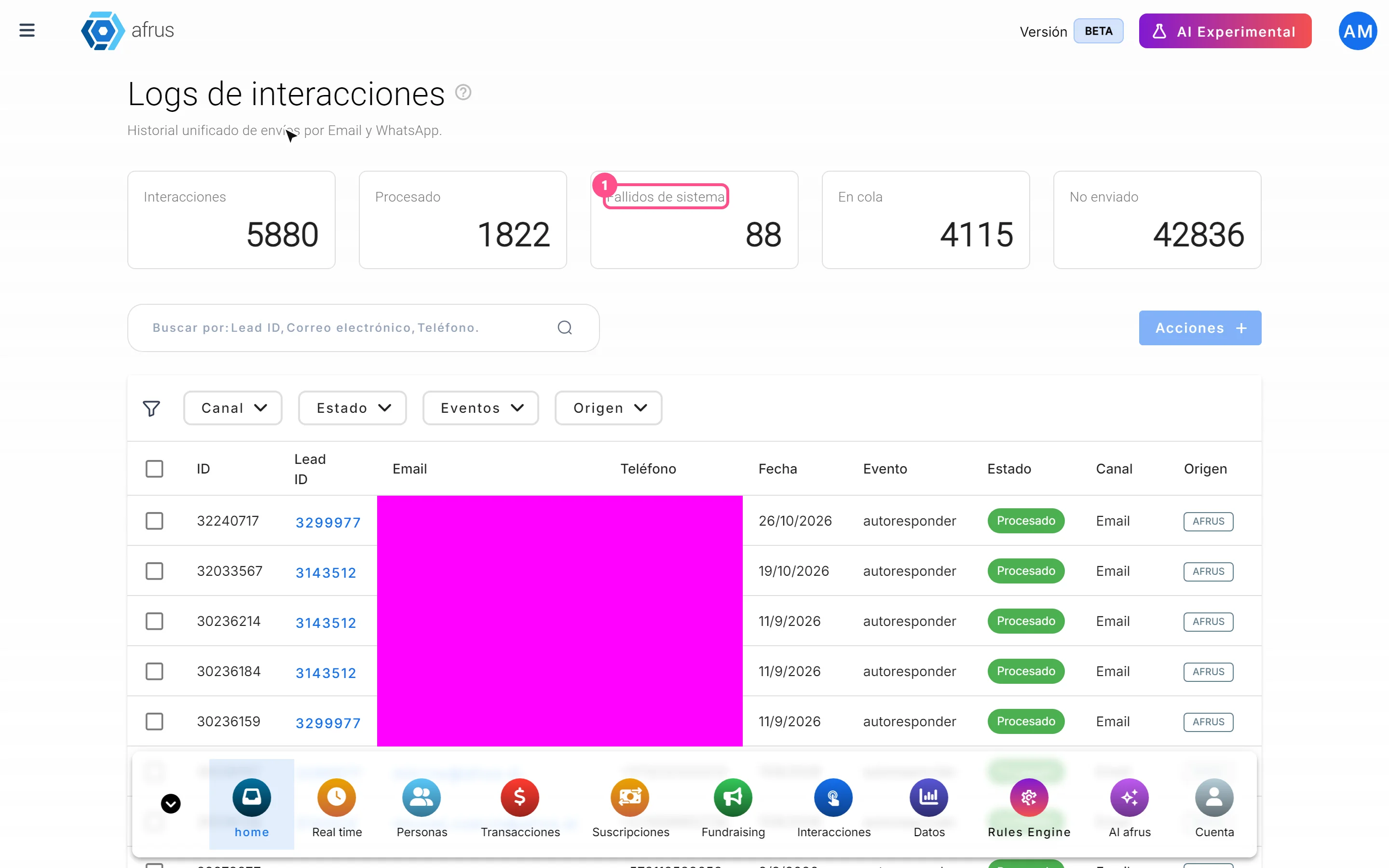
What Logs de interacciones is
Learn what Logs de interacciones is: the history of every email and WhatsApp message AFRUS prepared for a person.
afrus.ai
Trackers
October 27, 2026
What Procesos en ejecucion is
Learn what Procesos en ejecucion is: the list of actions you ran on many people at once, with their progress.
afrus.ai
Trackers
October 27, 2026
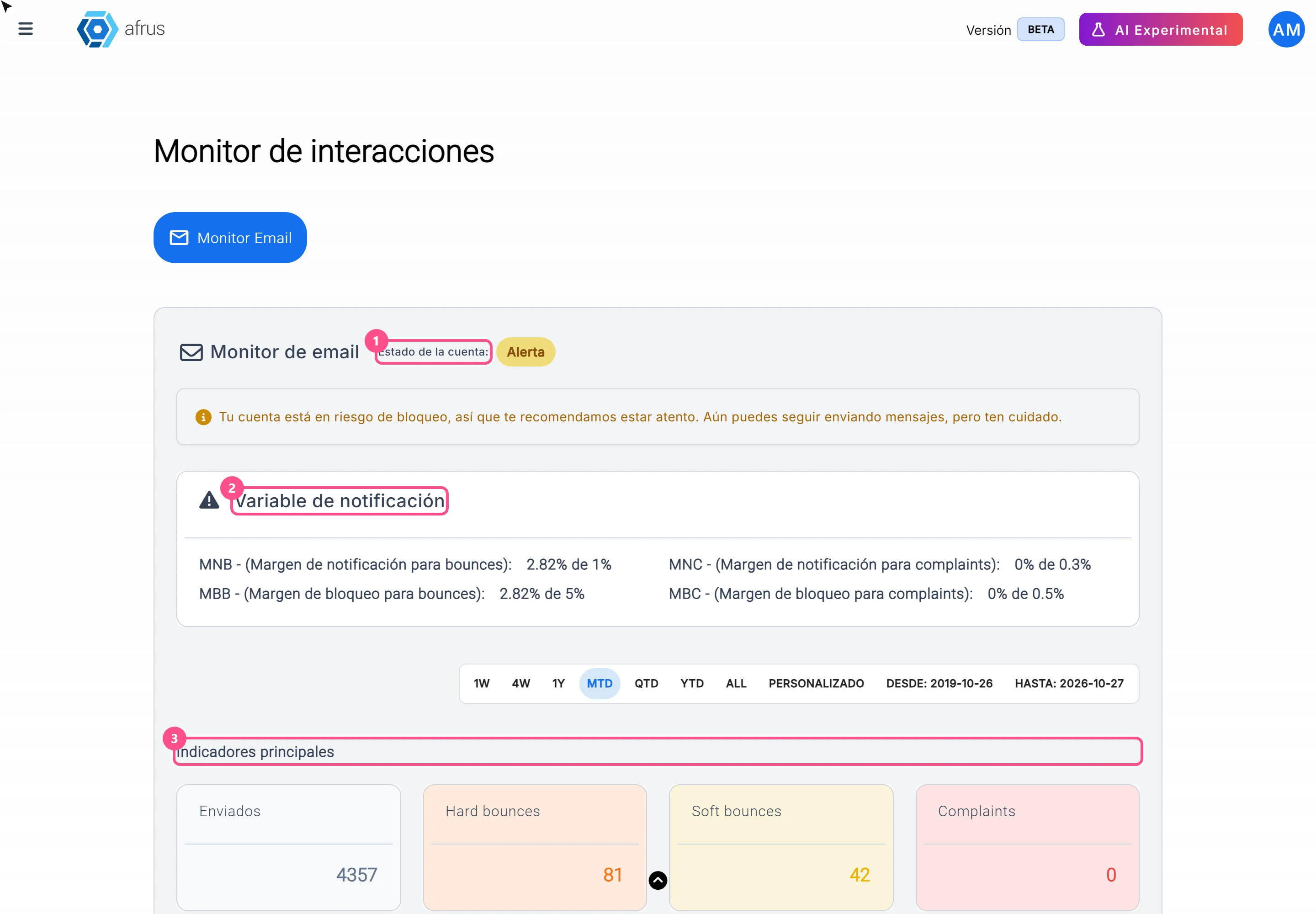
What the Monitor de interacciones is
Learn what the Monitor de interacciones is: the dashboard showing your mass emails' health and your sending account status.
afrus.ai
Trackers
October 27, 2026
What Procesos en ejecucion is for
Learn what Procesos en ejecucion is for: knowing whether a bulk action finished, how much is left and who ran it.
afrus.ai