🡠 Back


What to upload in Documents and which files are accepted
Reading time
1 min
AI
October 27, 2026
afrus.ai
Learn which documents to upload to AFRUS AI Training, which file types are accepted and how to upload them.
In this article
Labels are shown as they appear in the Spanish version of the console.
In Documentos you upload the files that describe your organization: impact reports, presentations, FAQs or descriptions of your programs.
Accepted files: PDF, DOC, DOCX, CSV, TXT and PPTX. The screen shows a maximum of 10 MB per file.
Before you start
- Turn on AFRUS AI. In the Business profile (profile menu), create your profile and click "Enviar AI" (Send to AI).
Step by step
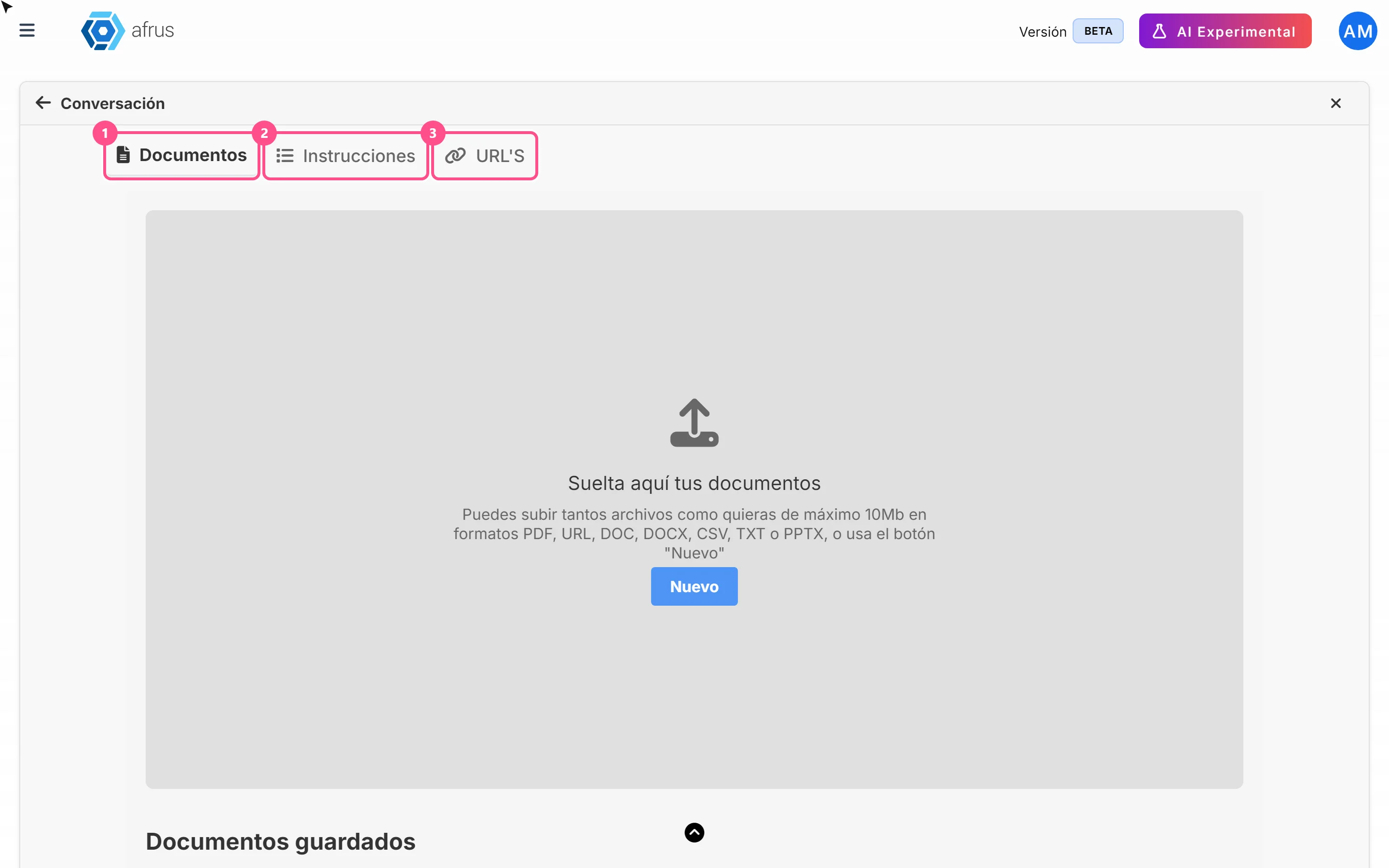
- Open the Documents tab. Go to AI > Entrenamiento [AI RAG] and choose Documentos.
- Choose your files. Drag them onto Suelta aquí tus documentos (Drop your documents here) or click "Nuevo" (New). You can choose several.
- Classify them (recommended). Choose one or more Atributos (topic) for each file and type an Etiqueta (label).
- Upload them. Keep the files checked and click "Listo" (Done).
You'll see "Documento guardado exitosamente" (Document saved successfully). The AI reads each document and can use it as soon as the upload finishes.
Frequently asked questions
What if I don't choose a topic?
The document is used for all topics.
Can I upload two files with the same name?
No.
Need help? Talk to the afrus team
In this article
✕
Related Tutorials
AI
October 27, 2026
What AI Training (Entrenamiento [AI RAG]) is
Learn what AI Training is: the place where you give AFRUS AI your organization's information.
afrus.ai
AI
October 27, 2026
How to see what you uploaded to AI Training
Learn how to review the documents, instructions and web pages you uploaded to AFRUS AI Training.
afrus.ai
AI
October 27, 2026
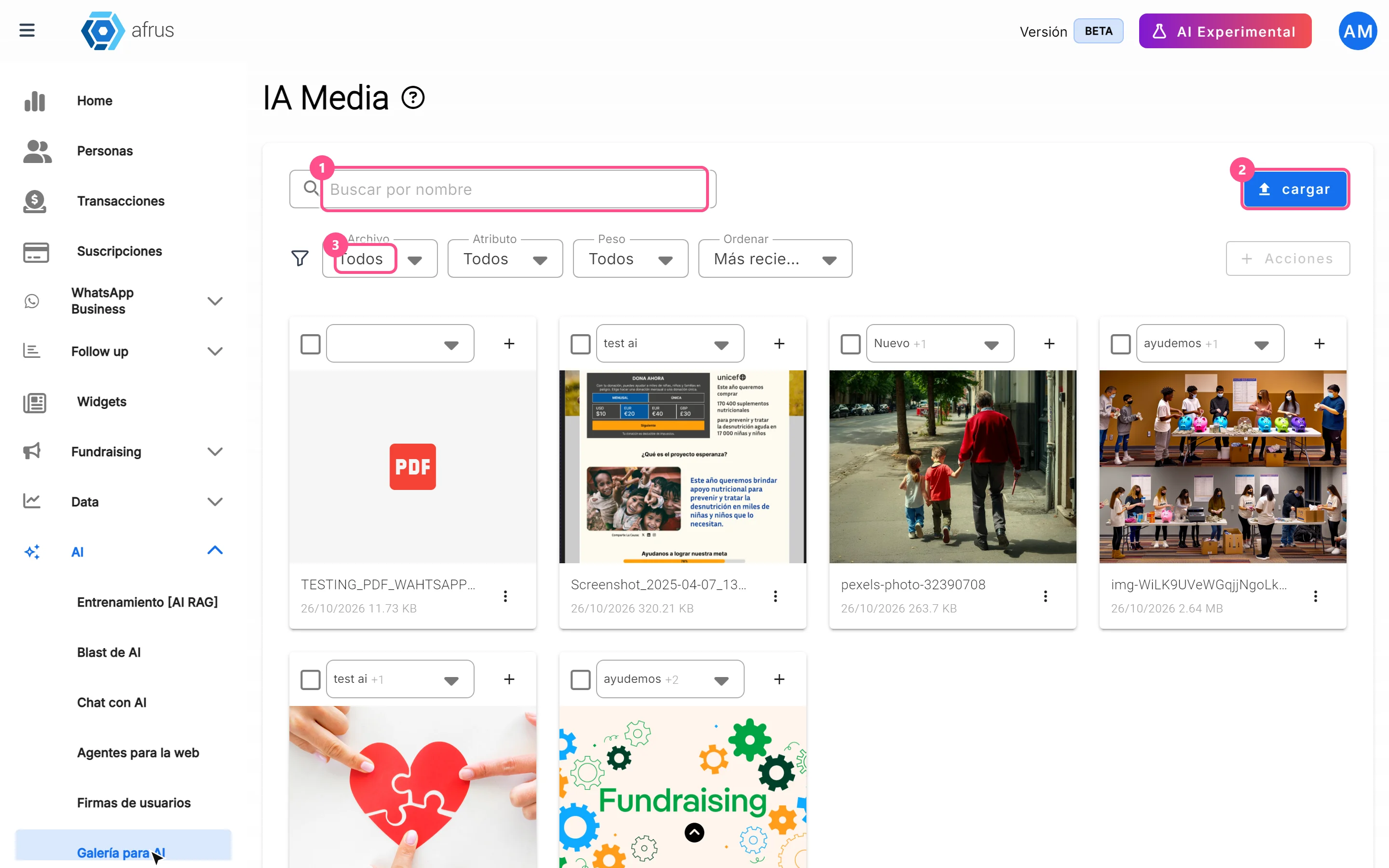
What the AI gallery is for
Learn what the AI gallery is for: putting your photos in AI emails and choosing which images each one uses.
afrus.ai
AI
October 27, 2026
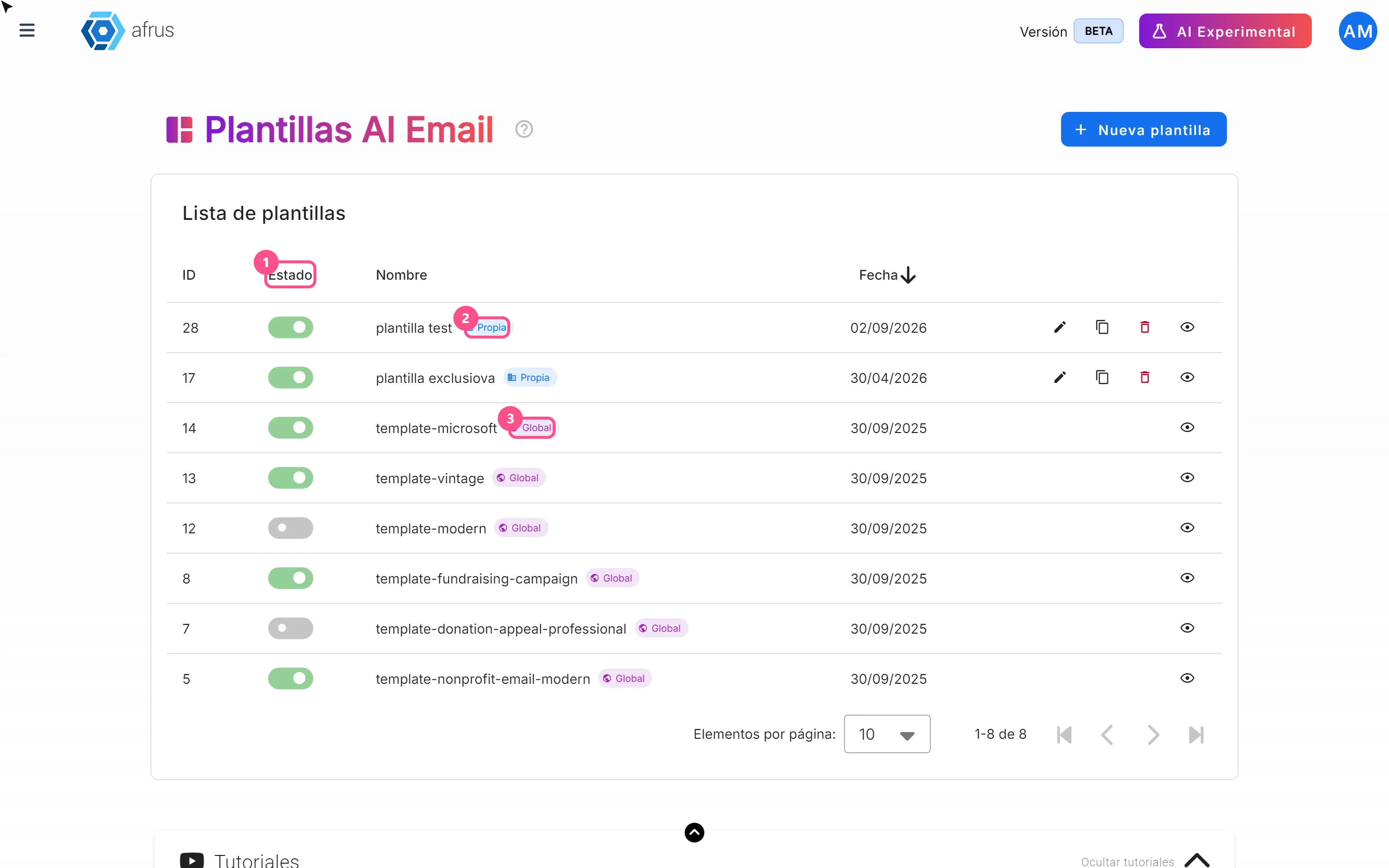
What AI email templates are for
Learn what AI email templates are for: giving AI emails your style and deciding which designs are used.
afrus.ai