🡠 Back


What to upload in URLs
Reading time
1 min
AI
October 27, 2026
afrus.ai
Learn how to add your organization's web pages to AFRUS AI Training so the AI uses them when answering.
In this article
Labels are shown as they appear in the Spanish version of the console.
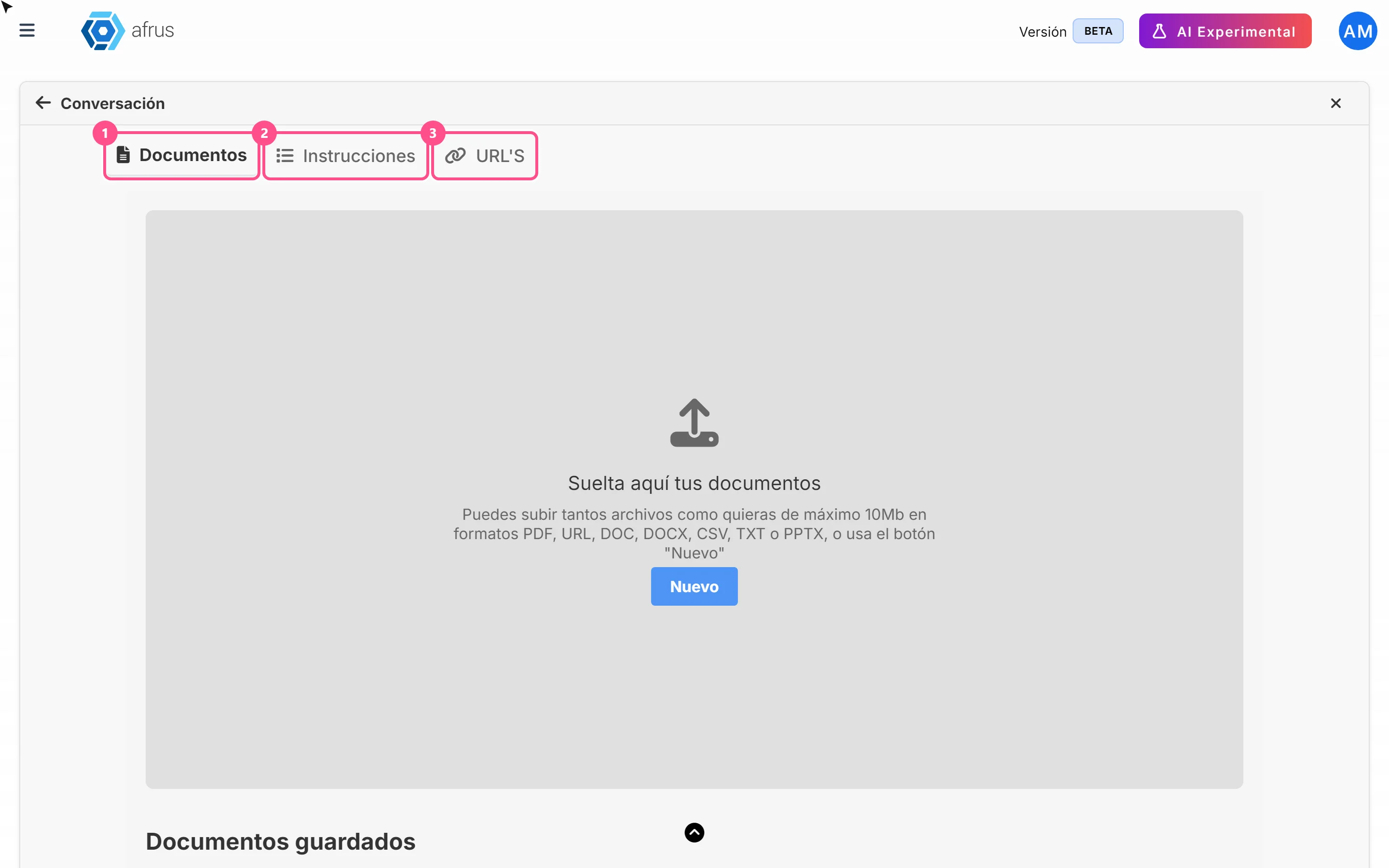
In URL'S you add your organization's web pages for the AI to read: your "About us" page, your programs page or a campaign page.
Step by step
- Open the URL'S tab. In AI > Entrenamiento [AI RAG], choose URL'S.
- Add an address. Click "Agregar más URL" (Add more URLs) and click the new row.
- Fill in the details. Type the address in URL: (required). If you want, choose Atributos and labels.
- Save. Click "Guardar cambios" (Save changes). You'll see "¡URL guardada con éxito!"
Need help? Talk to the afrus team
In this article
✕
Related Tutorials
AI
October 27, 2026
What AI Training (Entrenamiento [AI RAG]) is
Learn what AI Training is: the place where you give AFRUS AI your organization's information.
afrus.ai
AI
October 27, 2026
How to see what you uploaded to AI Training
Learn how to review the documents, instructions and web pages you uploaded to AFRUS AI Training.
afrus.ai
AI
October 27, 2026
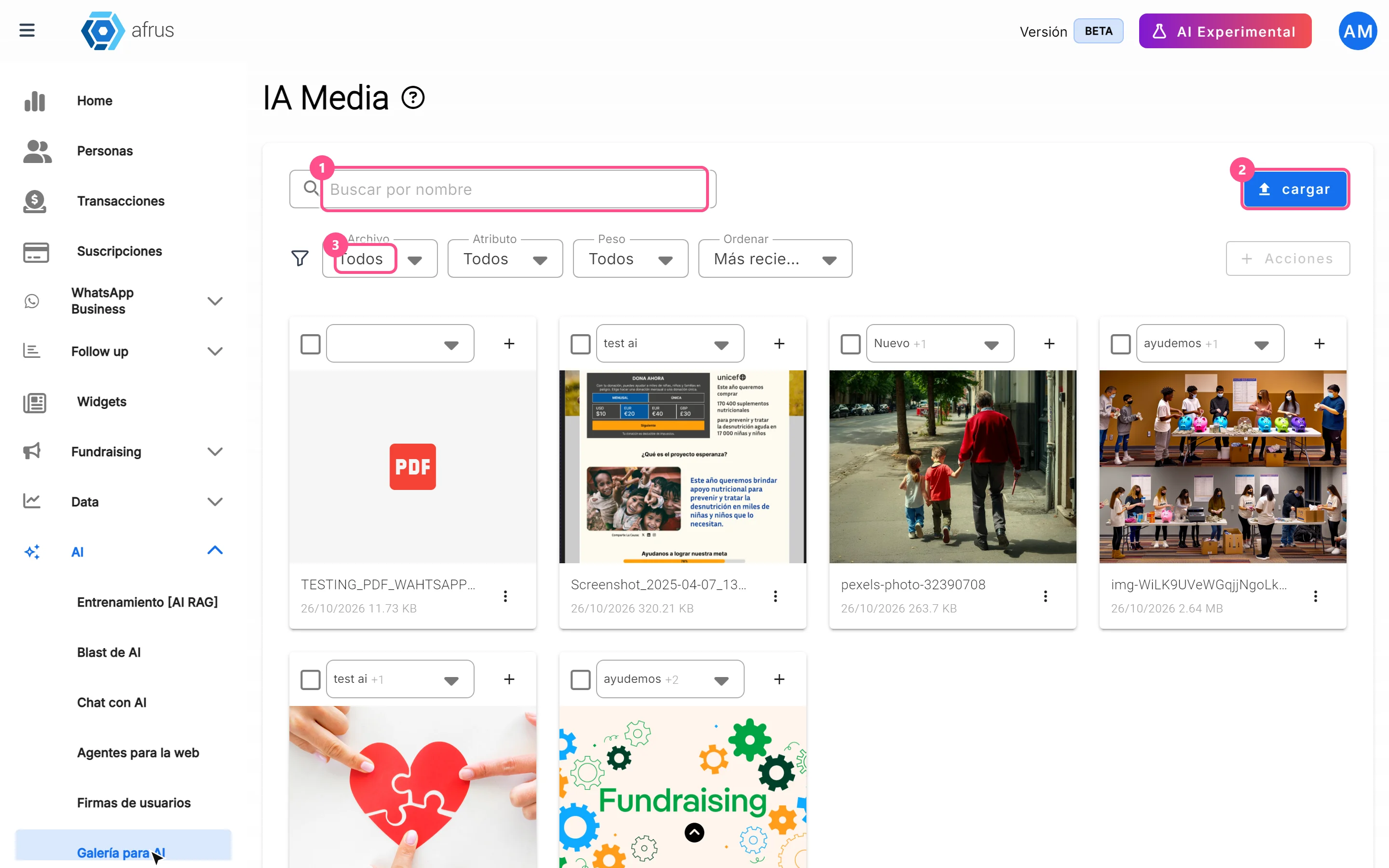
What the AI gallery is for
Learn what the AI gallery is for: putting your photos in AI emails and choosing which images each one uses.
afrus.ai
AI
October 27, 2026
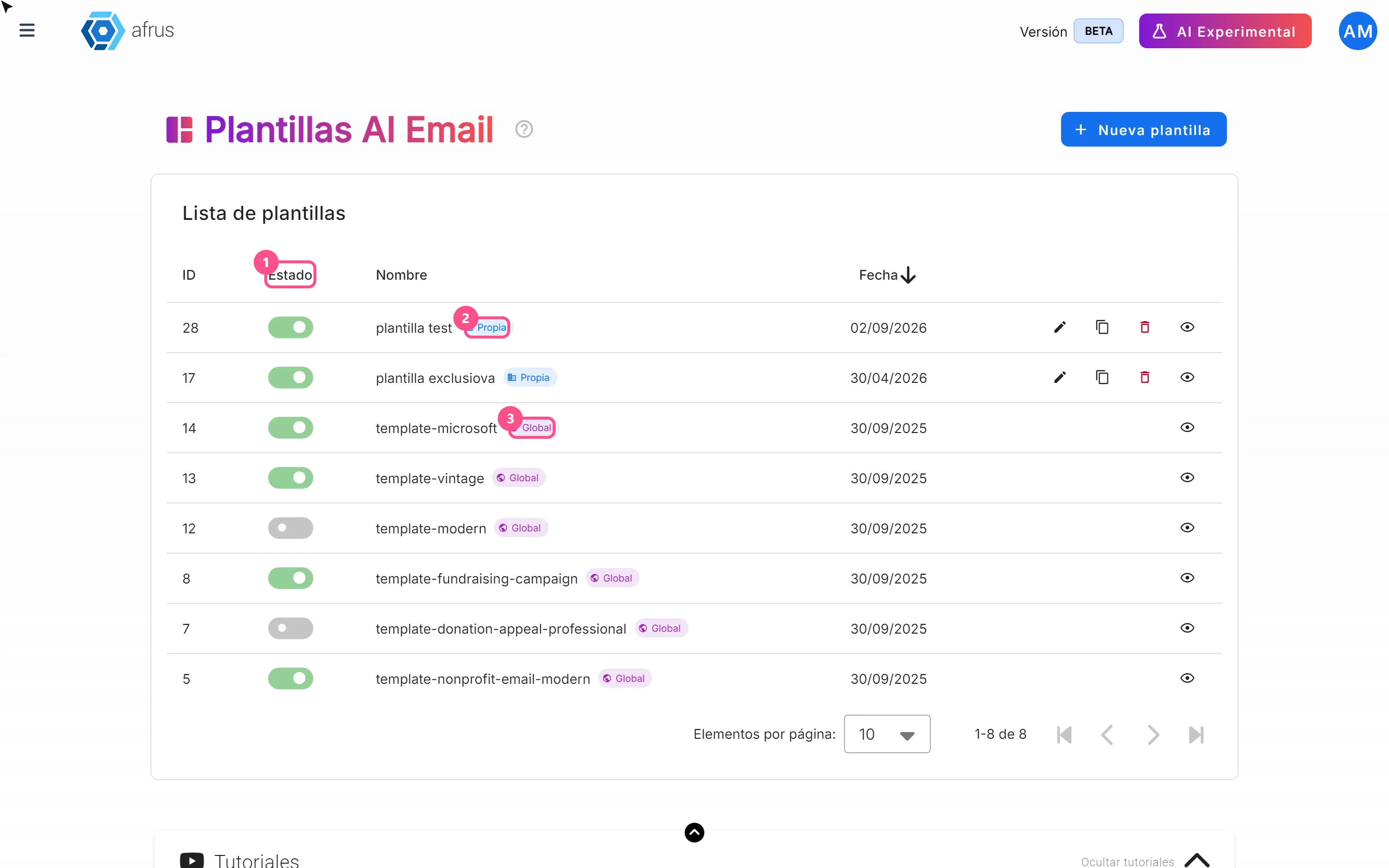
What AI email templates are for
Learn what AI email templates are for: giving AI emails your style and deciding which designs are used.
afrus.ai