🡠 Back


How to link a widget to a campaign
Reading time
1 min
Campaigns
October 27, 2026
afrus.ai
Learn how to link a widget to one or more campaigns so its donations and registrations count in the campaign's results.
In this article
When you link a widget, its donations and registrations are associated with the campaign and count in its results. Labels are shown as they appear in the Spanish version of the console.
Before you start
- The campaign must be active. The widget editor only lists active campaigns, by their public name.
Step by step
- Open the widget. Go to Fundraising > Widgets and edit the widget. The editor opens in a new tab.
- Choose the campaign. In the Renderización (Rendering) panel, in Elige tus campañas (Choose your campaigns), select one or more campaigns.
- Save the widget changes.
When you finish, the widget appears in the Widgets de la campaña (Campaign widgets) table in the campaign detail. If you choose more than one campaign, donors see an Elige tu campaña (Choose your campaign) drop-down in the form, with the first one preselected.
Frequently asked questions
Why don't I see my campaign in the editor?
Because it is inactive. Turn on Campaña activa in the campaign detail.
Can it be undone?
Yes. Remove the campaign in Elige tus campañas and save.
Need help? Talk to the afrus team
In this article
✕
Related Tutorials
Campaigns
October 27, 2026
What a campaign is in AFRUS
Learn what a campaign is in AFRUS: where you group your widgets' donations and registrations under one fundraising goal.
afrus.ai
Campaigns
October 27, 2026
What a campaign is for in AFRUS
Learn what a campaign is for: tracking your goal, measuring conversion and return, and showing your progress on your website.
afrus.ai

Campaigns
October 27, 2026
How to link a thank-you page to a campaign
Learn how to choose a landing or experience as your campaign's thank-you page and turn it on in your widgets.
afrus.ai
Campaigns
October 27, 2026
What the Crowdfunding widget is and how to set it up
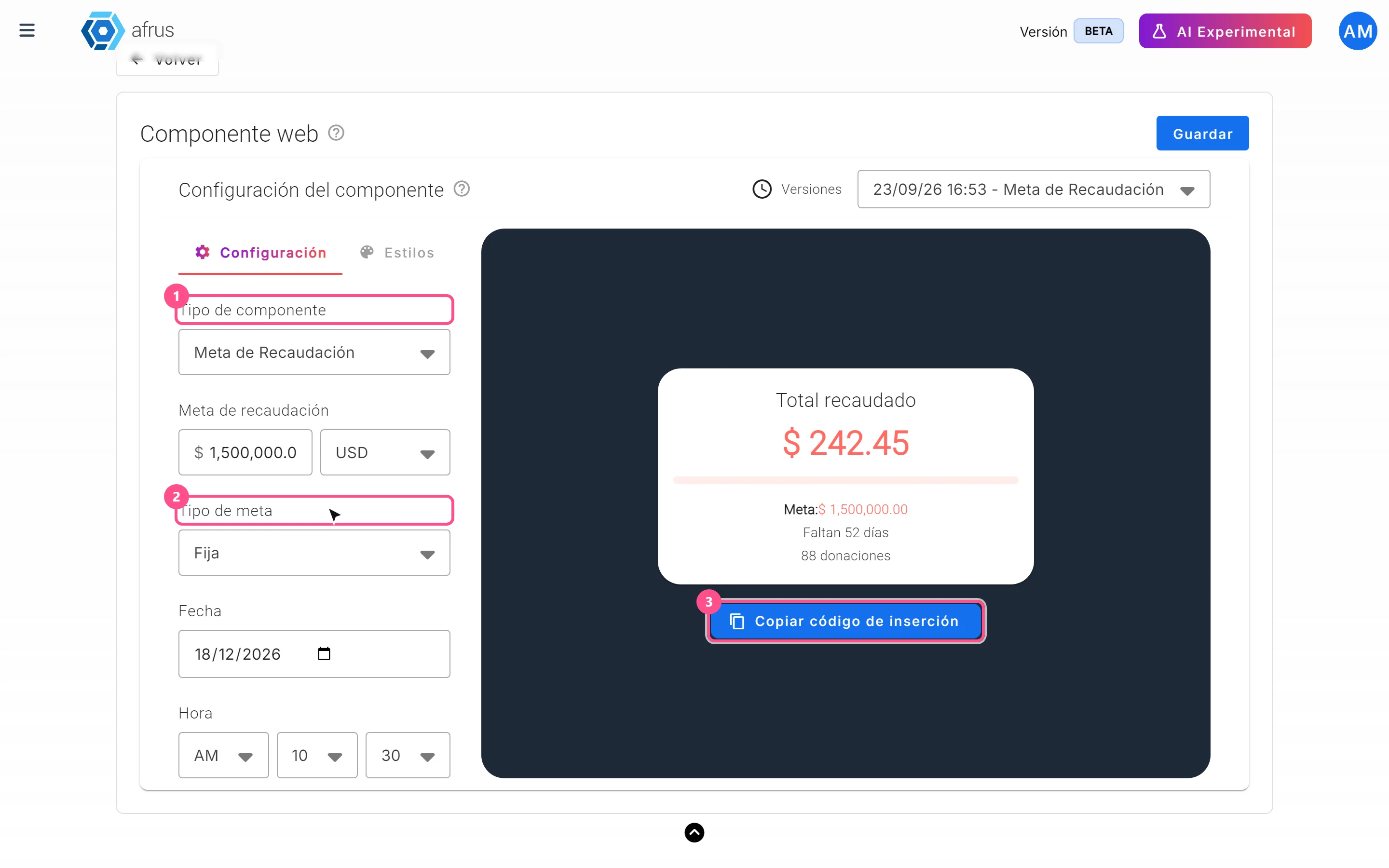
Learn what the Crowdfunding widget is and how to show your campaign's live progress towards its goal on your website.
afrus.ai