🡠 Back


How to track my landing with analytics
Reading time
2 min
Landings
October 27, 2026
afrus.ai
Learn how to connect Google Analytics, Google Tag Manager or the Meta Pixel to your landing, and set up its SEO.
In this article
AFRUS adds your analytics tool's code to your page. Visits and conversions are measured in that tool, not inside AFRUS. Labels are shown as they appear in the Spanish version of the console.
Before you start
- The landing must have a saved design. Otherwise you will see "Error al guardar datos avanzados" (Error saving advanced data).
Step by step
- Open the landing. In Fundraising > Landings, click the pencil icon and go to Datos avanzados (Advanced data).
- Choose your tool. In Analytics track, choose Google Analytics (ID G-XXXXXXXXXX or UA-XXXXX-Y) or Google Tag Manager V4 (ID GTM-XXXXXX) and type the ID.
- Add your Meta Pixel. In Facebook Pixel, type the ID (15 or 16 digits).
- Improve SEO (optional). Fill in Meta Title, Meta Description, Palabras clave (keywords), Meta Robots Avanzado and Subir foto destacada (featured image, up to 500 KB; 1200 × 628 recommended).
- Add your own code (optional). In Custom Code, "Agregar HTML" (Add HTML), up to 10 blocks, in Head or Body.
- Save. Click "Guardar Cambios" (Save changes). You will see "Datos avanzados y bloques de código guardados con éxito" (saved successfully).
Frequently asked questions
Can I use Google Analytics and Google Tag Manager at the same time?
Not from the selector: only one, and changing the type clears the ID. Load the other as a Custom Code block or through Google Tag Manager.
Why isn't my ID saved?
Because its format is invalid. Check the format shown for each field.
Need help? Talk to the afrus team
In this article
✕
Related Tutorials

Landings
October 27, 2026
What Landings are in AFRUS
Learn what the Landings module is: campaign, donation or thank-you pages you design and publish without coding.
afrus.ai
Landings
October 27, 2026
What Landings are for
Learn what Landings are for: publishing campaigns with a widget, personal thank-yous, tracking visits and using your own domain.
afrus.ai
Landings
October 27, 2026
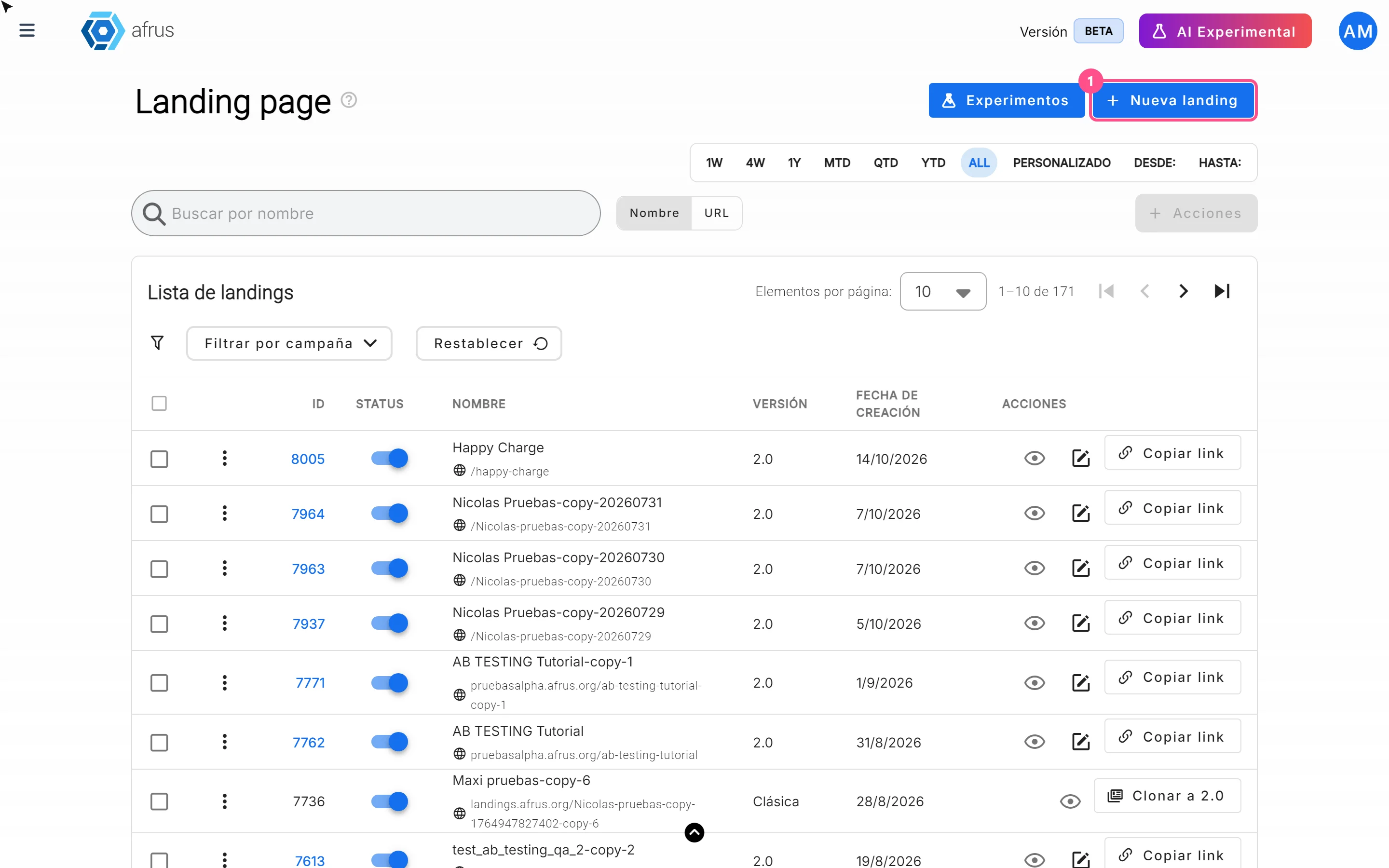
How to create a landing
Learn how to create and publish a landing on AFRUS: basic data, address and design from scratch, a template, another page or HTML.
afrus.ai
Landings
October 27, 2026
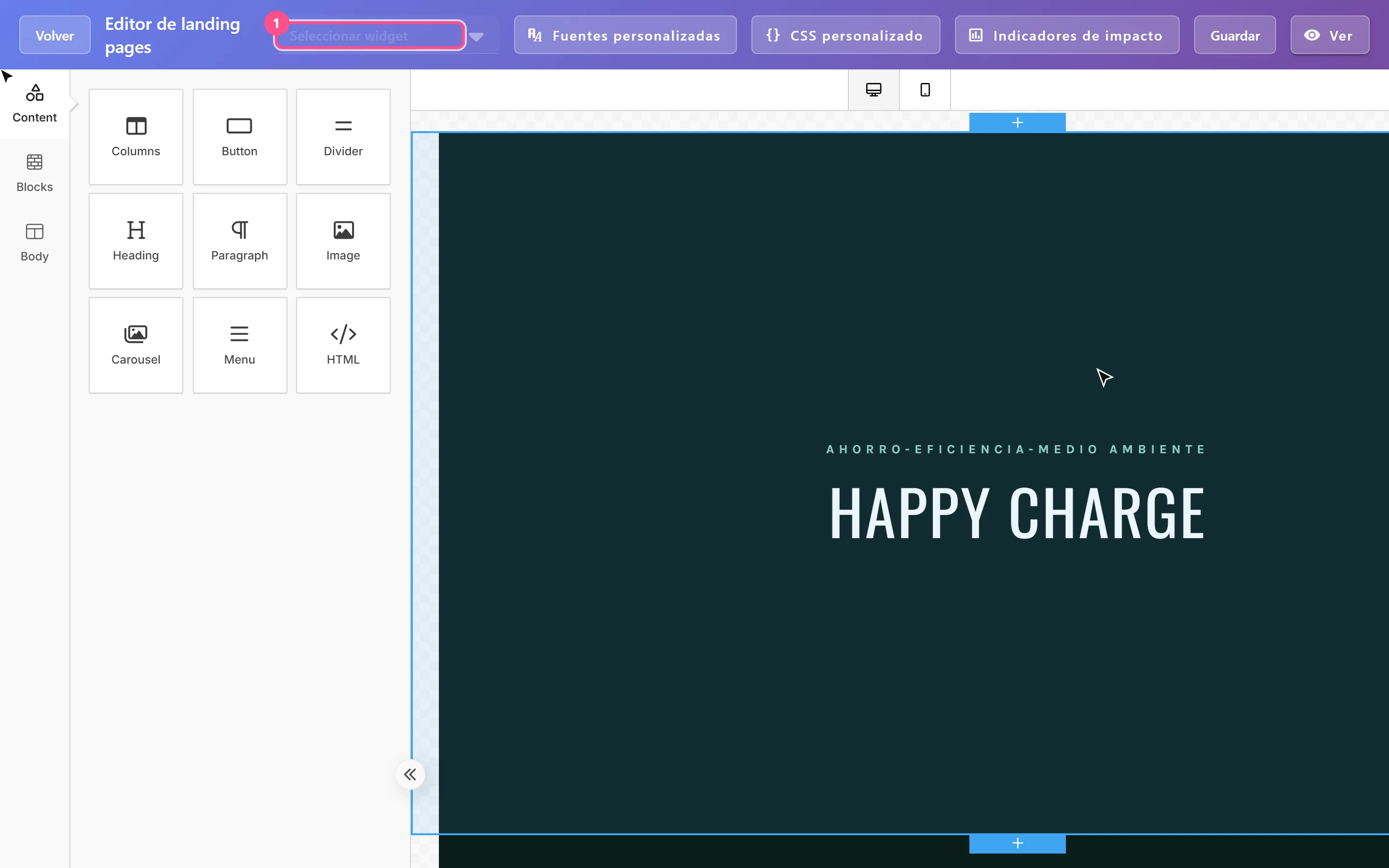
How to add a widget to a landing
Learn how to embed an AFRUS donation or registration widget in your landing with the visual editor.
afrus.ai