🡠 Back


How to create a landing
Reading time
2 min
Landings
October 27, 2026
afrus.ai
Learn how to create and publish a landing on AFRUS: basic data, address and design from scratch, a template, another page or HTML.
In this article
Labels are shown as they appear in the Spanish version of the console.
Before you start
- To use your own domain, register it first in Fundraising > Dominios.
Step by step
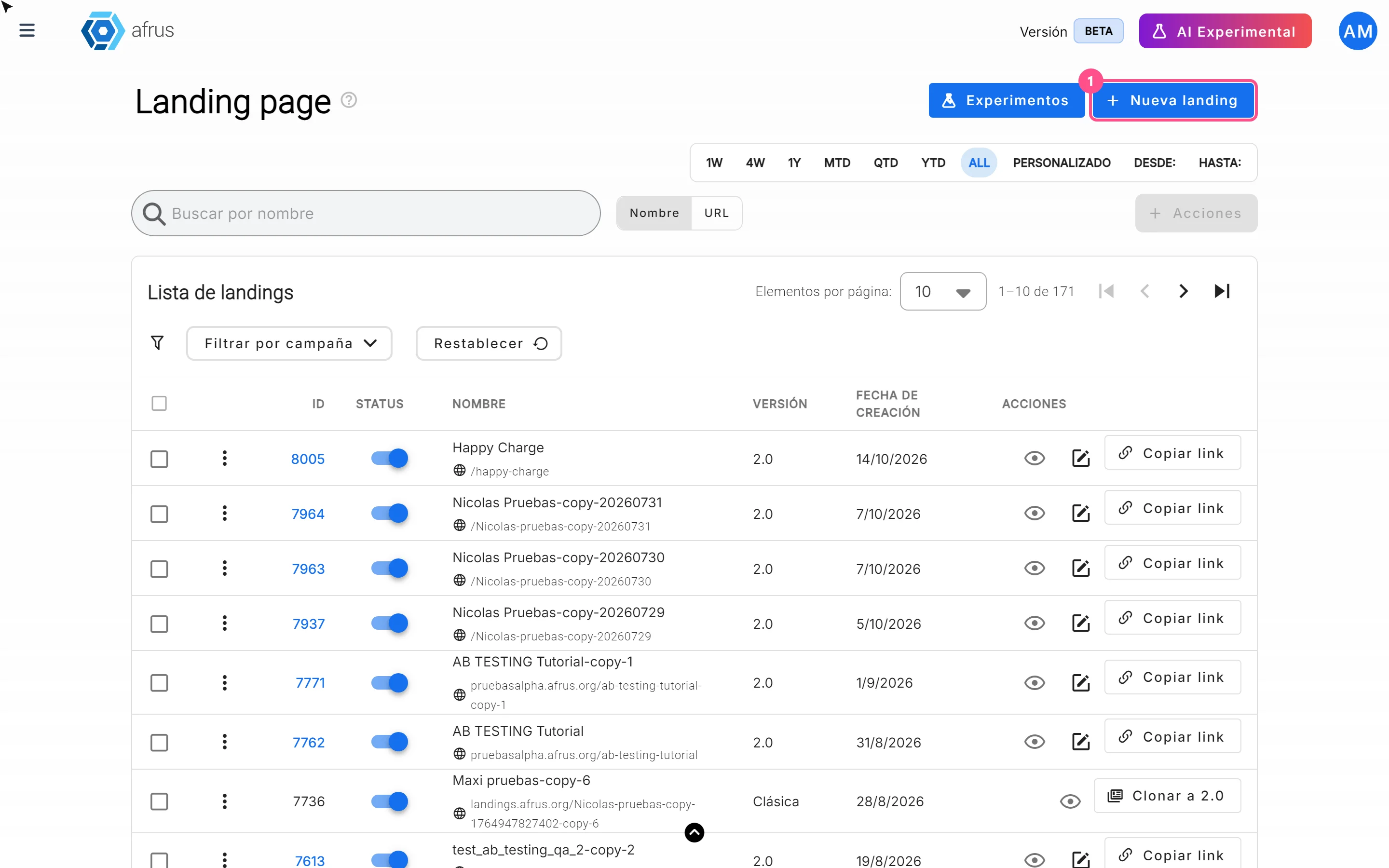
- Open the module. Go to Fundraising > Landings and click "Nueva landing" (New landing).
- Fill in the basic data. In Datos básicos (Basic data), fill in Nombre interno (internal name, only you see it), Título de la página (page title, up to 255 characters), Dominio (domain, web.afrus.org by default) and Ruta (path, e.g. /my-campaign). The path starts with /, with no spaces or accents; only letters, numbers, / and -.
- Decide whether it is active. Leave or turn off the Activar landing (Activate landing) switch.
- Save. Click "Guardar" (Save) or move to the Landing page tab. You will see "Landing creada exitosamente" (Landing created successfully).
- Choose how to start the design. Página de cero (Blank page, "Crear página"), Mis páginas (My pages, "Usar" a copy of another 2.0 landing), Plantillas (Templates, "Usar plantilla") or HTML (paste your code in Ingresar HTML and click "Guardar").
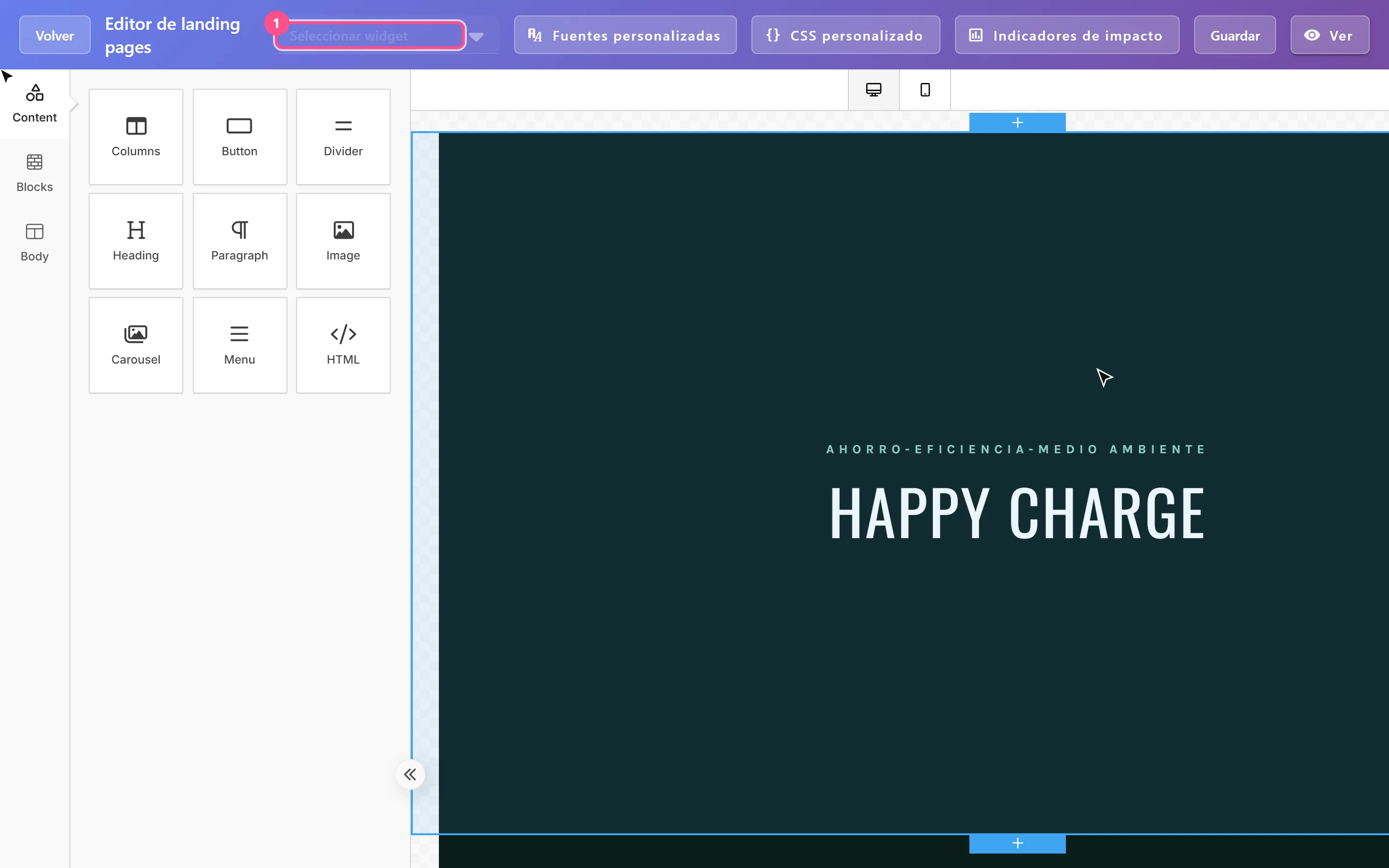
- Design and save. Build your page in the visual editor and click "Guardar". "Volver" (Back) leaves without saving.
Once you save the design, the page is published at https://<domain><path>. There is no separate "Publish" button. In the list, "Copiar link" (Copy link) copies the address.
Frequently asked questions
Why can't I copy the link?
Because you haven't saved a design yet: the landing exists but has no published page.
Can a deletion be undone?
No. Deleting removes the landing and its published page. If you only want to hide it, turn its Status off.
Need help? Talk to the afrus team
In this article
✕
Related Tutorials

Landings
October 27, 2026
What Landings are in AFRUS
Learn what the Landings module is: campaign, donation or thank-you pages you design and publish without coding.
afrus.ai
Landings
October 27, 2026
What Landings are for
Learn what Landings are for: publishing campaigns with a widget, personal thank-yous, tracking visits and using your own domain.
afrus.ai

Landings
October 27, 2026
How to track my landing with analytics
Learn how to connect Google Analytics, Google Tag Manager or the Meta Pixel to your landing, and set up its SEO.
afrus.ai
Landings
October 27, 2026
How to add a widget to a landing
Learn how to embed an AFRUS donation or registration widget in your landing with the visual editor.
afrus.ai