🡠 Back


What Landings are in AFRUS
Reading time
1 min
Landings
October 27, 2026
afrus.ai
Learn what the Landings module is: campaign, donation or thank-you pages you design and publish without coding.
In this article
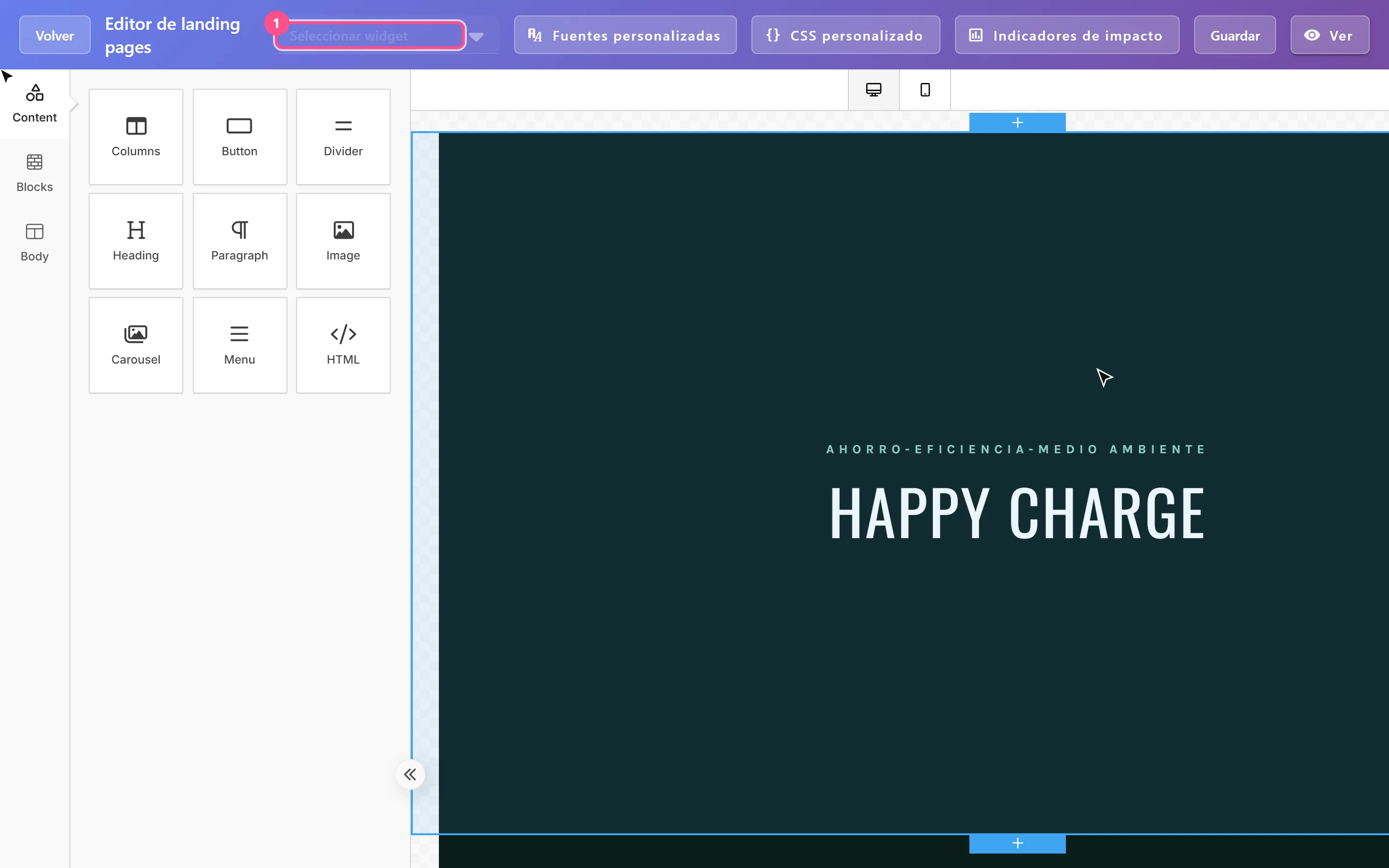
Landings is the AFRUS module for creating and publishing landing pages: campaign, donation or thank-you web pages. You design them with a drag-and-drop visual editor, starting from a template, one of your earlier pages or your own HTML code.
Each landing is published on the AFRUS address (web.afrus.org) or on your organization's own domain, for example donate.myorganization.org.
Where to find it
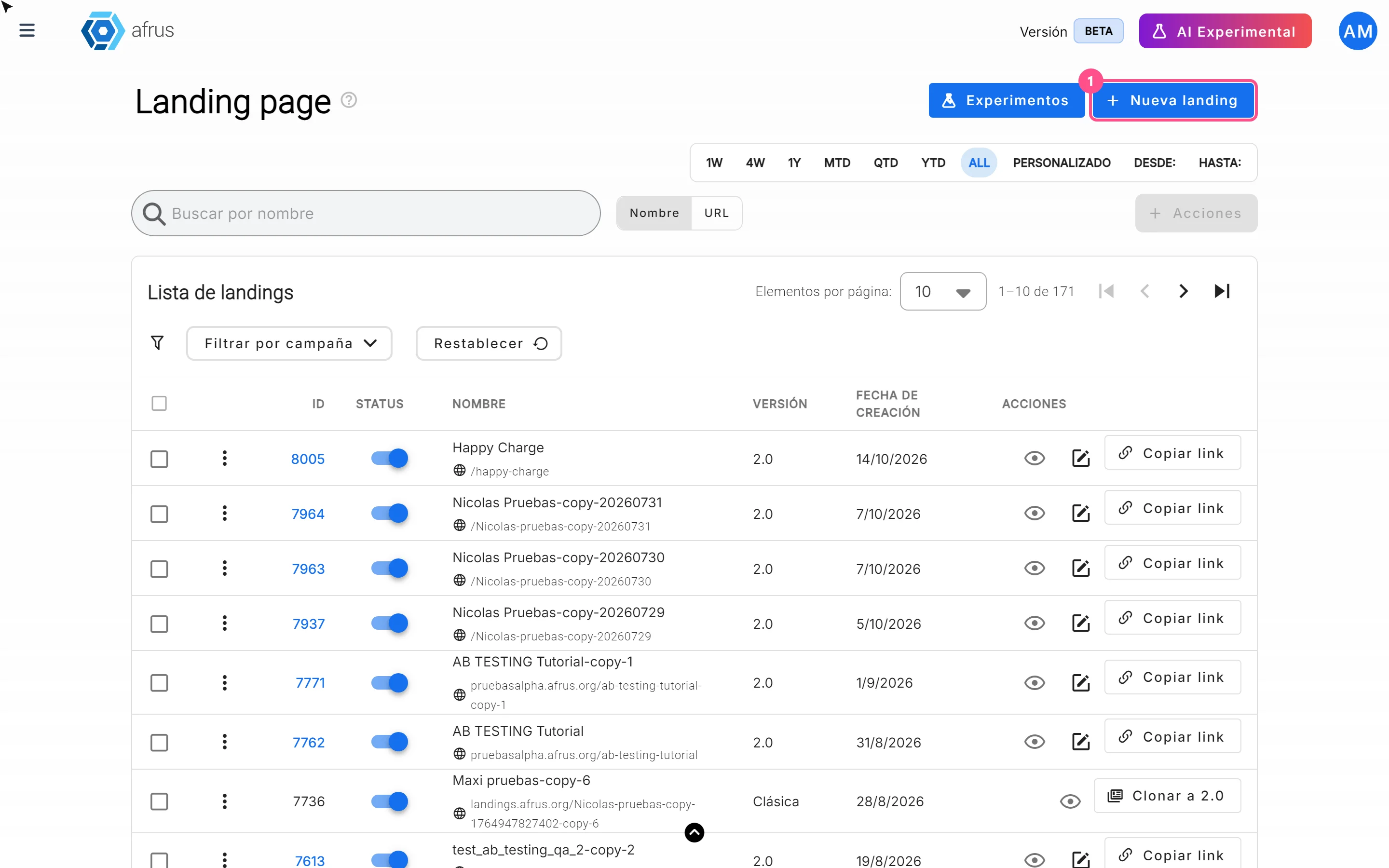
In Fundraising > Landings. Labels are shown as they appear in the Spanish version of the console. There you see your landings with their Status (published or not), their Versión (2.0, built with the current editor, or Clásica, built in the previous version) and actions to view, edit, copy the link or clone.
Frequently asked questions
Do I need to click a button to publish?
No. Saving the design publishes the page.
Can I edit a classic landing?
No. Use "Clonar a 2.0" (Clone to 2.0) to create an editable copy.
Need help? Talk to the afrus team
In this article
✕
Related Tutorials
Landings
October 27, 2026
What Landings are for
Learn what Landings are for: publishing campaigns with a widget, personal thank-yous, tracking visits and using your own domain.
afrus.ai
Landings
October 27, 2026
How to create a landing
Learn how to create and publish a landing on AFRUS: basic data, address and design from scratch, a template, another page or HTML.
afrus.ai

Landings
October 27, 2026
How to track my landing with analytics
Learn how to connect Google Analytics, Google Tag Manager or the Meta Pixel to your landing, and set up its SEO.
afrus.ai
Landings
October 27, 2026
How to add a widget to a landing
Learn how to embed an AFRUS donation or registration widget in your landing with the visual editor.
afrus.ai