🡠 Back


How to use the AI gallery
Reading time
1 min
AI
October 27, 2026
afrus.ai
Learn how to upload, find or create images with AI in the AI gallery, and how to give them attributes.
In this article
Labels are shown as they appear in the Spanish version of the console.
Step by step
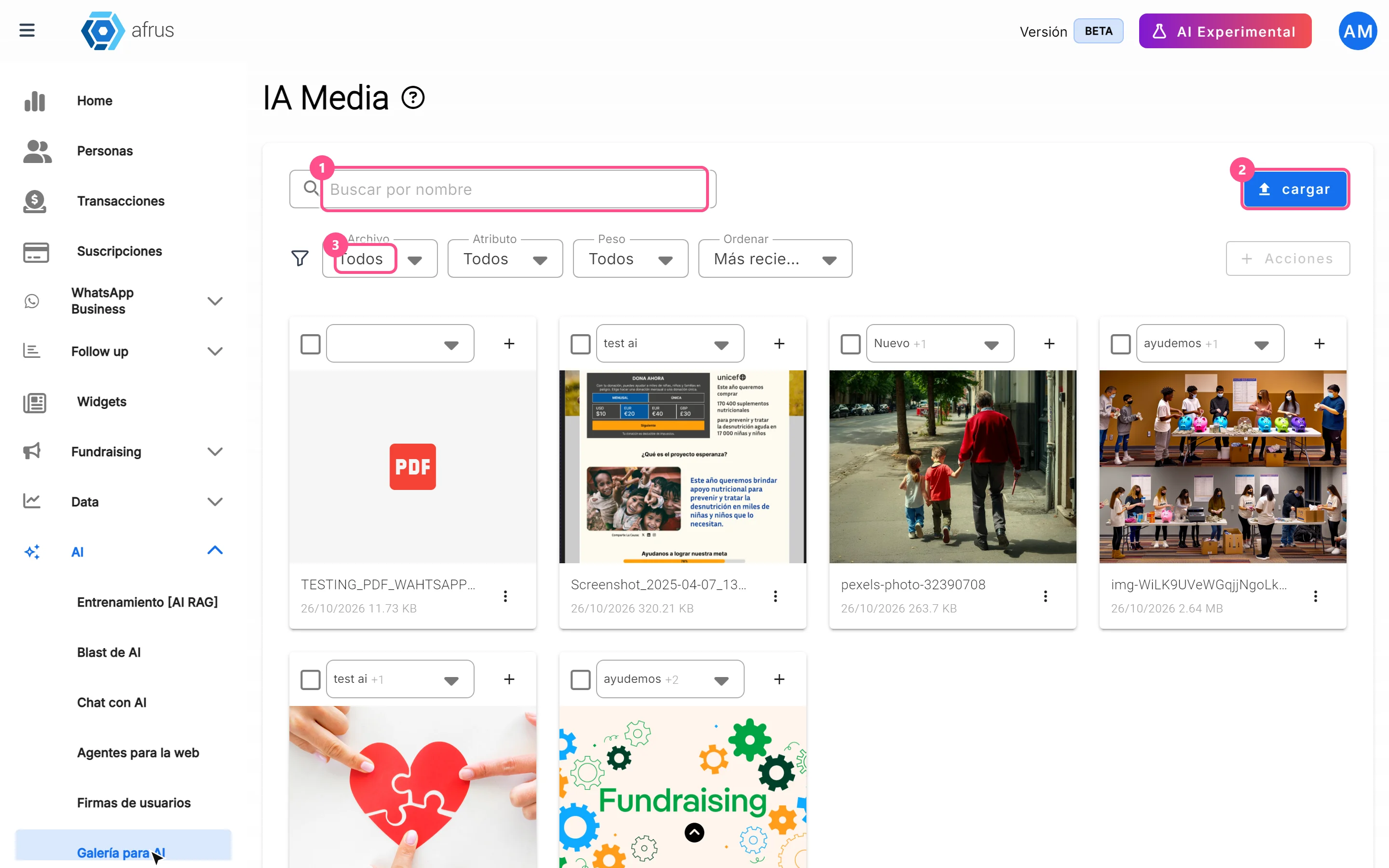
- Open the gallery. Go to AI > Galería para AI.
- Open the upload window. Click "cargar" (upload).
- Choose how to add the image. In Subir recursos (Upload), pick the attributes and then the file. In Banco de Imágenes (Image bank), search and click a photo. In Generar Imagen (Generate image), describe what you want, click "Generar" and then click the image to save it.
- Add attributes. On each image card, mark one or more. Use "+" to create a new one.
It accepts JPG, PNG, GIF and WEBP images up to 5 MB.
Frequently asked questions
Can I upload documents?
No. Although the window lets you pick documents, the gallery only keeps images up to 5 MB.
I can't find an image with the search box. Search only checks what is already on screen. Click "Cargar más" (Load more) until you see them all and search again.
Can I recover a deleted image?
No. Deleting can't be undone.
Need help? Talk to the afrus team
In this article
✕
Related Tutorials
AI
October 27, 2026
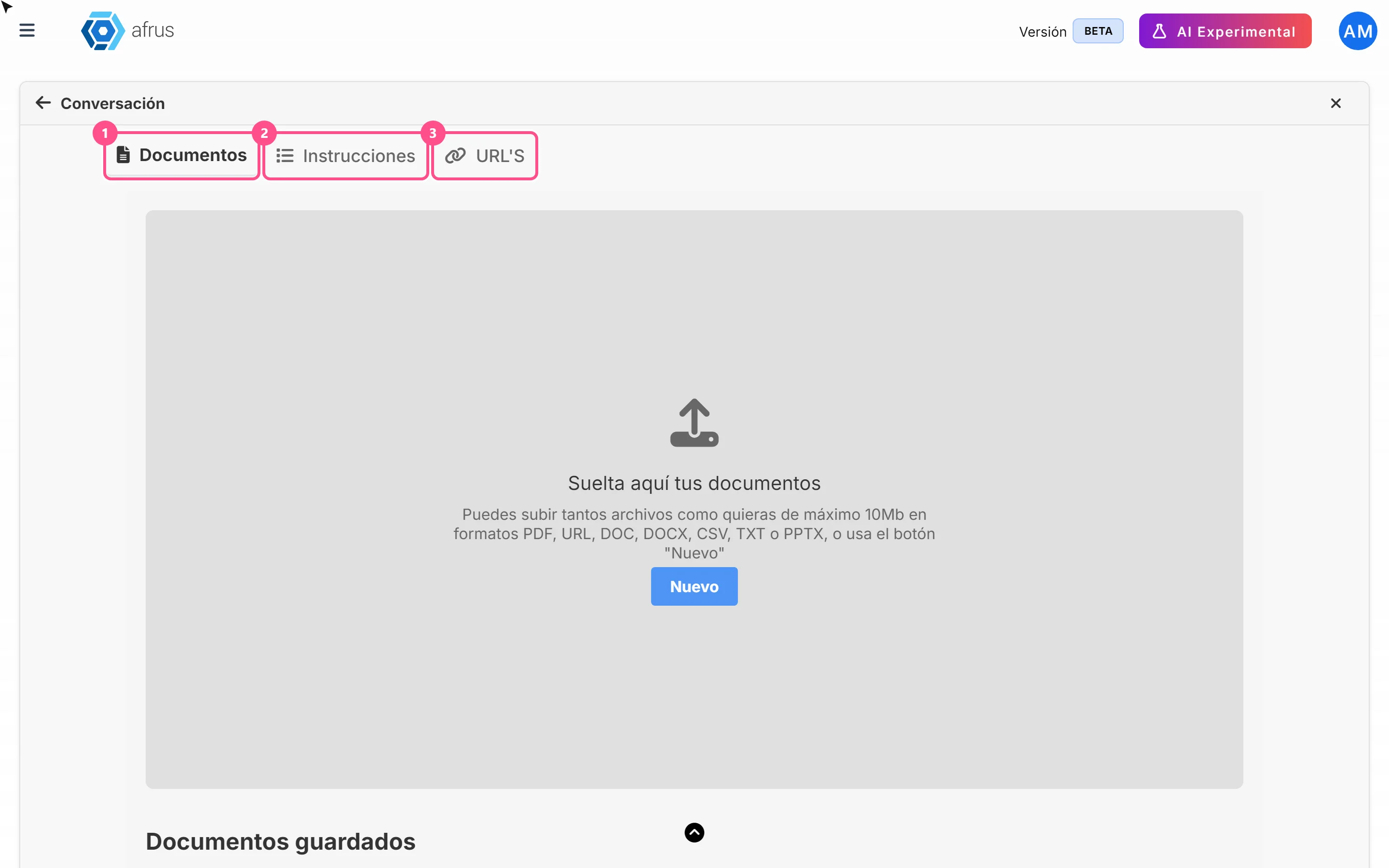
What AI Training (Entrenamiento [AI RAG]) is
Learn what AI Training is: the place where you give AFRUS AI your organization's information.
afrus.ai
AI
October 27, 2026
How to see what you uploaded to AI Training
Learn how to review the documents, instructions and web pages you uploaded to AFRUS AI Training.
afrus.ai
AI
October 27, 2026
What the AI gallery is for
Learn what the AI gallery is for: putting your photos in AI emails and choosing which images each one uses.
afrus.ai
AI
October 27, 2026
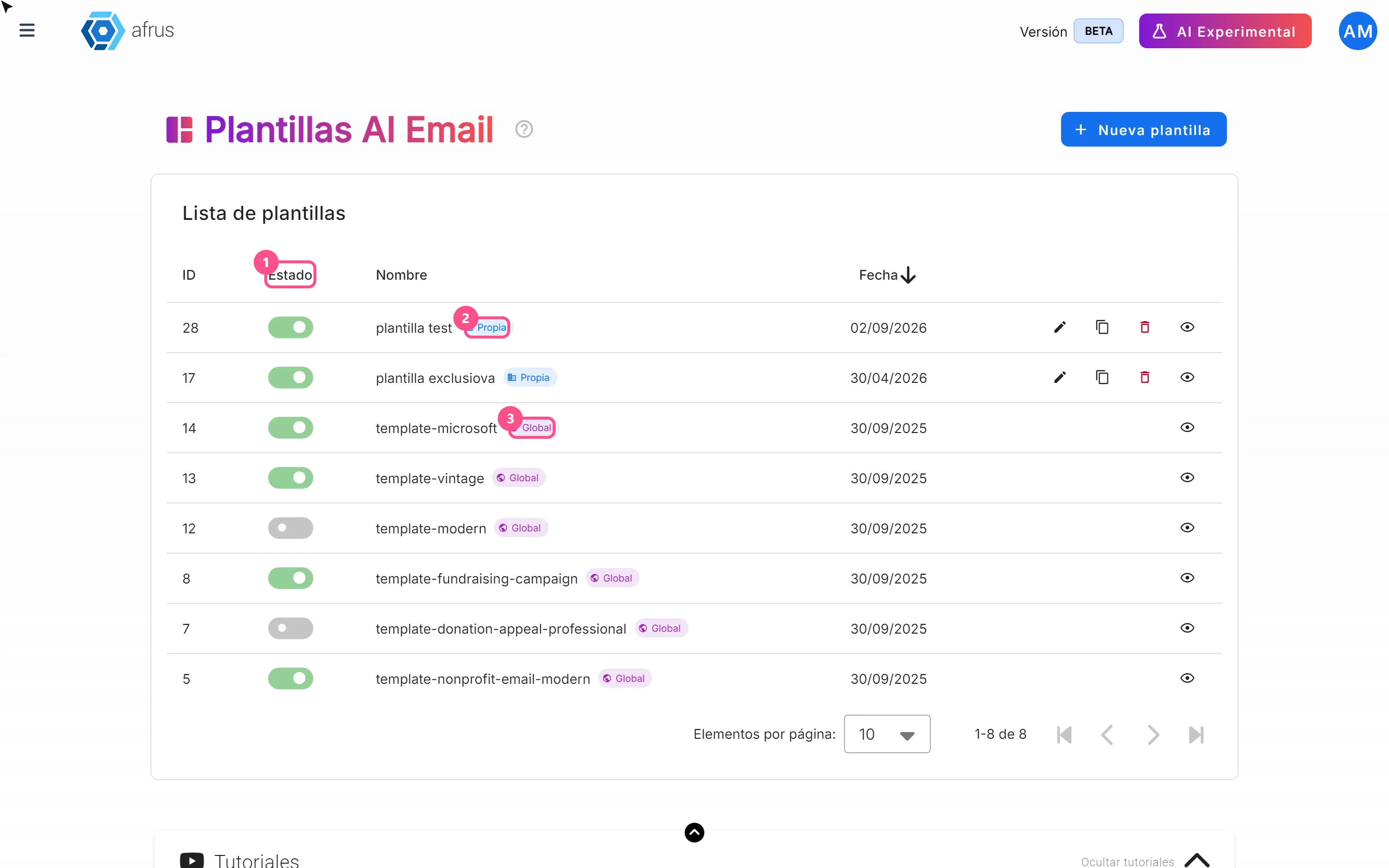
What AI email templates are for
Learn what AI email templates are for: giving AI emails your style and deciding which designs are used.
afrus.ai