🡠 Back


What the Business profile is for
Reading time
1 min
Business profile
October 27, 2026
afrus.ai
Learn what the Business profile is for: receiving donations, sending payment links, showing your QR code and feeding AFRUS AI.
In this article
The Business profile is your organization's public page on AFRUS. This is what it lets you do:
- Have a page where anyone can donate to you. As the screen itself says: "Tu empresa tiene una página donde cualquiera puede pagarte." ("Your company has a page where anyone can pay you.")
- Show your main widgets. The page shows the donation widget and the registration widget you have set as default.
- Send payment links. The payment links you send from AFRUS (from Home or from a person's profile) point to your Business profile address. Without a Business profile with a URL, a payment link cannot be sent.
- Have your QR code and payment link at hand. When your Business profile has a URL, Home shows a QR code and the Link de pago (payment link) form.
- Feed AFRUS AI. With "Enviar AI" (Send to AI), your description, "Sobre nosotros" (About us) text and FAQs are sent to the AI. Some features, such as Experiences AI, require an up-to-date Business profile.
Frequently asked questions
Can I send payment links without a Business profile?
No. Payment links point to your Business profile address, so you need it created with a URL.
Need help? Talk to the afrus team
In this article
✕
Related Tutorials
Business profile
October 27, 2026
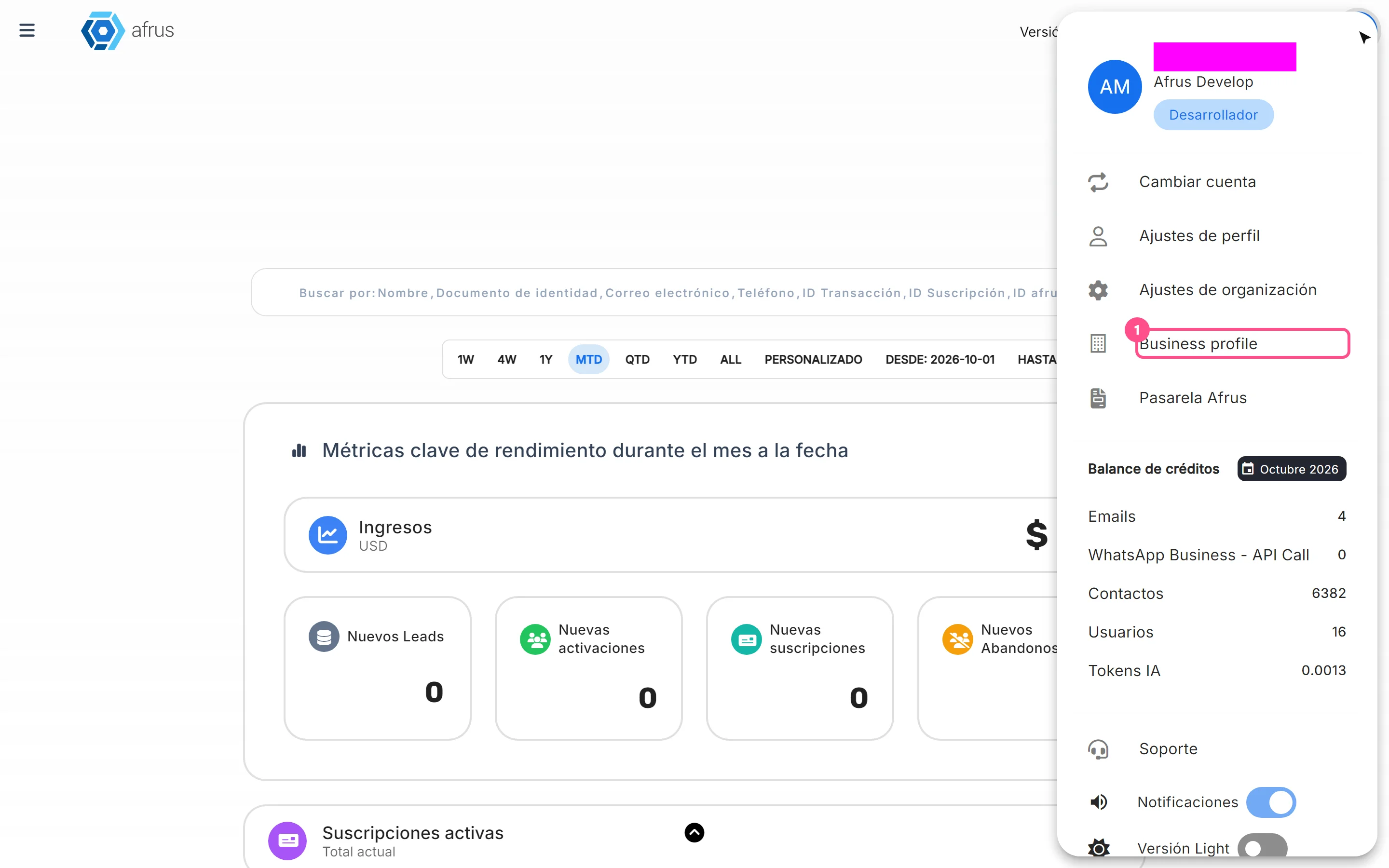
What the Business profile is
Learn what the Business profile is: your organization's public page on AFRUS, with your details, social networks, logo and widgets.
afrus.ai
Business profile
October 27, 2026
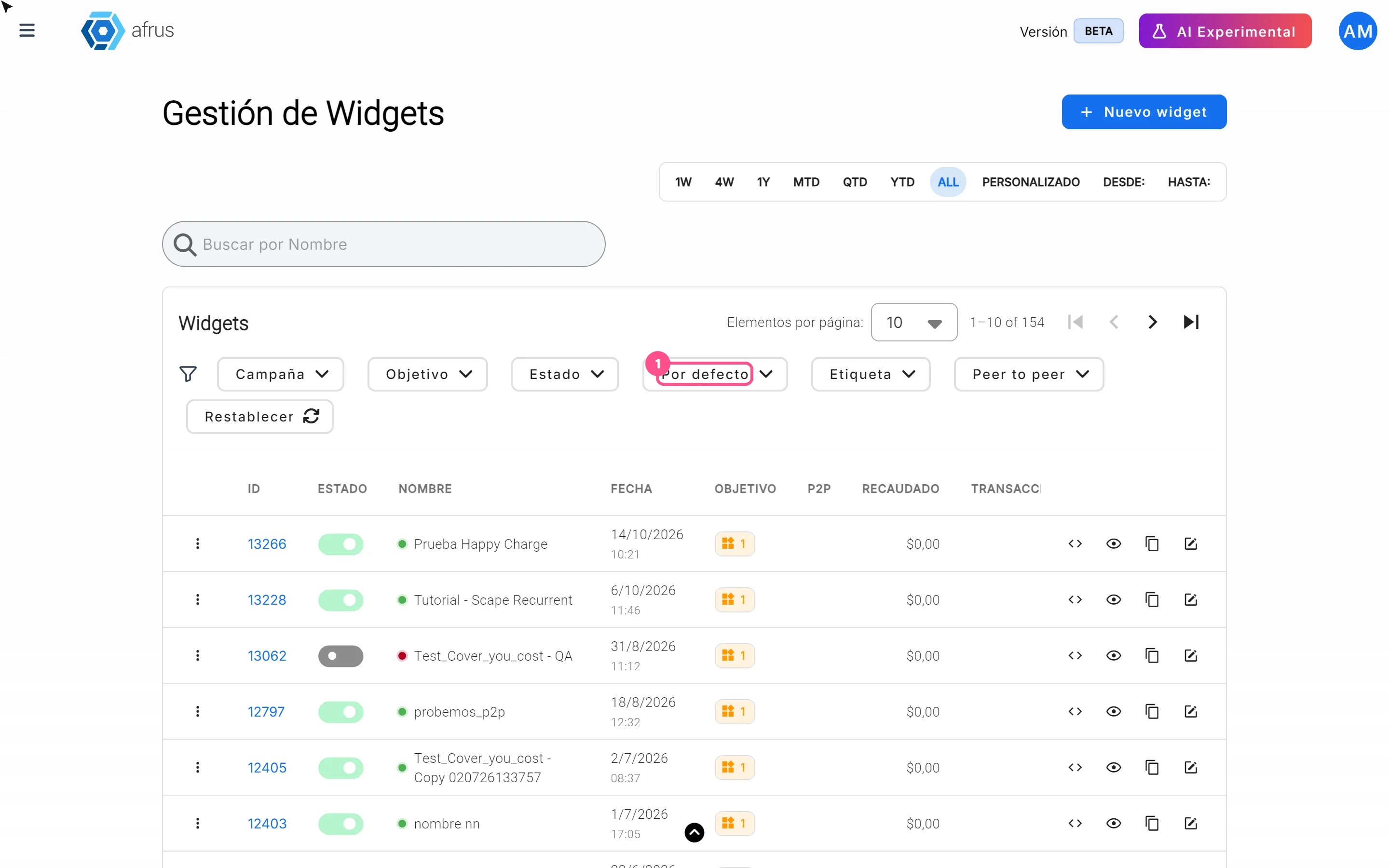
How to create the Business profile
Learn how to create your organization's Business profile on AFRUS, step by step, and send its information to the AI.
afrus.ai
Business profile
October 27, 2026
How to set up the widgets on the Business profile
Learn how to choose which donation widget and which registration widget appear on your organization's Business profile.
afrus.ai