🡠 Back


How to change my landing's URL
Reading time
1 min
Landings
October 27, 2026
afrus.ai
Learn how to change your landing's path or domain, and what happens to the old link.
In this article
Labels are shown as they appear in the Spanish version of the console.
Before you start
- The landing must be 2.0 and have a saved design.
- To use your own domain, register it first in Fundraising > Dominios.
Step by step
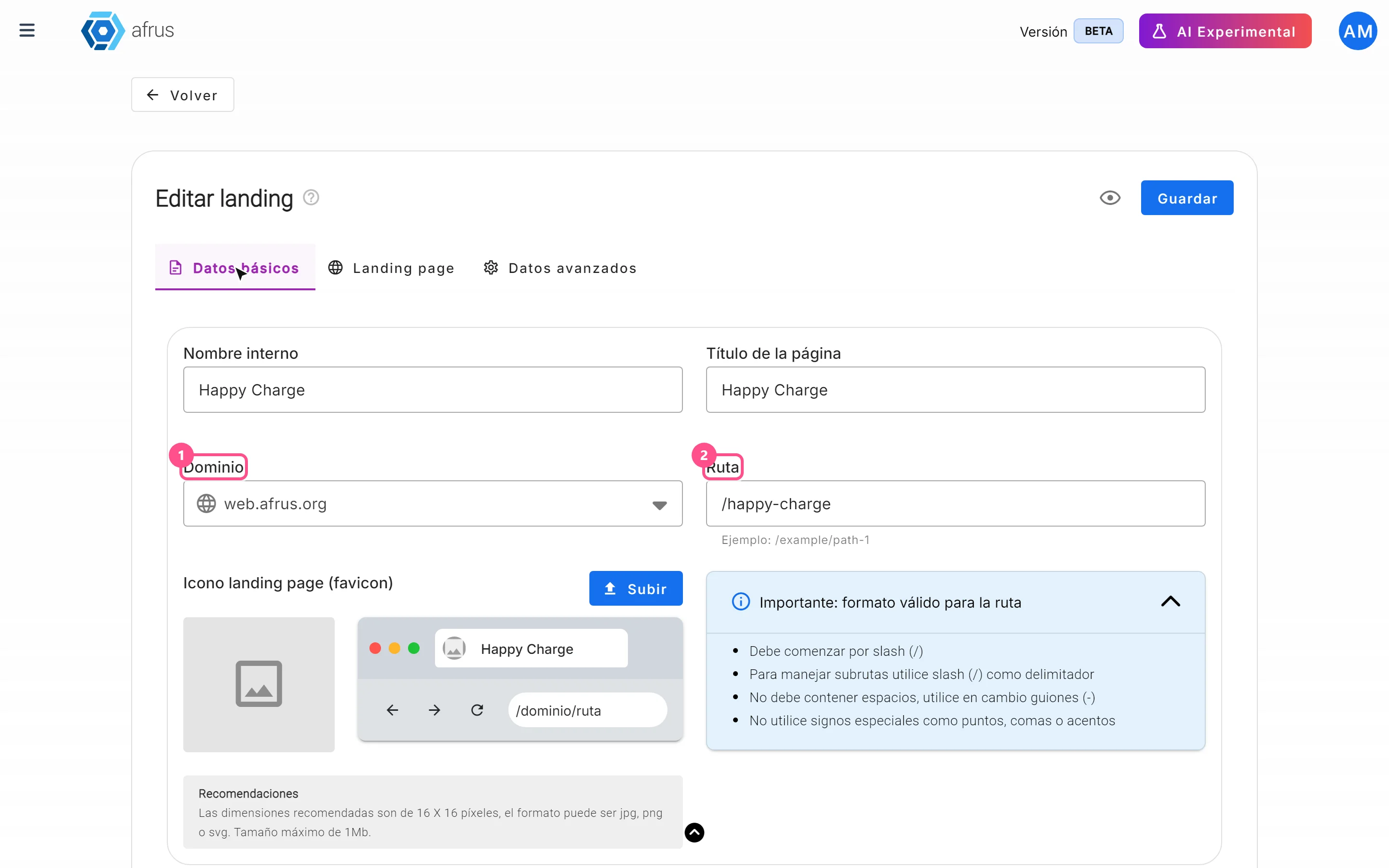
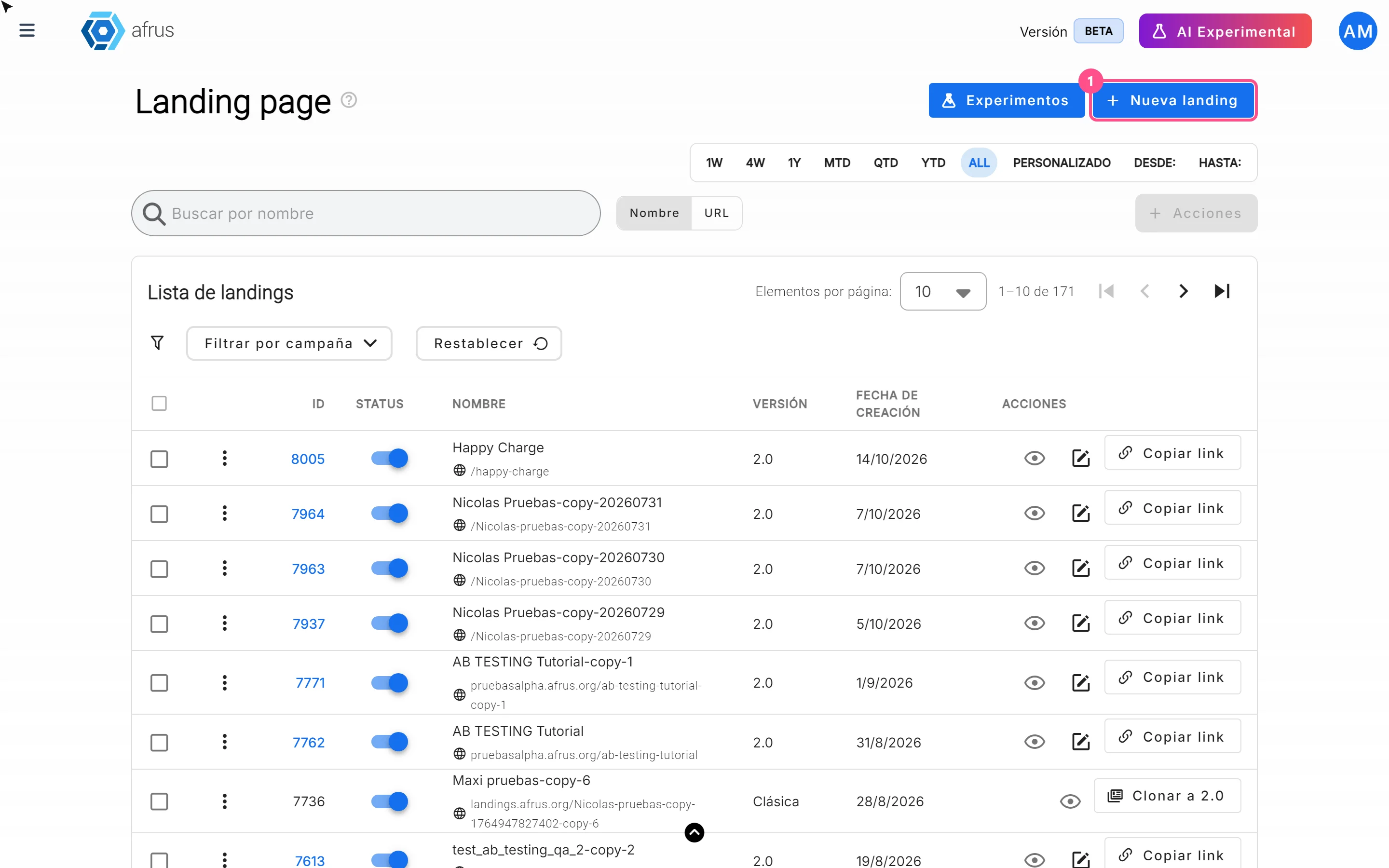
- Open the landing. In Fundraising > Landings, click the pencil icon and go to Datos básicos (Basic data).
- Change the address. Edit the Ruta (path), the Dominio (domain) or both. With your own domain you can use the path / so the landing is its home page.
- Save. Click "Guardar" (Save). You will see "Datos actualizados con éxito" (Data updated successfully).
Important: the old link stops working and does not redirect to the new address. Update it in your widgets, emails, ads and social networks.
Frequently asked questions
Does AFRUS warn me if the path is already in use?
No. If two landings use the same domain and path, the one saved last is shown. Always use unique paths.
Need help? Talk to the afrus team
In this article
✕
Related Tutorials

Landings
October 27, 2026
What Landings are in AFRUS
Learn what the Landings module is: campaign, donation or thank-you pages you design and publish without coding.
afrus.ai
Landings
October 27, 2026
What Landings are for
Learn what Landings are for: publishing campaigns with a widget, personal thank-yous, tracking visits and using your own domain.
afrus.ai
Landings
October 27, 2026
How to create a landing
Learn how to create and publish a landing on AFRUS: basic data, address and design from scratch, a template, another page or HTML.
afrus.ai

Landings
October 27, 2026
How to track my landing with analytics
Learn how to connect Google Analytics, Google Tag Manager or the Meta Pixel to your landing, and set up its SEO.
afrus.ai