🡠 Back


How to change my landing page's template in Experiences AI
Reading time
1 min
Experiences AI
October 27, 2026
afrus.ai
Learn how to change your Experiences AI page's design with one click, without losing the texts you already have.
In this article
When the experience is created, AFRUS randomly assigns one of the templates available for its type. You can change it whenever you like.
Step by step
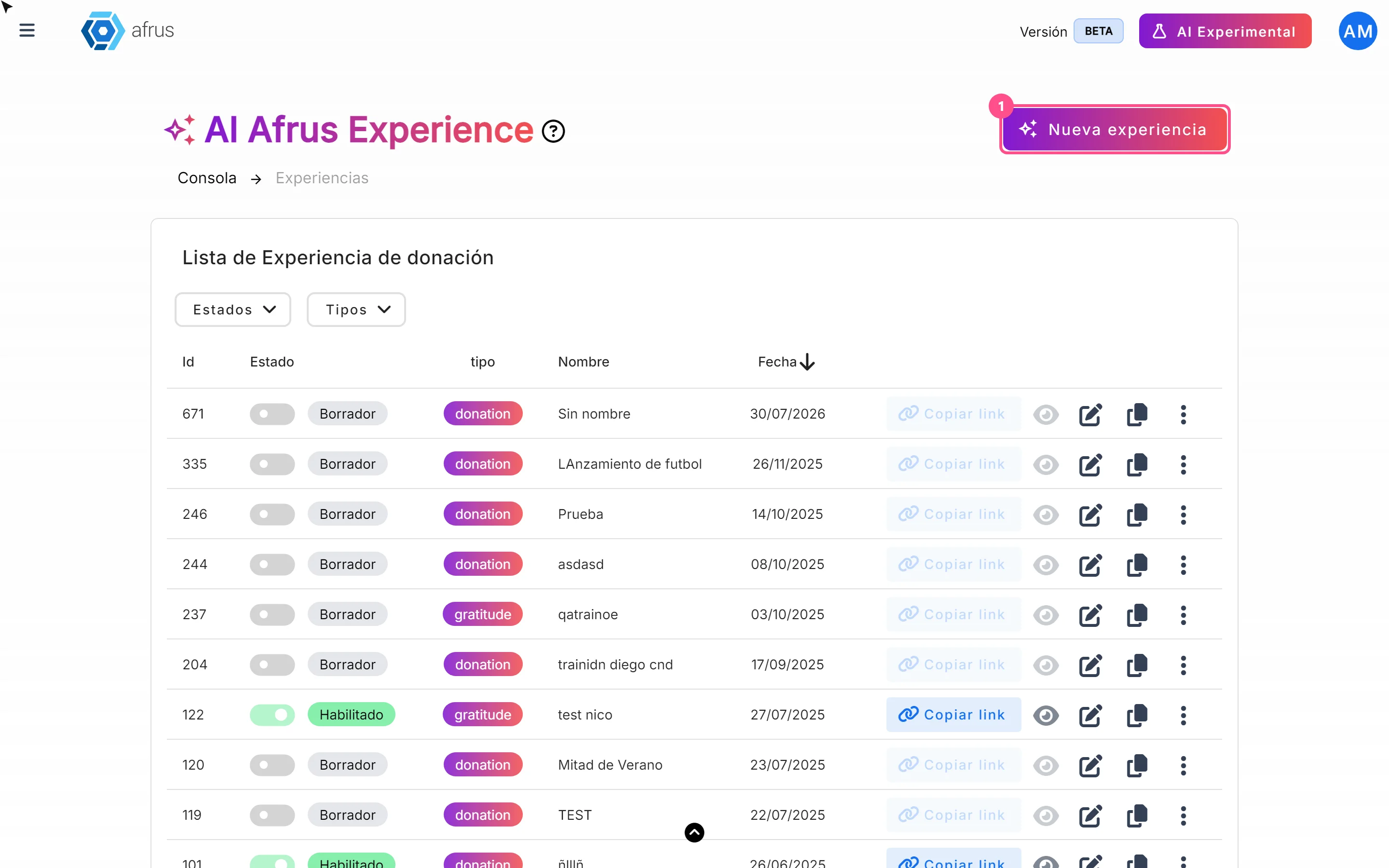
- Open the editor. In Fundraising > Experiences AI, click the experience's pencil icon.
- Change the design. In the top bar, click "Cambiar diseño" (Change design). Each click moves to the next template of the same type; after the last one, it goes back to the first. Your texts are kept.
- Publish. Click "Publicar" (Publish) to take the new design to the public page.
Frequently asked questions
Can I pick a specific template from a gallery?
No. Templates are browsed one by one with "Cambiar diseño".
Can it be undone?
Yes. Keep clicking "Cambiar diseño" until you get back to the previous one, or choose an earlier version in Versión actual (Current version) and click "Publicar".
Need help? Talk to the afrus team
In this article
✕
Related Tutorials
Experiences AI
October 27, 2026
What Experiences AI is
Learn what Experiences AI is: the AFRUS tool that uses AI to create donation and thank-you pages ready to publish.
afrus.ai
Experiences AI
October 27, 2026
What Experiences AI is for
Learn what Experiences AI is for: a donation page in minutes, thanking your donors and sharing with a link or QR code.
afrus.ai
Experiences AI
October 27, 2026
How to create a landing page with AI
Learn how to use Experiences AI to create a donation or thank-you page written by artificial intelligence, and publish it.
afrus.ai
Experiences AI
October 27, 2026
How to change my landing page's styles in Experiences AI
Learn how to change your Experiences AI page's colors with Recolor and how to show or hide its sections.
afrus.ai