🡠 Back


How to create a new tag
Reading time
1 min
Data
October 27, 2026
afrus.ai
Learn how to create a tag in AFRUS with a name, description and color to group your contacts.
In this article
Labels are shown as they appear in the Spanish version of the console.
Step by step
- Open your tags. Go to Data > Tags.
- Create a new one. Click "Nuevo tag" (New tag). The Crear tag (Create tag) window opens.
- Fill in the details. Write the Nombre (Name, required). If you want, add a Descripción (opcional) (Description) of up to 200 characters and choose a Color.
- Save. You will see "Tag creado correctamente." (Tag created successfully).
Frequently asked questions
Can I create a tag while giving it to someone?
Yes. When you choose "Asignar etiqueta" (Assign tag) in Personas, a profile or a segment, use "Crear etiqueta" (Create tag).
Need help? Talk to the afrus team
In this article
✕
Related Tutorials

Data
October 27, 2026
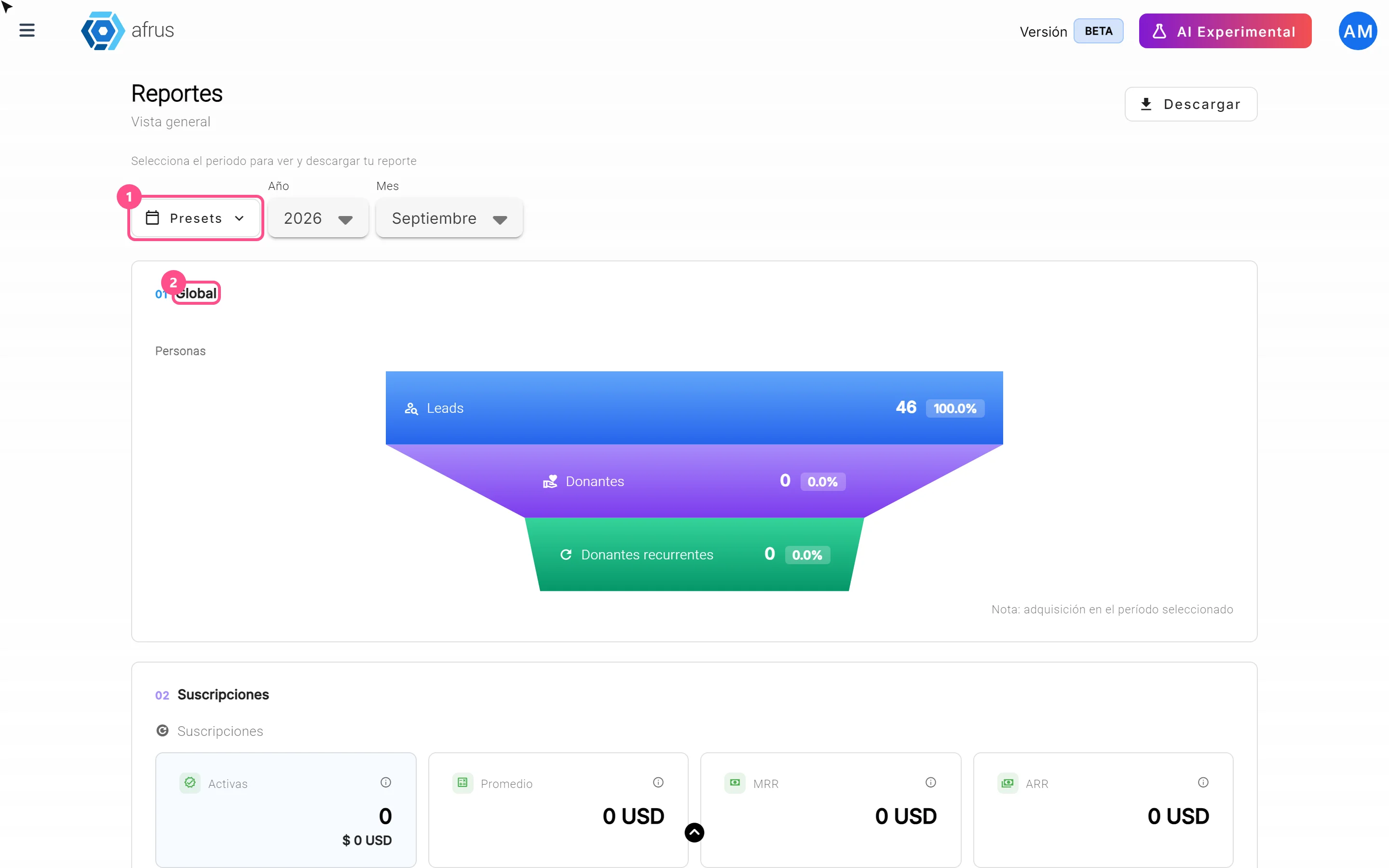
What the Presets, Año and Mes filters of the General report are for
Learn how to choose the period of the Reporte general with the Presets, Año (Year) and Mes (Month) filters.
afrus.ai
Data
October 27, 2026
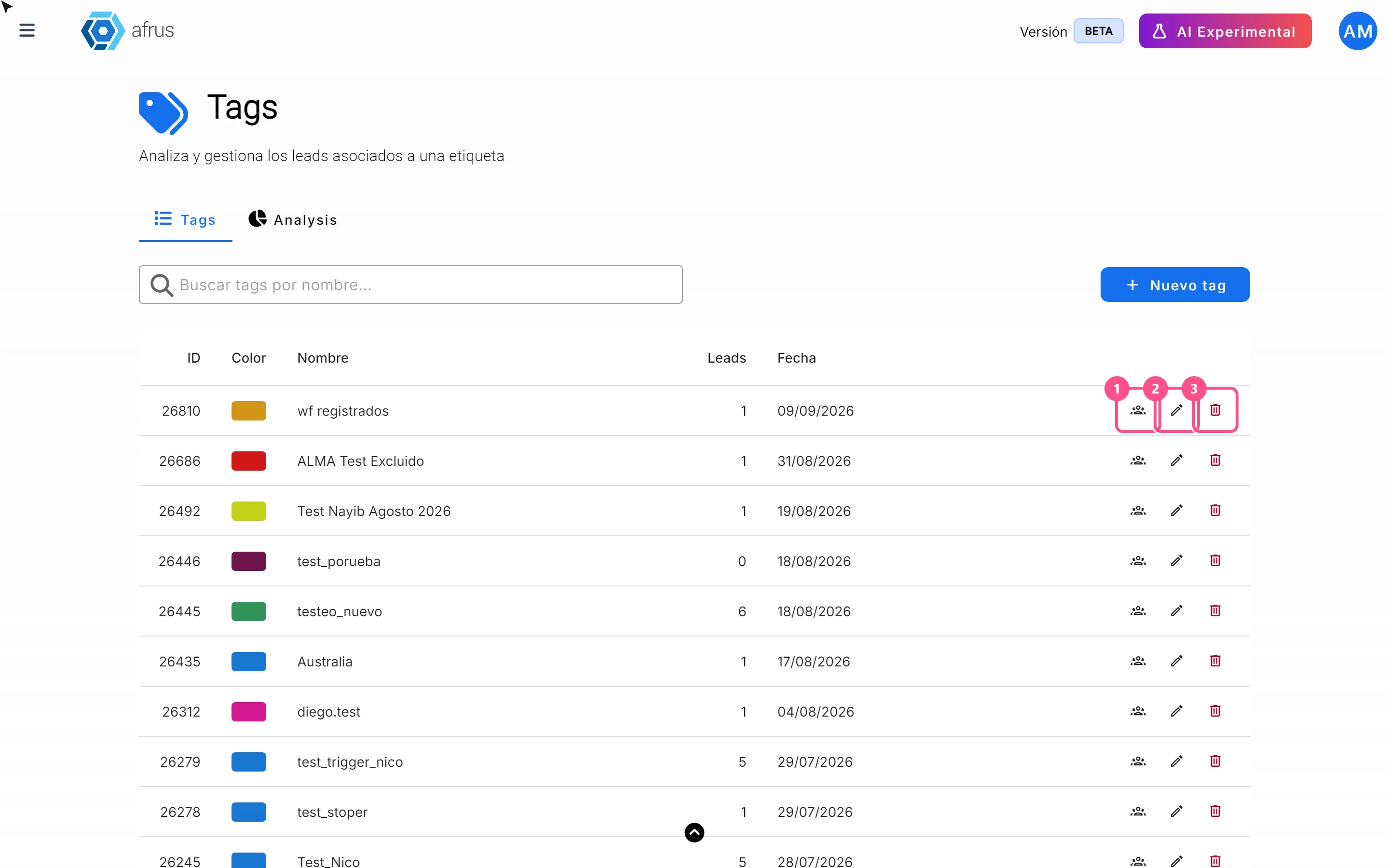
What the 3 icons of each tag do
Learn how to use each tag's icons: see the people who have it, edit it and delete it.
afrus.ai
Data
October 27, 2026
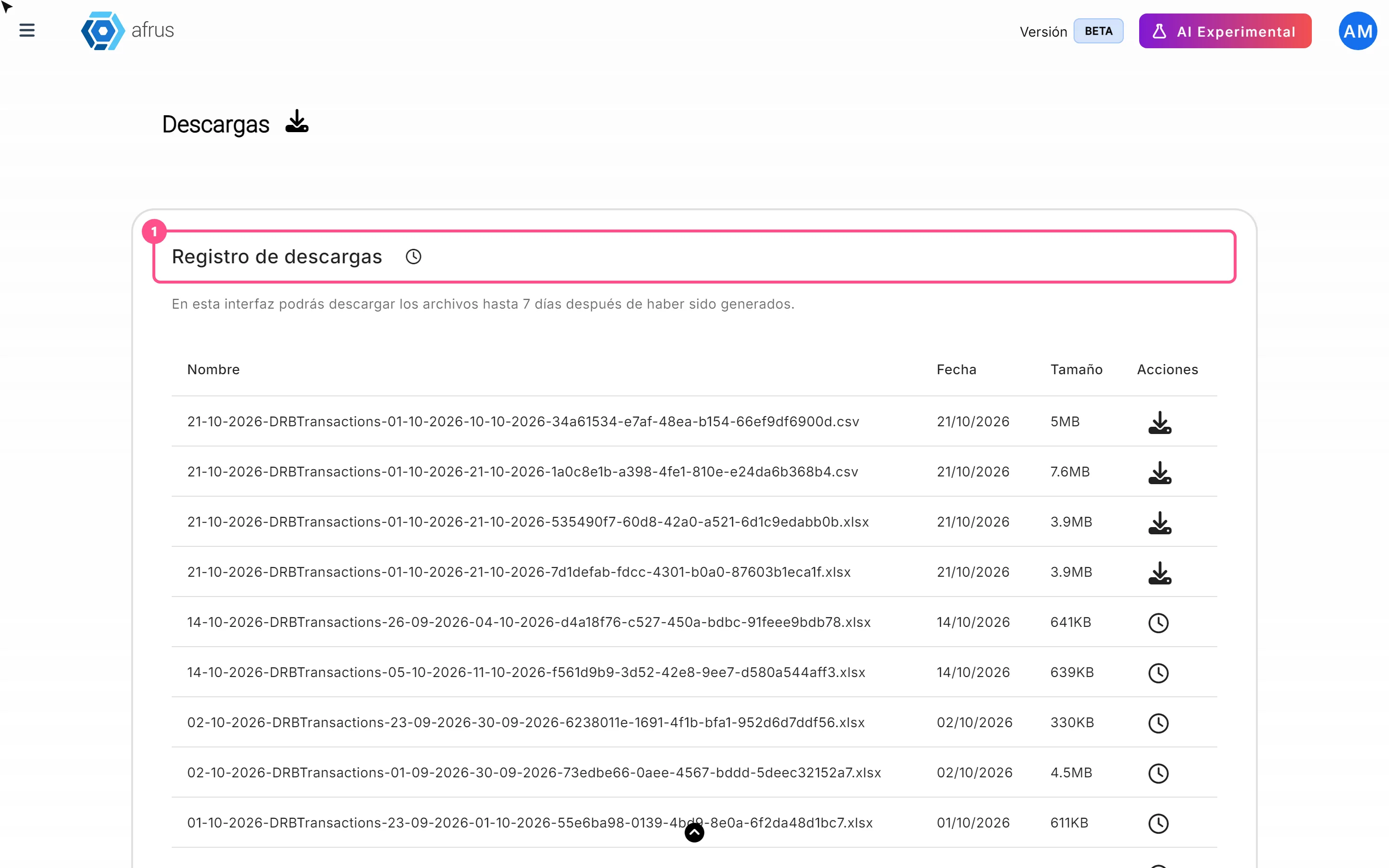
What Downloads is for
Learn what Downloads is for: getting your exports, knowing when they're ready and keeping them in one place.
afrus.ai
Data
October 27, 2026
What the Reporte general (General report) is
Learn what the Reporte general is: the dashboard with your organization's most important numbers in one place.
afrus.ai