🡠 Back


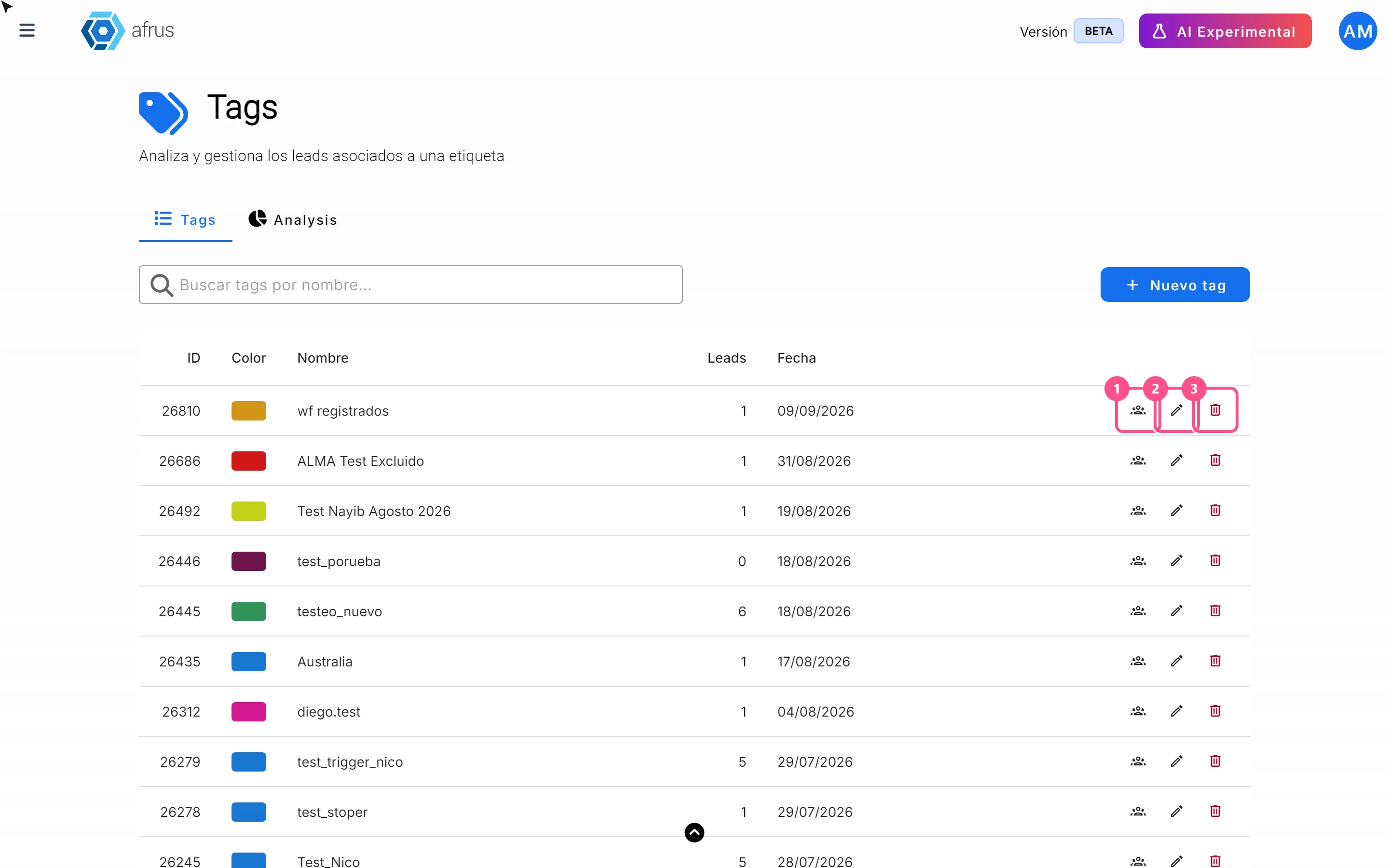
What the 3 icons of each tag do
Reading time
1 min
Data
October 27, 2026
afrus.ai
Learn how to use each tag's icons: see the people who have it, edit it and delete it.
In this article
In Data > Tags, each row of the list has three icons:
- Ver personas (See people): opens Personas showing only the people with that tag.
- Pencil (edit): opens Editar tag (Edit tag) to change the name, description or color. You will see "Tag actualizado correctamente." (Tag updated successfully). The new name shows on everyone who has it.
- Trash can (delete): deletes the tag after you confirm with "Eliminar" (Delete). You will see "Tag eliminado correctamente." (Tag deleted successfully).
Frequently asked questions
Can a deletion be undone?
No. Once you delete a tag, you cannot get it back.
Why can't I delete a tag?
If the tag is used elsewhere in AFRUS (for example in a sequence, a newsletter or an automatic tag), it can't be deleted and the error doesn't say why. Remove it from where you use it first.
Need help? Talk to the afrus team
In this article
✕
Related Tutorials

Data
October 27, 2026
What the Presets, Año and Mes filters of the General report are for
Learn how to choose the period of the Reporte general with the Presets, Año (Year) and Mes (Month) filters.
afrus.ai
Data
October 27, 2026
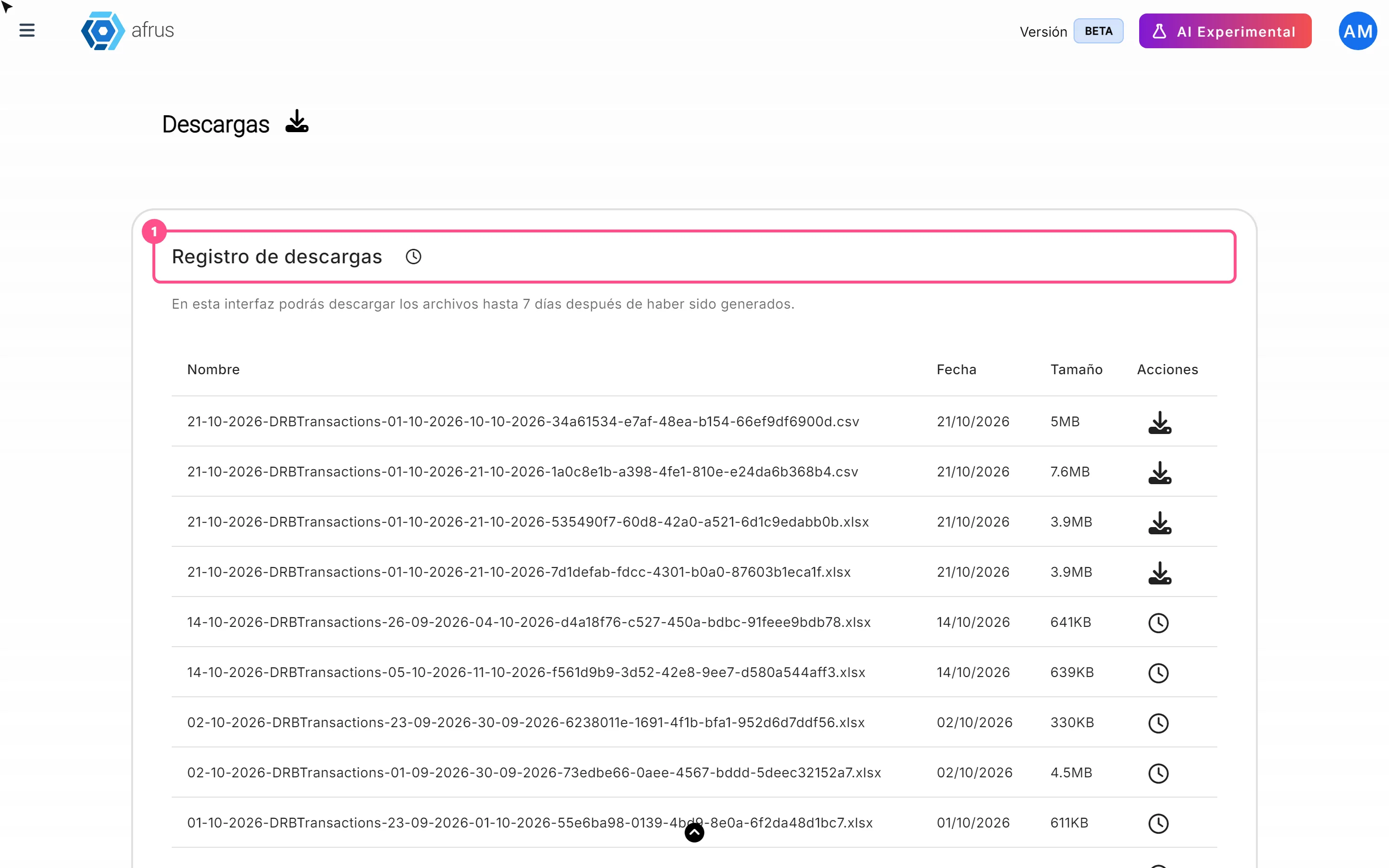
What Downloads is for
Learn what Downloads is for: getting your exports, knowing when they're ready and keeping them in one place.
afrus.ai
Data
October 27, 2026
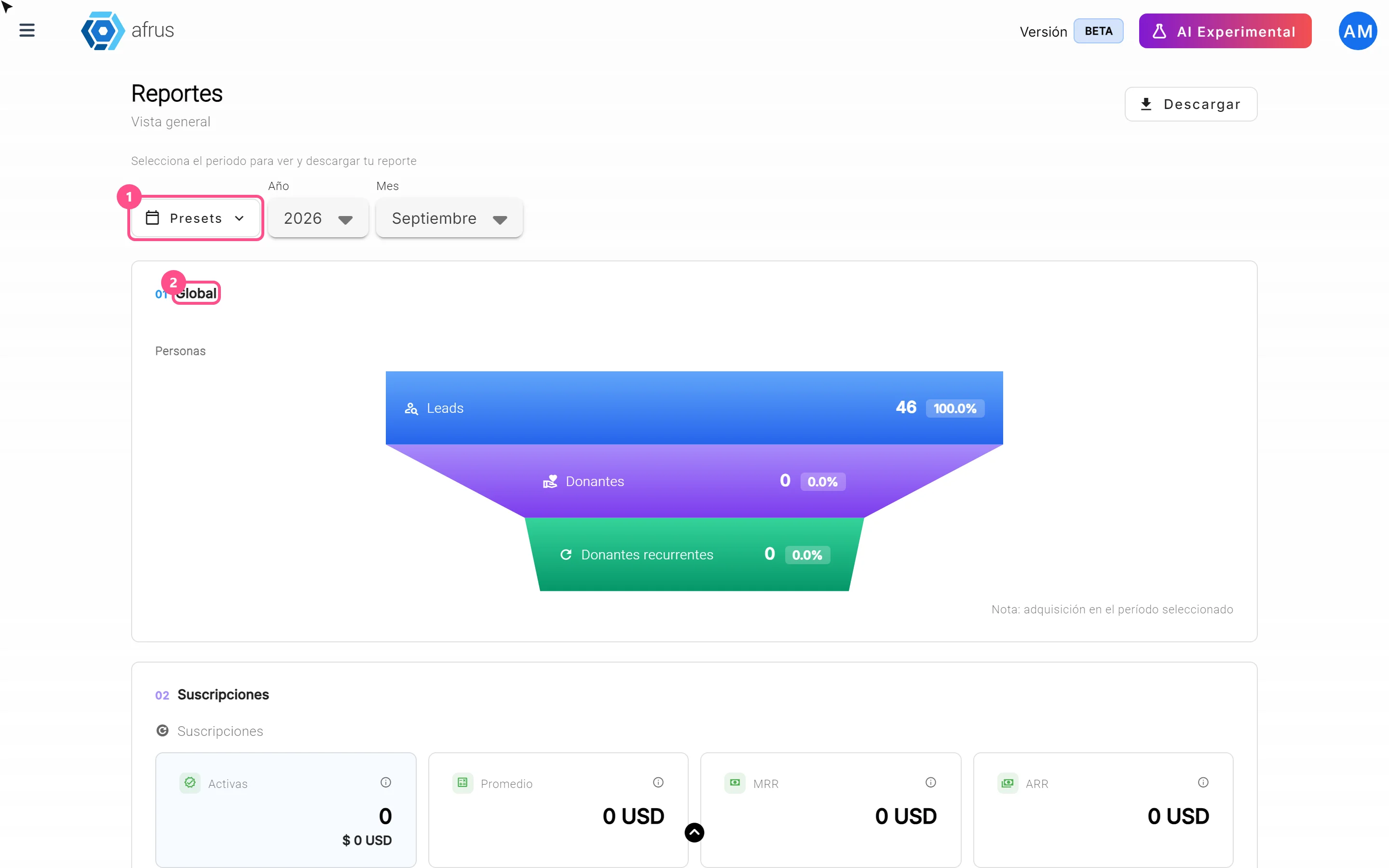
What the Reporte general (General report) is
Learn what the Reporte general is: the dashboard with your organization's most important numbers in one place.
afrus.ai
Data
October 27, 2026
How to analyze the Reporte general (General report)
Learn how to read the 5 zones of the Reporte general and find out which campaigns and forms your donors come from.
afrus.ai