🡠 Back


What the Presets, Año and Mes filters of the General report are for
Reading time
1 min
Data
October 27, 2026
afrus.ai
Learn how to choose the period of the Reporte general with the Presets, Año (Year) and Mes (Month) filters.
In this article
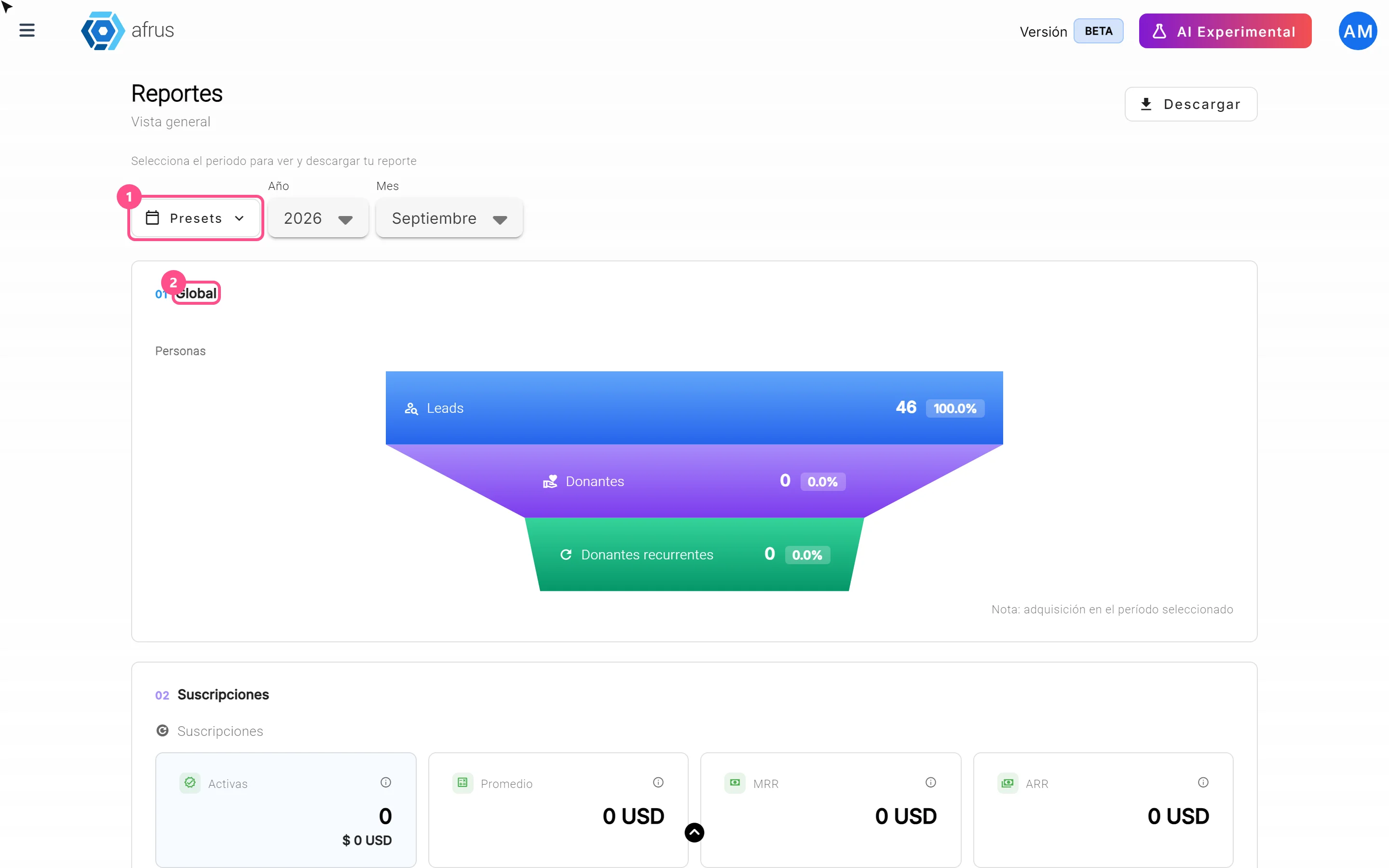
These filters let you choose the period you want to see and download in Data > Reporte general.
Presets are one-click shortcuts:
- Todo (All): your organization's whole history.
- Año anterior (Previous year): all of last year.
- YTD: from January 1 this year until today.
- Trimestre anterior (Previous quarter): the three months of last quarter.
- QTD: from the start of this quarter until today.
- Mes anterior (Previous month): all of last month.
- MTD: from the start of this month until today.
Año (Year) and Mes (Month) let you choose a specific month or year, up to 8 years back.
Frequently asked questions
Can I choose free dates or filter by campaign?
No. There's no free date range, no filter by campaign or currency and no automatic comparison with the previous period.
Need help? Talk to the afrus team
In this article
✕
Related Tutorials
Data
October 27, 2026
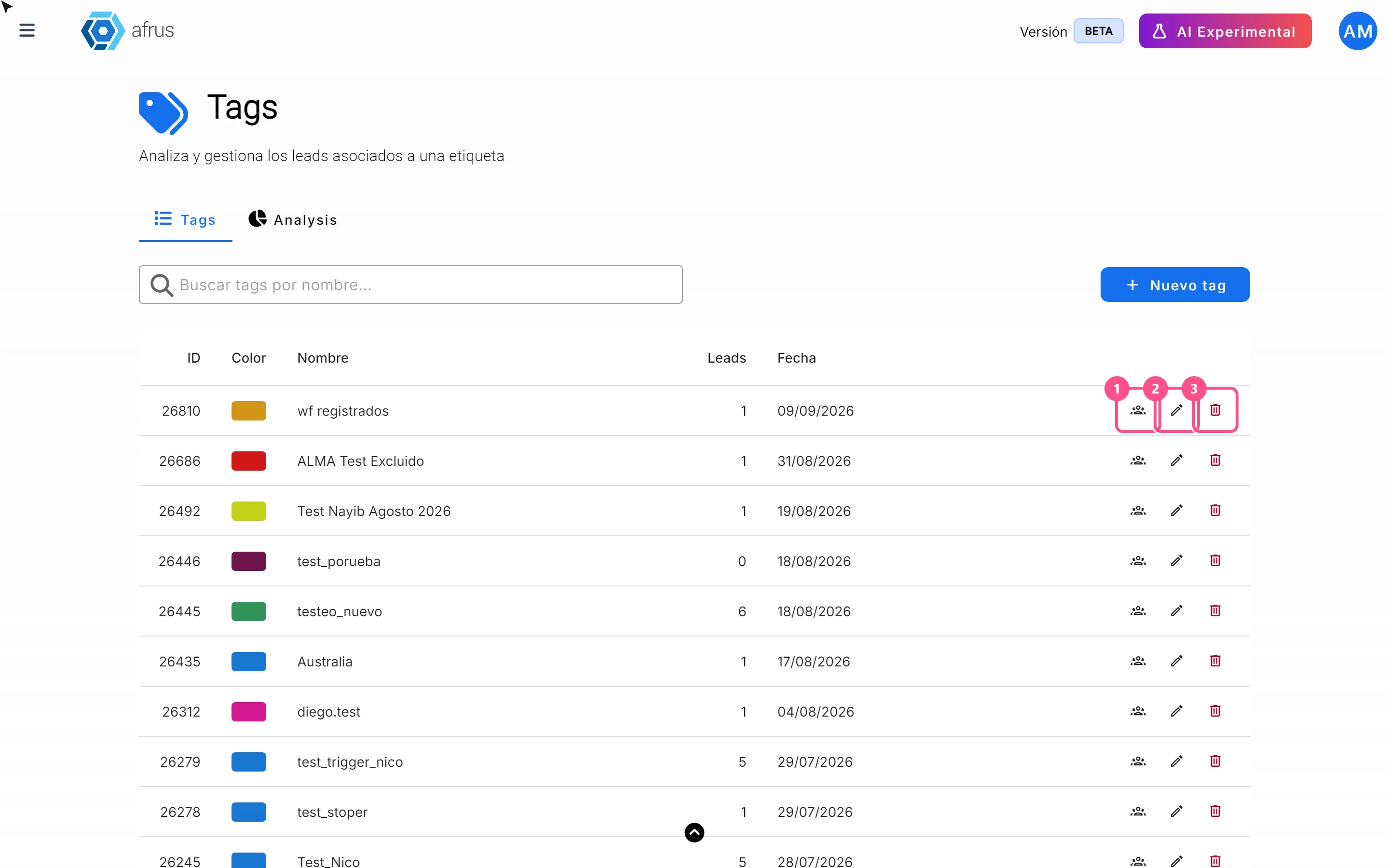
What the 3 icons of each tag do
Learn how to use each tag's icons: see the people who have it, edit it and delete it.
afrus.ai
Data
October 27, 2026
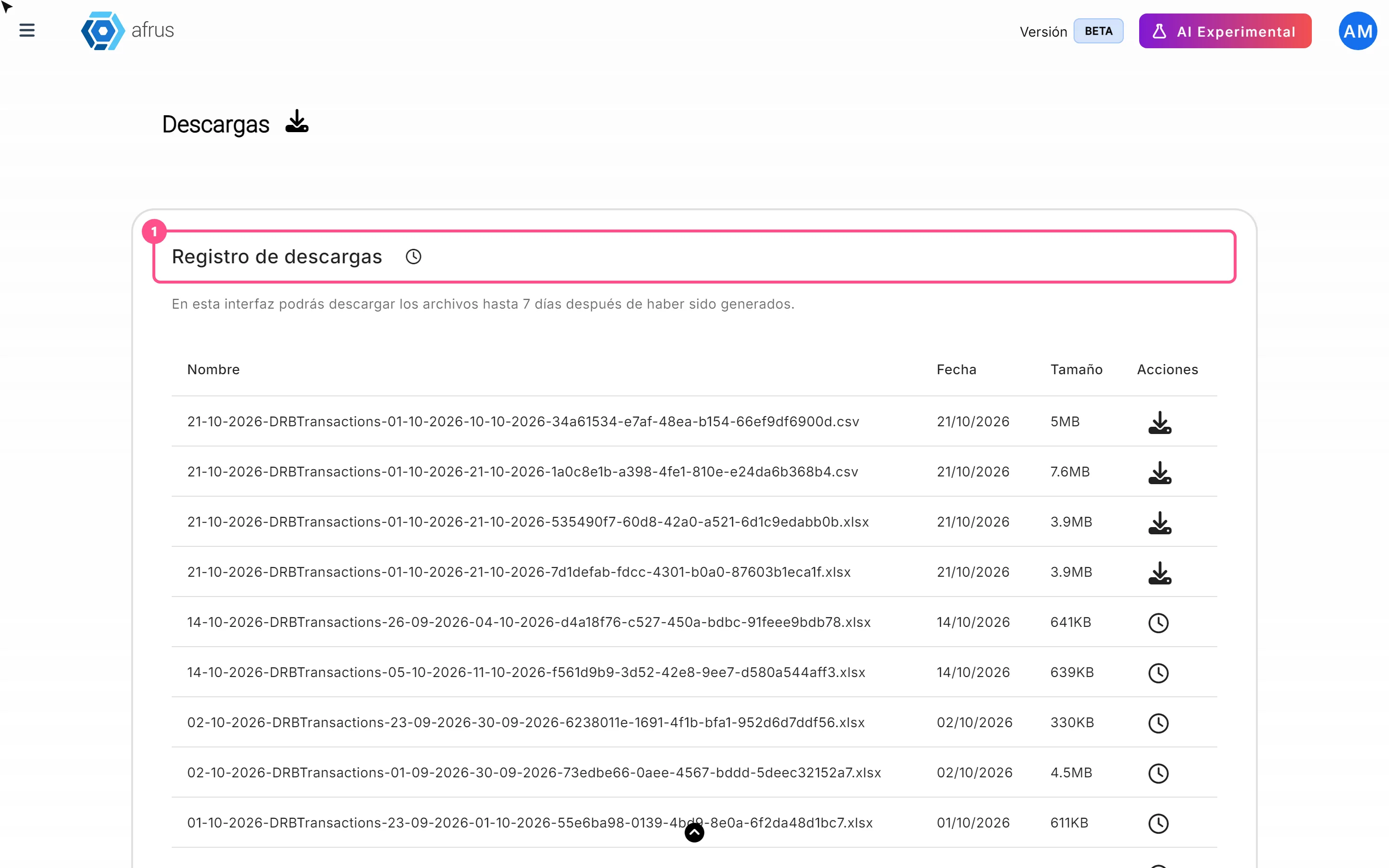
What Downloads is for
Learn what Downloads is for: getting your exports, knowing when they're ready and keeping them in one place.
afrus.ai
Data
October 27, 2026
What the Reporte general (General report) is
Learn what the Reporte general is: the dashboard with your organization's most important numbers in one place.
afrus.ai
Data
October 27, 2026
How to analyze the Reporte general (General report)
Learn how to read the 5 zones of the Reporte general and find out which campaigns and forms your donors come from.
afrus.ai