🡠 Back


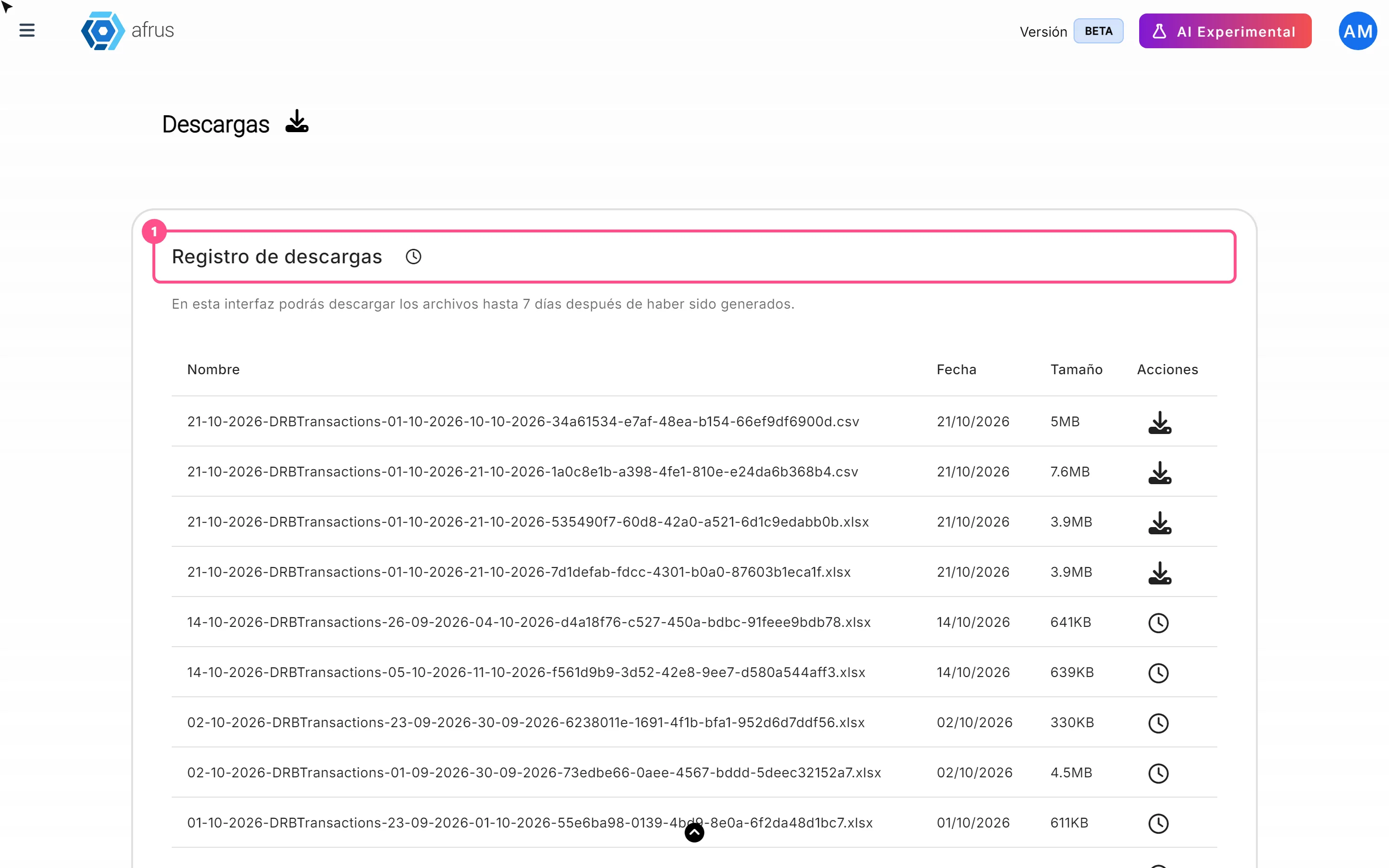
What Downloads is for
Reading time
1 min
Data
October 27, 2026
afrus.ai
Learn what Downloads is for: getting your exports, knowing when they're ready and keeping them in one place.
In this article
- Getting your exported files. Everything you export in AFRUS arrives in this list.
- Knowing if a file is ready. You see whether it's being prepared, ready to download or failed.
- Keeping your exports in one place, no matter which screen you exported from.
Where can you export from?
- Personas (People), with "Acciones" (Actions) and then "Exportar" (Export).
- Transacciones (Transactions), Suscripciones (Subscriptions) and Radar - monitor de fraude (Fraud radar).
- Segmentos (Segments), basic and advanced.
- Tareas de suscripciones (Subscription tasks) and Transacciones abandonadas (Abandoned transactions).
- The results list of a mass email send (Blast) and a widget's dashboard.
The Reporte general (General report) is the exception: its "Descargar" (Download) button saves the file straight to your computer, without going through Downloads.
Need help? Talk to the afrus team
In this article
✕
Related Tutorials

Data
October 27, 2026
What the Presets, Año and Mes filters of the General report are for
Learn how to choose the period of the Reporte general with the Presets, Año (Year) and Mes (Month) filters.
afrus.ai
Data
October 27, 2026
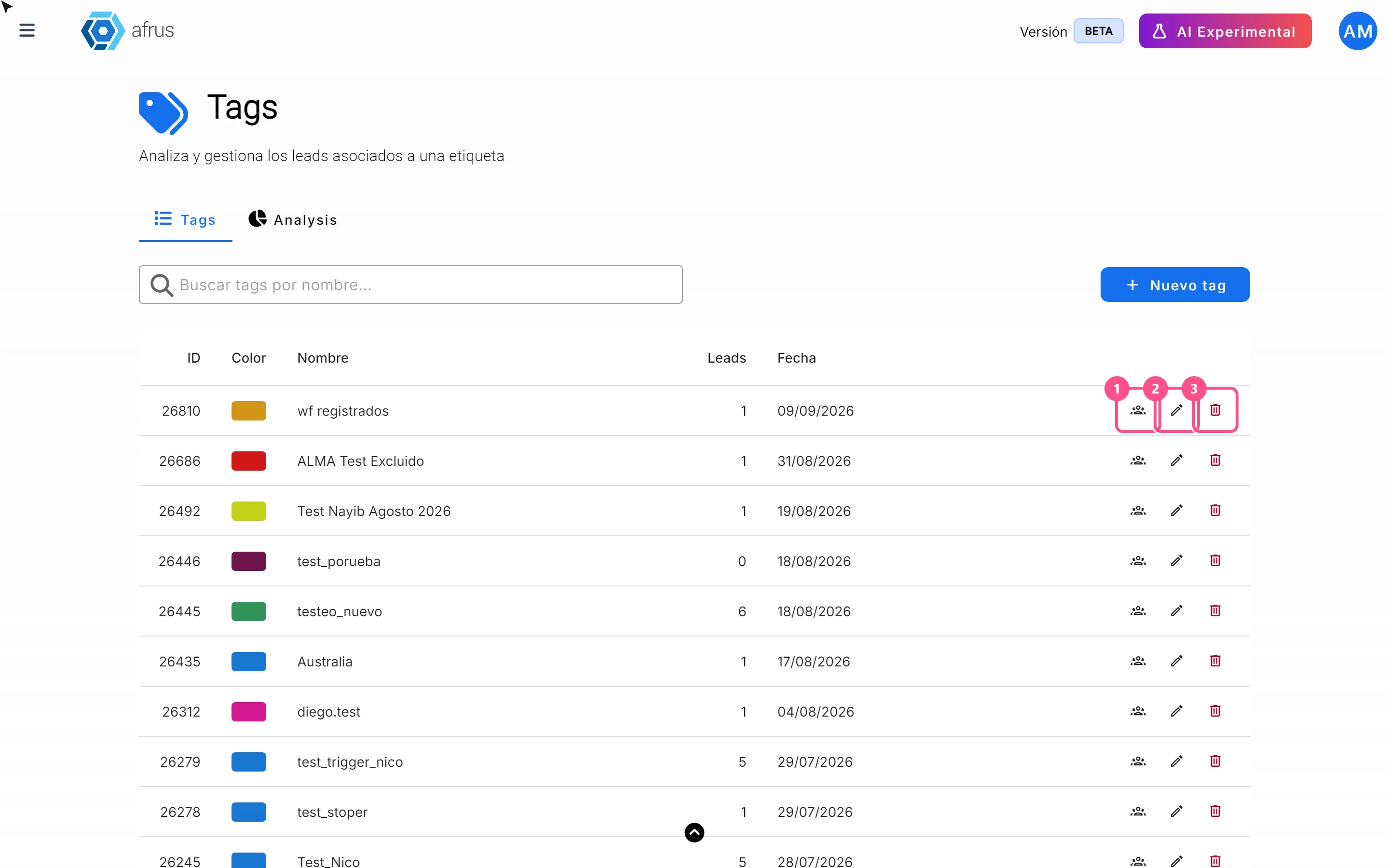
What the 3 icons of each tag do
Learn how to use each tag's icons: see the people who have it, edit it and delete it.
afrus.ai
Data
October 27, 2026
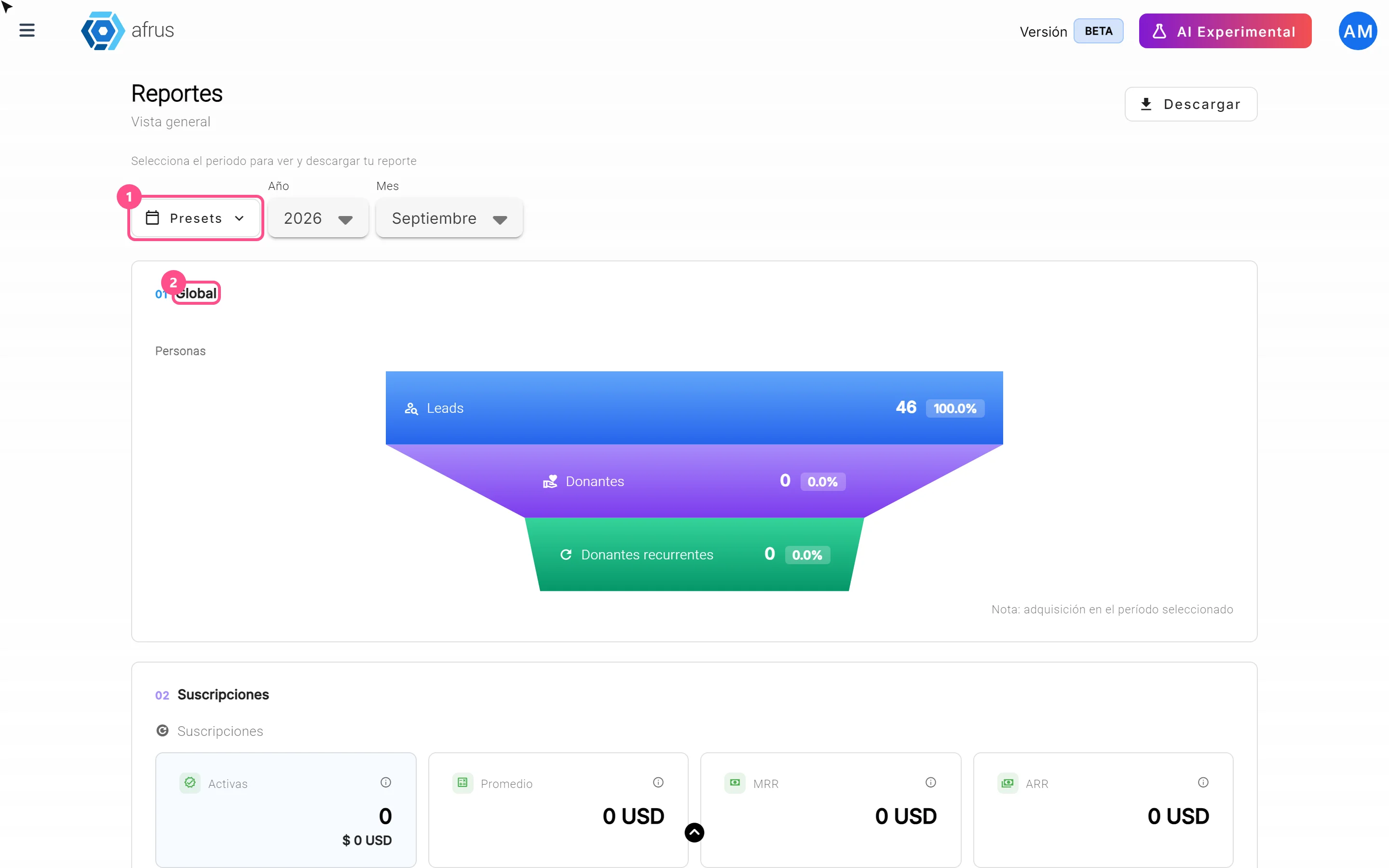
What the Reporte general (General report) is
Learn what the Reporte general is: the dashboard with your organization's most important numbers in one place.
afrus.ai
Data
October 27, 2026
How to analyze the Reporte general (General report)
Learn how to read the 5 zones of the Reporte general and find out which campaigns and forms your donors come from.
afrus.ai