🡠 Back


How to create a person
Reading time
1 min
People
October 27, 2026
afrus.ai
Learn how to create a person by hand on AFRUS, with their details, tags, custom fields and consent.
In this article
Labels are shown as they appear in the Spanish version of the console.
Step by step
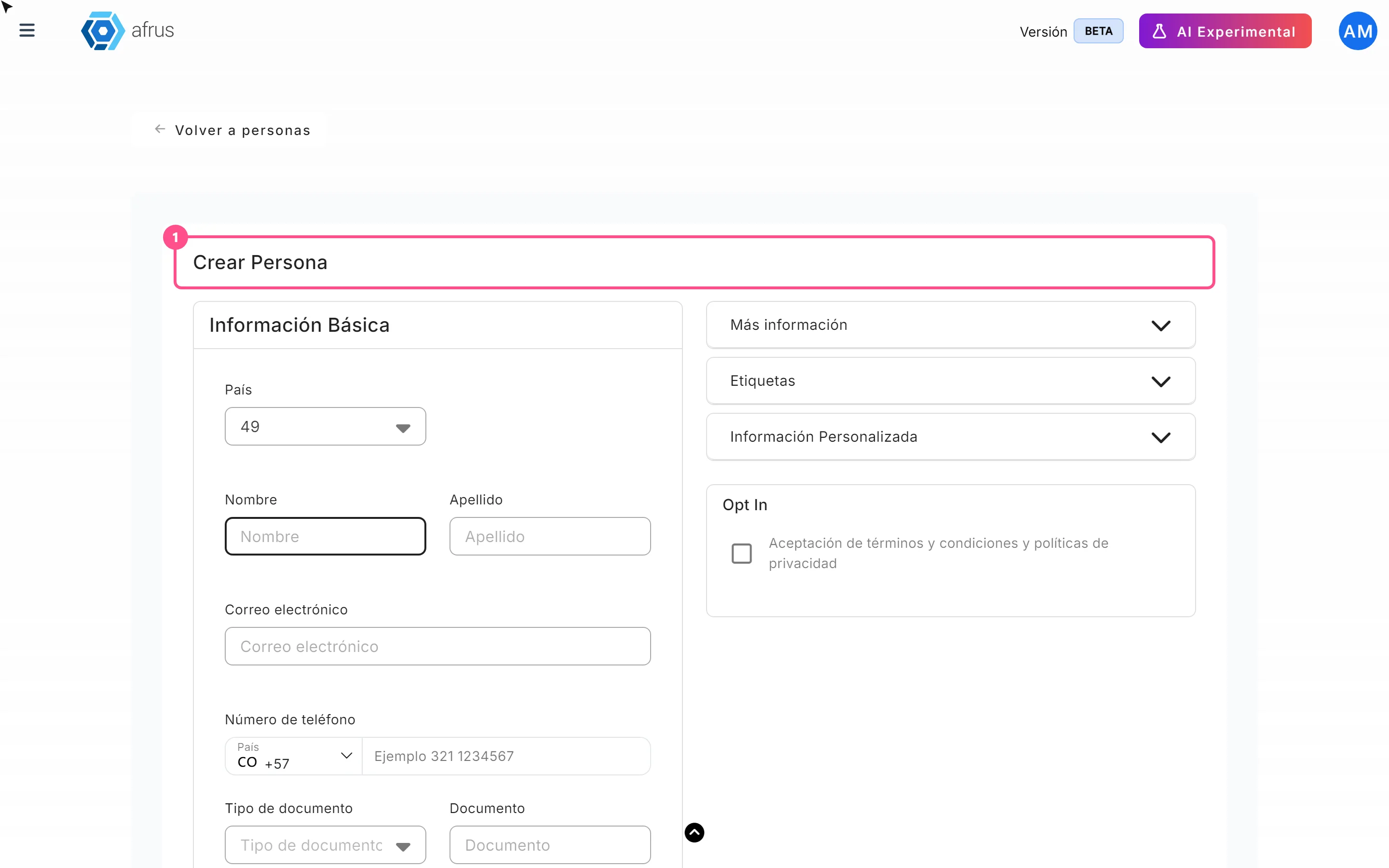
- Open the form. In Personas, click "Crear persona" (Create person).
- Fill in the details. Correo electrónico (email) is required and must be valid; Nombre (first name) and Apellido (last name) only accept letters. You can also fill in phone, ID type and number, Campaña (campaign), Widget, address, company and Etiquetas (tags), among others.
- Fill in the custom fields. They are in the Información Personalizada (Custom information) section.
- Record consent, if given. Check Aceptación de términos y condiciones y políticas de privacidad (terms and privacy acceptance). This box accepts all communication channels at once.
- Save. Click "Guardar" (Save) to return to the list or "Guardar y crear otro" (Save and create another).
You will see "Lead creado con éxito" (Lead created successfully) and the person appears in the list.
Frequently asked questions
Can I create two people with the same email?
No. If the email already exists in your organization, the error may appear as the technical text already_exists_email. Find that person in the list and edit them.
Need help? Talk to the afrus team
In this article
✕
Related Tutorials

People
October 27, 2026
What the People (Personas) module is for
Learn what Personas is for: finding your contacts, knowing their history, recording donations and managing consent.
afrus.ai

People
October 27, 2026
How to download a group of people
Learn how to export a filtered group of people from AFRUS to Excel or CSV and find the file in Downloads.
afrus.ai
People
October 27, 2026
How to filter a group of people
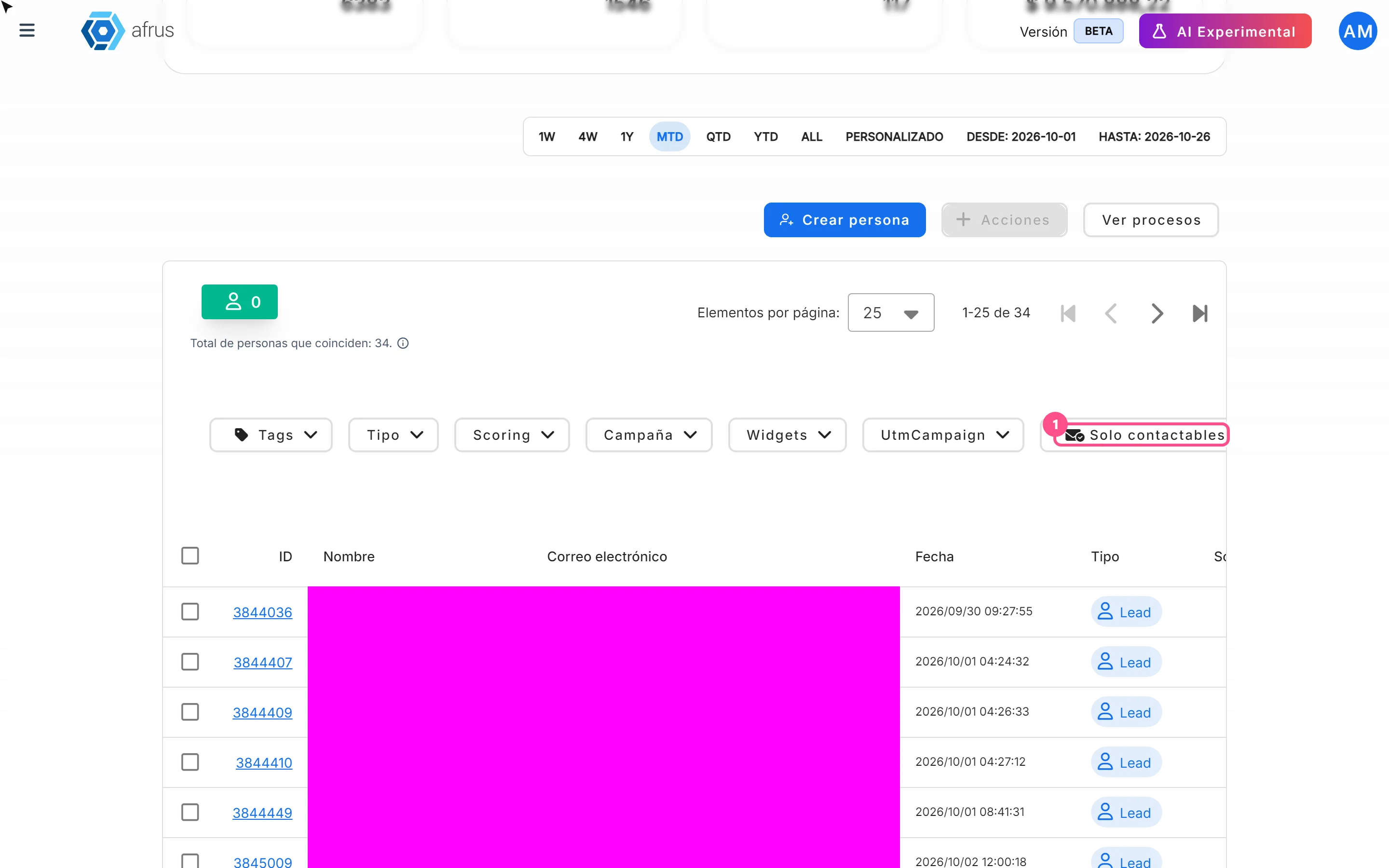
Learn how to search and filter people on AFRUS by tag, type, scoring, campaign, widget, UTM, contactability and dates.
afrus.ai
People
October 27, 2026
How to turn a person's opt-in on or off
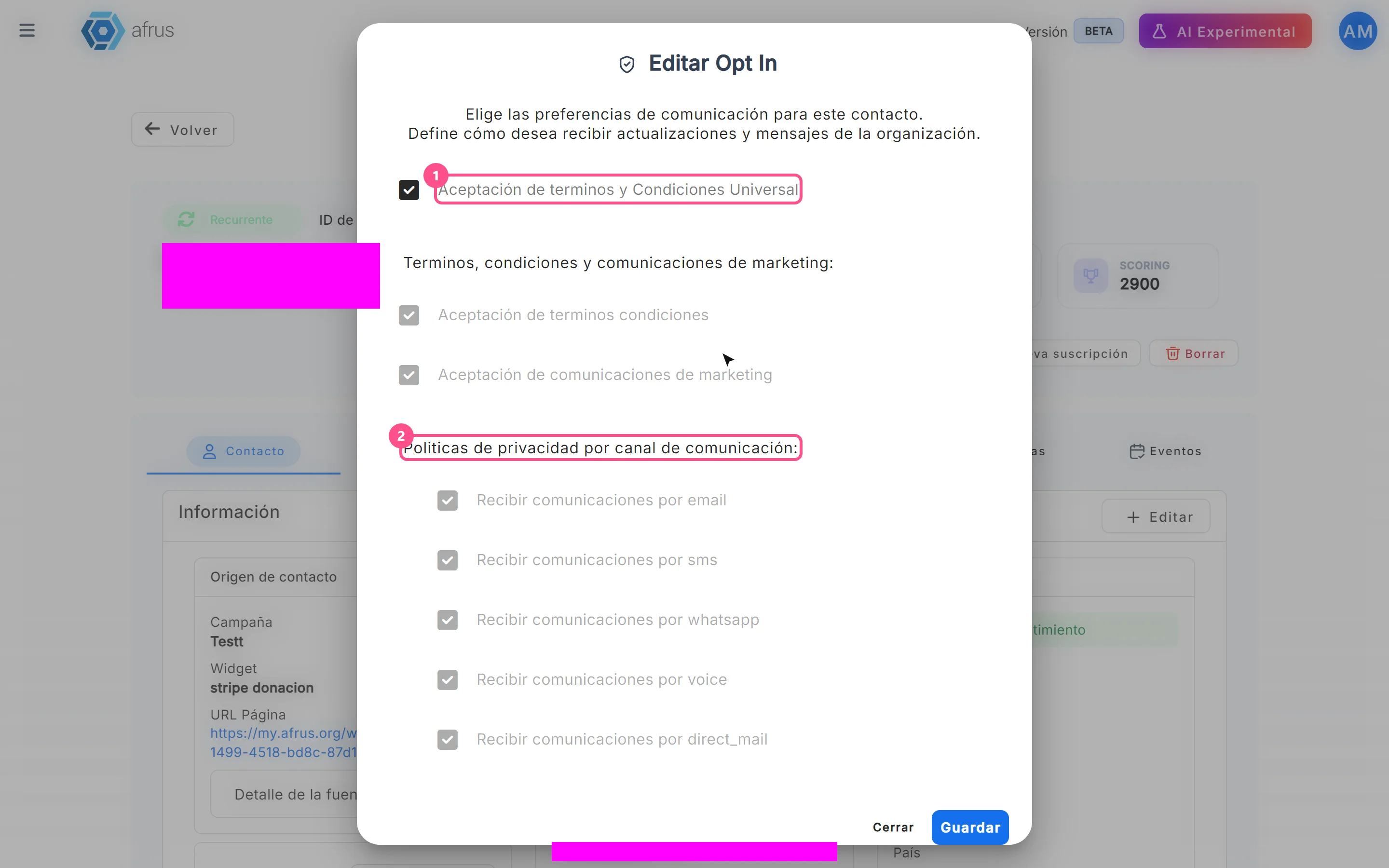
Learn how to change a person's communication consent (opt-in) on AFRUS, channel by channel.
afrus.ai