🡠 Back


How to filter a group of people
Reading time
1 min
People
October 27, 2026
afrus.ai
Learn how to search and filter people on AFRUS by tag, type, scoring, campaign, widget, UTM, contactability and dates.
In this article
Labels are shown as they appear in the Spanish version of the console.
Step by step
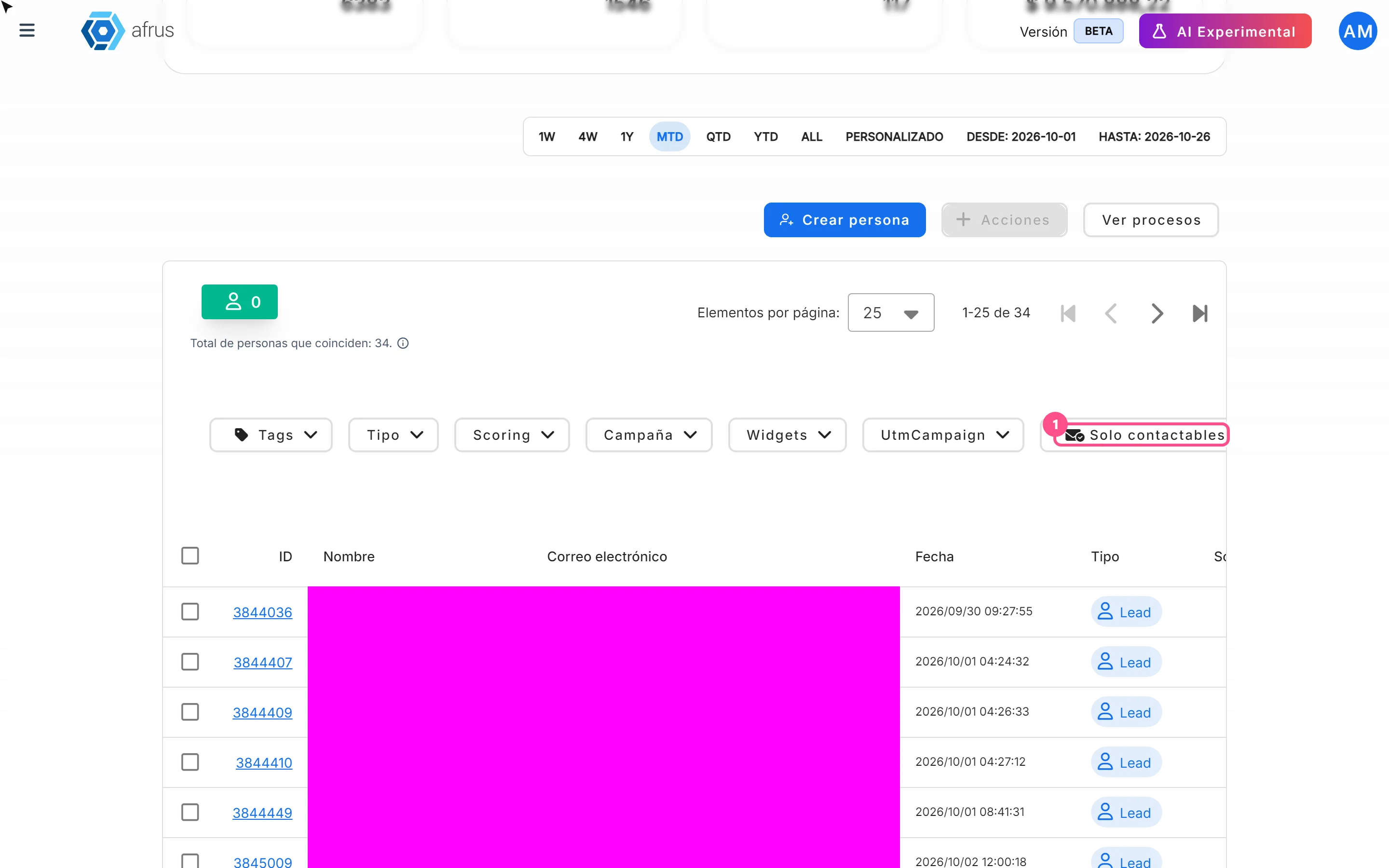
- Use the filter bar. In Personas, above the table you have Tags, Tipo (Type: Lead, Activo, Recurrente), Scoring, Campaña, Widgets, UtmCampaign and the "Solo contactables" (Only contactable) button.
- Search for someone specific. In the search box choose Nombre (name), Documento de identidad (ID), Correo electrónico (email), Teléfono (phone) or ID de Lead.
- Adjust the dates. The date bar filters by the date the person was created.
- Review or clear filters. Remove a filter with its X or click "Restablecer" (Reset) to clear them all.
The table and the text "Total de personas que coinciden: N." (Total matching people) update.
Frequently asked questions
Why do I see few people when I open the list?
The initial range is the current month. When you apply a filter or search it changes to ALL (all dates).
Why don't totals match Segments?
"Solo contactables" leaves out hard bounces, unsubscribes and disabled emails.
What does the origin widget show?
The person's first sign-up. If you filter by another widget and they appear, they also belong to it.
Need help? Talk to the afrus team
In this article
✕
Related Tutorials

People
October 27, 2026
What the People (Personas) module is for
Learn what Personas is for: finding your contacts, knowing their history, recording donations and managing consent.
afrus.ai
People
October 27, 2026
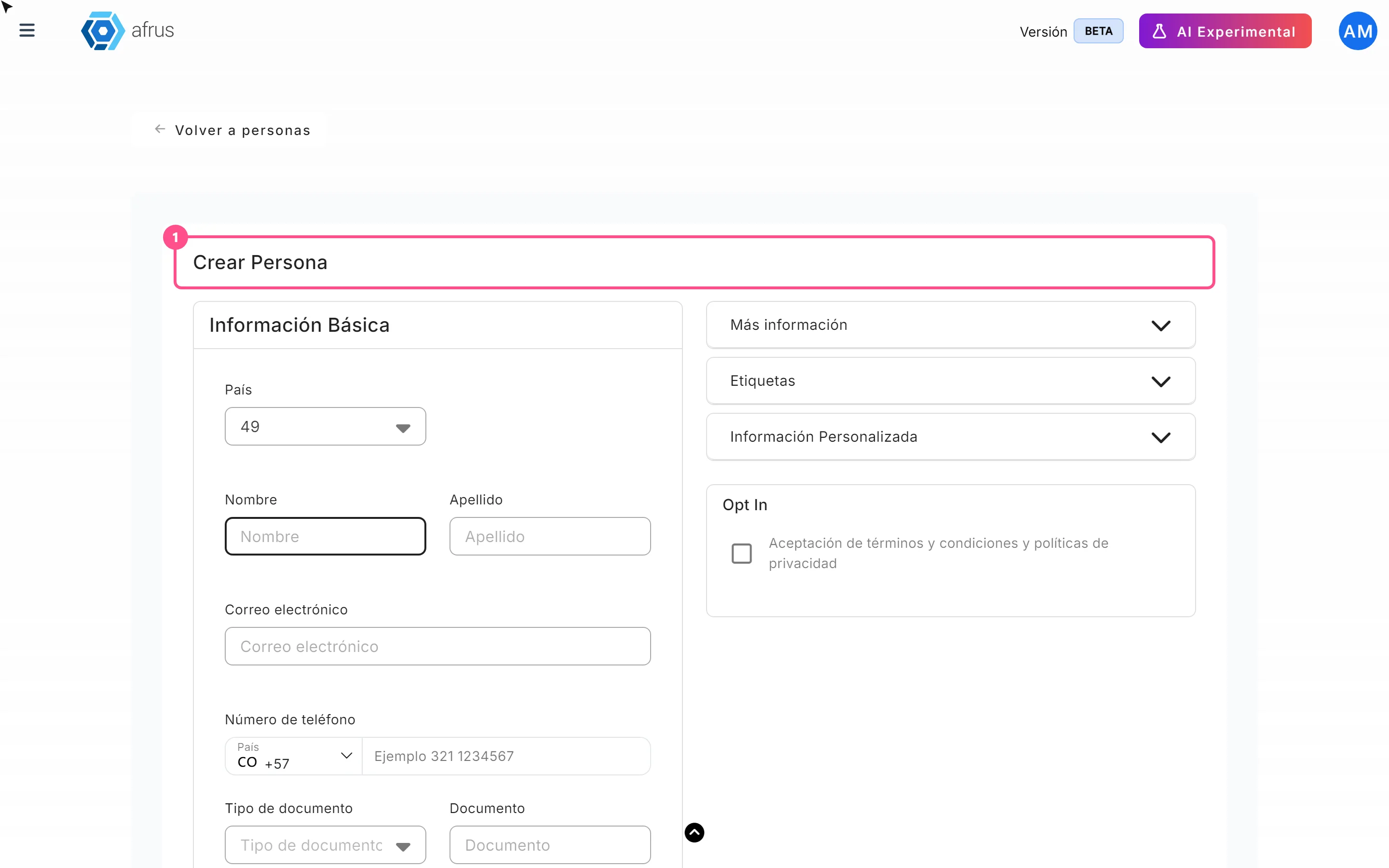
How to create a person
Learn how to create a person by hand on AFRUS, with their details, tags, custom fields and consent.
afrus.ai

People
October 27, 2026
How to download a group of people
Learn how to export a filtered group of people from AFRUS to Excel or CSV and find the file in Downloads.
afrus.ai
People
October 27, 2026
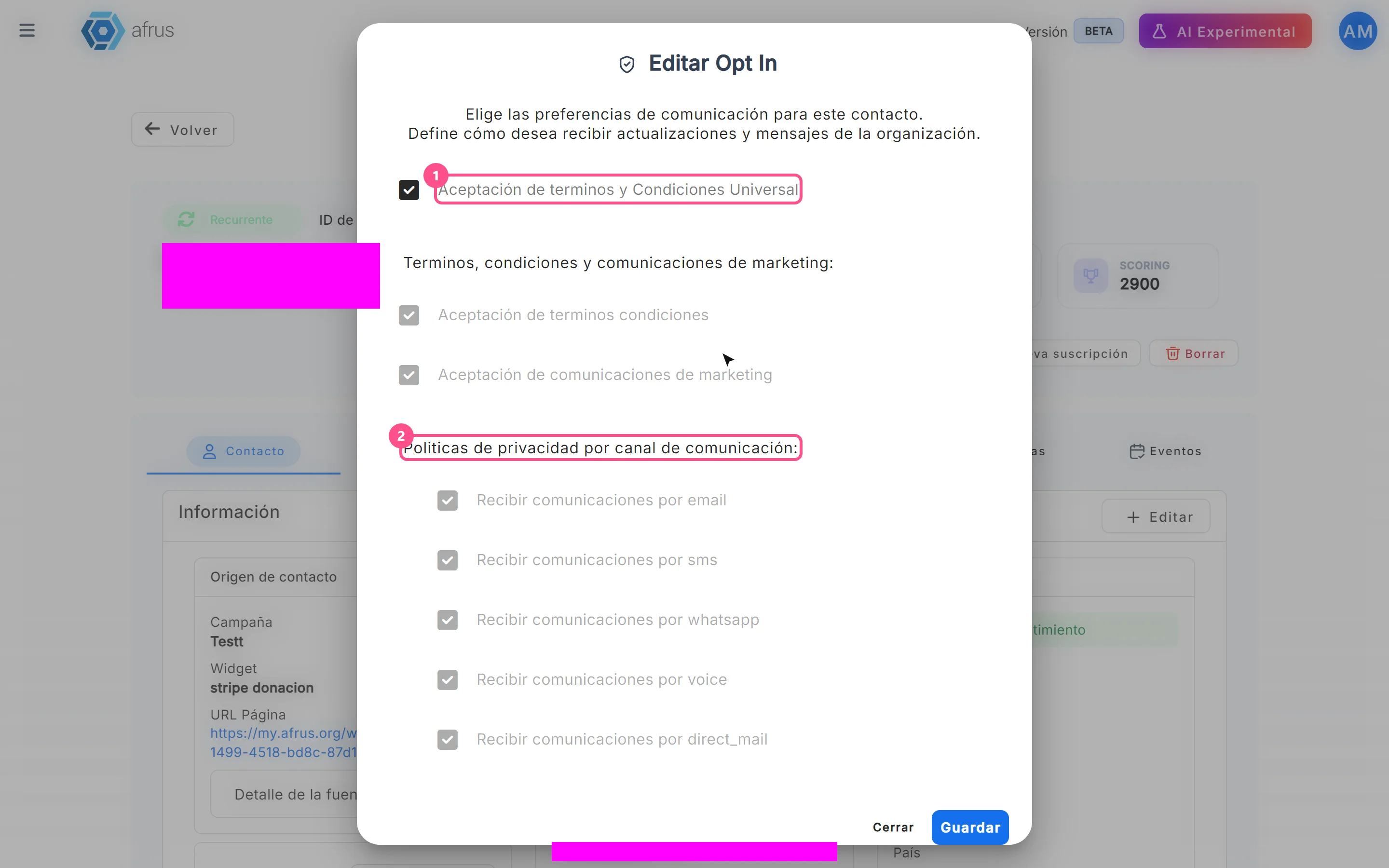
How to turn a person's opt-in on or off
Learn how to change a person's communication consent (opt-in) on AFRUS, channel by channel.
afrus.ai