🡠 Back


How to download a group of people
Reading time
1 min
People
October 27, 2026
afrus.ai
Learn how to export a filtered group of people from AFRUS to Excel or CSV and find the file in Downloads.
In this article
Labels are shown as they appear in the Spanish version of the console.
Step by step
- Filter the list. In Personas, apply the filters, search and dates you need.
- Choose rows (optional). Check the rows you want. If you check the whole page, Seleccionar las N personas de la base. (Select all N people) appears.
- Open the export. Click "Acciones" (Actions) and choose "Exportar" (Export).
- Choose the data source. Base de datos en tiempo real (real-time, current data) or Datos analizados (analyzed data, updated every 24 hours).
- Choose the format and confirm. In Tipo de archivo (file type) choose xlsx or csv and click "Confirmar" (Confirm).
It may take a few minutes. The file is saved in Data > Descargas for 7 days.
Frequently asked questions
Which people are exported?
If you checked rows, only those. If you checked nothing or chose the whole database, those matching the filters, search and dates. People marked as spam are not exported.
Is the "Solo contactables" filter applied?
No. The file may include non-contactable people even when the filter is on; review it before using it for a send.
Are custom fields included?
Yes, as columns, when you export with Base de datos en tiempo real.
Need help? Talk to the afrus team
In this article
✕
Related Tutorials

People
October 27, 2026
What the People (Personas) module is for
Learn what Personas is for: finding your contacts, knowing their history, recording donations and managing consent.
afrus.ai
People
October 27, 2026
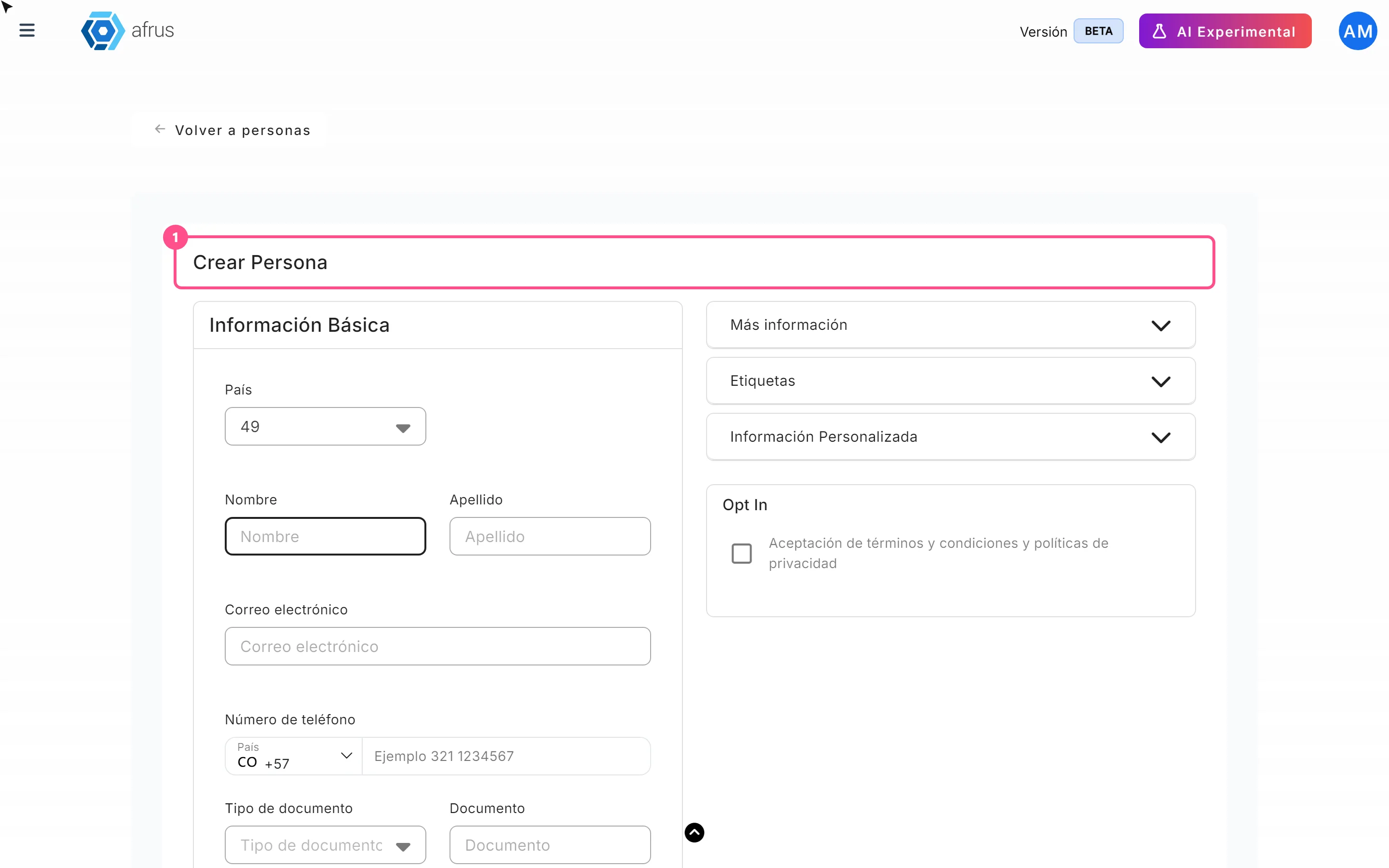
How to create a person
Learn how to create a person by hand on AFRUS, with their details, tags, custom fields and consent.
afrus.ai
People
October 27, 2026
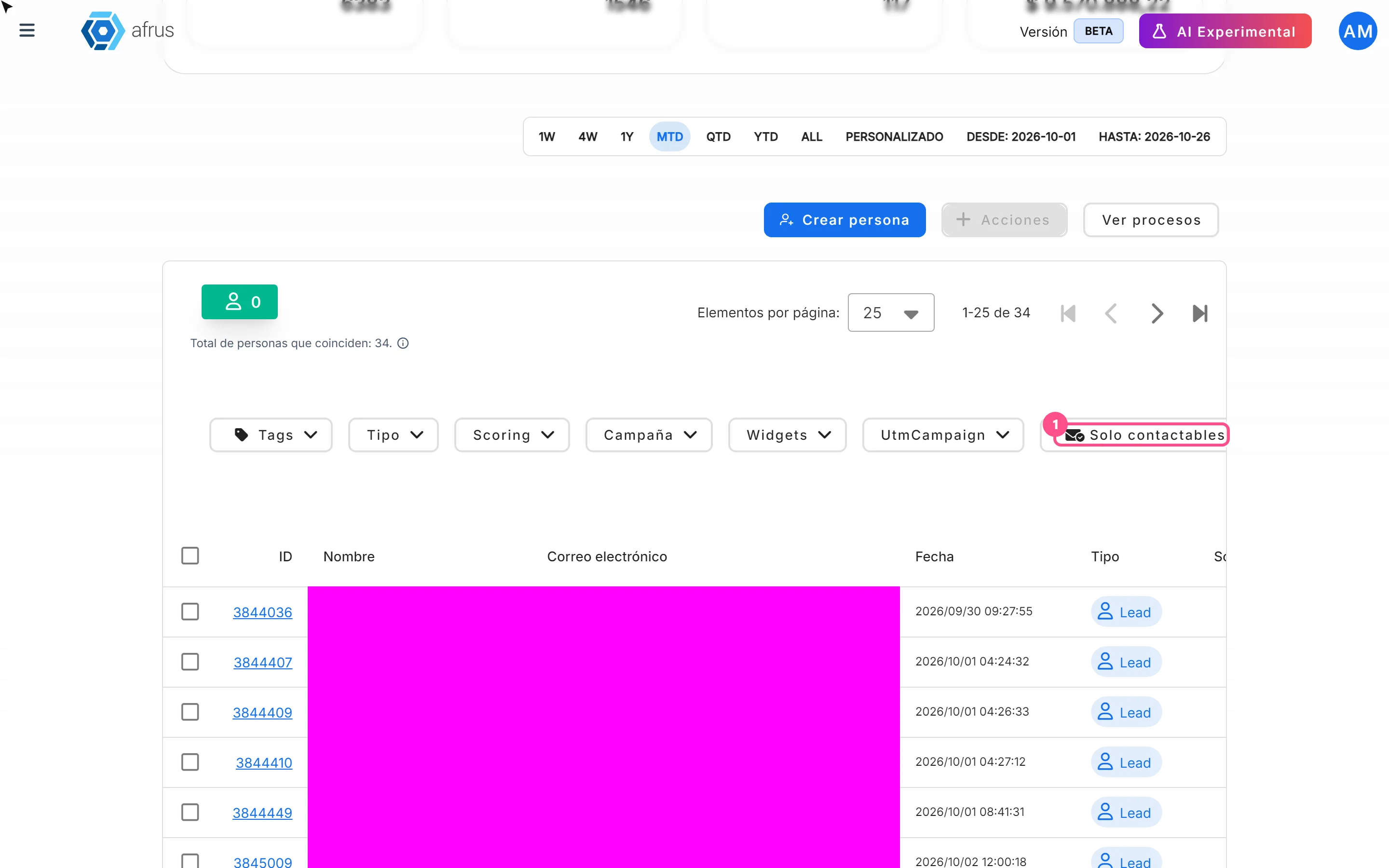
How to filter a group of people
Learn how to search and filter people on AFRUS by tag, type, scoring, campaign, widget, UTM, contactability and dates.
afrus.ai
People
October 27, 2026
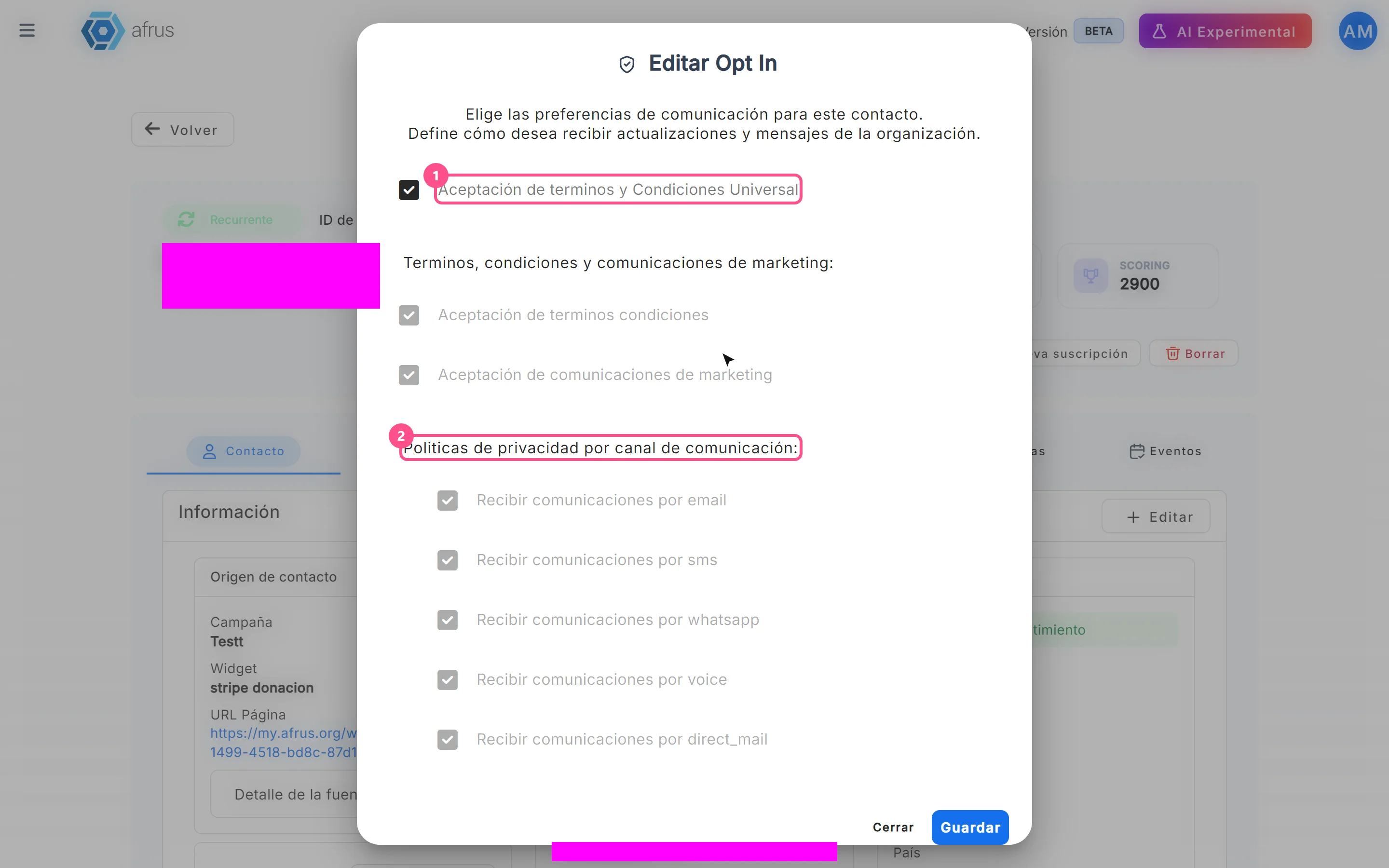
How to turn a person's opt-in on or off
Learn how to change a person's communication consent (opt-in) on AFRUS, channel by channel.
afrus.ai