🡠 Back


How to import a file
Reading time
2 min
Data
October 27, 2026
afrus.ai
Learn how to upload an Excel or CSV file with your contacts or donations to AFRUS, step by step.
In this article
Labels are shown as they appear in the Spanish version of the console.
Before you start
- Your file in Excel or CSV (.xlsx, .xls or .csv), up to 20 MB.
- To import donations, your organization needs the "Simple AFRUS" gateway active in the currency of those donations.
Step by step
- Open imports. Go to Data > Importaciones and click "Importar" (Import).
- Choose what you will import. Choose Leads (contacts) or Transacciones (donations) and click "Continuar" (Continue).
- Upload your file. Click "Añadir archivos" (Add files) or drag it in.
- Confirm your contacts' permission (Leads only). Check the consent box and click "Importar".
- Match each column to its AFRUS field. For example, your "Mail" column goes with email.
- Add a tag (optional) to find everyone in the file later.
- For donations only, choose the currency, the donations' status and the campaign.
- Send. Click "Siguiente" (Next) and then "Enviar" (Send). You will see "¡Listo!" (Done!).
Your import appears in the list as En cola (Queued) or Procesando (Processing), then as Finalizado (Finished) or Finalizado con errores (Finished with errors).
Frequently asked questions
Can it be undone?
There is no button to undo an import. If you import donations twice, they are duplicated.
Need help? Talk to the afrus team
In this article
✕
Related Tutorials

Data
October 27, 2026
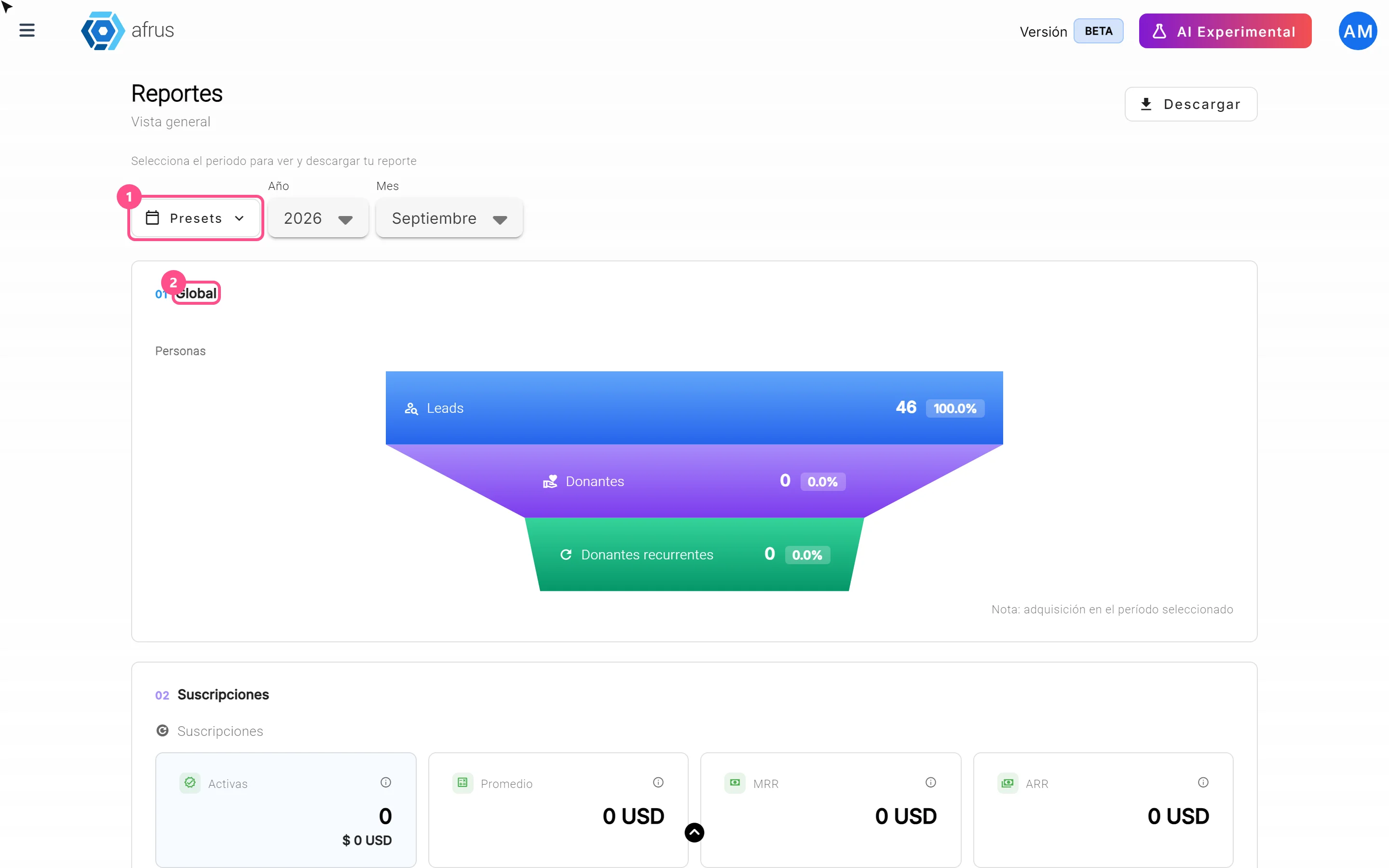
What the Presets, Año and Mes filters of the General report are for
Learn how to choose the period of the Reporte general with the Presets, Año (Year) and Mes (Month) filters.
afrus.ai
Data
October 27, 2026
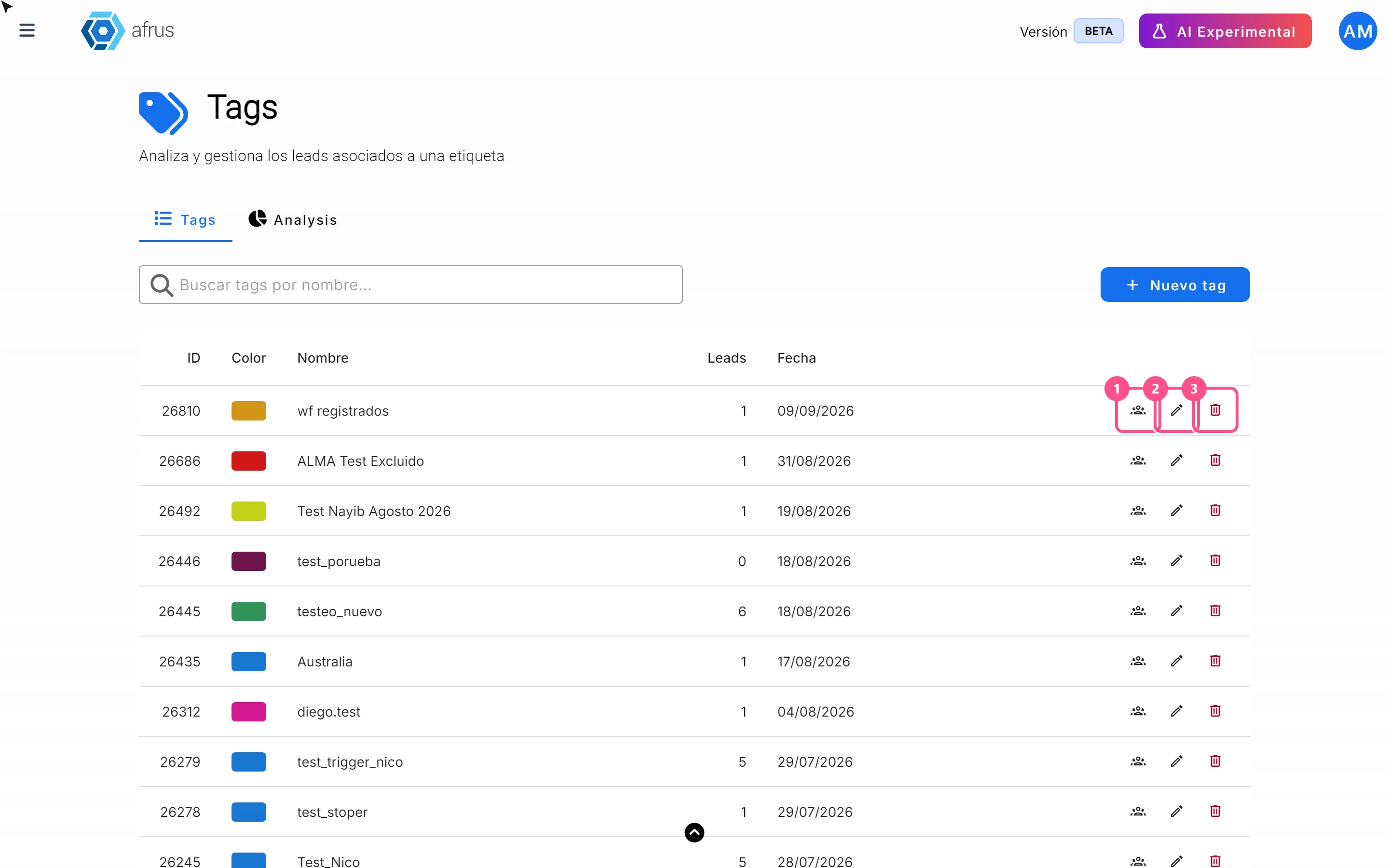
What the 3 icons of each tag do
Learn how to use each tag's icons: see the people who have it, edit it and delete it.
afrus.ai
Data
October 27, 2026
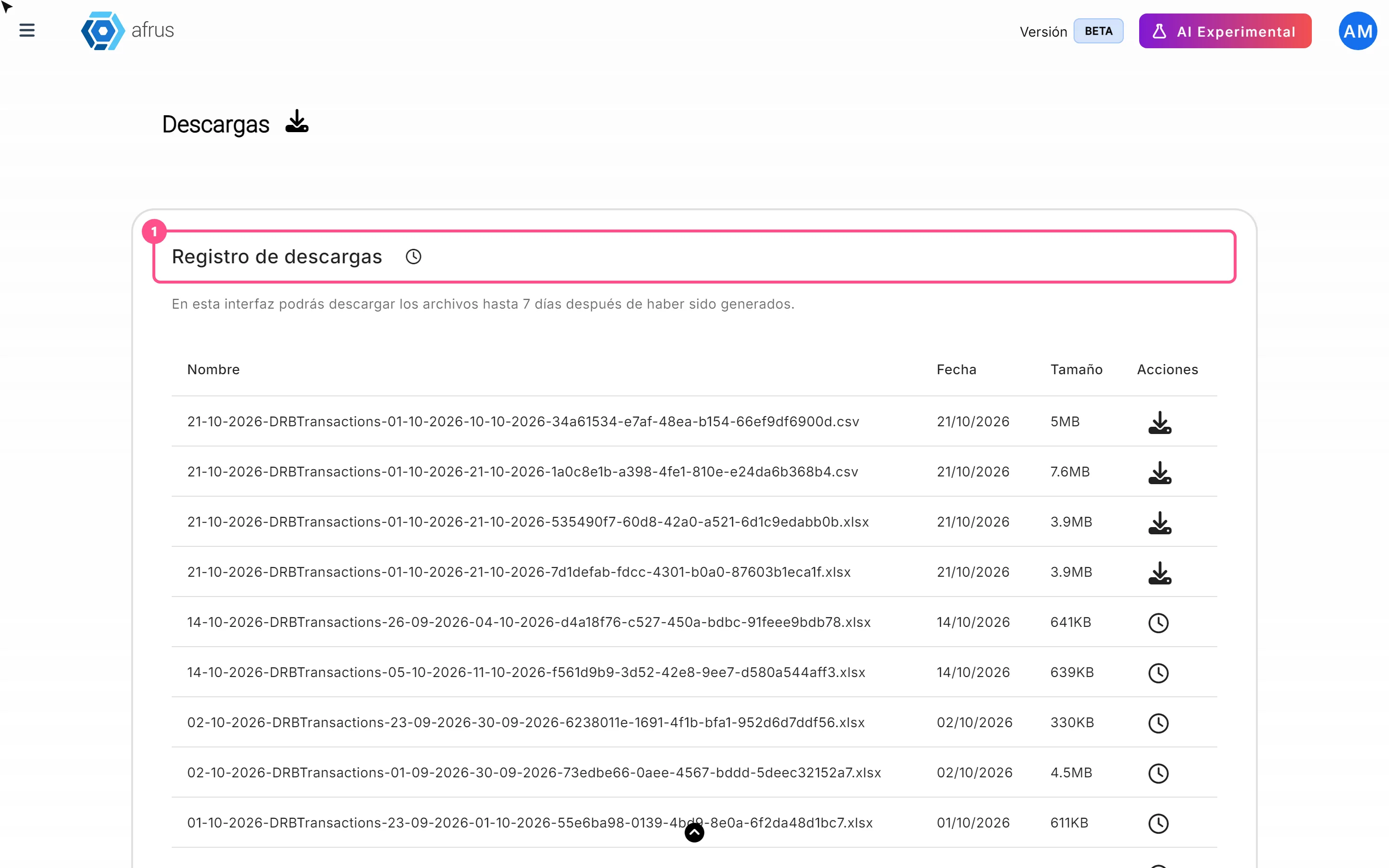
What Downloads is for
Learn what Downloads is for: getting your exports, knowing when they're ready and keeping them in one place.
afrus.ai
Data
October 27, 2026
What the Reporte general (General report) is
Learn what the Reporte general is: the dashboard with your organization's most important numbers in one place.
afrus.ai