🡠 Back


How to see a person's transactions and subscriptions
Reading time
1 min
People
October 27, 2026
afrus.ai
Learn how to review a person's donations, subscriptions and giving summary in their profile.
In this article
Labels are shown as they appear in the Spanish version of the console.
Step by step
- Open the profile. In Personas, click the person's ID.
- Check the summary. In Contacto you will see Total transacciones, Valor de transacciones, Valor Medio (average), Ingresos por suscripciones (subscription revenue) and Scoring.
- Open the Transacciones tab. You will see each payment with date, frequency, status, value, gateway, payment method, widget, campaign and UTM. In each row's menu, Detalles (Details) opens the transaction and Reembolsar (Refund) appears only on successful transactions in gateways that allow refunds.
- Open the Subscripciones tab. You will see the subscription ID, Monto (amount), Estado (status) and Fecha de creación (creation date).
Need help? Talk to the afrus team
In this article
✕
Related Tutorials

People
October 27, 2026
What the People (Personas) module is for
Learn what Personas is for: finding your contacts, knowing their history, recording donations and managing consent.
afrus.ai
People
October 27, 2026
How to create a person
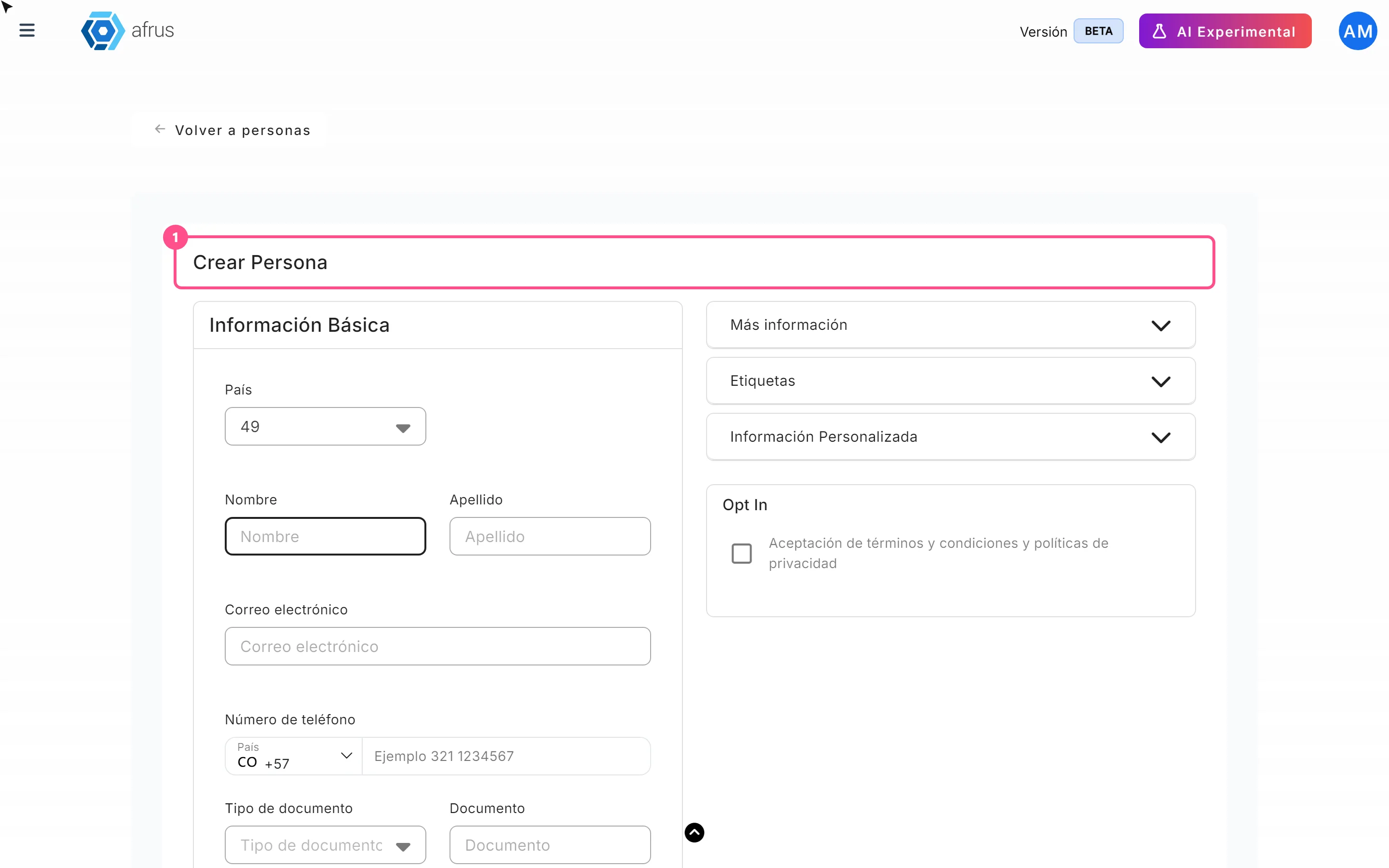
Learn how to create a person by hand on AFRUS, with their details, tags, custom fields and consent.
afrus.ai

People
October 27, 2026
How to download a group of people
Learn how to export a filtered group of people from AFRUS to Excel or CSV and find the file in Downloads.
afrus.ai
People
October 27, 2026
How to filter a group of people
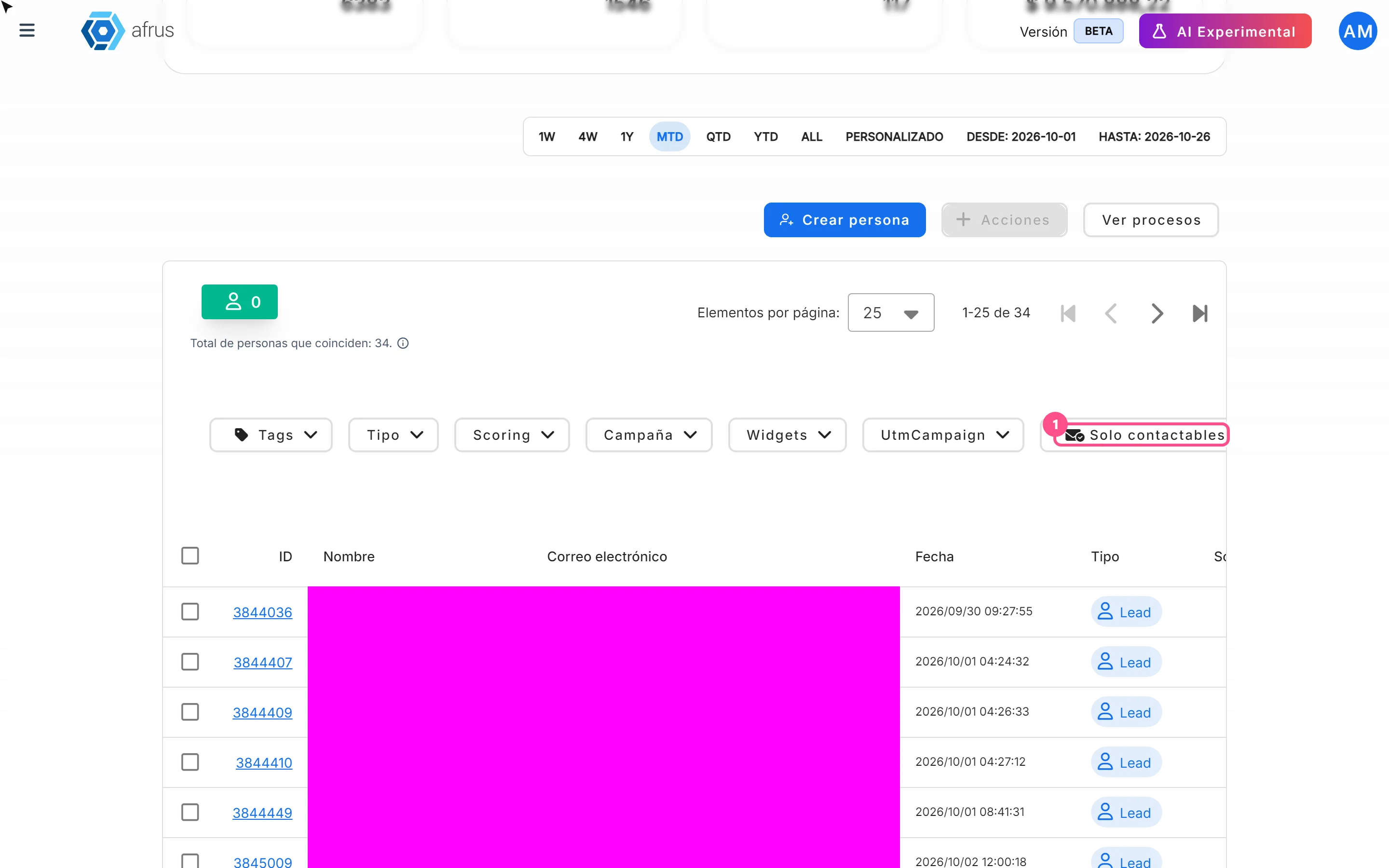
Learn how to search and filter people on AFRUS by tag, type, scoring, campaign, widget, UTM, contactability and dates.
afrus.ai