🡠 Back


How to send personalized links to a person
Reading time
1 min
People
October 27, 2026
afrus.ai
Learn how to email a payment link with a custom amount, frequency and message from a person's profile.
In this article
Labels are shown as they appear in the Spanish version of the console.
Before you start
- Business profile with a URL and a default donation widget. The link leads to your Business profile page.
Step by step
- Open the box. In the profile, Contacto tab, find Link de pago (payment link). The name and email are already filled in.
- Choose the frequency. Único (one-time) or Mensual (monthly).
- Set the amount. Type the Monto (greater than 0) or turn on Valor abierto (open amount) so the person chooses.
- Write the message. Fill in the Mensaje personalizado (personalized message).
- Set an expiry (optional). Check Caducar enalce (expire link) and choose date and time.
- Send. Click "Enviar" (Send) and confirm.
You will see "¡Link de pago creado con éxito!" (Payment link created successfully!) and the email it was sent to.
Frequently asked questions
Can I send it by WhatsApp from the profile?
No. From the profile it is sent only by email, to the person's address.
Can I send a free-form email?
Yes, with the profile's "Enviar Mensaje" (Send message) button (sender, Asunto — subject — and Mensaje).
Need help? Talk to the afrus team
In this article
✕
Related Tutorials
People
October 27, 2026
What the People (Personas) module is for
Learn what Personas is for: finding your contacts, knowing their history, recording donations and managing consent.
afrus.ai
People
October 27, 2026
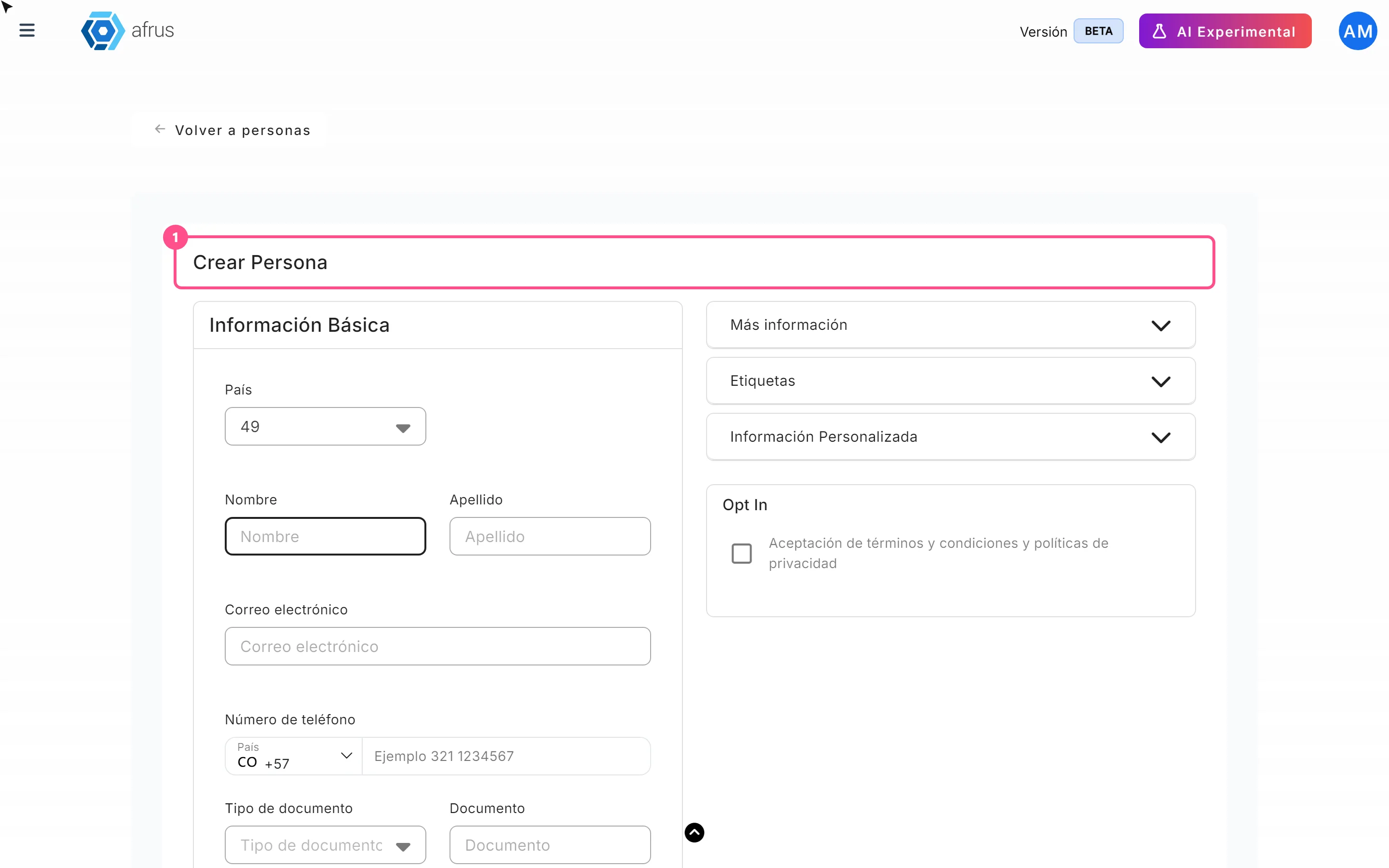
How to create a person
Learn how to create a person by hand on AFRUS, with their details, tags, custom fields and consent.
afrus.ai

People
October 27, 2026
How to download a group of people
Learn how to export a filtered group of people from AFRUS to Excel or CSV and find the file in Downloads.
afrus.ai
People
October 27, 2026
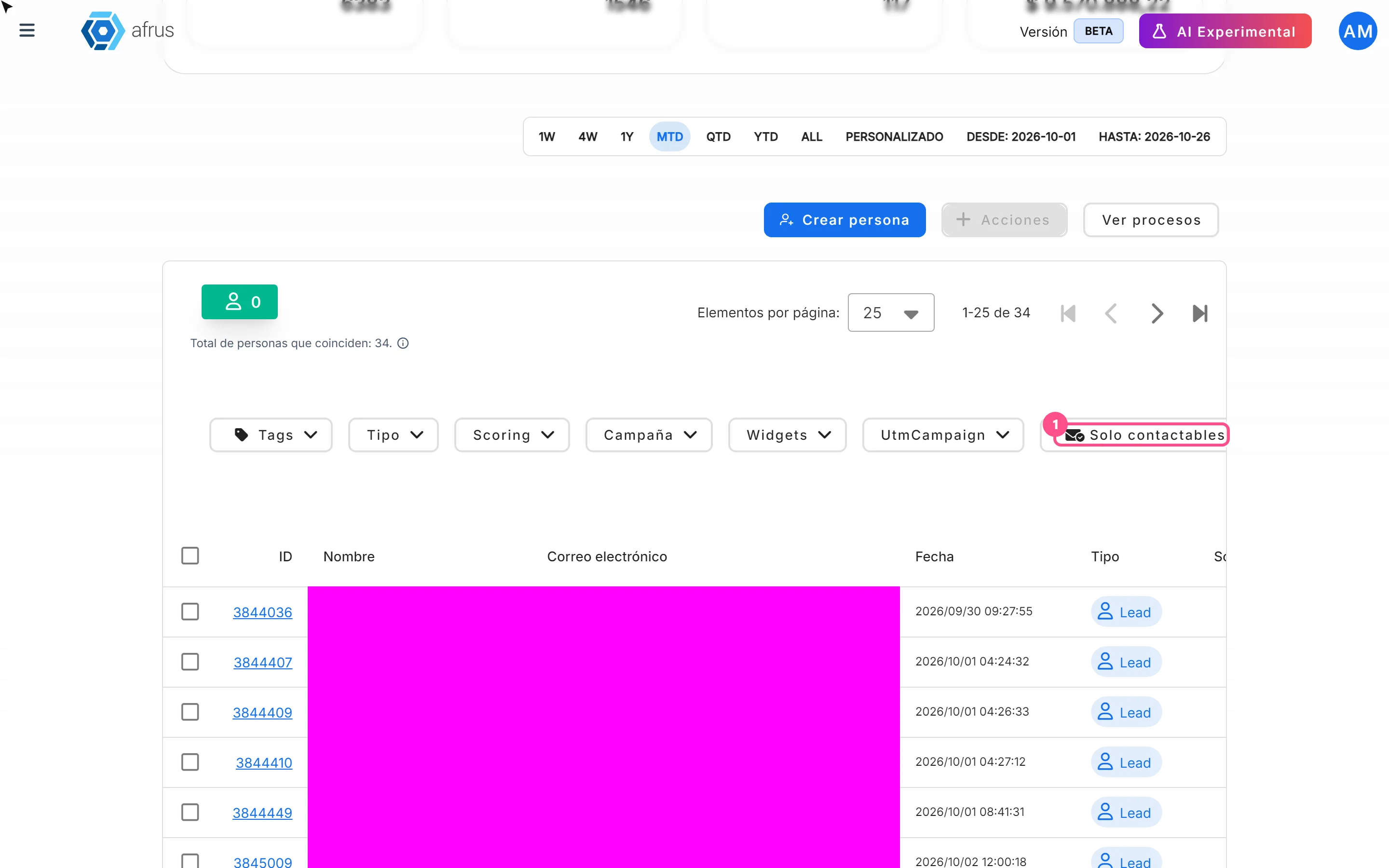
How to filter a group of people
Learn how to search and filter people on AFRUS by tag, type, scoring, campaign, widget, UTM, contactability and dates.
afrus.ai