🡠 Back


How to show my social networks and logo on my landing page
Reading time
1 min
Experiences AI
October 27, 2026
afrus.ai
Learn how to show your social networks, contact details and logo on your Experiences AI pages from the Business profile.
In this article
Your social networks, contact details and logo are not set up inside each experience: the page takes them from your Business profile. Labels are shown as they appear in the Spanish version of the console.
Step by step
- Open your Business profile. In the profile menu (top corner), choose Business profile.
- Complete your networks. In the Redes sociales (Social networks) step, turn on and fill in Facebook, Instagram, LinkedIn and YouTube. If you like, also complete Contacto (Contact) and Logotipo (Logo). Click "Continuar" (Continue).
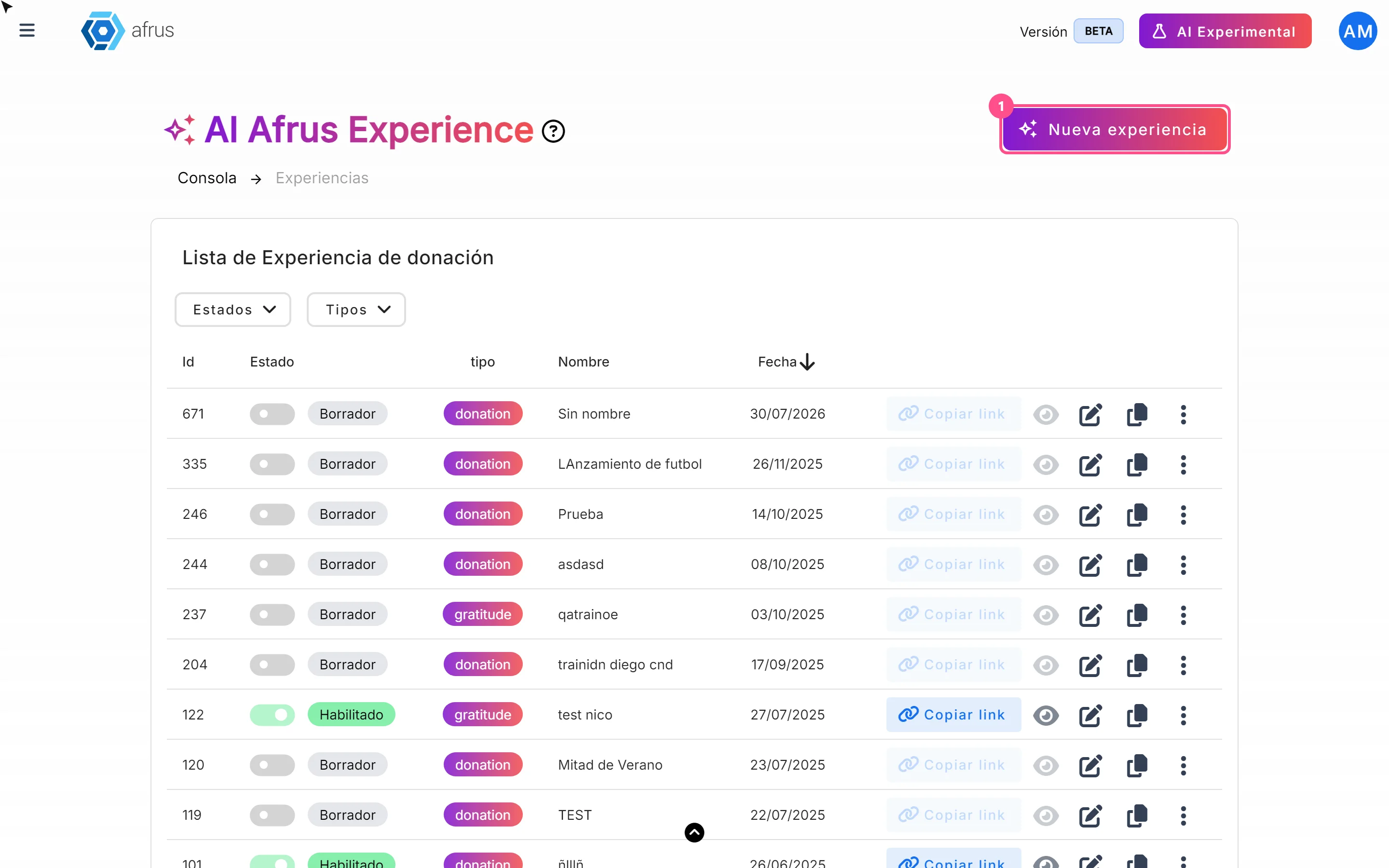
- Publish again. In Fundraising > Experiences AI, open the experience with the pencil and click "Publicar" (Publish).
If a network isn't set up, its icon is removed from the page, so there is no broken link.
Frequently asked questions
Why doesn't my page show the changes?
The published page is a snapshot of the moment you published. Click "Publicar" again.
Are WhatsApp and TikTok shown?
No. Those two Business profile networks are not used on these pages.
What about the editor's "Logo" button?
It changes the Business profile logo for your whole organization, not just for that experience.
Need help? Talk to the afrus team
In this article
✕
Related Tutorials
Experiences AI
October 27, 2026
What Experiences AI is
Learn what Experiences AI is: the AFRUS tool that uses AI to create donation and thank-you pages ready to publish.
afrus.ai
Experiences AI
October 27, 2026
What Experiences AI is for
Learn what Experiences AI is for: a donation page in minutes, thanking your donors and sharing with a link or QR code.
afrus.ai
Experiences AI
October 27, 2026
How to create a landing page with AI
Learn how to use Experiences AI to create a donation or thank-you page written by artificial intelligence, and publish it.
afrus.ai
Experiences AI
October 27, 2026
How to change my landing page's template in Experiences AI
Learn how to change your Experiences AI page's design with one click, without losing the texts you already have.
afrus.ai