🡠 Back


Import results
Reading time
1 min
Data
October 27, 2026
afrus.ai
Learn how to check whether your import finished correctly and what to do if it has errors.
In this article
In Data > Importaciones you see all your imports with their Status, Archivo (File), Fecha (Date) and who did it.
- En cola (Queued): waiting its turn.
- Procesando (Processing): AFRUS is loading it.
- Finalizado (Finished): finished without errors.
- Finalizado con errores (Finished with errors): some rows, or all, couldn't be loaded.
If it has errors
- Open the errors. Click the pencil on the import to see the rows that failed.
- Fix the file. For now, resending rows from that screen doesn't work. Fix those rows in your file and import only those rows again.
Frequently asked questions
Why can't I see a teammate's import?
Each user only sees the imports they did.
Need help? Talk to the afrus team
In this article
✕
Related Tutorials

Data
October 27, 2026
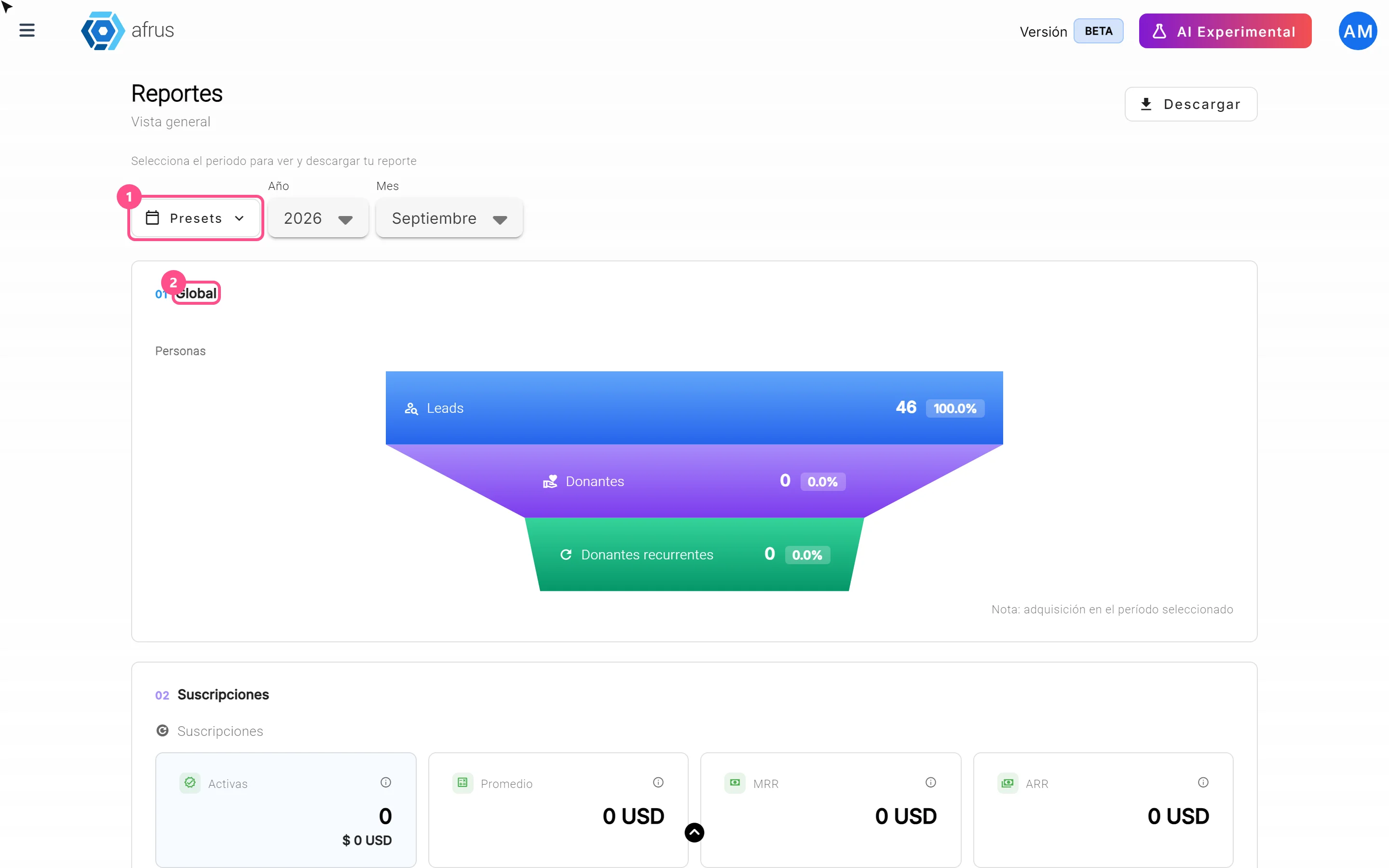
What the Presets, Año and Mes filters of the General report are for
Learn how to choose the period of the Reporte general with the Presets, Año (Year) and Mes (Month) filters.
afrus.ai
Data
October 27, 2026
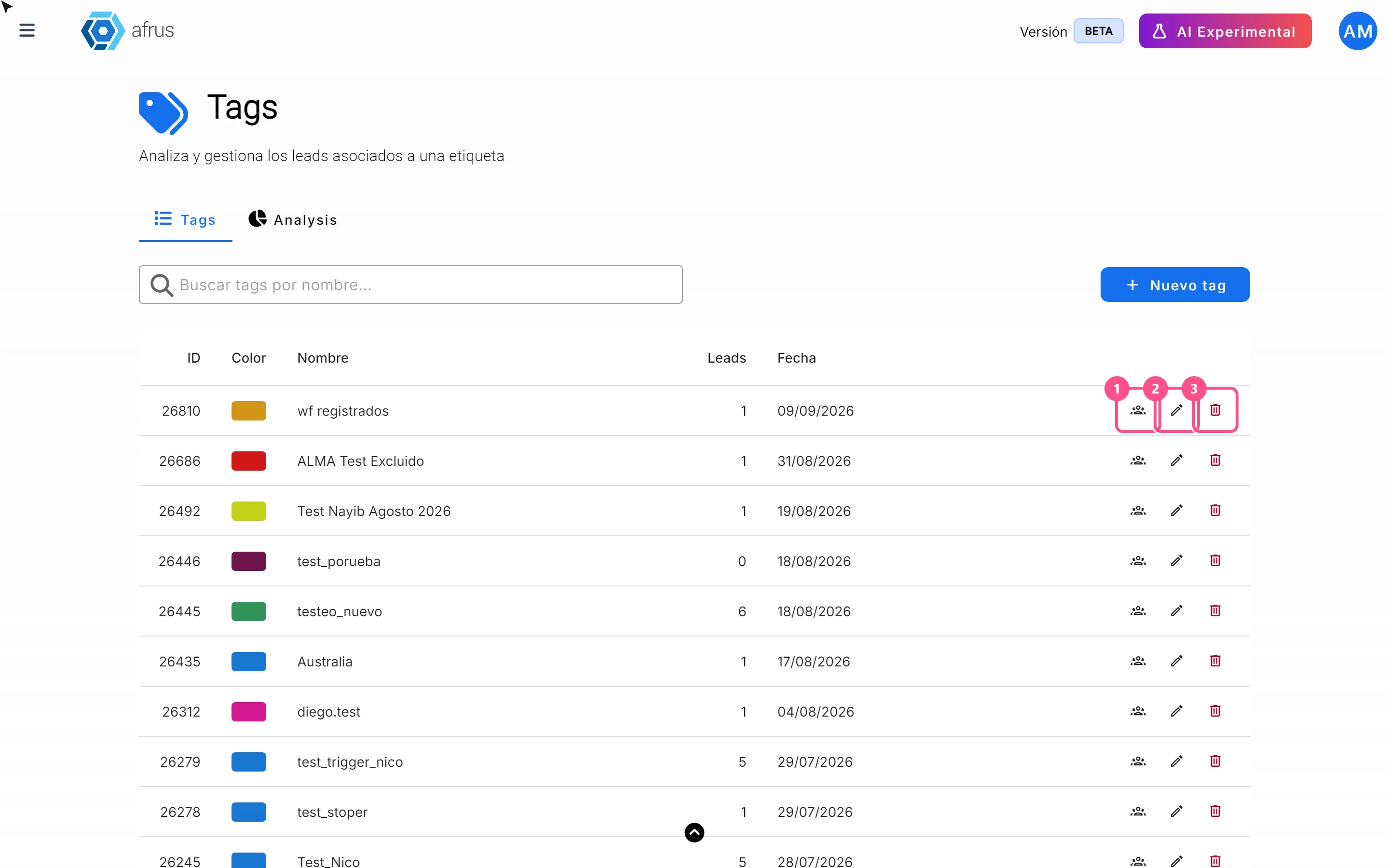
What the 3 icons of each tag do
Learn how to use each tag's icons: see the people who have it, edit it and delete it.
afrus.ai
Data
October 27, 2026
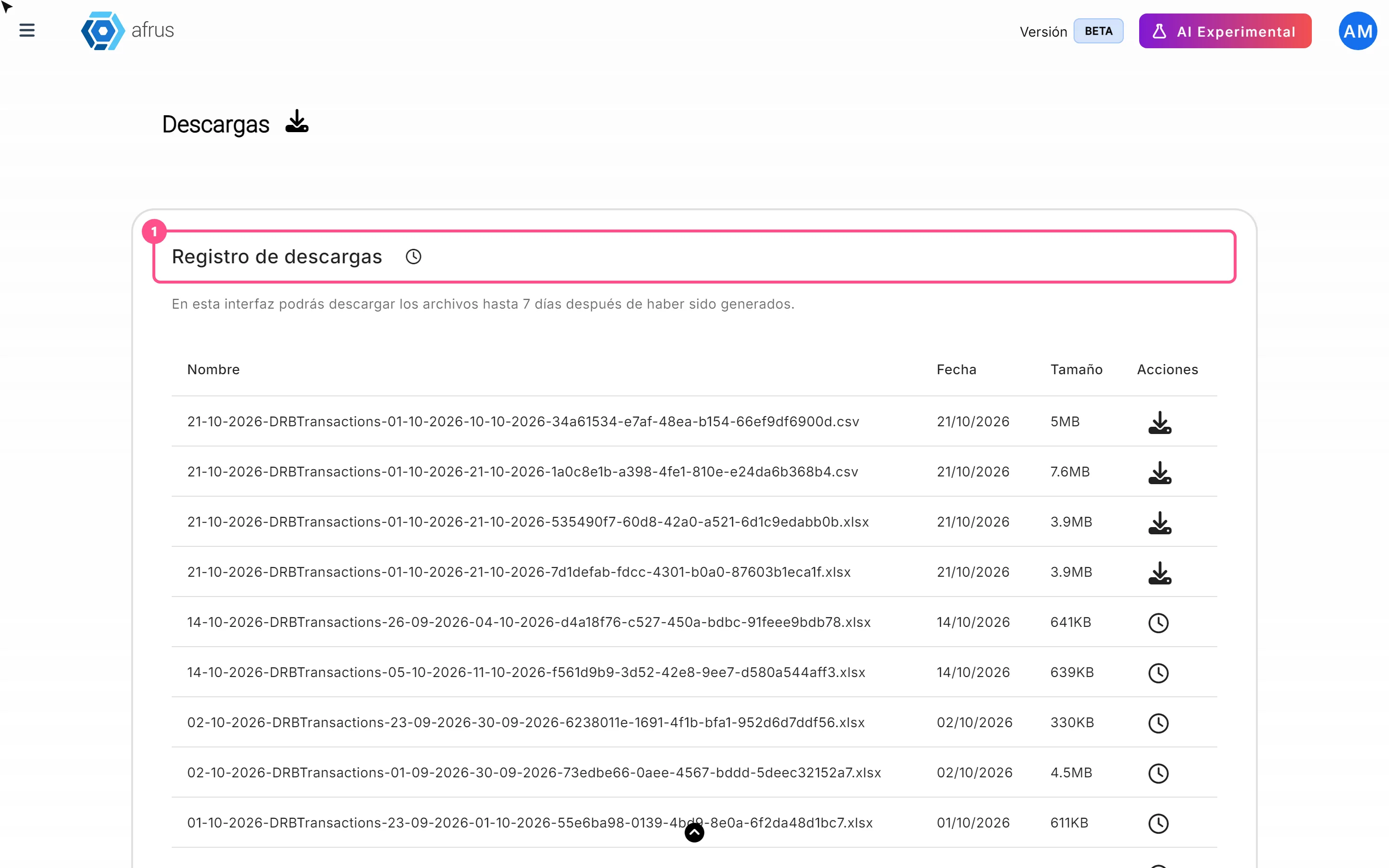
What Downloads is for
Learn what Downloads is for: getting your exports, knowing when they're ready and keeping them in one place.
afrus.ai
Data
October 27, 2026
What the Reporte general (General report) is
Learn what the Reporte general is: the dashboard with your organization's most important numbers in one place.
afrus.ai