🡠 Back


What reminders and notes are for and how to use them
Reading time
1 min
People
October 27, 2026
afrus.ai
Learn how to schedule reminders and log notes in a person's profile so you never miss a follow-up.
In this article
Labels are shown as they appear in the Spanish version of the console.
Reminders: so you don't forget a follow-up
You schedule an alert about the person and, on the date, AFRUS emails you their name, email and phone and your message.
- Create the reminder. In the profile, Recordatorios tab, click "Crear recordatorio" (Create reminder).
- Fill it in and save. Write Nombre (name) and Mensaje (message), choose the date in Seleccionar Fecha and the time.
AFRUS checks reminders every 10 minutes, so the email may arrive up to about 10 minutes later. Once sent, the status changes to Completado (Completed).
Notes: to record what already happened
They log an interaction that already took place with the person, so your whole team has the context.
- Create the note. In the profile, Notas tab, click "Crear nota" (Create note).
- Fill it in. Choose Categoría (General, Correo — email, Teléfono — phone, or Reunión — meeting) and Fecha (date), and write the Descripción (up to 500 characters).
- Save. Click "Crear nota".
Frequently asked questions
Who receives the reminder email?
The user who created the reminder.
Need help? Talk to the afrus team
In this article
✕
Related Tutorials
People
October 27, 2026
What the People (Personas) module is for
Learn what Personas is for: finding your contacts, knowing their history, recording donations and managing consent.
afrus.ai
People
October 27, 2026
How to create a person
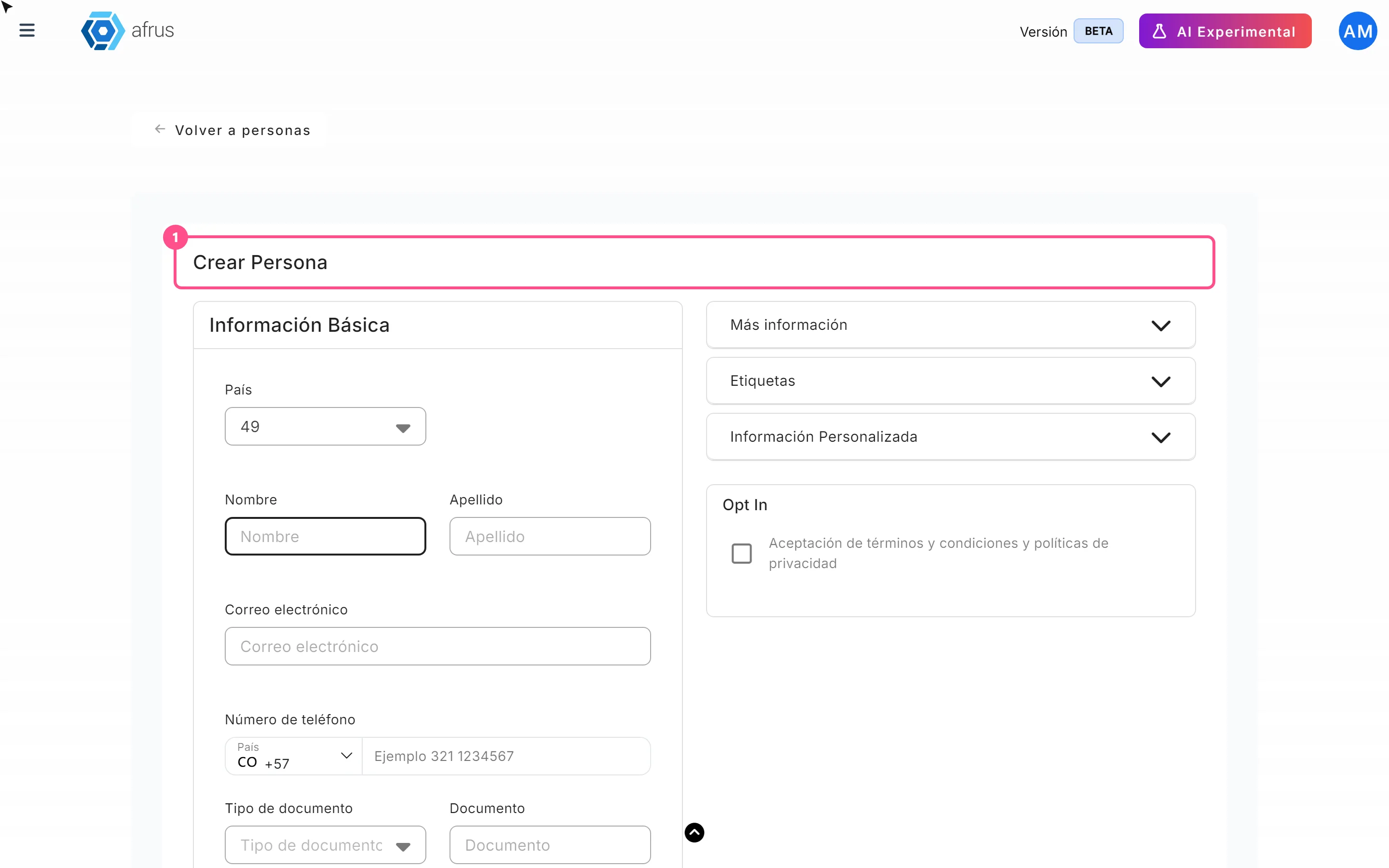
Learn how to create a person by hand on AFRUS, with their details, tags, custom fields and consent.
afrus.ai

People
October 27, 2026
How to download a group of people
Learn how to export a filtered group of people from AFRUS to Excel or CSV and find the file in Downloads.
afrus.ai
People
October 27, 2026
How to filter a group of people
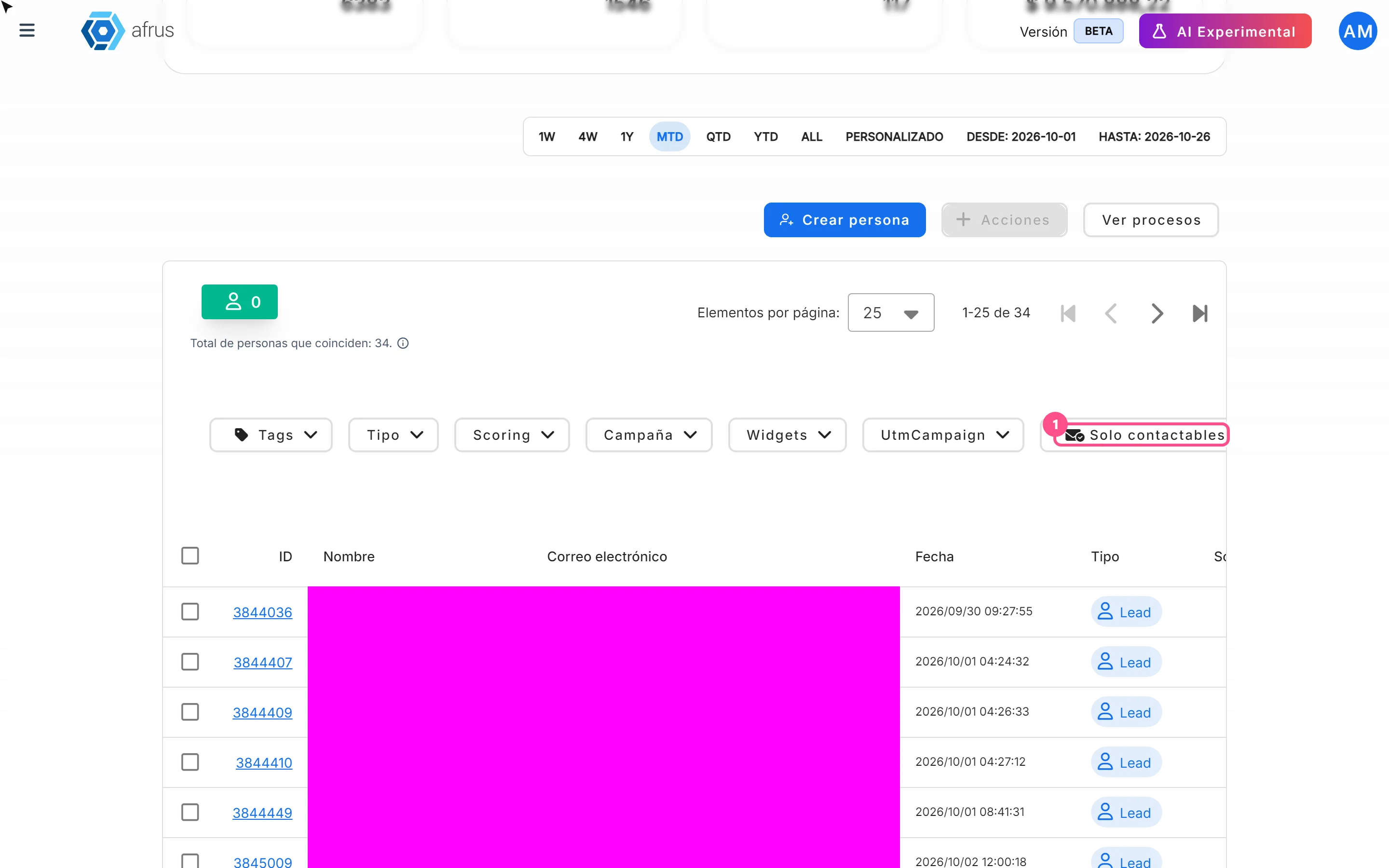
Learn how to search and filter people on AFRUS by tag, type, scoring, campaign, widget, UTM, contactability and dates.
afrus.ai