🡠 Back


Tag statistics
Reading time
1 min
Data
October 27, 2026
afrus.ai
Learn how to see how many people each tag has, how many have donated and how to tag part of the group.
In this article
Your tag numbers update live, in two places of Data > Tags.
In the list
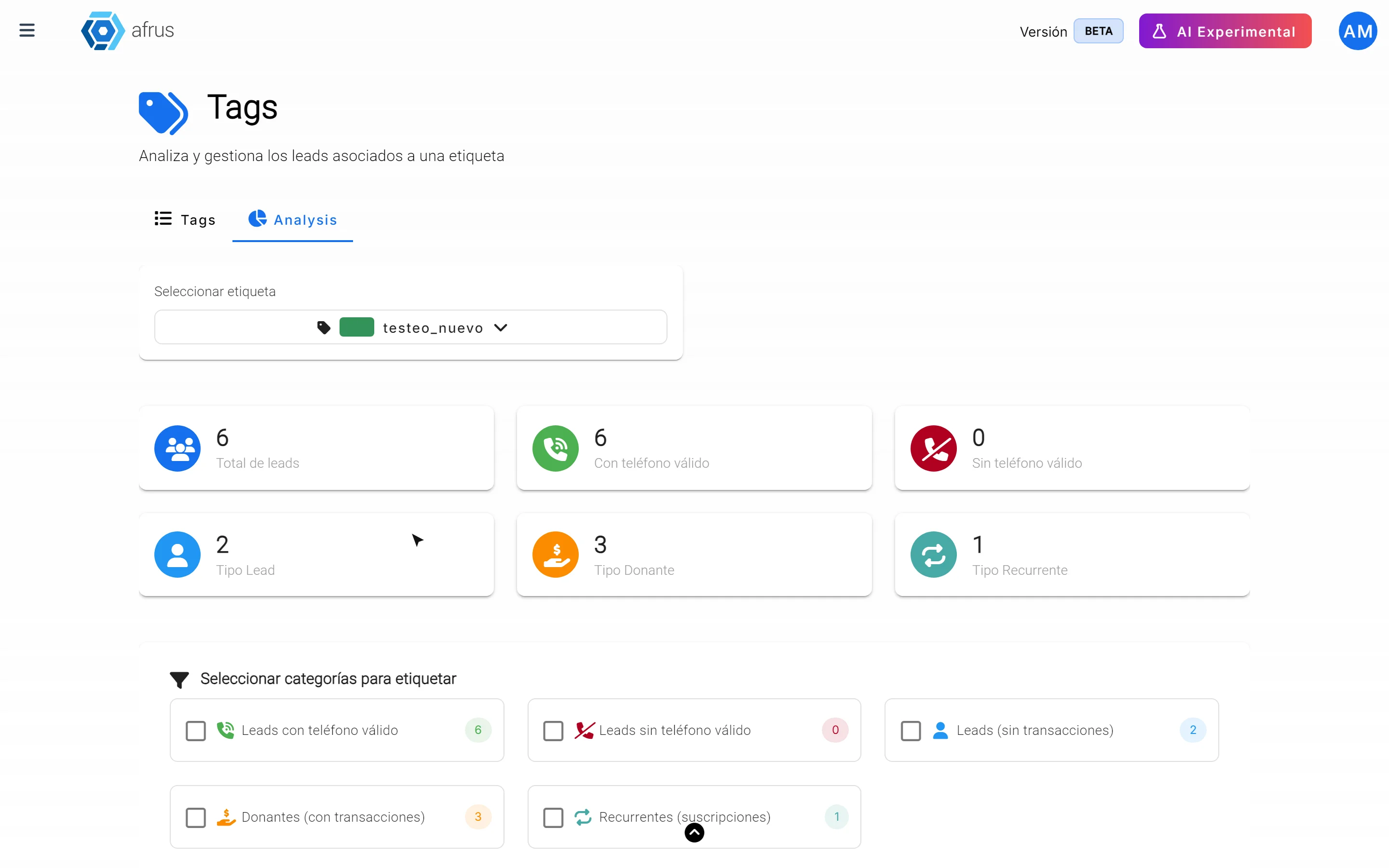
The Leads column tells you how many people each tag has.
In the Analysis tab
- Open the tab. Go to Analysis.
- Choose a tag. You will see Total de leads (Total leads), Con teléfono válido (With valid phone), Sin teléfono válido (Without valid phone), Tipo Lead (haven't donated yet), Tipo Donante (have donated) and Tipo Recurrente (donate monthly).
- If you want, tag part of the group. Check the categories under "Seleccionar categorías para etiquetar" (Select categories to tag), choose the tag and click "Aplicar etiqueta" (Apply tag). If you check several, the tag goes to anyone who meets any of them.
Frequently asked questions
Why is the list number higher than in Analysis?
The list also counts people marked as spam; Analysis does not.
Need help? Talk to the afrus team
In this article
✕
Related Tutorials

Data
October 27, 2026
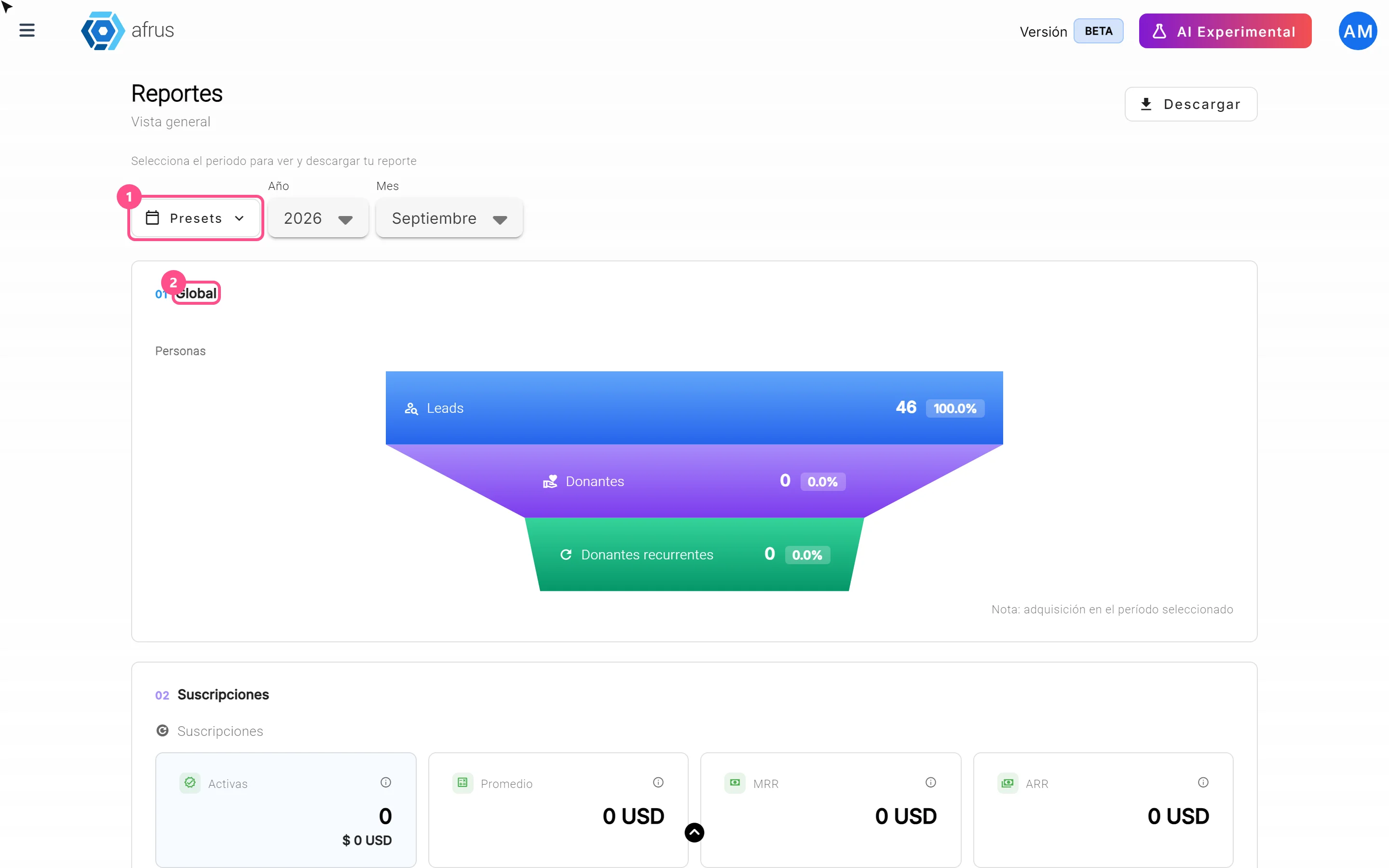
What the Presets, Año and Mes filters of the General report are for
Learn how to choose the period of the Reporte general with the Presets, Año (Year) and Mes (Month) filters.
afrus.ai
Data
October 27, 2026
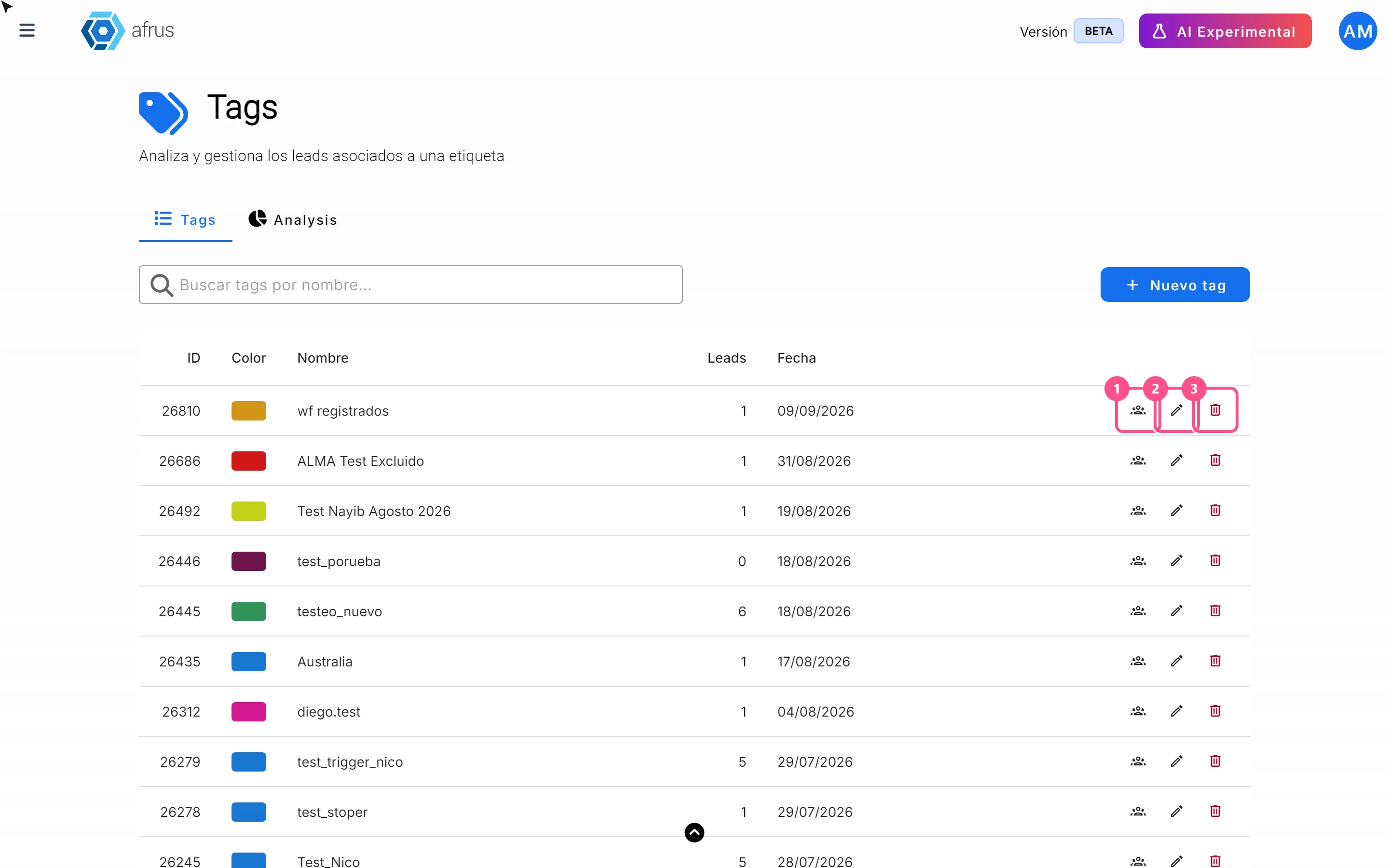
What the 3 icons of each tag do
Learn how to use each tag's icons: see the people who have it, edit it and delete it.
afrus.ai
Data
October 27, 2026
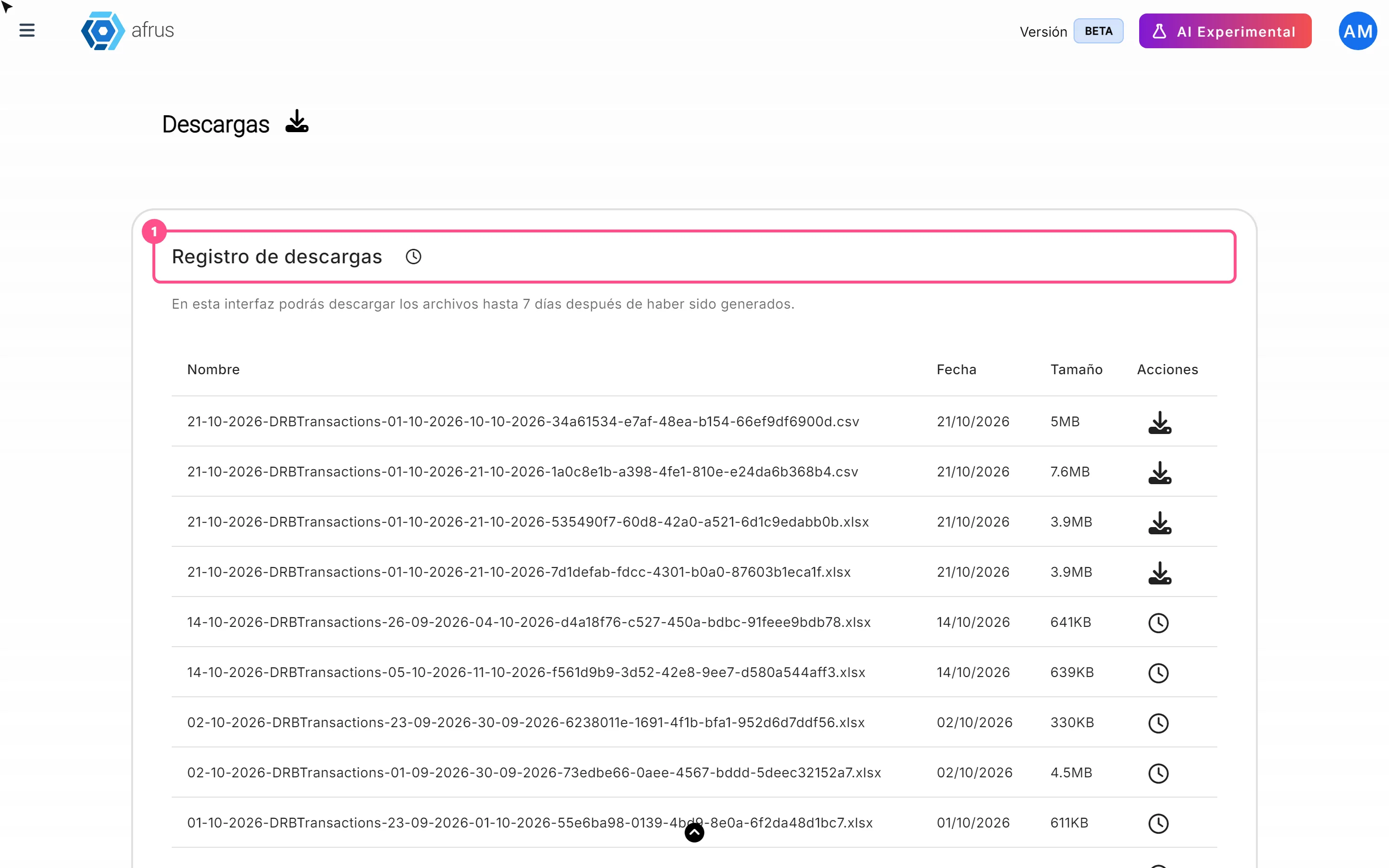
What Downloads is for
Learn what Downloads is for: getting your exports, knowing when they're ready and keeping them in one place.
afrus.ai
Data
October 27, 2026
What the Reporte general (General report) is
Learn what the Reporte general is: the dashboard with your organization's most important numbers in one place.
afrus.ai