🡠 Back


What Downloads is in AFRUS
Reading time
1 min
Data
October 27, 2026
afrus.ai
Learn what Downloads is: the list where you find every file you export in AFRUS.
In this article
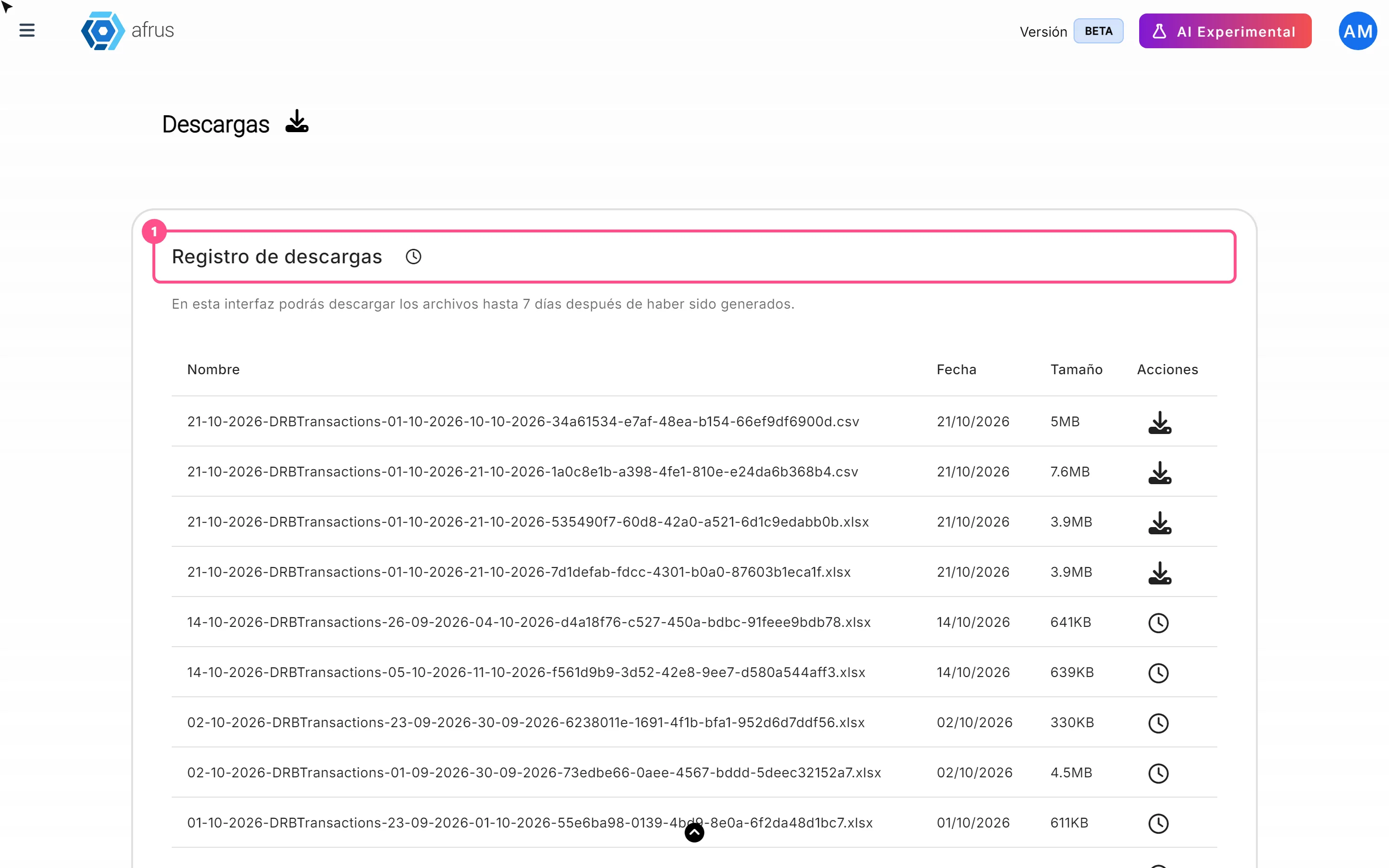
Descargas (Downloads) is the list of every file your organization exports in AFRUS. When you ask to export data, for example your people or your transactions, AFRUS prepares the file while you keep working. When it's ready, you download it from here.
You'll find it in Data > Descargas and also in Trackers > Descargas: it's the same screen. Labels are shown as they appear in the Spanish version of the console.
How to download a file
- Request the export on the screen you want, for example Personas (People). A message tells you it may take a few minutes.
- Open Downloads. Go to Data > Descargas.
- Wait until it's ready. The list updates by itself.
- Download it with the download button in the row. The file comes in Excel (.xlsx).
Frequently asked questions
How long can I download a file?
Up to 7 days after it was created. If you'll need it later, save it on your computer.
Do I get an email when the file is ready?
No. Check the Downloads list.
Need help? Talk to the afrus team
In this article
✕
Related Tutorials

Data
October 27, 2026
What the Presets, Año and Mes filters of the General report are for
Learn how to choose the period of the Reporte general with the Presets, Año (Year) and Mes (Month) filters.
afrus.ai
Data
October 27, 2026
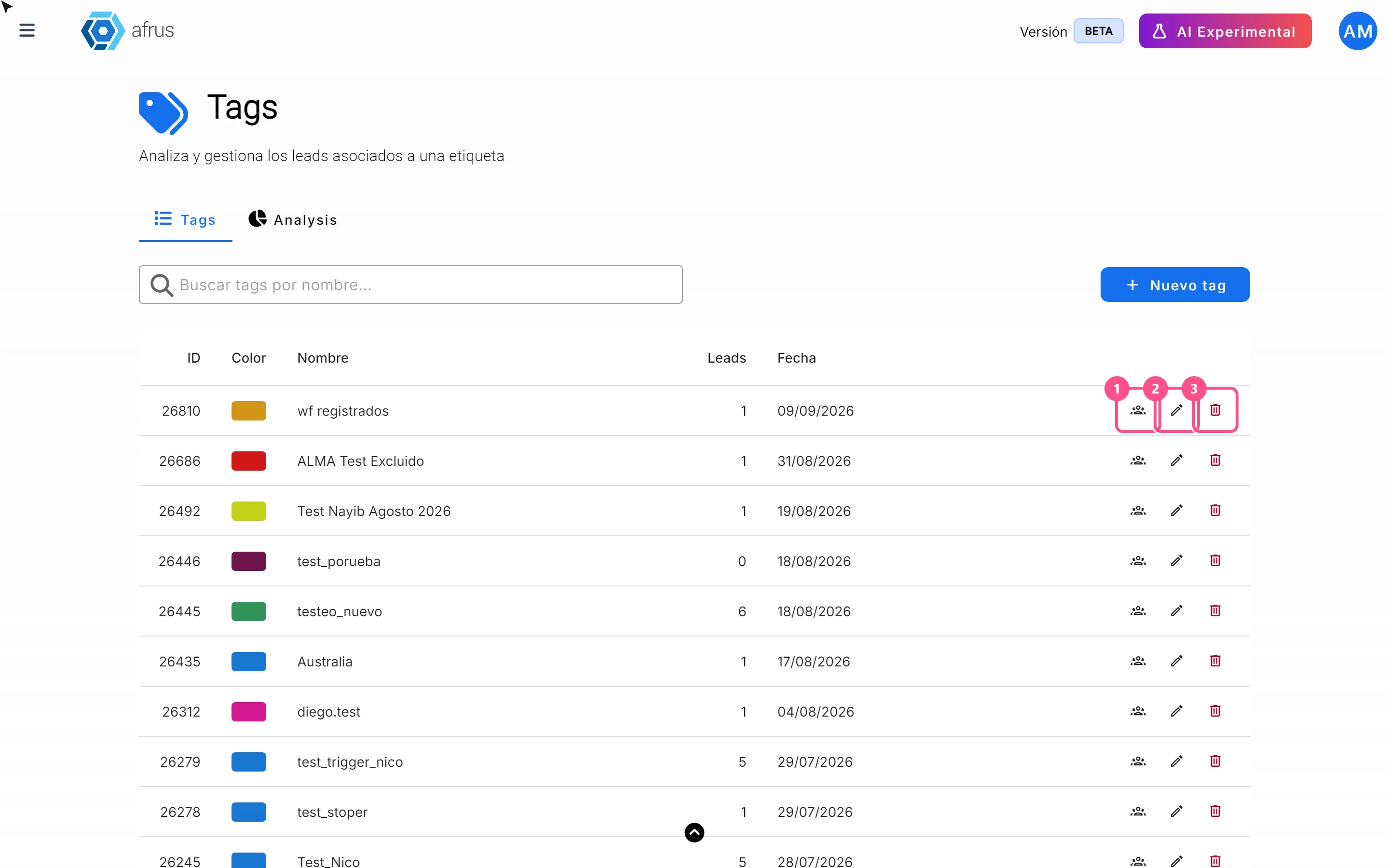
What the 3 icons of each tag do
Learn how to use each tag's icons: see the people who have it, edit it and delete it.
afrus.ai
Data
October 27, 2026
What Downloads is for
Learn what Downloads is for: getting your exports, knowing when they're ready and keeping them in one place.
afrus.ai
Data
October 27, 2026
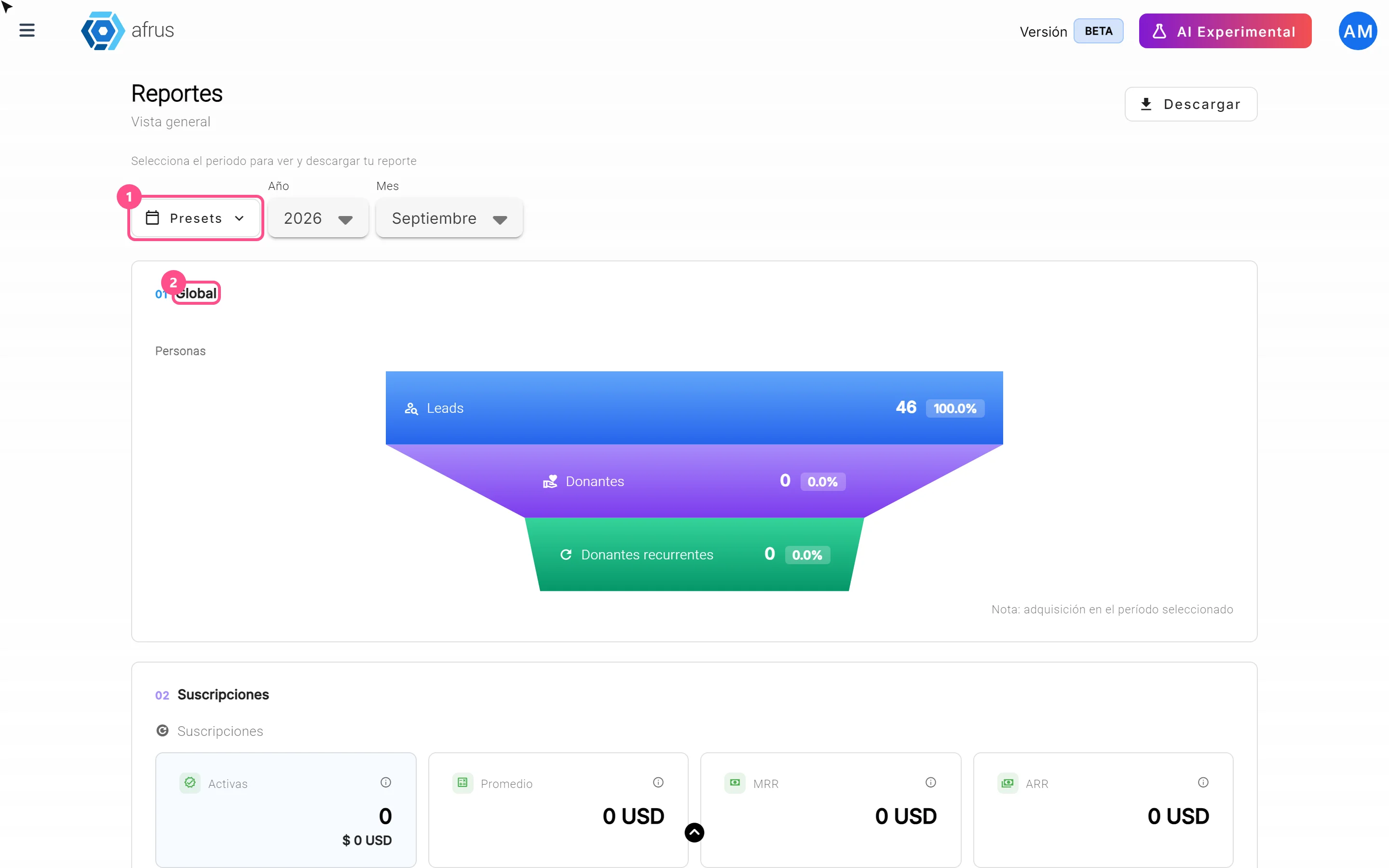
What the Reporte general (General report) is
Learn what the Reporte general is: the dashboard with your organization's most important numbers in one place.
afrus.ai