🡠 Back


How to analyze the Reporte general (General report)
Reading time
1 min
Data
October 27, 2026
afrus.ai
Learn how to read the 5 zones of the Reporte general and find out which campaigns and forms your donors come from.
In this article
Labels are shown as they appear in the Spanish version of the console.
Step by step
- Open the report. Go to Data > Reporte general. When it opens you'll see the last full month.
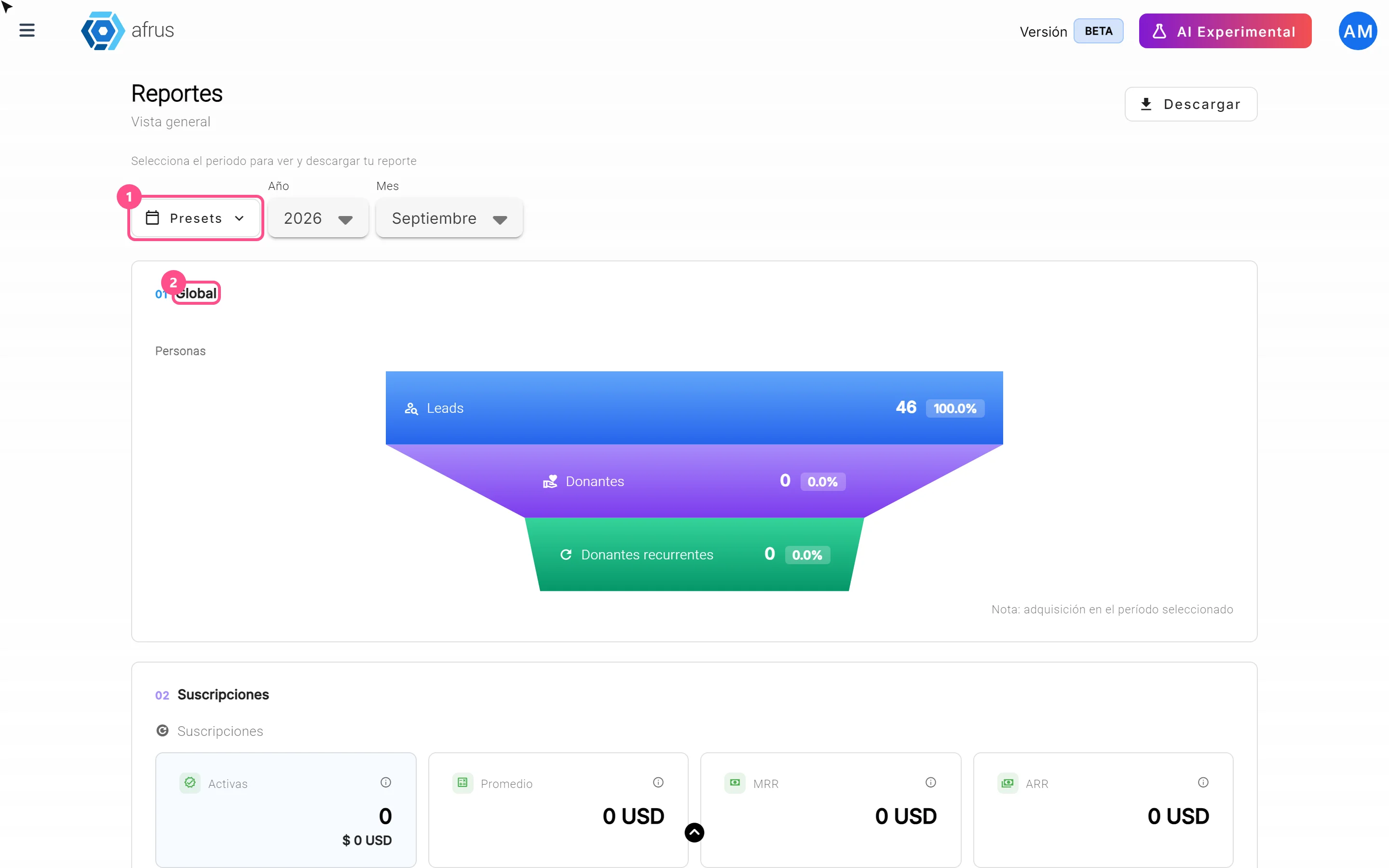
- Choose the period. Use the Presets, Año (Year) and Mes (Month) filters.
- Review the 5 zones, from top to bottom.
- 01 Global: how many new people arrived and how many became Donantes (Donors) and Donantes recurrentes (Recurring donors).
- 02 Suscripciones (Subscriptions): how many are Activas (Active), Fallidas (Failed) or Canceladas (Cancelled), the MRR (what your new active subscriptions add up to in a month) and the ARR (that figure projected over a year).
- 03 Transacciones (Transactions): Ingresos totales (Total income), Confirmadas (Confirmed) donations and Otras (Other: pending, failed and refunded).
- 04 Personas (People): Personas nuevas (New people), Leads, Donantes and Donantes recurrentes.
- 05 Comunicaciones (Communications): Emails enviados (Emails sent) and Mensajes WhatsApp enviados (WhatsApp messages sent).
- See where they come from. The "by origin" tables (closed at first: click a title to open it) split results into blocks, each with its own "Descargar" (Download) button: Por campaña (By campaign), Por widget, by UTM and Por URL de landing (By landing URL). This way you know what brings you the most donors.
Frequently asked questions
What's the difference between Total fallidas and Cargos fallidos?
Total fallidas (Total failed) counts only one-time donations that failed; monthly charges that failed are in Cargos fallidos (Failed charges).
Is ARR money received?
No. It's a projection: MRR multiplied by 12.
Need help? Talk to the afrus team
In this article
✕
Related Tutorials

Data
October 27, 2026
What the Presets, Año and Mes filters of the General report are for
Learn how to choose the period of the Reporte general with the Presets, Año (Year) and Mes (Month) filters.
afrus.ai
Data
October 27, 2026
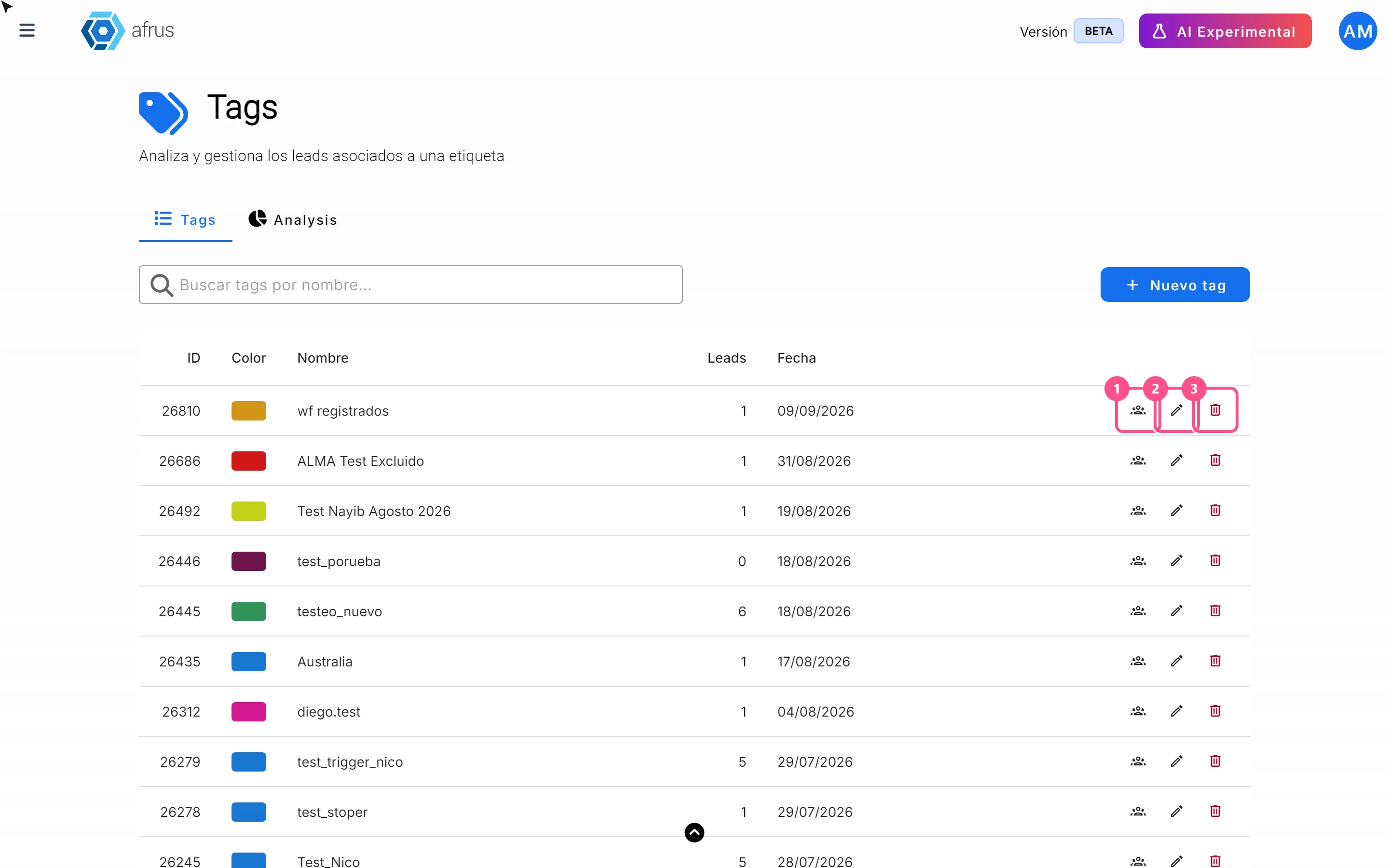
What the 3 icons of each tag do
Learn how to use each tag's icons: see the people who have it, edit it and delete it.
afrus.ai
Data
October 27, 2026
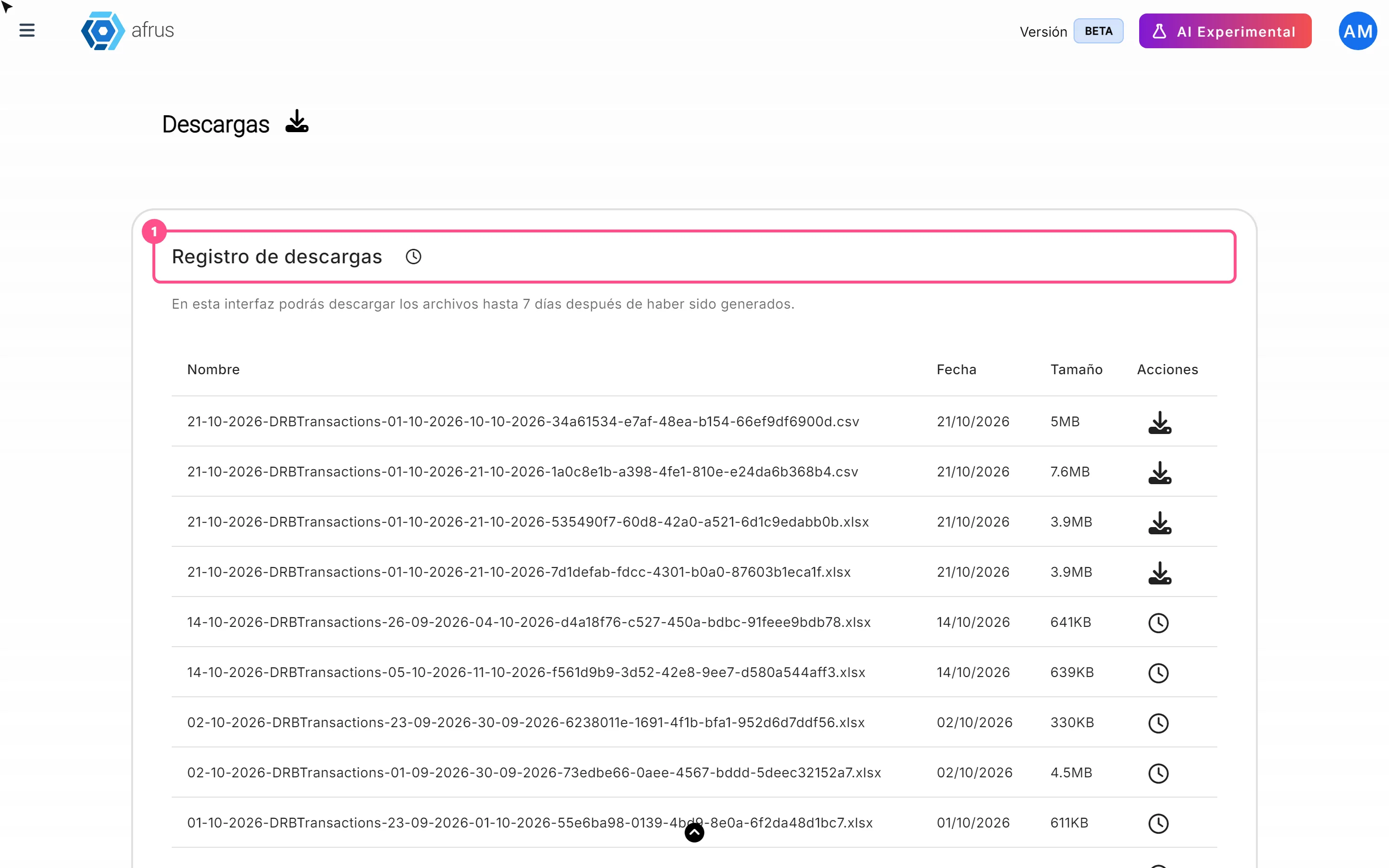
What Downloads is for
Learn what Downloads is for: getting your exports, knowing when they're ready and keeping them in one place.
afrus.ai
Data
October 27, 2026
What the Reporte general (General report) is
Learn what the Reporte general is: the dashboard with your organization's most important numbers in one place.
afrus.ai