🡠 Back


What the Descargar button of the General report downloads
Reading time
1 min
Data
October 27, 2026
afrus.ai
Learn which file the Descargar (Download) button of the Reporte general gives you and how to download each by-origin table.
In this article
- The "Descargar" (Download) button at the top downloads a CSV file (it opens in Excel or Google Sheets) with all the indicators for the chosen period. It has four columns: Sección (Section), KPI, Actual (Current) and Unidad (Unit).
- Each "by origin" table has its own "Descargar" button, which downloads only that table.
Frequently asked questions
Why won't a table download?
If a "by origin" table has more than 5,000 rows, it can't be downloaded and you'll see an error message. Choose a shorter period and try again.
Need help? Talk to the afrus team
In this article
✕
Related Tutorials

Data
October 27, 2026
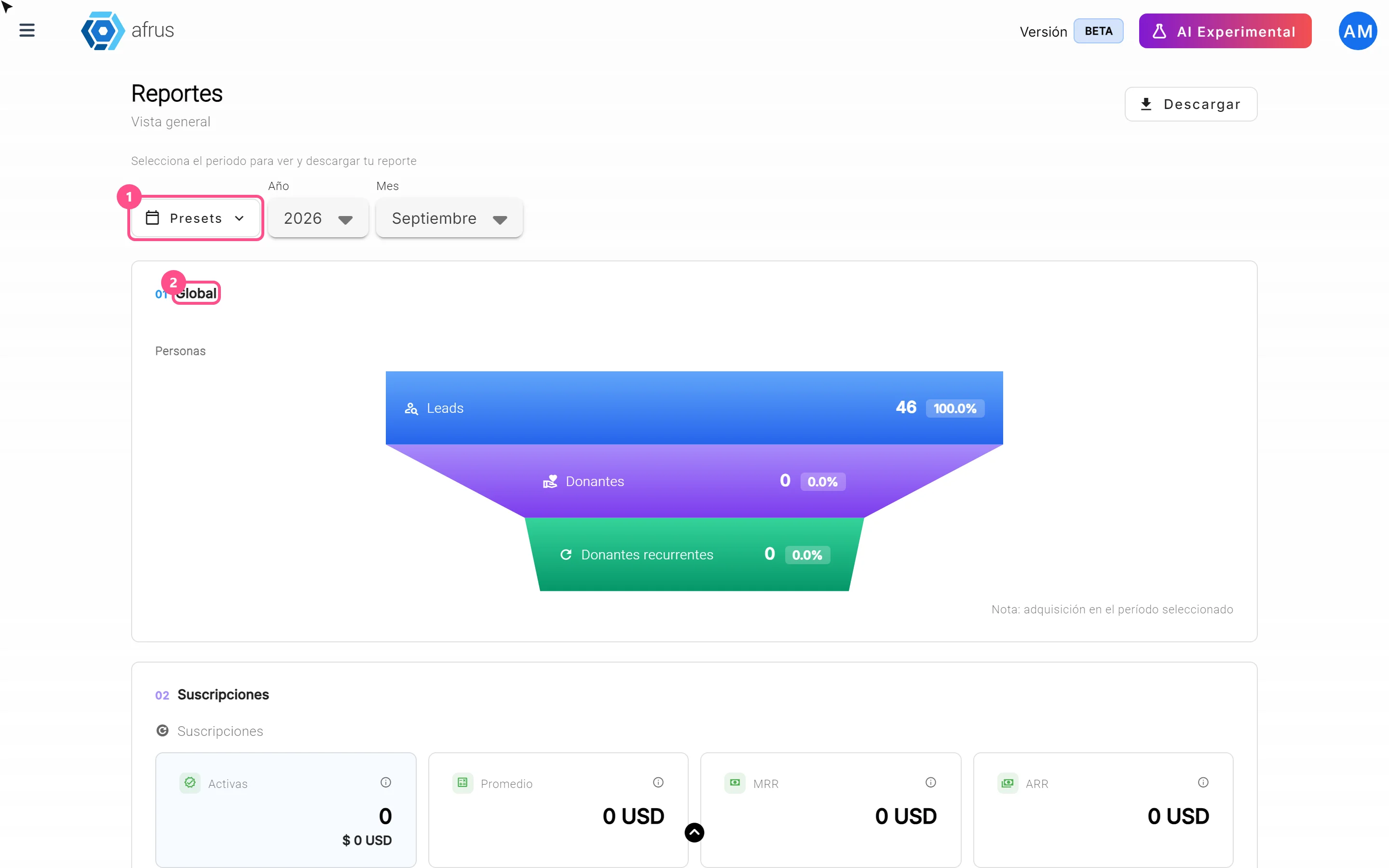
What the Presets, Año and Mes filters of the General report are for
Learn how to choose the period of the Reporte general with the Presets, Año (Year) and Mes (Month) filters.
afrus.ai
Data
October 27, 2026
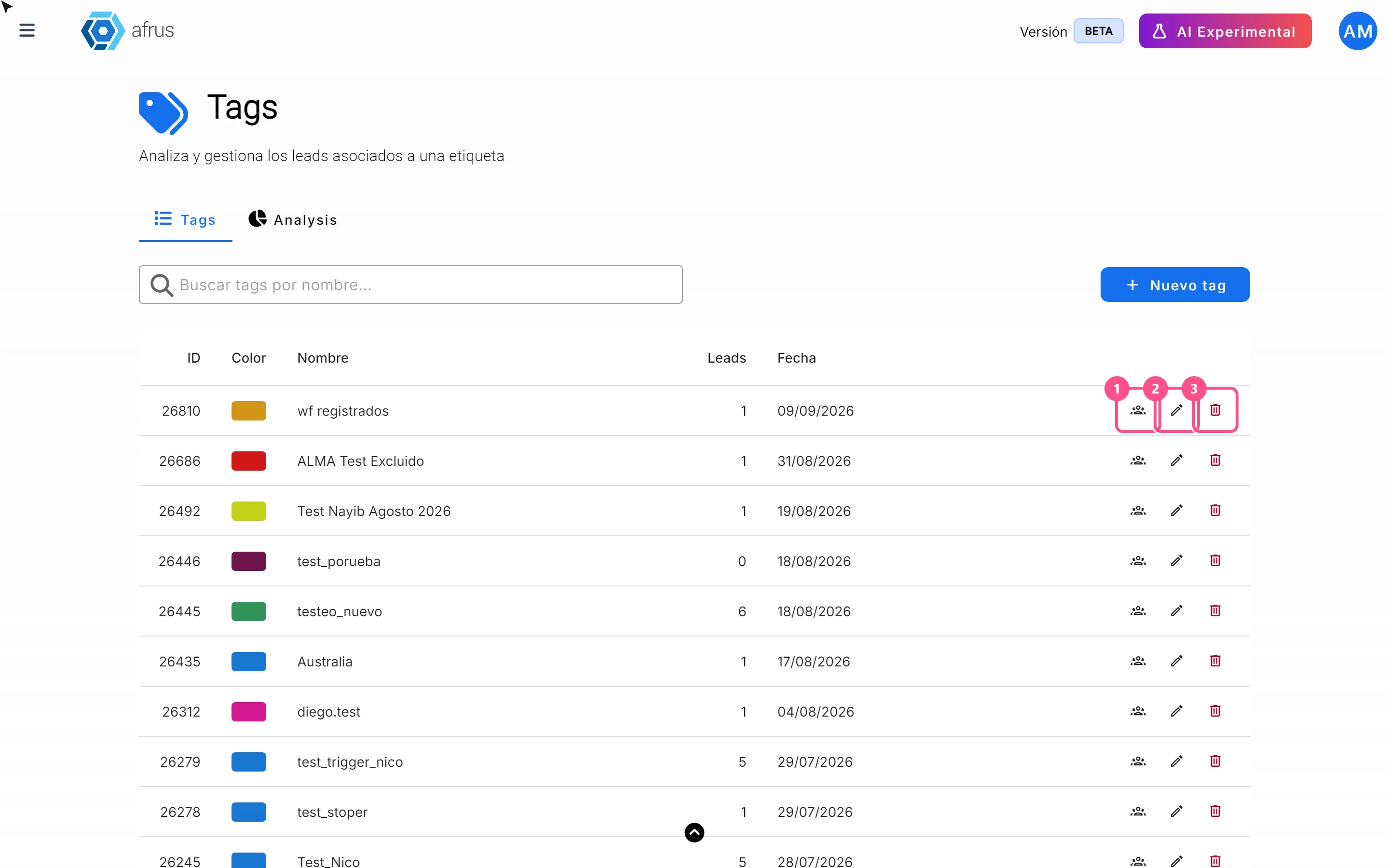
What the 3 icons of each tag do
Learn how to use each tag's icons: see the people who have it, edit it and delete it.
afrus.ai
Data
October 27, 2026
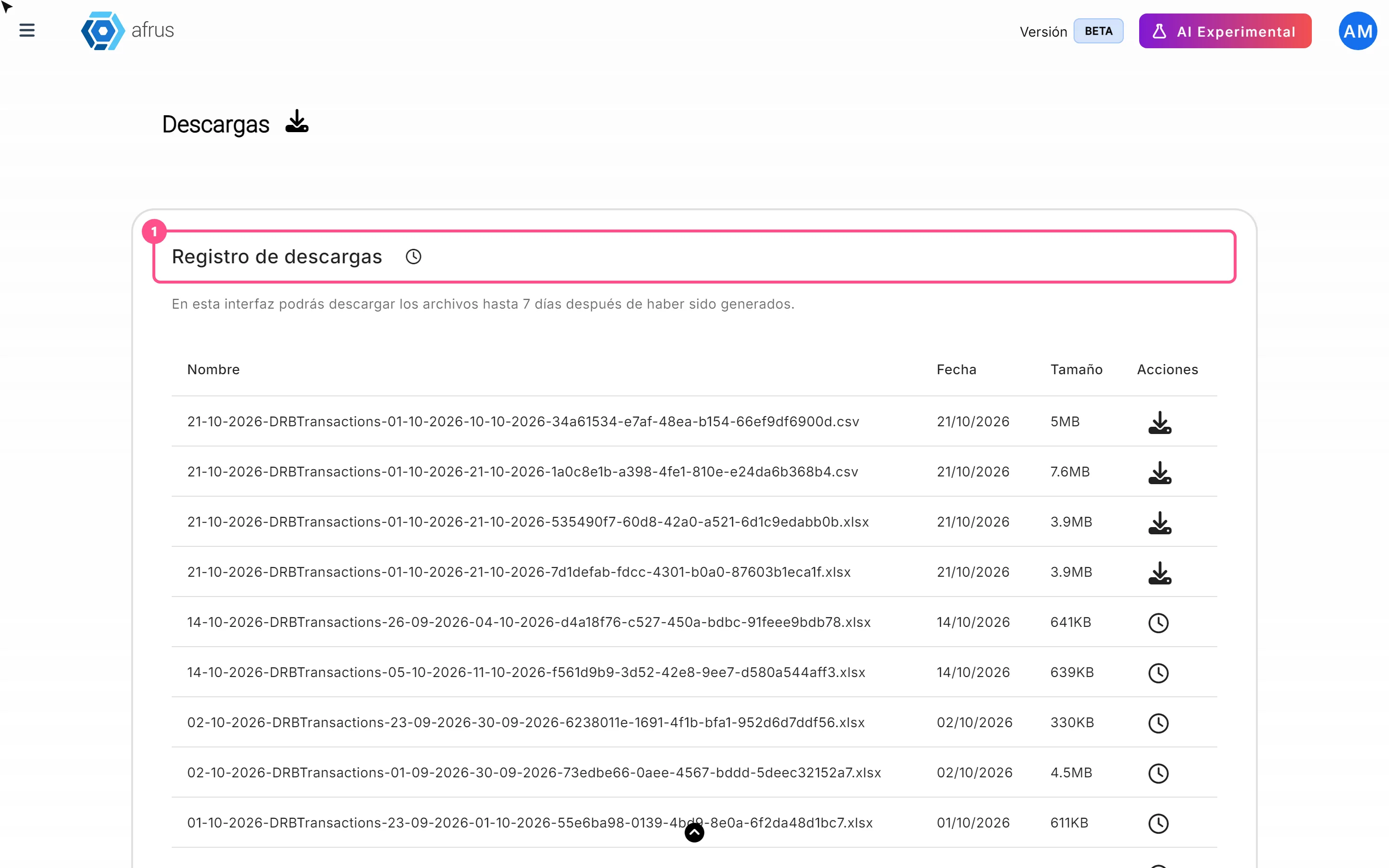
What Downloads is for
Learn what Downloads is for: getting your exports, knowing when they're ready and keeping them in one place.
afrus.ai
Data
October 27, 2026
What the Reporte general (General report) is
Learn what the Reporte general is: the dashboard with your organization's most important numbers in one place.
afrus.ai