🡠 Back


Why create a thank-you page
Reading time
2 min
Landings
October 27, 2026
afrus.ai
Learn how to use a landing as a personalized thank-you page with the donor's name, amount and campaign.
In this article
A thank-you landing shows donors, right after they give, your organization's own page, with your design, message and calls to action, instead of the default page. You can also personalize it with their details. Labels are shown as they appear in the Spanish version of the console.
Before you start
- Have an active 2.0 landing with a saved design.
Step by step
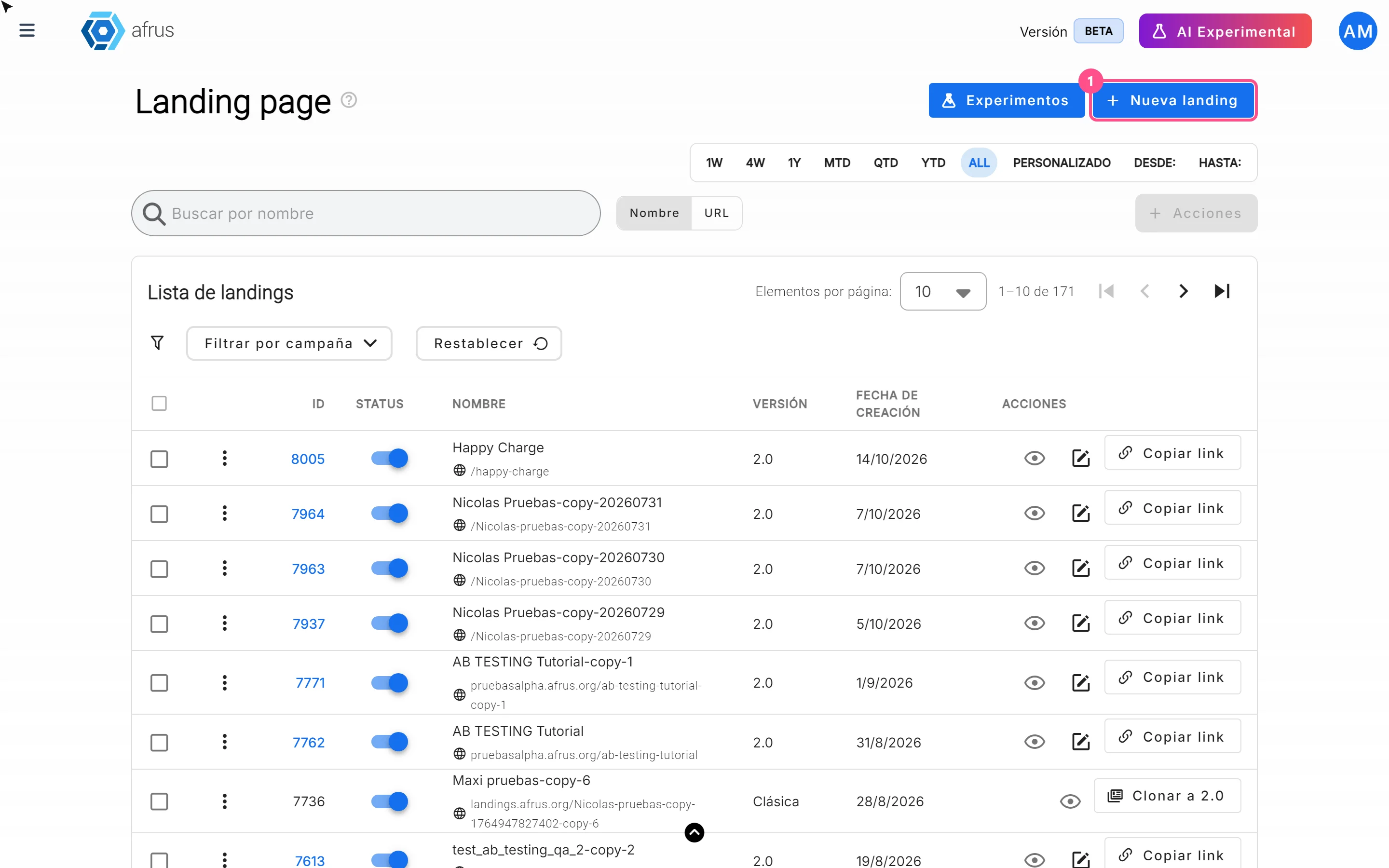
- Create the thank-you landing. Follow "How to create a landing".
- Personalize the text. In the text blocks, type with double braces: {{first_name}}, {{last_name}}, {{email}}, {{phone}}, {{amount}}, {{currency}}, {{campaign_name}}, {{organization_name}} or {{donation_id}}.
- Save. Click "Guardar" (Save) in the editor.
- Set where it is used. From the campaign: in Página de agradecimiento (Thank-you page), Tipo = Landings, choose the landing and click "Usar plantilla"; and in the widget editor tick Usa la página de agradecimiento de la campaña. (Use the campaign's thank-you page). Or from the widget: paste the landing's link in URL de la página de agradecimiento.
- Test with a real donation.
Frequently asked questions
Why do I see {{...}} braces on the page?
Only those nine variables work, and only in body text. Any other is shown as is.
Why are the details blank?
If the payment needed a later step (such as 3-D Secure, OXXO, PSE or SEPA), or if the page is opened directly, reloaded after 15 minutes or shared, the variables show empty.
Need help? Talk to the afrus team
In this article
✕
Related Tutorials
Landings
October 27, 2026
What Landings are in AFRUS
Learn what the Landings module is: campaign, donation or thank-you pages you design and publish without coding.
afrus.ai
Landings
October 27, 2026
What Landings are for
Learn what Landings are for: publishing campaigns with a widget, personal thank-yous, tracking visits and using your own domain.
afrus.ai
Landings
October 27, 2026
How to create a landing
Learn how to create and publish a landing on AFRUS: basic data, address and design from scratch, a template, another page or HTML.
afrus.ai

Landings
October 27, 2026
How to track my landing with analytics
Learn how to connect Google Analytics, Google Tag Manager or the Meta Pixel to your landing, and set up its SEO.
afrus.ai