🡠 Back


Does the task leave the list when the subscription is charged?
Reading time
1 min
Follow up
October 27, 2026
afrus.ai
Learn what happens to a Subscription task when the subscription is charged successfully again.
In this article
Labels are shown as they appear in the Spanish version of the console.
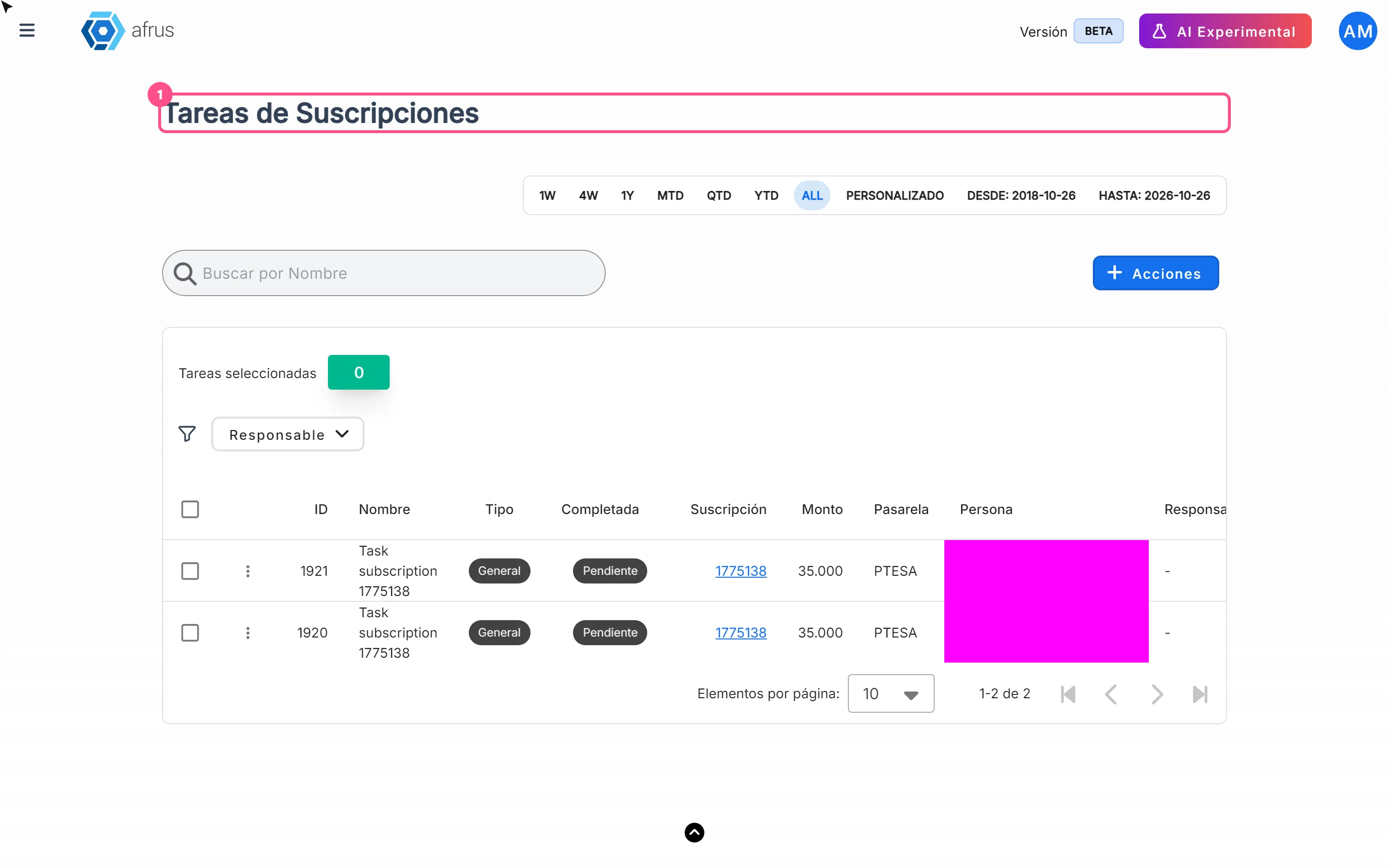
No. When the subscription is charged successfully again, the task is not completed or removed automatically. It stays on the list with its current status until someone on your team marks it as Completada (Completed).
We recommend checking the subscription (Suscripción column) before working a case: if it has already been charged successfully, just mark the task as completed.
Step by step
- Open the task. In Follow up > Tareas de suscripciones, click the three-dot menu in the row.
- Mark it as completed. In Editar Tarea (Edit task), tick Marcar como completada (Mark as completed).
- Save. Click "Guardar" (Save). You'll see "Tarea actualizada correctamente" (Task updated successfully).
Need help? Talk to the afrus team
In this article
✕
Related Tutorials
Follow up
October 27, 2026
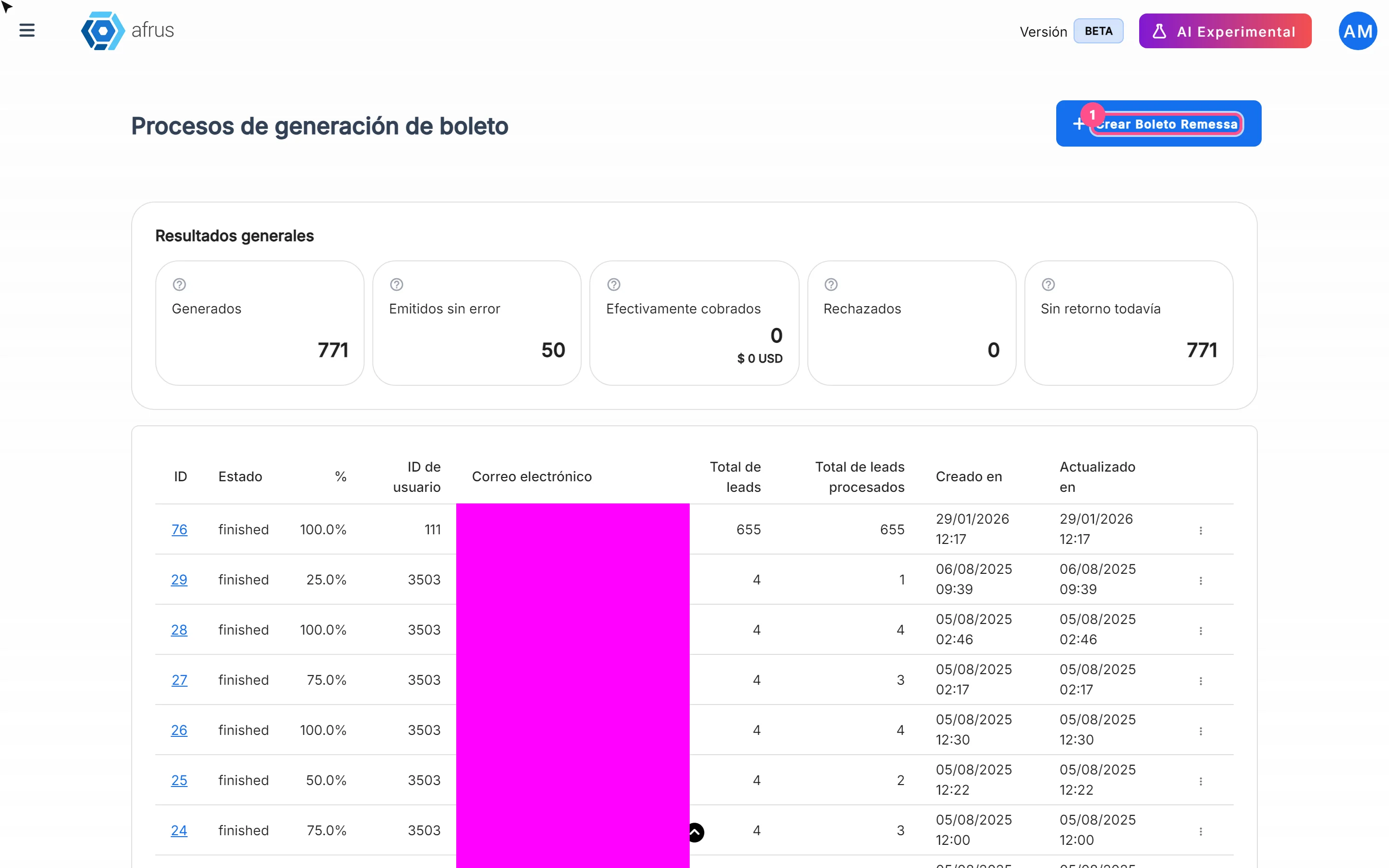
What Boleto Itaú is for
Learn what Boleto Itaú is for: generating boletos in batches, getting the bank file and tracking how many were collected.
afrus.ai
Follow up
October 27, 2026
How often Subscription tasks update
Learn when Subscription tasks are created and reopened, and when the screen updates.
afrus.ai
Follow up
October 27, 2026
Subscription task statuses
Learn what the Pending and Completed statuses and the task types mean in Subscription tasks.
afrus.ai
Follow up
October 27, 2026
What to do in each Subscription task status
Learn how to assign, complete, reopen and export Subscription tasks depending on their status.
afrus.ai