🡠 Back


How Boleto Itaú works and how boletos are generated
Reading time
2 min
Follow up
October 27, 2026
afrus.ai
Learn how to generate Itaú boletos in batches for a segment, download the remessa file and track collection in AFRUS.
In this article
The journey has four moments: you generate the batch in AFRUS, download the remessa file and send it to the bank (outside AFRUS), the bank gives you a return file, and you upload it in Follow up > Importaciones - itaú to record the paid donations.
Before you start
- Your organization must be in Brazil.
- Each person needs a CEP (postal code), document type and document number. If any is missing, their boleto gets an error.
Step by step
Labels are shown as they appear in the Spanish version of the console.
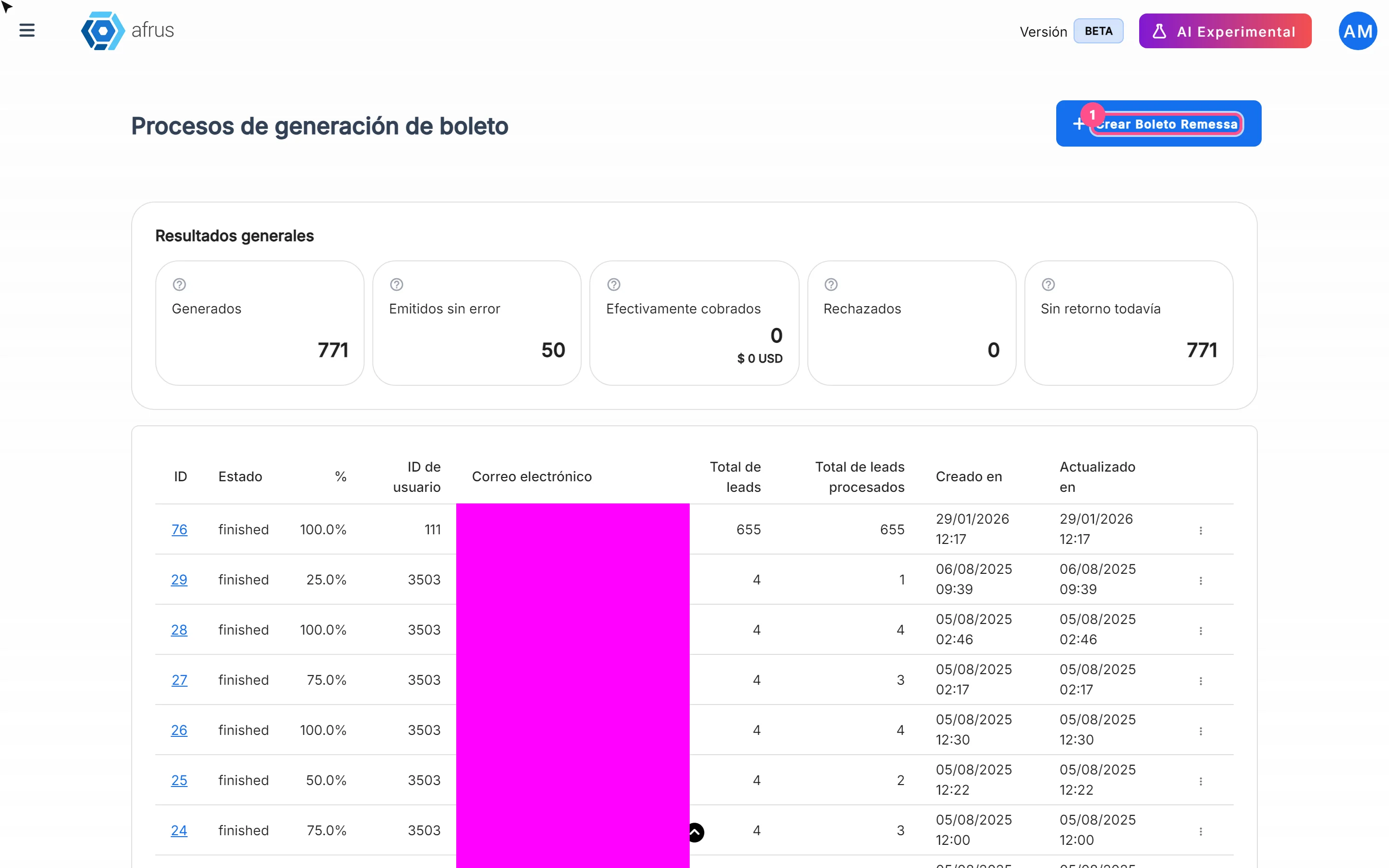
- Open Boleto Itaú. Go to Follow up > Boleto Itaú and click "Crear Boleto Remessa". It takes you to Segmentos (Segments).
- Choose the segment. Select it and open Acciones (Actions) > Generar Archivos de Remessa (Boleto Brasil). You can also do it from Personas (People), with people selected.
- Set amount and due date. Fill in Monto (BRL) (minimum 2.99 BRL) and Fecha de vencimiento (Due date — after today; by default, 3 months from now).
- Create the file. Click "Crear archivo de remessa". You will see that the file is being generated and can be downloaded in a few minutes.
- Download the file. In Follow up > Boleto Itaú, when the batch is ready, choose "Descargar" (Download) in the row menu and send it to the bank.
- Track collection. With "Ver detalle por lead" (View detail per lead) you review each boleto. Collection indicators update when you upload the bank's return file.
Frequently asked questions
Does AFRUS send the file to the bank?
No. You download it and send it to the bank outside AFRUS.
Does the screen refresh by itself?
No. Reload it to see the batch's progress.
Need help? Talk to the afrus team
In this article
✕
Related Tutorials
Follow up
October 27, 2026
What Boleto Itaú is for
Learn what Boleto Itaú is for: generating boletos in batches, getting the bank file and tracking how many were collected.
afrus.ai
Follow up
October 27, 2026
How often Subscription tasks update
Learn when Subscription tasks are created and reopened, and when the screen updates.
afrus.ai
Follow up
October 27, 2026
Does the task leave the list when the subscription is charged?
Learn what happens to a Subscription task when the subscription is charged successfully again.
afrus.ai
Follow up
October 27, 2026
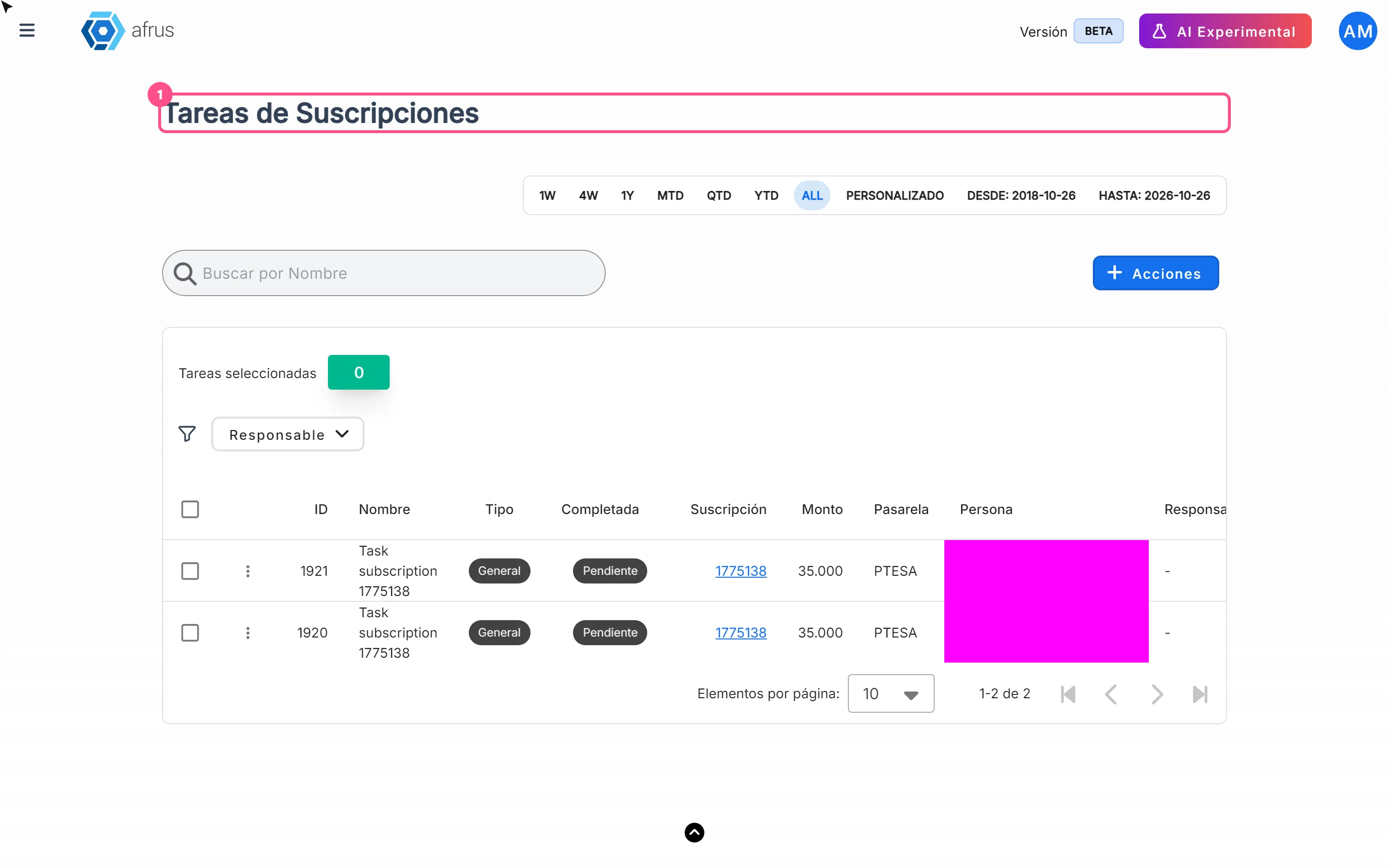
Subscription task statuses
Learn what the Pending and Completed statuses and the task types mean in Subscription tasks.
afrus.ai