🡠 Back


How to filter a group of subscriptions
Reading time
1 min
Subscriptions
October 27, 2026
afrus.ai
Learn how to use the dates, search box and filters in the Subscriptions list to find what you need.
In this article
The Suscripciones (Subscriptions) list has three tools to find what you need: dates, search and filters. Labels are shown as they appear in the Spanish version of the console.
Step by step
- Choose the date range. Use 1W, 4W, 1Y, MTD, QTD, YTD, ALL or PERSONALIZADO (Custom). By default you see the current month. Note: it filters by the subscription's creation date, not the charge date.
- Search for a donor (optional). Click Buscar por (Search by), choose Nombre (Name), Documento de identidad (ID document), Correo electrónico (Email), Teléfono (Phone) or ID de subscripcion (Subscription ID), type the value and click "Buscar" (Search).
- Apply filters. In the row with the funnel icon use Valor (Amount: greater than, equal to, less than), Estados (Statuses), Pasarela de pago (Gateway), Metodo de pago (Payment method), Campaña (Campaign) and Widgets, and click "Aplicar" (Apply). The Lapsed button shows only lapsed subscriptions; Reset clears all filters.
- Set rows per page. 10, 25, 50 or 100.
The filters are saved in the page address, so you can share it with your team.
Frequently asked questions
Why is the Reintentando or Expirada filter empty?
The list never shows those statuses (Retrying, Expired), nor Fraude.
Need help? Talk to the afrus team
In this article
✕
Related Tutorials

Subscriptions
October 27, 2026
What Subscriptions is
Learn what the AFRUS Suscripciones (Subscriptions) module is: the list of your organization's recurring donations.
afrus.ai
Subscriptions
October 27, 2026
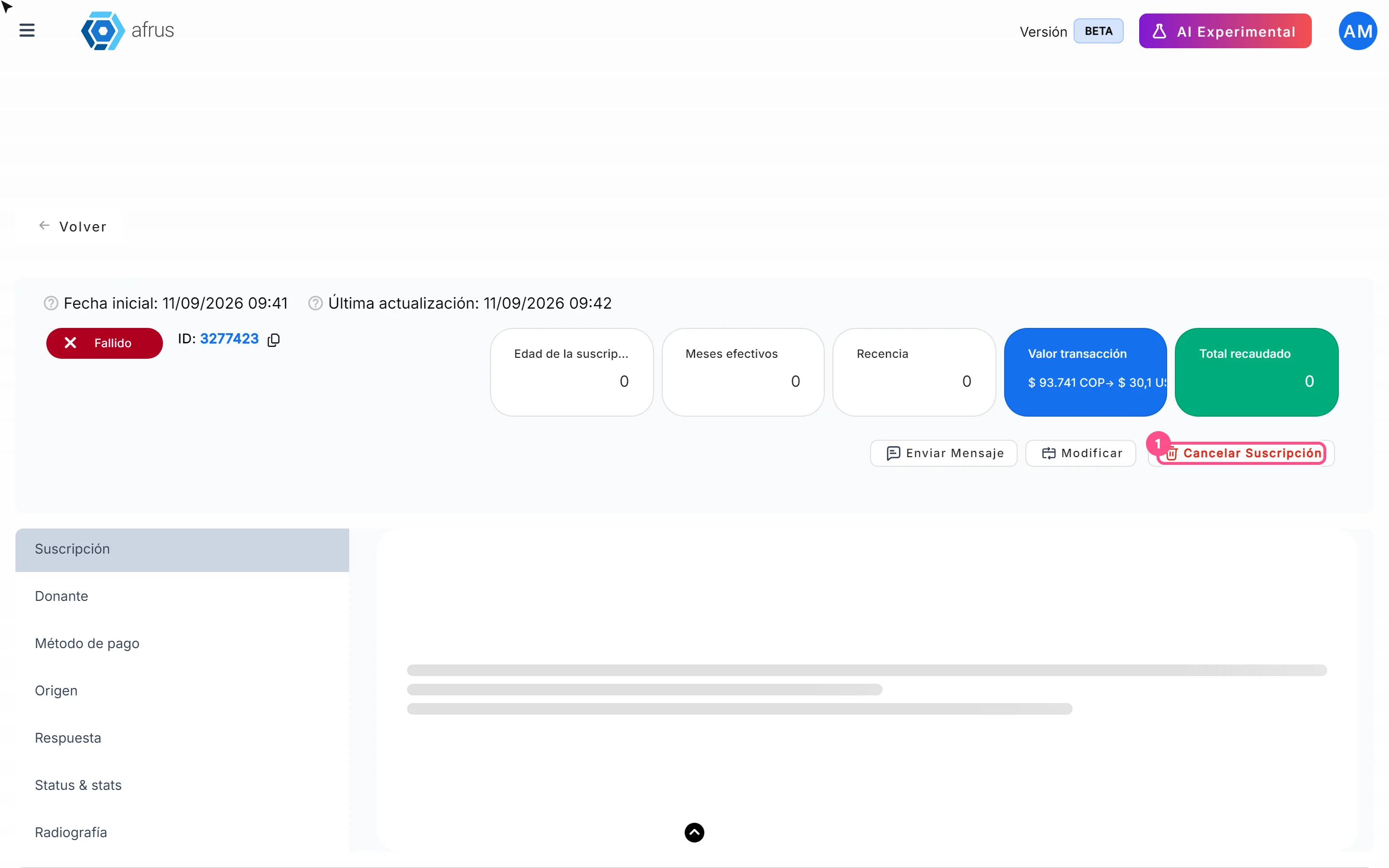
How to cancel a subscription
Learn how to cancel a recurring donation from the subscription detail in AFRUS, and what happens next.
afrus.ai

Subscriptions
October 27, 2026
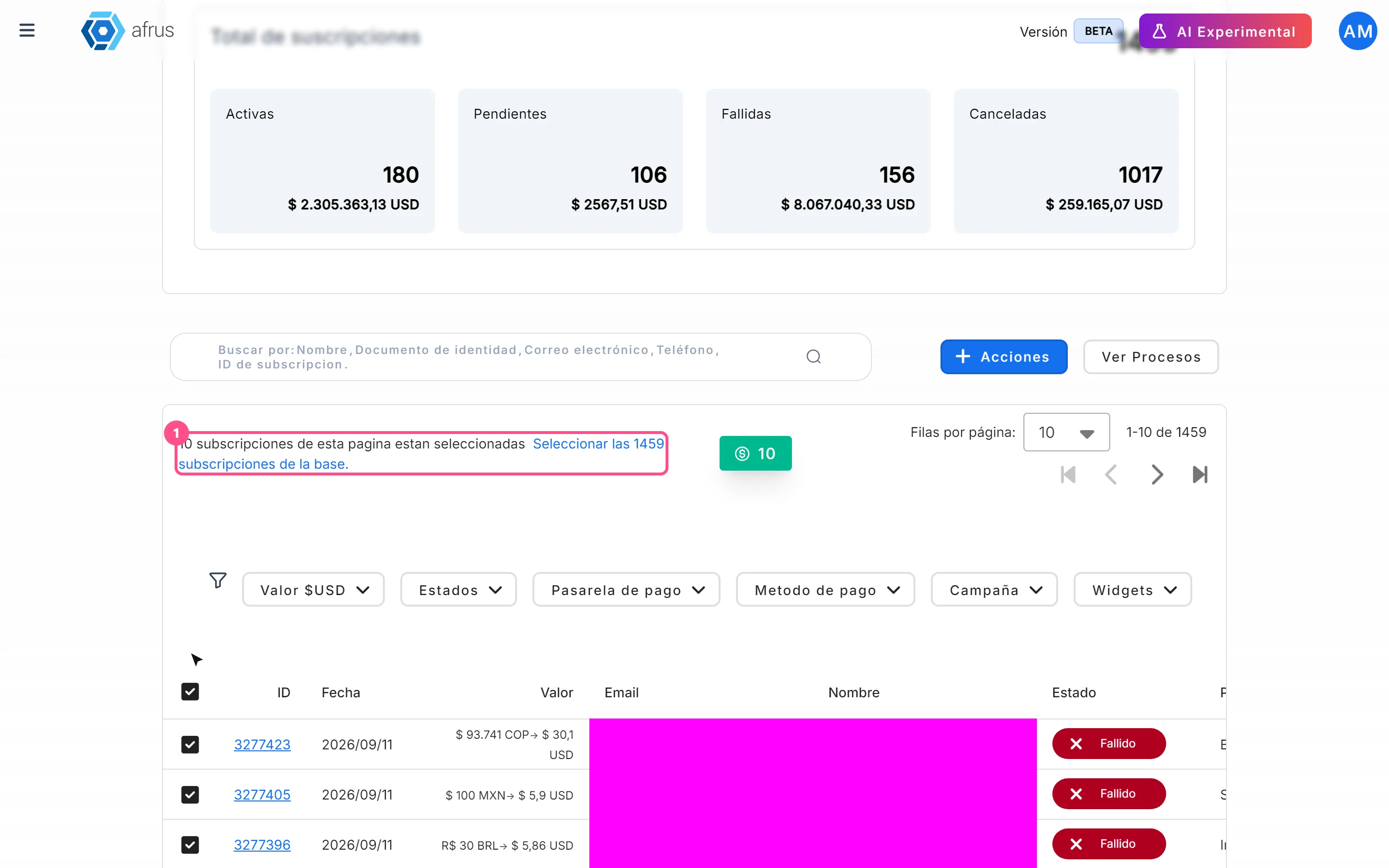
How to mark a subscription as fraud
Learn how to mark one or more subscriptions as fraud in AFRUS, and what this action does.
afrus.ai
Subscriptions
October 27, 2026
How to download a group of subscriptions
Learn how to export a filtered group of subscriptions to Excel in AFRUS and download the file.
afrus.ai