🡠 Back


How to download a group of subscriptions
Reading time
2 min
Subscriptions
October 27, 2026
afrus.ai
Learn how to export a filtered group of subscriptions to Excel in AFRUS and download the file.
In this article
You can export the subscriptions you need to an Excel file, with one row per subscription. Labels are shown as they appear in the Spanish version of the console.
Step by step
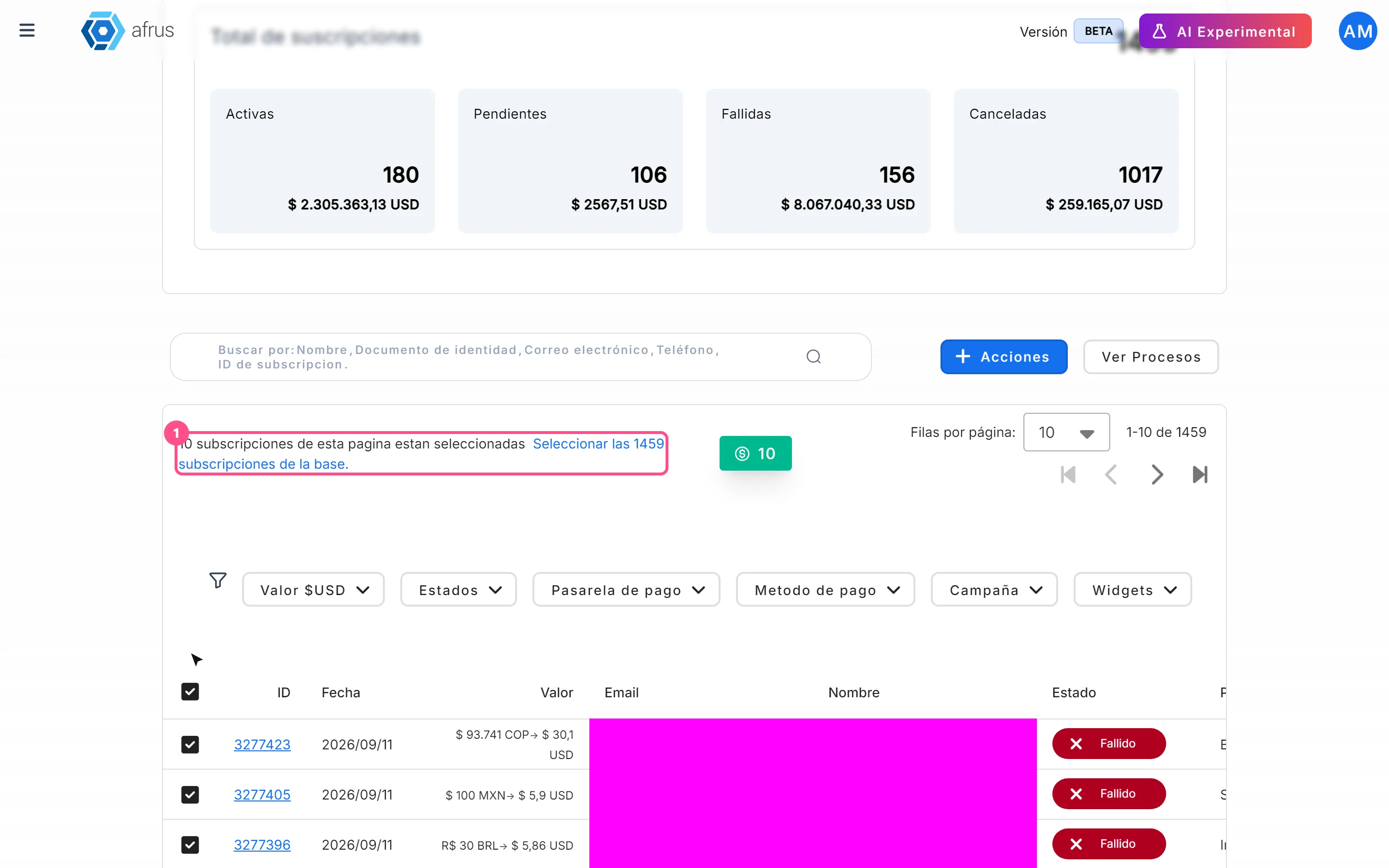
- Filter the subscriptions. In Suscripciones, set the dates and filters.
- Choose what to export. Tick the rows you want. To export everything filtered, tick the header box and then click Seleccionar las N subscripciones de la base. (Select the N subscriptions in the database).
- Export. Click "Acciones" (Actions) and choose Exportar (Export).
- Confirm. In the Descargas (Downloads) window, choose the Tipo de archivo (File type) and click "Confirmar". The export may take a few minutes.
- Download the file. When it is ready, download it from Data > Descargas. It is available for 7 days.
Frequently asked questions
What format is it?
Always Excel (.xlsx), even if you choose CSV.
Are my filters applied?
If you selected individual rows, only those are exported, without filters. If you export the whole database, the dates and the Valor, Estados, Pasarela de pago, Metodo de pago, Campaña and Widgets filters are applied, but not Lapsed or the search box. Clear the search box before exporting the whole database.
Why doesn't the total match the table?
If you don't choose any status, the file uses a different list of statuses. Choose the ones you want to export in Estados (Statuses).
Need help? Talk to the afrus team
In this article
✕
Related Tutorials

Subscriptions
October 27, 2026
What Subscriptions is
Learn what the AFRUS Suscripciones (Subscriptions) module is: the list of your organization's recurring donations.
afrus.ai
Subscriptions
October 27, 2026
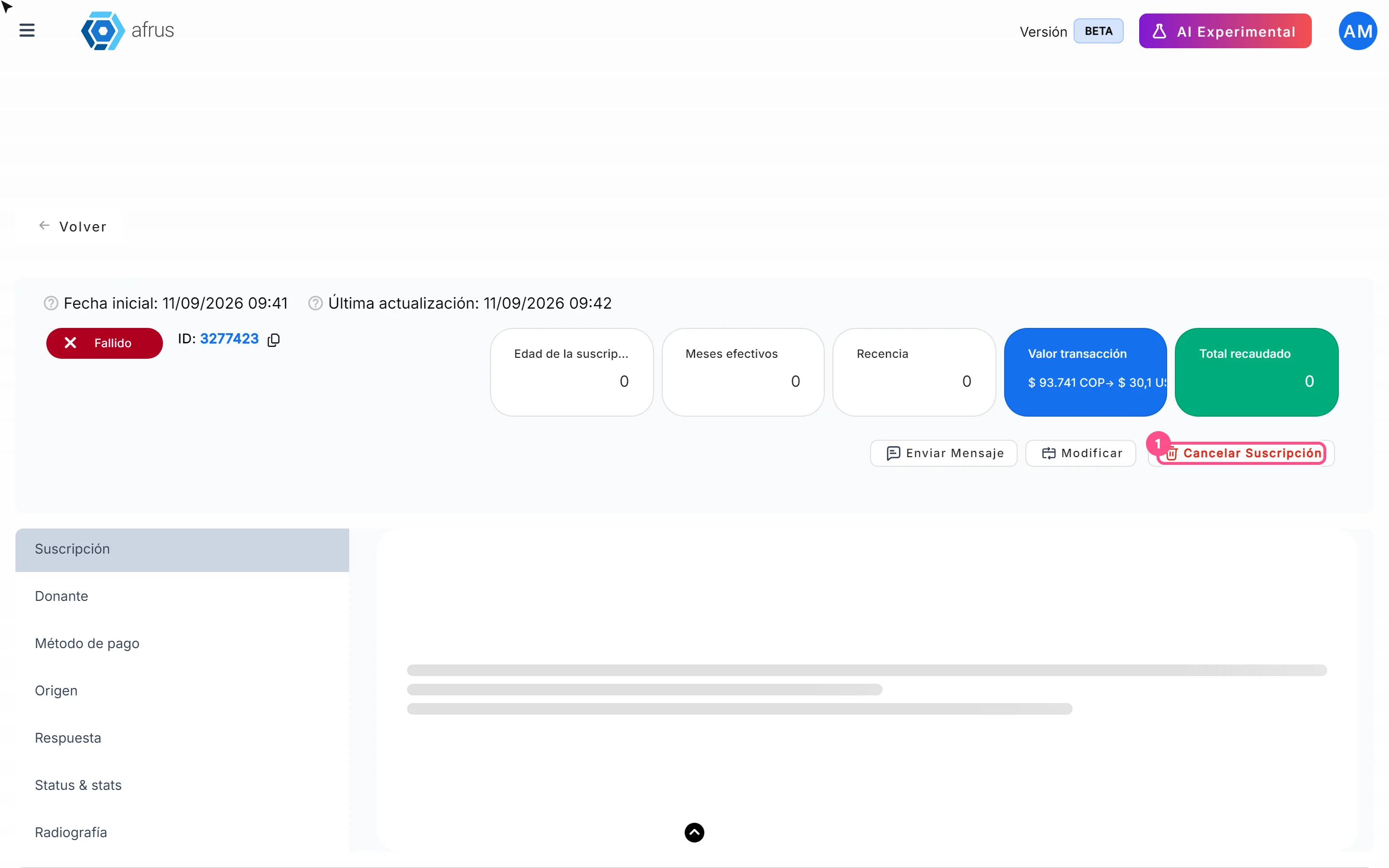
How to cancel a subscription
Learn how to cancel a recurring donation from the subscription detail in AFRUS, and what happens next.
afrus.ai

Subscriptions
October 27, 2026
How to mark a subscription as fraud
Learn how to mark one or more subscriptions as fraud in AFRUS, and what this action does.
afrus.ai

Subscriptions
October 27, 2026
How to filter a group of subscriptions
Learn how to use the dates, search box and filters in the Subscriptions list to find what you need.
afrus.ai