🡠 Back


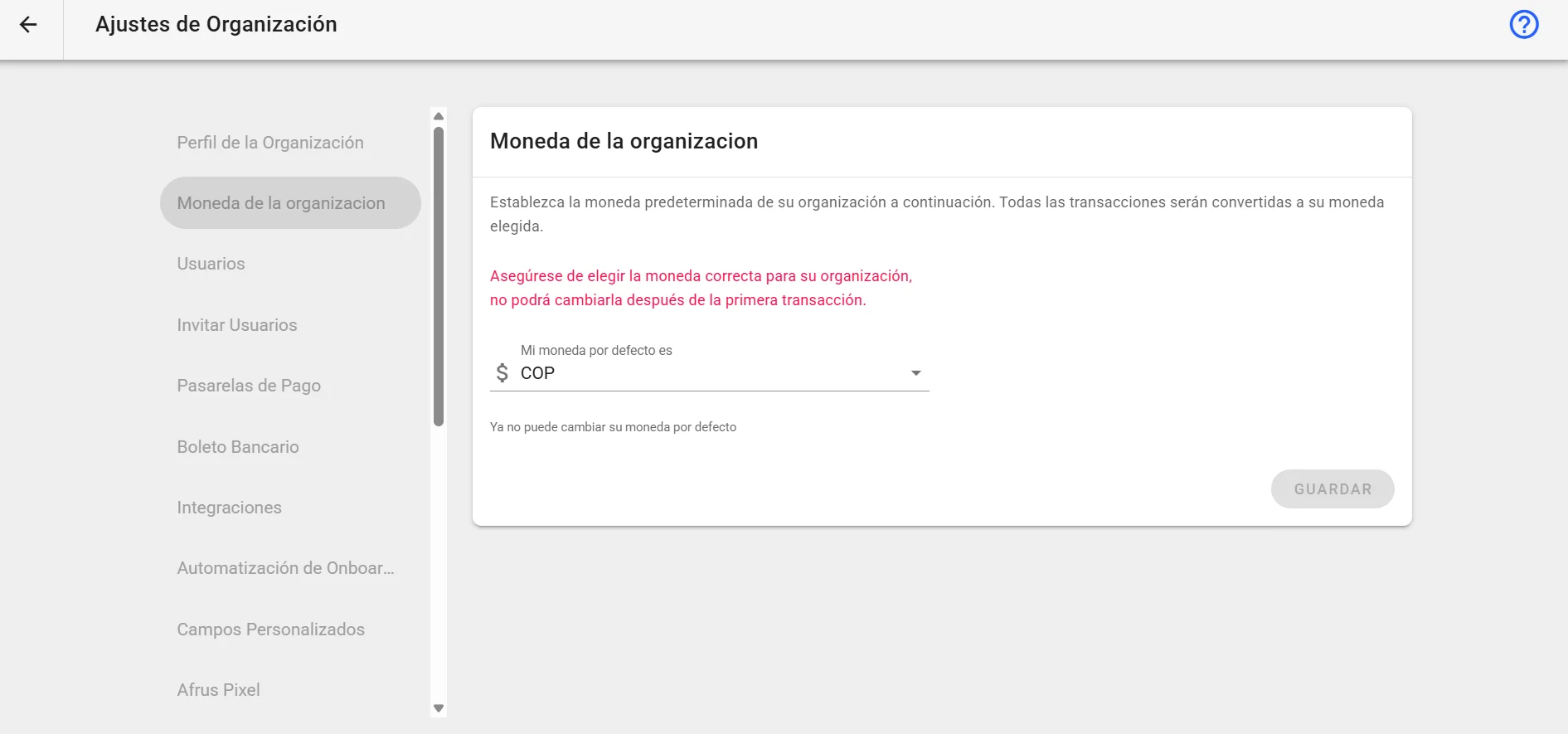
Organization currency guide
Reading time
2 min
Settings
October 28, 2026
afrus.ai
Complete guide to Organization currency: every step with its screenshots and the frequently asked questions.
In this article
This guide explains what your organization's currency is and where AFRUS uses it.
Module: Settings · Menu: Ajustes de Organización > Moneda predeterminada (Organization settings > Default currency) · Audience: admin and fundraising teams
About the labels in this guide: buttons, fields and menus are written as they appear in the Spanish version of the console, with an English explanation where it helps.
What the organization currency is
It is your organization's main currency in AFRUS. AFRUS uses it to show your totals, goals and reports in a single currency, even if you receive donations in several.
You find it in Ajustes de Organización > Moneda predeterminada.
What it is for
- Seeing your donations in one currency. In Transacciones (Transactions), if a donation came in another currency, you see the original amount and its conversion to your organization's currency.
- Filtering by amount. The Valor (Amount) filter in Transacciones and Suscripciones (Subscriptions) compares amounts already converted to your organization's currency.
- Setting campaign goals. A campaign goal is always in your organization's currency; campaigns don't have their own currency. The same goes for the costs you record in a campaign.
- Reading your reports. Amounts in the Reporte general (General report) are in your organization's currency.
- Offering incentives. Gift minimum amounts are in your organization's currency. If a form accepts several currencies, gifts are only offered in your organization's currency.
Note: each country of a form (widget) has its own currency, chosen in the form editor. That is the currency the donor sees; your organization's currency is the one AFRUS uses to add up and compare.
Frequently asked questions
Can I change my organization's currency?
No. It can't be changed after the first transaction.
Can I receive donations in other currencies?
Yes. Each country of your form has its own currency. AFRUS converts those amounts to your organization's currency to show your totals.
What currency is my campaign goal in?
Your organization's currency.
Last updated: 2026-10-28
Need help? Talk to the afrus team
In this article
✕
Related Tutorials
Settings
October 28, 2026
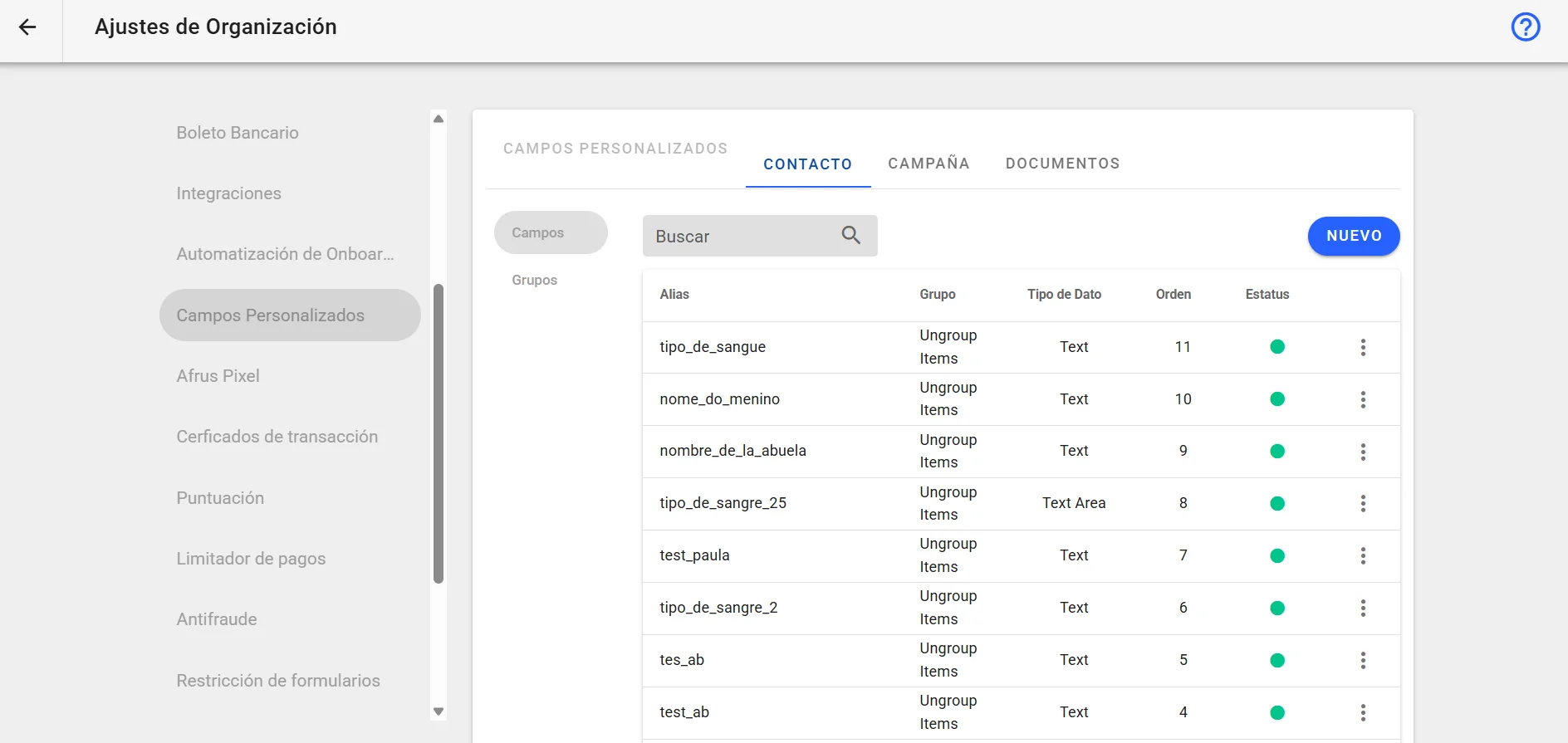
Custom fields guide
Complete guide to Custom fields: every step with its screenshots and the frequently asked questions.
afrus.ai
Settings
October 28, 2026
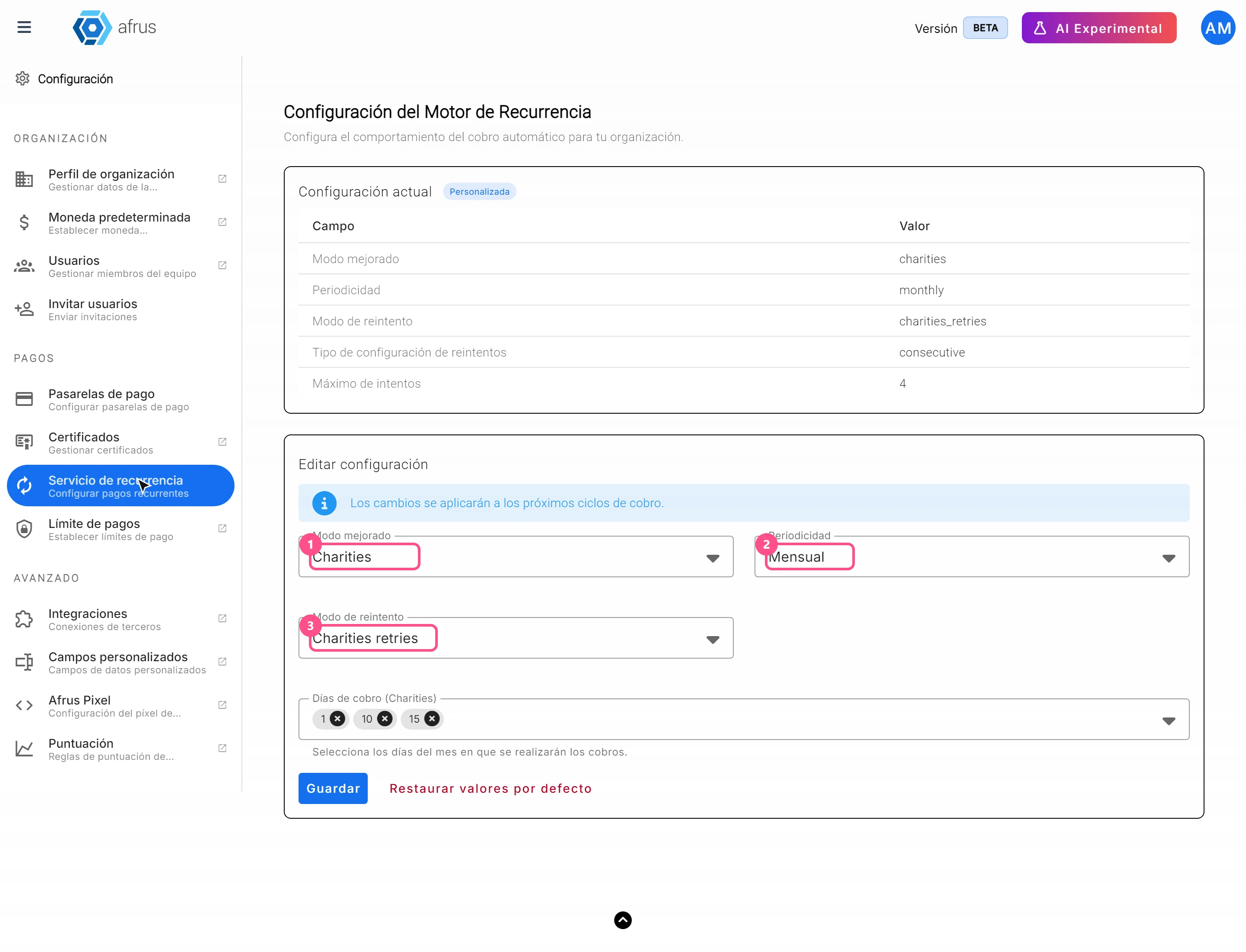
Recurrence service guide
Complete guide to Recurrence service: every step with its screenshots and the frequently asked questions.
afrus.ai
Settings
October 28, 2026
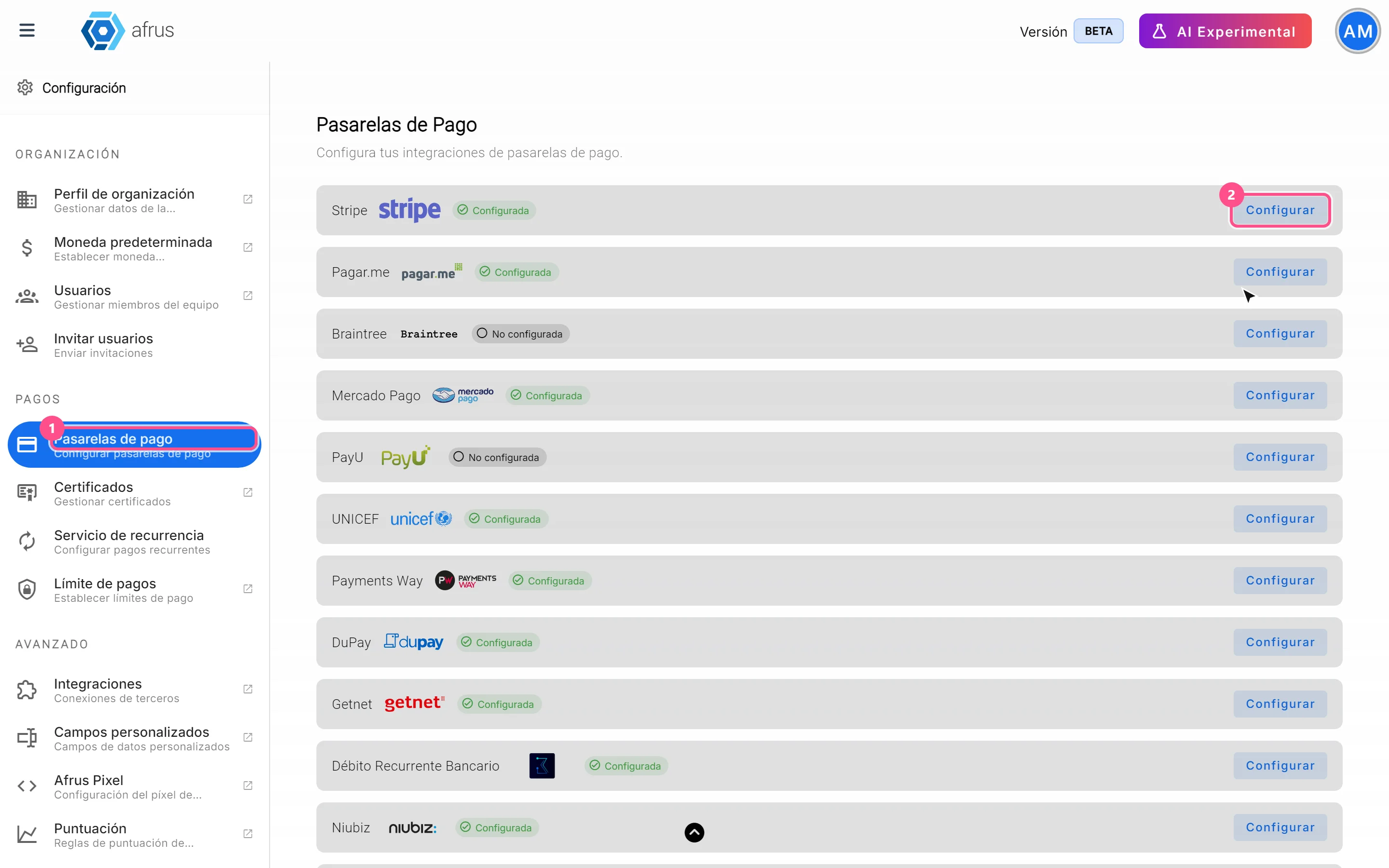
Payment gateways guide
Complete guide to Payment gateways: every step with its screenshots and the frequently asked questions.
afrus.ai
Settings
October 28, 2026
Onboarding automation guide: your email domain
Complete guide to Onboarding automation guide: your email domain: every step with its screenshots and the frequently asked questions.
afrus.ai