🡠 Back


Custom fields guide
Reading time
3 min
Settings
October 28, 2026
afrus.ai
Complete guide to Custom fields: every step with its screenshots and the frequently asked questions.
In this article
This guide explains what custom fields are, how to ask for them in your forms and where to see what donors fill in.
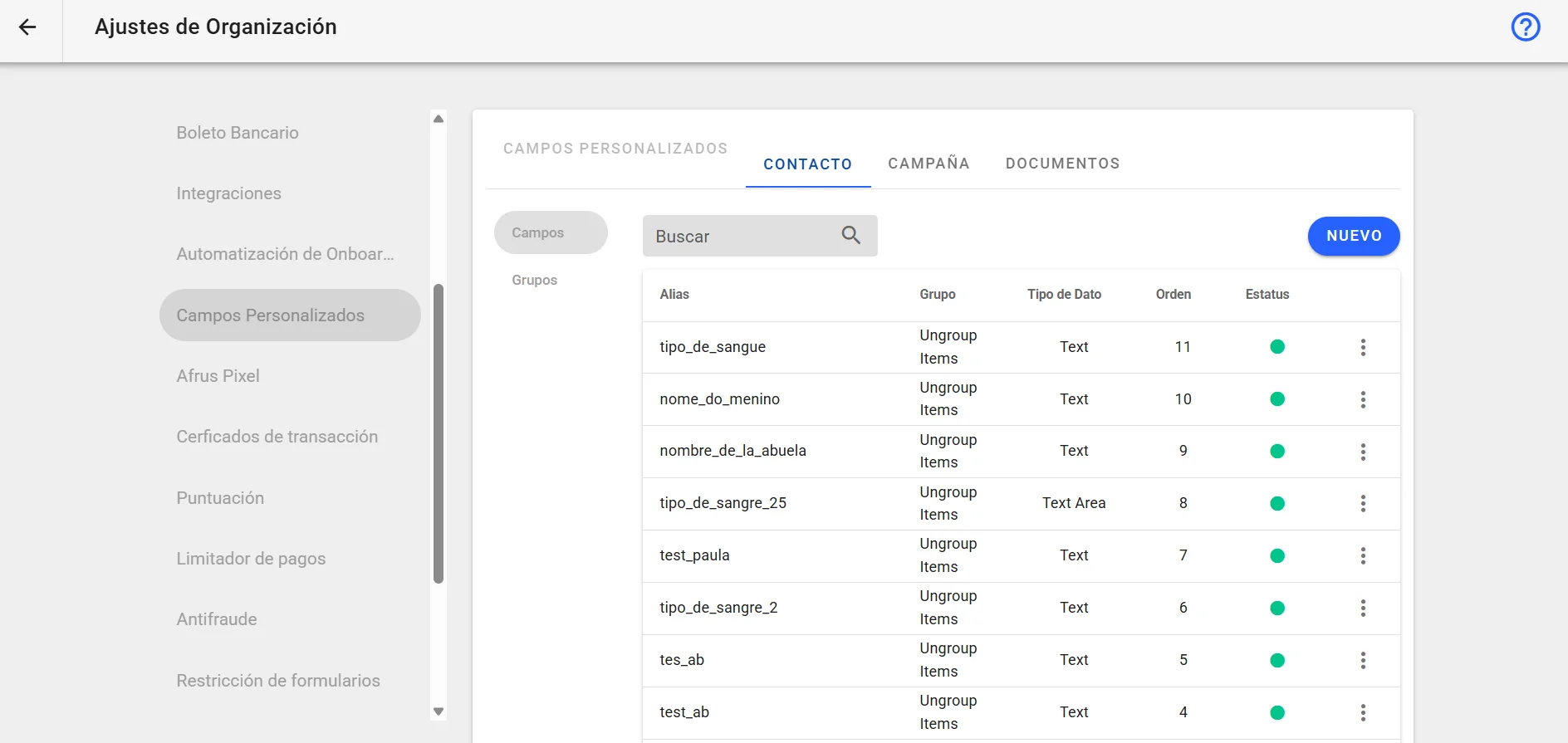
Module: Settings · Menu: Ajustes de Organización > Campos personalizados (Organization settings > Custom fields) · Audience: fundraising, communications and data teams
About the labels in this guide: buttons, fields and menus are written as they appear in the Spanish version of the console, with an English explanation where it helps.
What custom fields are
They are extra details your organization wants to keep about each person, on top of the ones AFRUS already has (name, email, phone, ID, address…). For example: "How did you hear about us?" or "Area of interest".
They are defined in Ajustes de Organización > Campos personalizados.
What they are for
- Knowing your donors better. You keep the information that matters to your organization.
- Asking for them in your forms. You can add the field to your donation or registration forms.
- Filling them in by hand. You can also fill them in when you create or edit a person.
- Using them in your emails. In autoresponders you can insert a custom field's value with a merge tag.
- Analyzing them outside AFRUS. Each field comes out as a column when you download your list of people.
Step by step
How to set up a custom field
- Open the screen. Go to Ajustes de Organización > Campos personalizados.
How to add a custom field to my widget
Before you start: the field must already exist in Ajustes de Organización > Campos personalizados.
Open the form editor. In Fundraising > Widgets, edit the form.
Add the block. Click "Agregar" (Add) and choose Campo personalizado (Custom field).
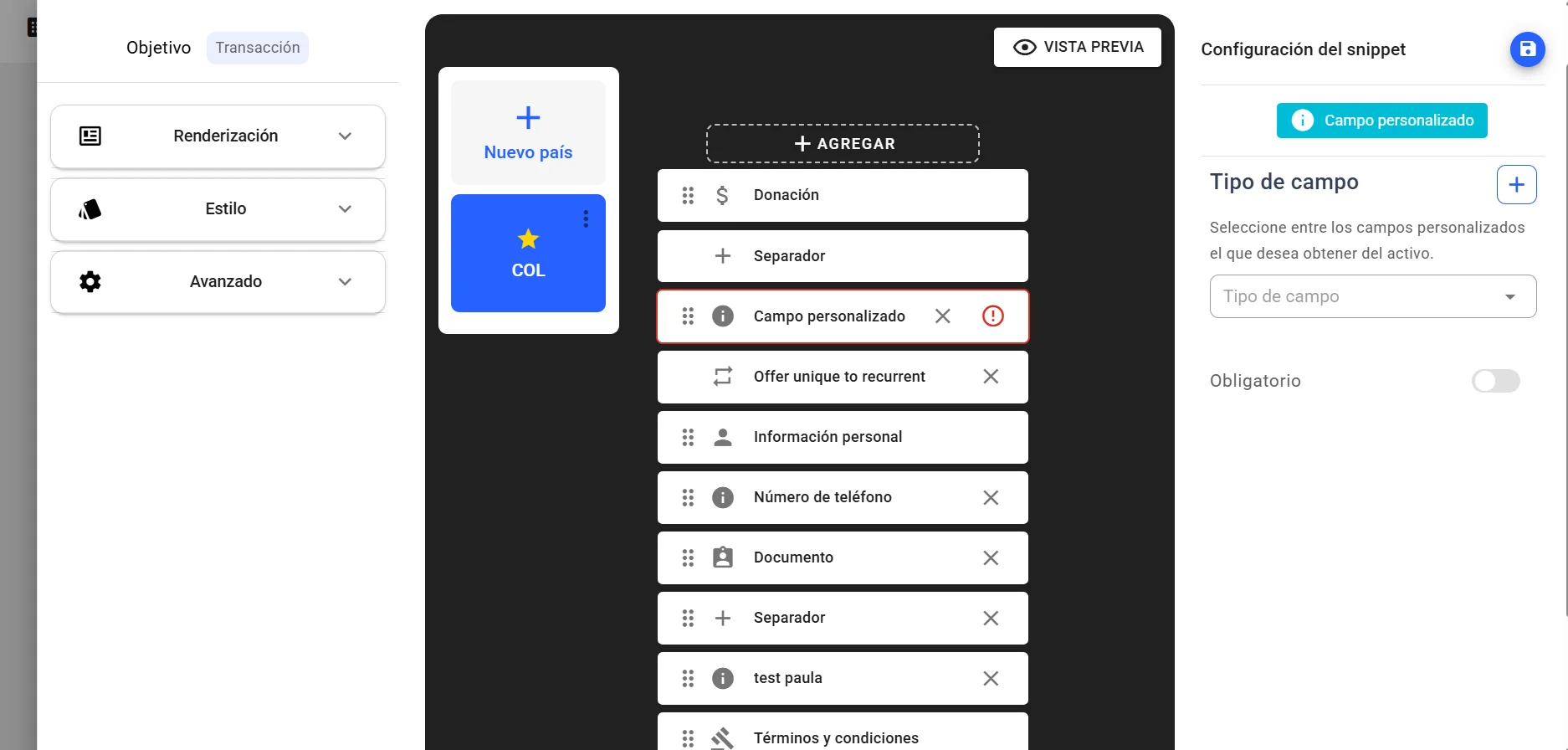
Set it up. Click the block and set it up in Configuración del snippet (Snippet settings).
Place it. Drag it to where you want it in the form.
Save. Click "Guardar Snippet" (Save snippet) and then "Guardar Widget" (Save widget).
When you finish, donors will see the field when they fill in the form.
Keep in mind:
- You can add Campo personalizado several times in the same country of the form, to ask for several fields.
- Each country of the form has its own list of blocks: if your form has several countries, add it in each one.
- If the block shows a red border and an alert icon, its setup is incomplete.
Where this information is stored
In each person's profile, in Personas (People). What the donor writes in the form, or what your team fills in by hand, is saved in their profile.
Fields are filled in:
- when the person completes a form that has the field;
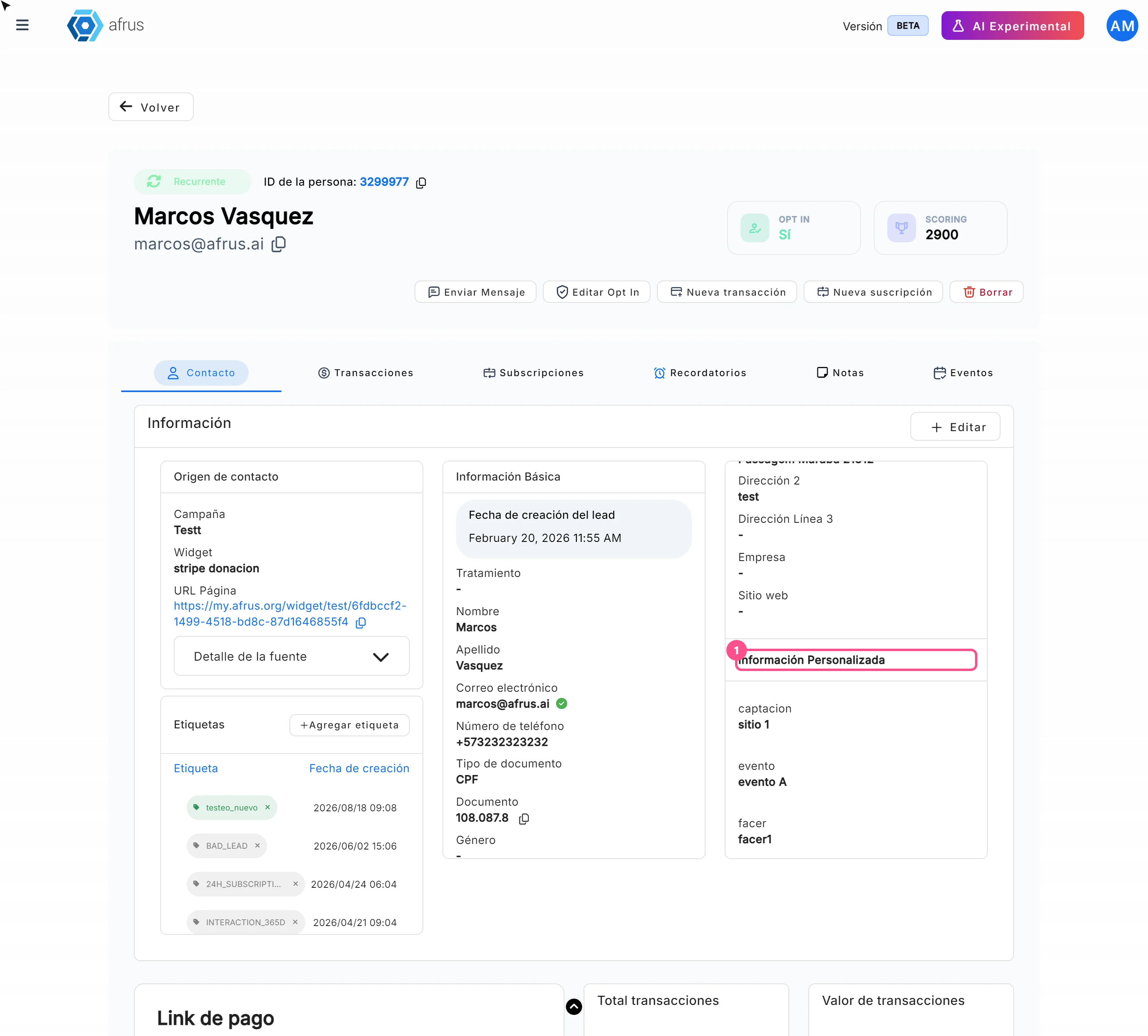
- when your team creates a person with "Crear persona" (Create person) or edits one, in the Información Personalizada (Custom information) section.
Where I can see it
In the person's profile. Open the person in Personas, Contacto (Contact) tab, Más información (More information) card, Información Personalizada section. You'll see each field with its value, or "-" if empty. The section only appears if the person has a custom field.
In the people download. When you download your list of people with Base de datos en tiempo real (Real-time database), each custom field comes out in its own column.
In your emails. In an autoresponder you can show the value with the merge tag
{{customFields.<field>}}, replacing<field>with your field's name.
Note: in landings, custom fields don't work as variables: if you type them, the donor sees the text as is, with the braces.
Frequently asked questions
Can I ask for several custom fields in the same form?
Yes. Add one Campo personalizado block for each.
Can I see custom fields in Excel?
Yes. Download your list of people with Base de datos en tiempo real: each field comes out in a column.
Last updated: 2026-10-28
Need help? Talk to the afrus team
In this article
✕
Related Tutorials
Settings
October 28, 2026
Recurrence service guide
Complete guide to Recurrence service: every step with its screenshots and the frequently asked questions.
afrus.ai
Settings
October 28, 2026
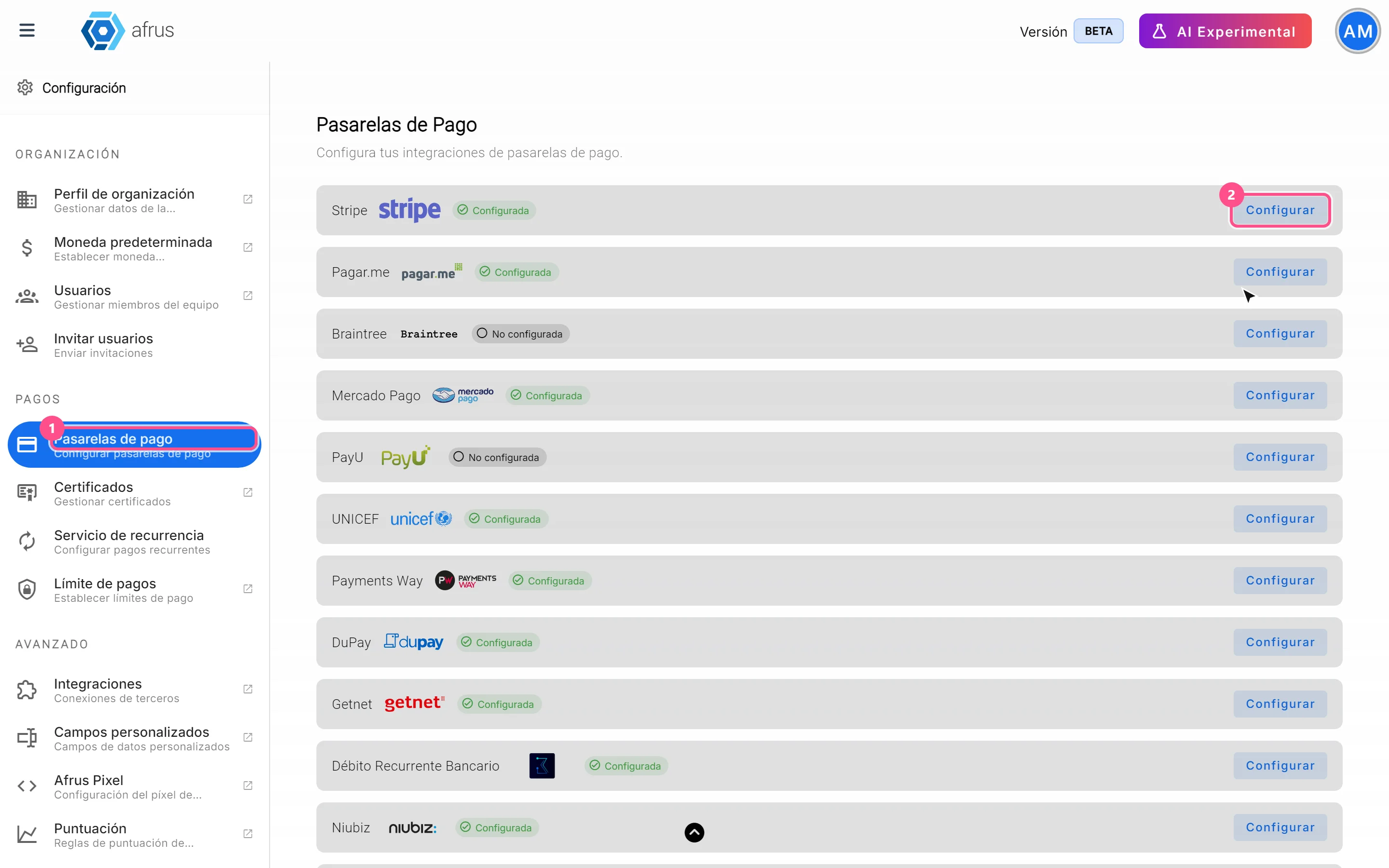
Payment gateways guide
Complete guide to Payment gateways: every step with its screenshots and the frequently asked questions.
afrus.ai
Settings
October 28, 2026
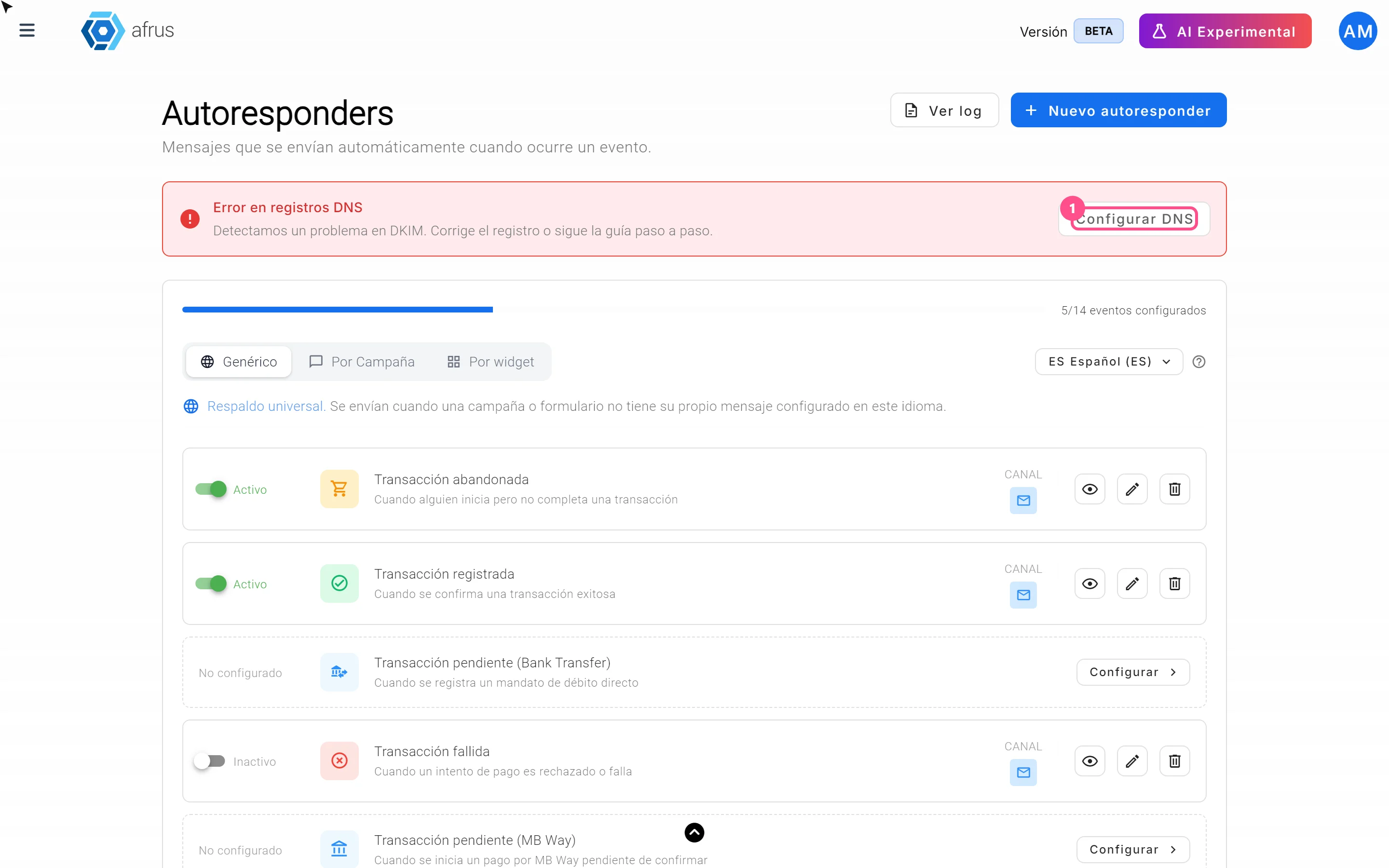
Onboarding automation guide: your email domain
Complete guide to Onboarding automation guide: your email domain: every step with its screenshots and the frequently asked questions.
afrus.ai
Settings
October 28, 2026
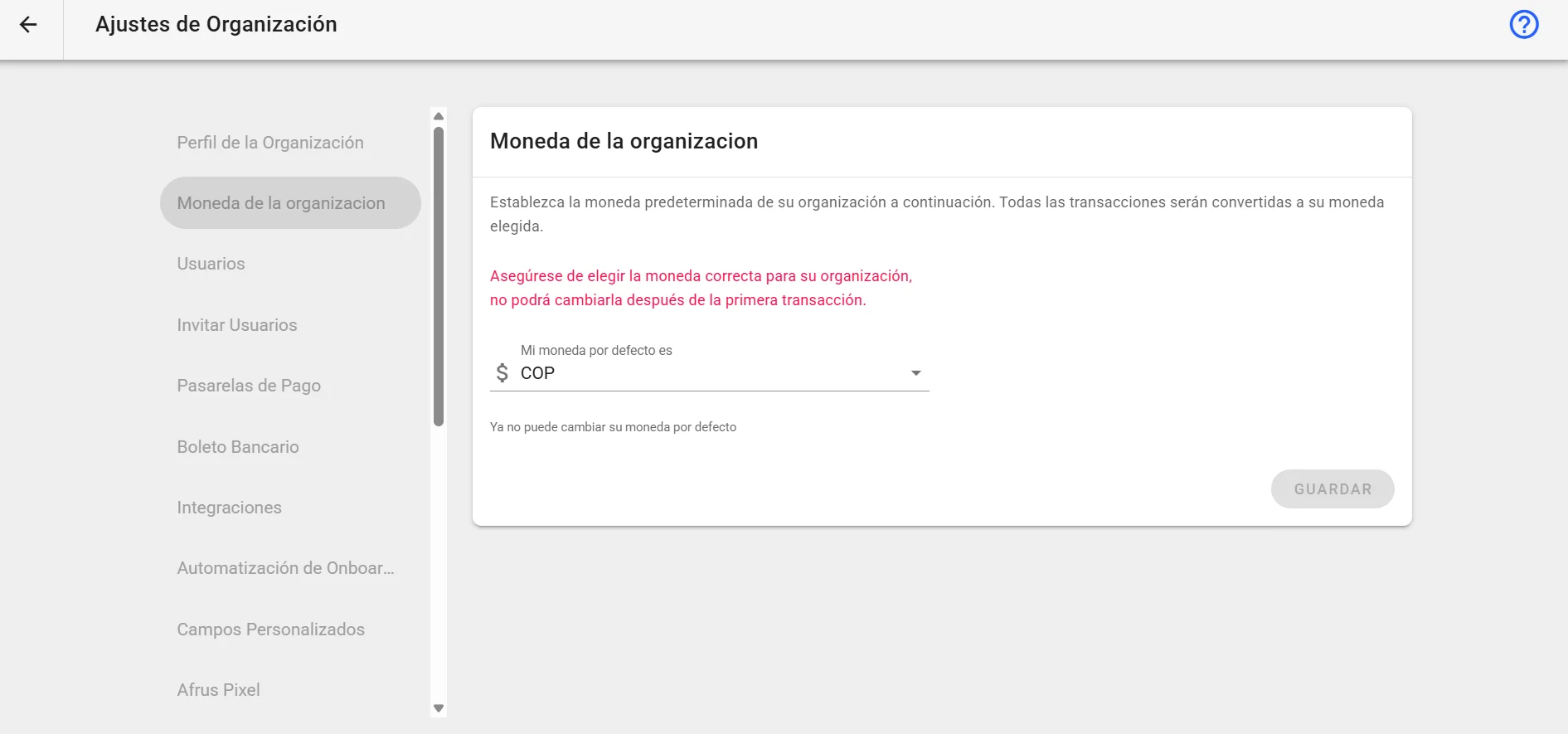
Organization currency guide
Complete guide to Organization currency: every step with its screenshots and the frequently asked questions.
afrus.ai