🡠 Back


Onboarding automation guide: your email domain
Reading time
3 min
Settings
October 28, 2026
afrus.ai
Complete guide to Onboarding automation guide: your email domain: every step with its screenshots and the frequently asked questions.
In this article
This guide helps you set up your DNS so AFRUS sends your emails with your organization's domain (for example, yourorg.org).
Module: Settings · Opens from the "Configurar DNS" (Set up DNS) button in Interacciones > Autoresponders, Interacciones > Blast or Interacciones > Flujos de trabajo · Audience: admin, communications and whoever manages the domain
About the labels in this guide: buttons, fields and menus are written as they appear in the Spanish version of the console, with an English explanation where it helps.
What it is
It is the step where you authorize AFRUS to send emails with your organization's domain. To do this, you create some records (DNS) at the provider where your domain is hosted.
Until you set it up, your emails are sent from an AFRUS account.
What it is for
- Sending from your own email address. Donors receive emails from an address of your organization, for example
donations@yourorg.org. - Reaching the inbox more often. As the screen says, setting up your DNS lets you use your email with your domain and improve deliverability.
- Creating workflows. To create a workflow in Interacciones > Flujos de trabajo you need a verified domain.
- Choosing a sender. Once the domain is verified, the sender options for autoresponders and Blast include the emails of your organization's users that end in that domain.
How to know if it's already set up
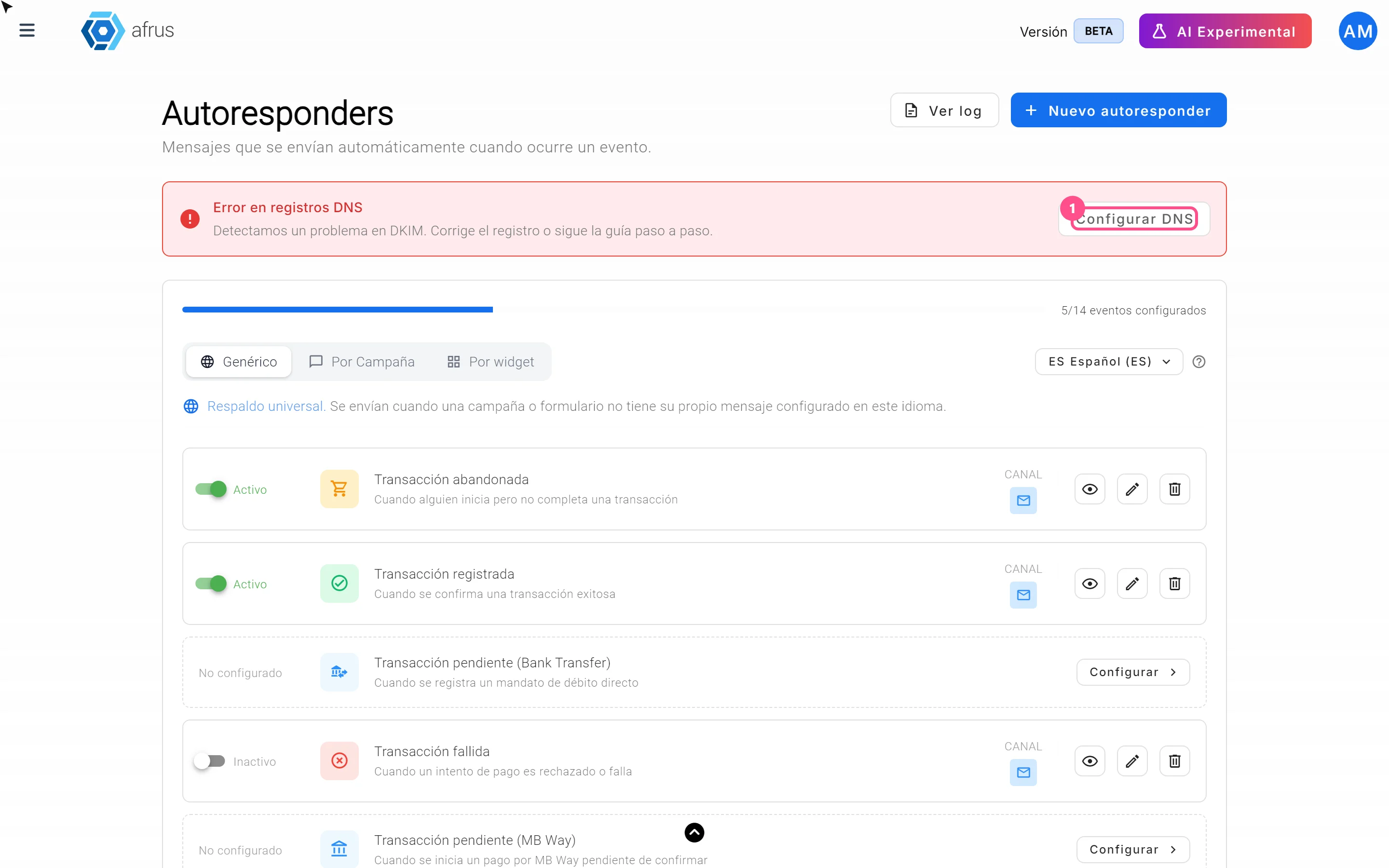
At the top of Interacciones > Autoresponders and Interacciones > Blast you'll see a card with one of these statuses:
| Card | What it means |
|---|---|
| Dominio verificado (Verified domain) | Ready: your emails go out with your domain |
| No tienes un dominio verificado para Email (No verified email domain) | Your emails go out from an AFRUS account |
| Error en registros DNS (DNS record error) | There is a problem with the records; they need fixing |
Step by step
How to set up my DNS in AFRUS
Before you start:
- Have access to your domain provider's panel (where you bought the domain), or ask whoever manages it on your team.
- Your organization's sending account must be set up by AFRUS. If you see "Hubo un error al crear el dominio" (There was an error creating the domain) when you start, write to us.
Open the setup. In Interacciones > Autoresponders or Interacciones > Blast, click "Configurar DNS" on the domain card.
Enter your domain. In step 1, Configurar dominio (Set up domain), type your Dominio (Domain), for example
example.com, click "Iniciar autenticación" (Start authentication) and then "Continuar" (Continue).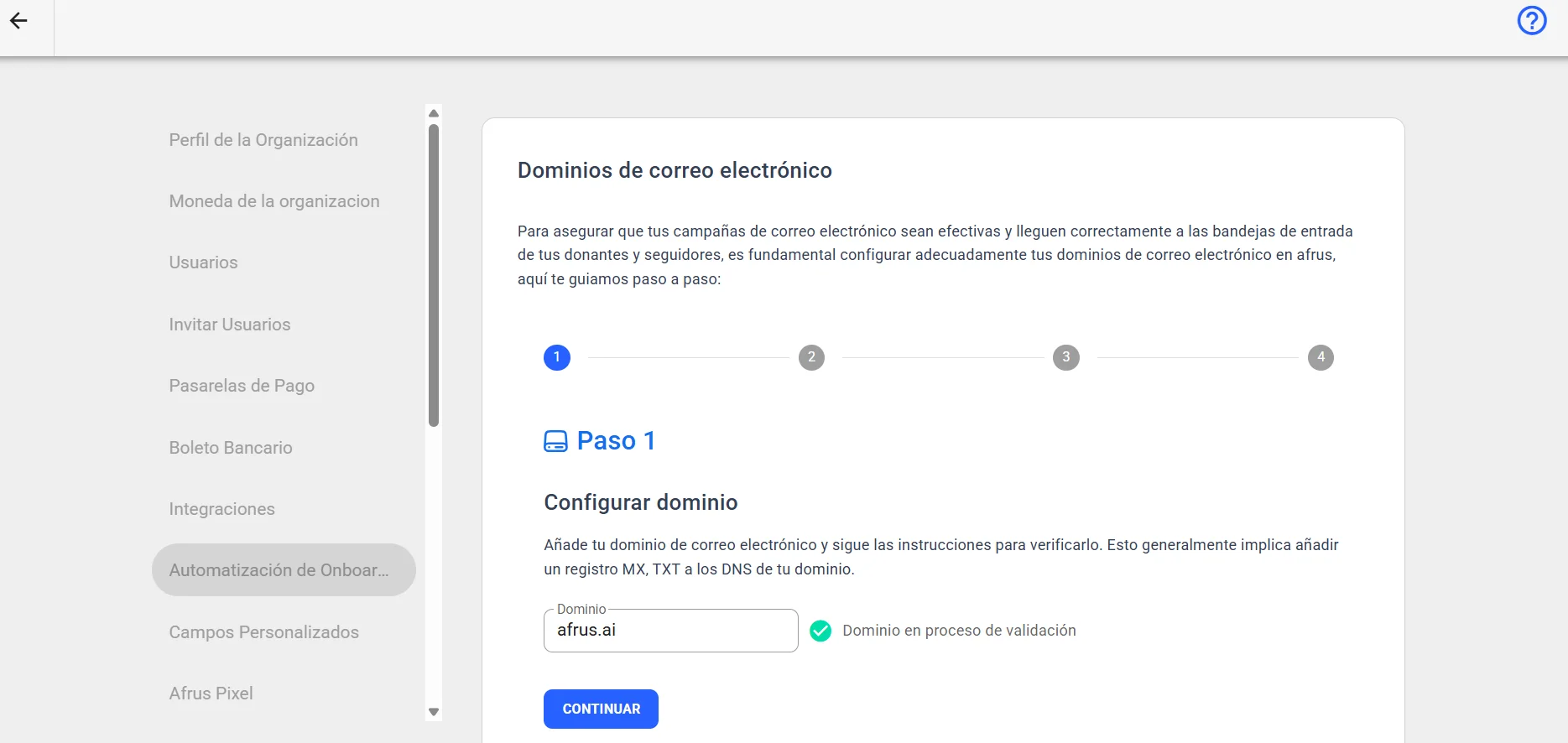
Choose your provider. In step 2, answer "¿Cuál es tu proveedor de DNS?" (Who is your DNS provider?) and follow the instructions to open its panel. Click "Continuar".
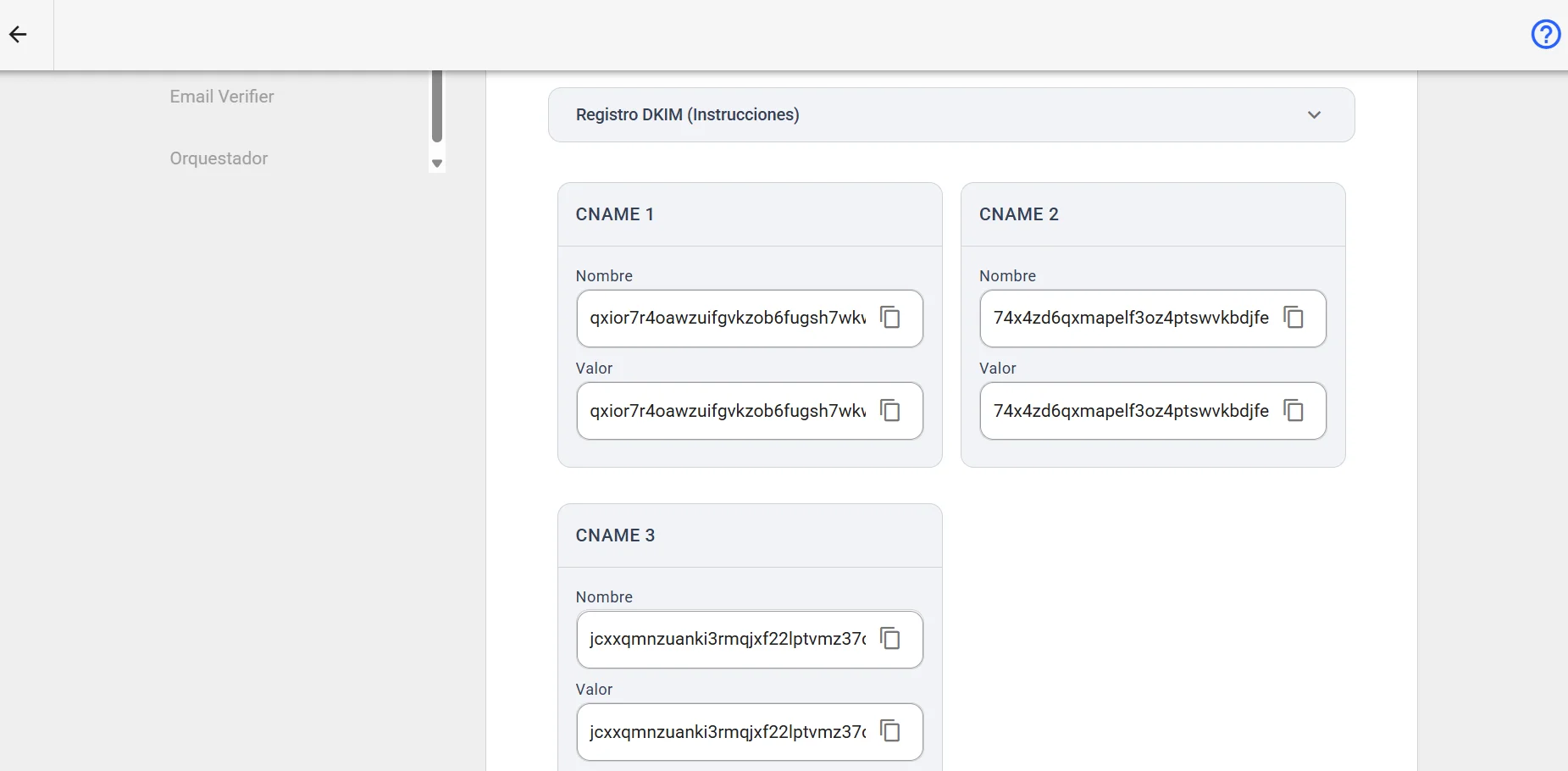
Create the DKIM records. In step 3, the screen shows 3 records of type CNAME, each with its Nombre (Name) and Valor (Value). Copy them with the copy button and create them in your provider's panel. Click "Continuar".
Create the DMARC records. In step 4, create at your provider the records shown in the table: two of type TXT and one of type MX with Prioridad (Priority) 10. Click "Finalizar" (Finish).
When you finish, the screen shows your domain and its status: Pendiente (Pending), Exitoso (Successful), Fallido (Failed), Fallido temporalmente (Temporarily failed) or No iniciado (Not started). As the screen says, validation can take up to 48 hours, although it is usually much faster.
To check the status: the status updates when you open the screen or when you click "Comprobar estado" (Check status).
Can it be undone? The delete icon next to the domain removes it. If you delete it, your emails go back to being sent from an AFRUS account.
To send from a specific address (for example donations@yourorg.org): that address has to belong to a user of your organization.
Frequently asked questions
How long does verification take?
Up to 48 hours, although it is usually much faster.
Does AFRUS let me know when it's done?
No, it doesn't. You need to check whether the domain was validated: once it is, you will see the verified domain in Interacciones > Blast or in Interacciones > Autoresponders.
Last updated: 2026-10-28
Need help? Talk to the afrus team
In this article
✕
Related Tutorials
Settings
October 28, 2026
Custom fields guide
Complete guide to Custom fields: every step with its screenshots and the frequently asked questions.
afrus.ai
Settings
October 28, 2026
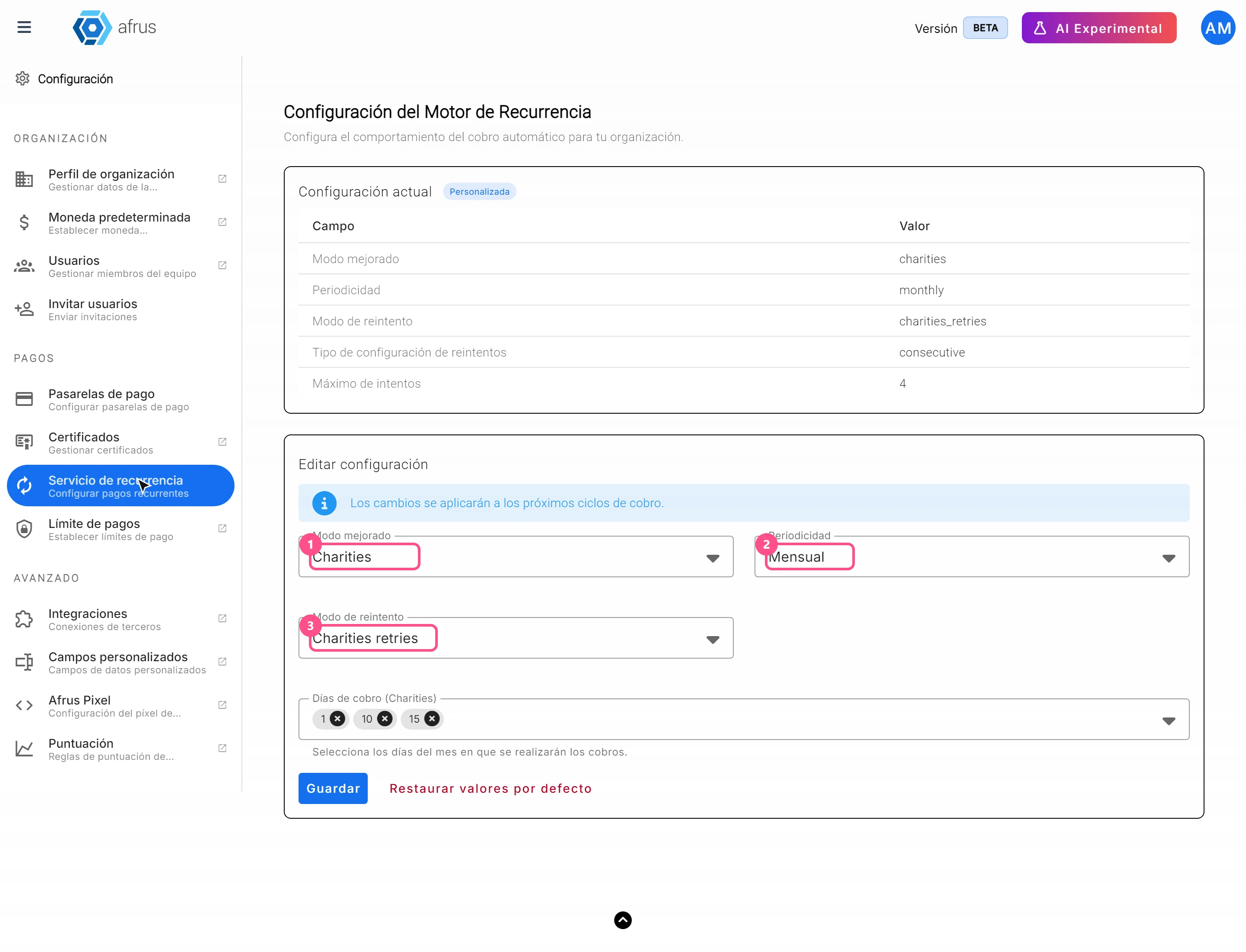
Recurrence service guide
Complete guide to Recurrence service: every step with its screenshots and the frequently asked questions.
afrus.ai
Settings
October 28, 2026
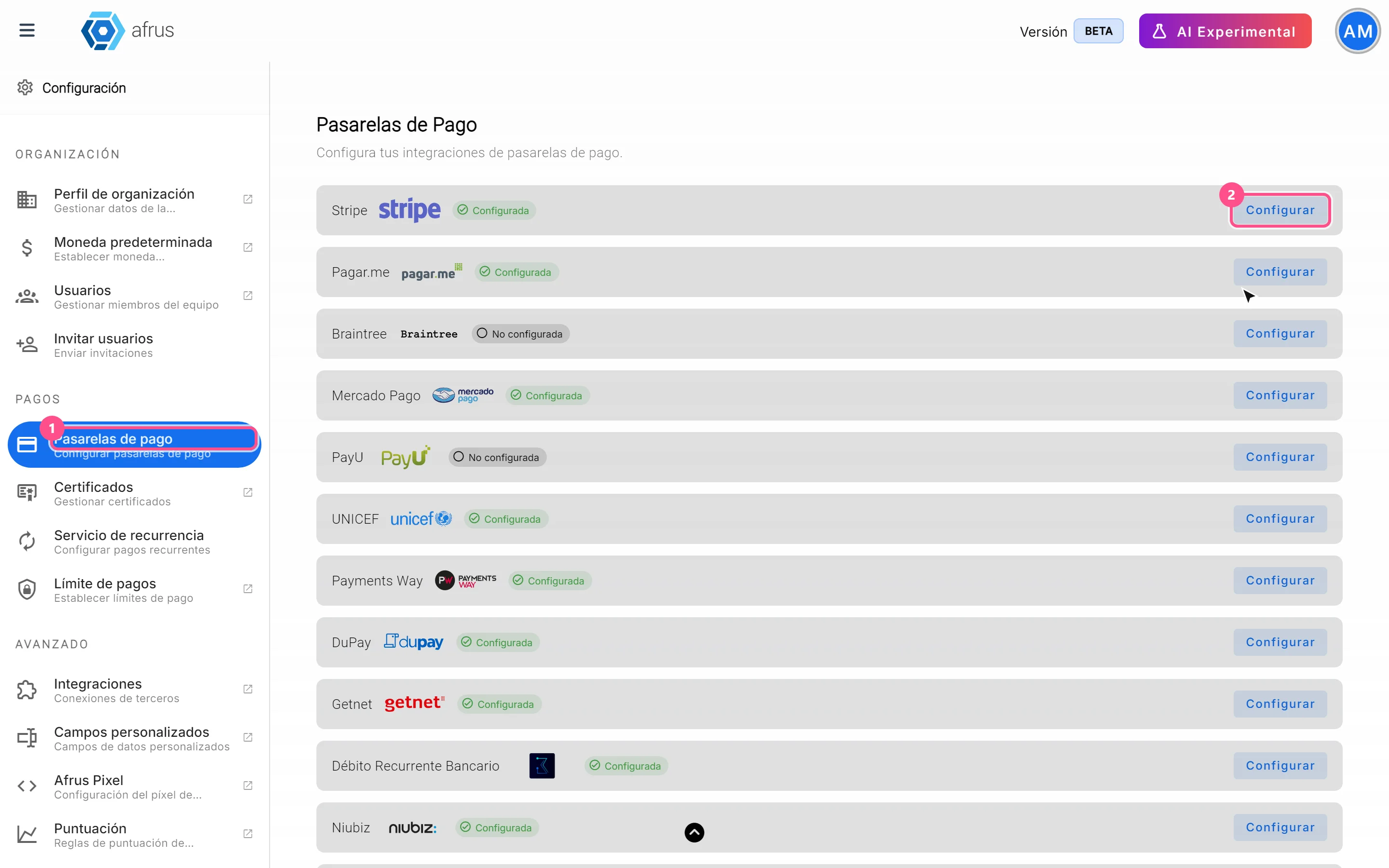
Payment gateways guide
Complete guide to Payment gateways: every step with its screenshots and the frequently asked questions.
afrus.ai
Settings
October 28, 2026
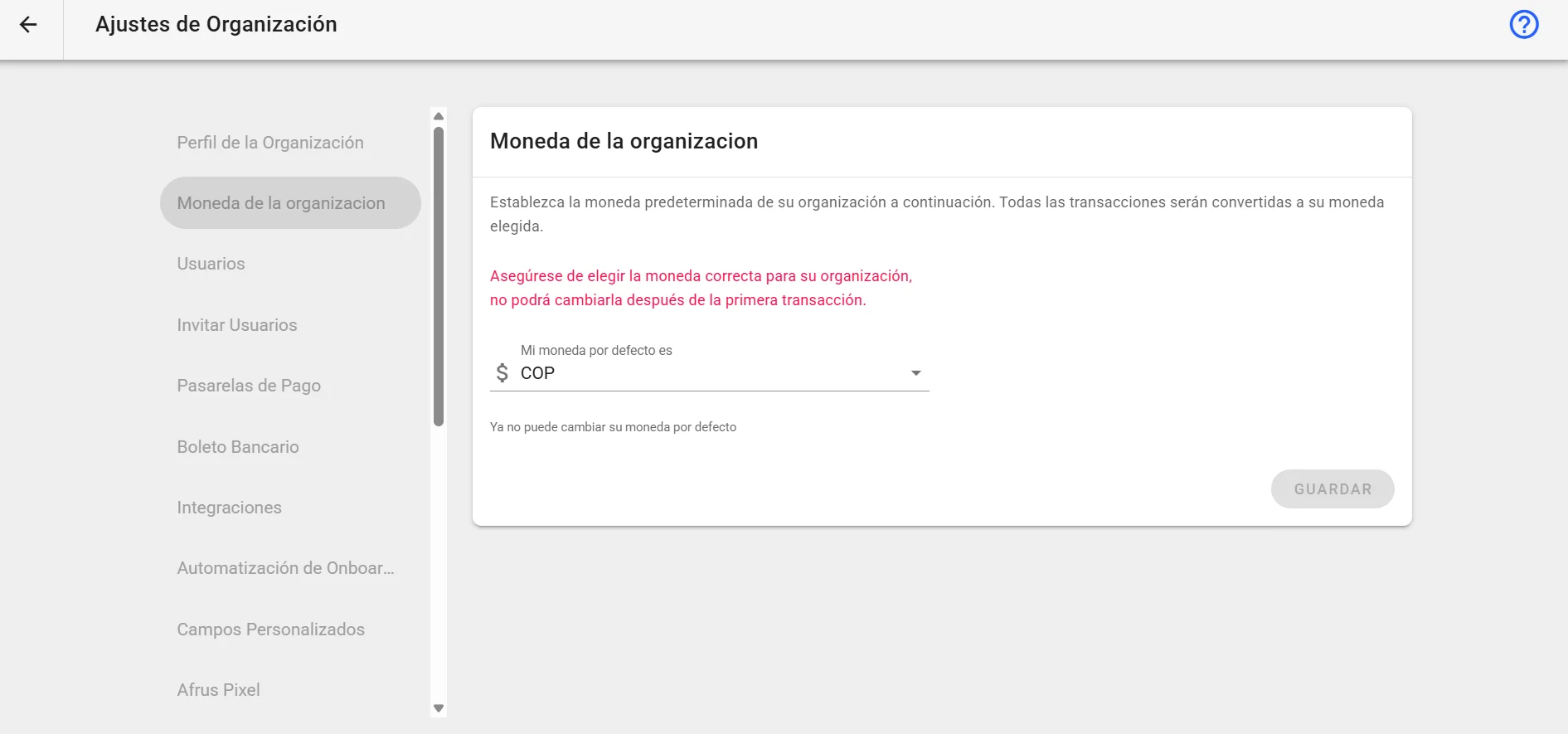
Organization currency guide
Complete guide to Organization currency: every step with its screenshots and the frequently asked questions.
afrus.ai