🡠 Back


Radar - fraud monitor guide
Reading time
4 min
Follow up
October 28, 2026
afrus.ai
Complete guide to Radar - fraud monitor: every step with its screenshots and the frequently asked questions.
In this article
After reading this guide you will know what the Radar is, when a transaction appears on it, how to review it and how AFRUS protects you against fraud.
Module: Follow up · Menu: Follow up > Radar - monitor de fraude · Audience: finance, fundraising and admin teams
About the labels in this guide: buttons, fields and menus are written exactly as they appear in the Spanish version of the console, with an English explanation where it helps.
What the Radar - fraud monitor is
The Radar is the list of your organization's transactions that have been marked as fraud. The screen is called Transacciones Fraudulentas (Fraudulent transactions).
For each transaction you see, among other data, its Valor (amount), Email, Nombre (name), Estado (status), Estado anterior (previous status, before it was marked as fraud), the Marcada como fraude el (marked as fraud on) date, Pasarela de pago (payment gateway), Método de pago (payment method), Widget and Campaña (campaign).
What it is for
- Review fraud in one place. Every transaction marked as fraud, with its previous status and the date it was marked.
- Spot patterns. Filter by Pasarela de pago, Metodo de pago, Campaña, Widgets, Tipo (type), Estado anterior and amount range.
- Reconcile and analyze. Export the list with "Acciones" (Actions) > Exportar (Export).
- See each case in detail. Open it from the row menu.
Step by step
How often it updates
- Instantly. A transaction appears on the Radar as soon as it's marked as fraud.
- The screen doesn't refresh on its own. Data loads when you open it and when you change dates, filters, sort or page. Reload the page to see the latest.
When a transaction is considered fraudulent
A transaction appears on the Radar when it is marked as fraud:
- By your team, with the Marcar como Fraude (Mark as fraud) action in Transacciones (Transactions), or
- By the AFRUS team, for example when loading a list of fraudulent transactions.
The Radar shows payment transactions; it doesn't show the subscription record itself.
How to mark a transaction as fraud
You do it from Transacciones, not from the Radar (on the Radar the rows are already fraud).
- Select the transactions. In Transacciones, tick one or more rows.
- Choose the action. Click "Acciones" and choose Marcar como Fraude.
- Confirm. In the Marcar como fraude dialog, read the warning "¿Estás seguro de que quieres marcar {count} transacción(es) como fraudulenta(s)? Esta acción no se puede deshacer." (Are you sure you want to mark {count} transaction(s) as fraudulent? This action cannot be undone.) and confirm.
You'll see "Transacciones marcadas como fraude" (Transactions marked as fraud) and the transactions will move to the Radar.
Can it be undone? No. Also, the people linked to those transactions are deleted: they no longer appear in Personas (People). Check your selection carefully before confirming.
How to review the Radar
- Open the Radar. Go to Follow up > Radar - monitor de fraude.
- Choose the dates. By default the current month is shown. Note: the filter uses the transaction date, not the date it was marked as fraud.
- Filter or search. Use the filters or the search box to find what you need. The table shows 25 rows per page.
What mechanisms AFRUS has to fight fraud
AFRUS combines several protections. Some depend on each organization's setup:
- Anti-bot verification (reCAPTCHA) on widget payments, which can be switched on for a form when unusual activity is detected.
- Limits on repeated payment attempts, to stop anyone testing many cards.
- Automatic form protection: when there is unusual failed-payment activity, AFRUS can require anti-bot verification, temporarily limit the form or deactivate it, and notify you by email.
- Code verification (OTP): when there is suspicious activity on a form, AFRUS sends the donor a verification code by WhatsApp, which they must enter before the charge is made.
- Blocking blacklisted emails and other checks on every payment.
- Detection of automated sign-ups (bots) on registration forms (see Follow up > Leads spam).
- Manual fraud marking by your team, with the Radar for follow-up.
Frequently asked questions
Can I remove the fraud mark from a transaction?
Not from the console. Marking as fraud cannot be undone.
Why don't I see on the Radar a transaction I marked today?
It's probably from a previous month. The filter uses the transaction date: widen the date range.
Last updated: 2026-10-27
Need help? Talk to the afrus team
In this article
✕
Related Tutorials
Follow up
October 28, 2026
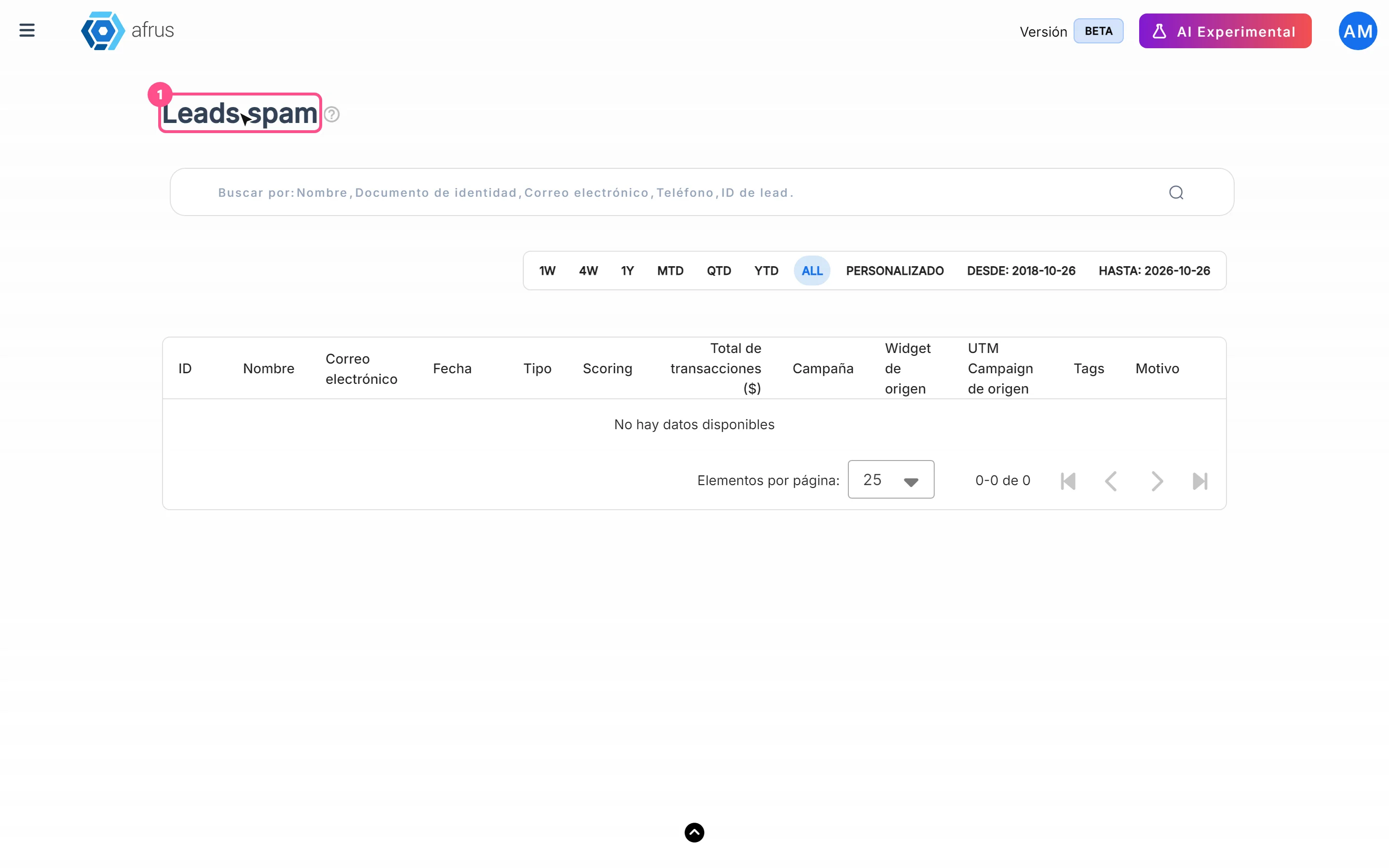
Leads spam guide
Complete guide to Leads spam: every step with its screenshots and the frequently asked questions.
afrus.ai
Follow up
October 28, 2026
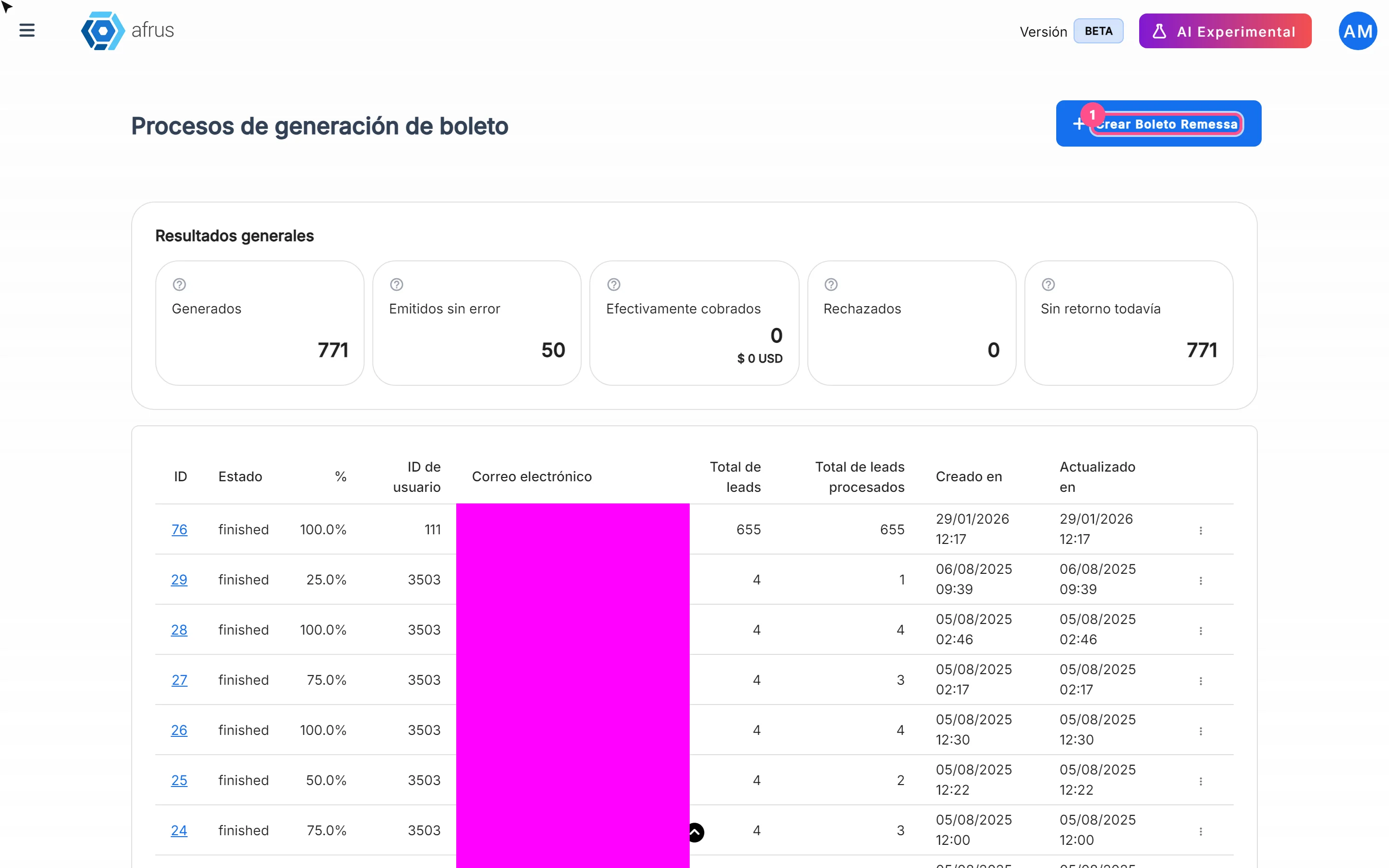
Boleto Itaú guide
Complete guide to Boleto Itaú: every step with its screenshots and the frequently asked questions.
afrus.ai
Follow up
October 28, 2026
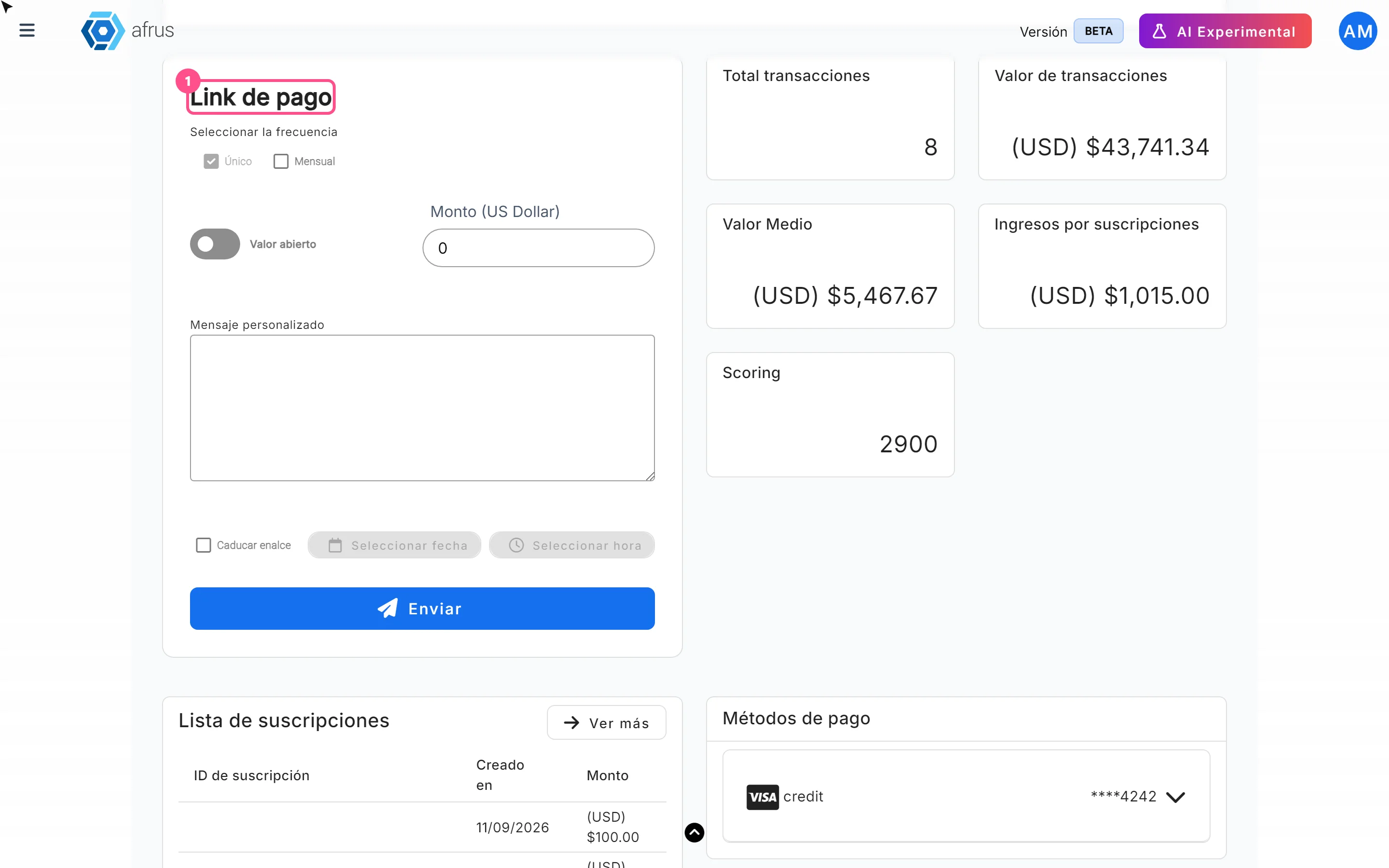
Payment links guide
Complete guide to Payment links: every step with its screenshots and the frequently asked questions.
afrus.ai
Follow up
October 28, 2026
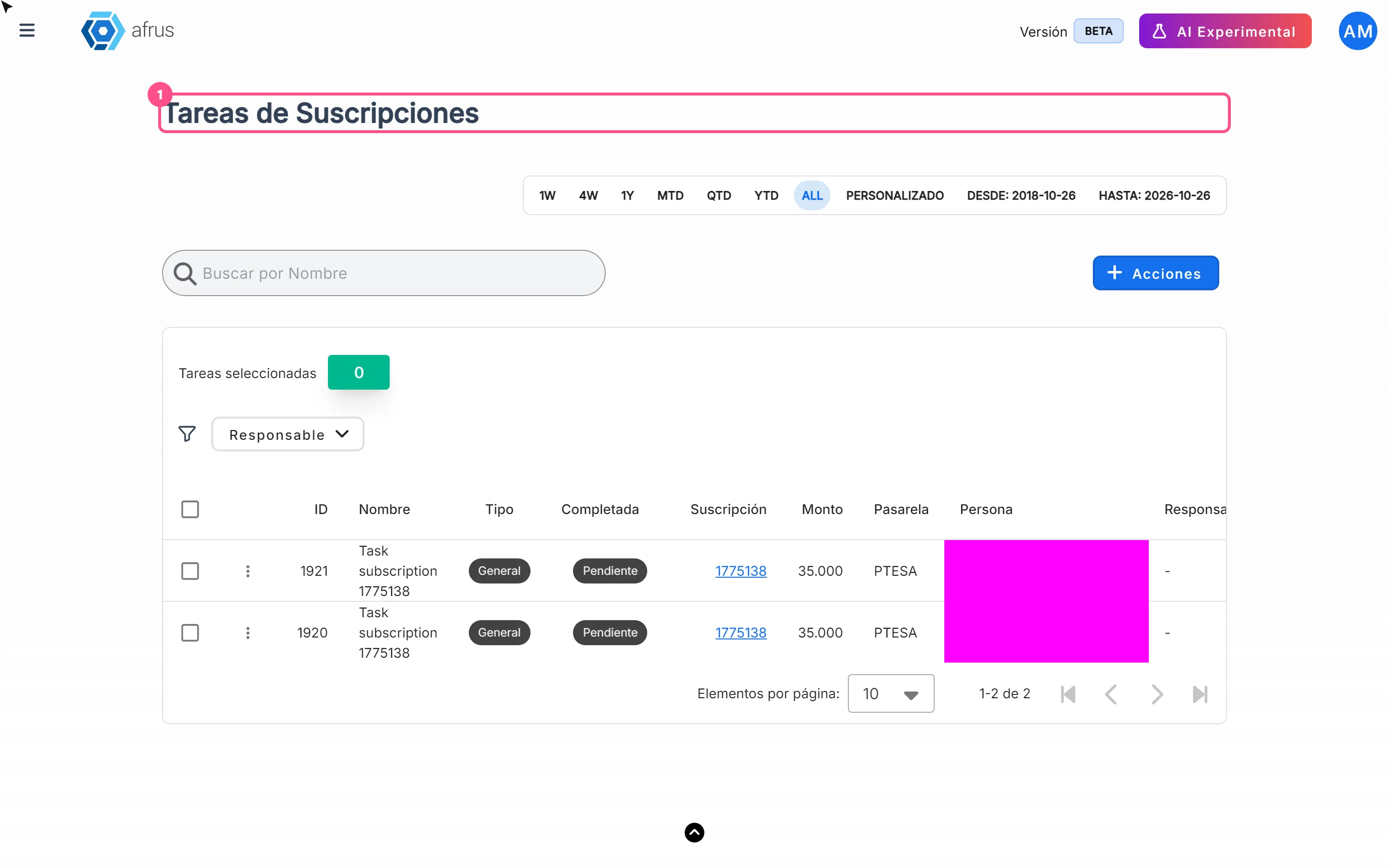
Subscription tasks guide
Complete guide to Subscription tasks: every step with its screenshots and the frequently asked questions.
afrus.ai