🡠 Back


What Transactions are in AFRUS
Reading time
1 min
Transactions
October 27, 2026
afrus.ai
Learn what the Transactions module is: the list of every payment your organization receives, one-time and recurring.
In this article
Labels are shown as they appear in the Spanish version of the console.
Transactions is the list of every payment your organization receives. Here you see one-time donations and each charge of recurring donations, with their status, amount, gateway, payment method, campaign and source widget.
Subscriptions themselves are not here: you see them in Suscripciones (Subscriptions). Transactions shows each payment a subscription generates.
Where to find it
In the side menu, Transacciones. By default the list shows the current month (MTD) and updates when you open the screen or change a filter.
Most common statuses
- Exitoso (Successful): the payment went through.
- Pendiente (Pending): the payment is not confirmed yet.
- Pendiente de confirmación (Awaiting confirmation): your team must confirm or reject it.
- Fallido / Rechazada (Failed / Rejected): the payment did not go through.
- Reembolsado (Refunded): the payment was returned to the donor.
Transactions marked as fraud don't appear here: they are in Follow up > Radar - monitor de fraude.
Need help? Talk to the afrus team
In this article
✕
Related Tutorials
Transactions
October 27, 2026
What Transactions are for
Learn what the Transactions module is for: finding payments, refunding, cleaning up fraud, exporting and AI thank-yous.
afrus.ai

Transactions
October 27, 2026
How to create an AI thank-you from Transactions
Learn how to send a donor a thank-you email written with AI from a successful transaction.
afrus.ai
Transactions
October 27, 2026
How to refund a donation
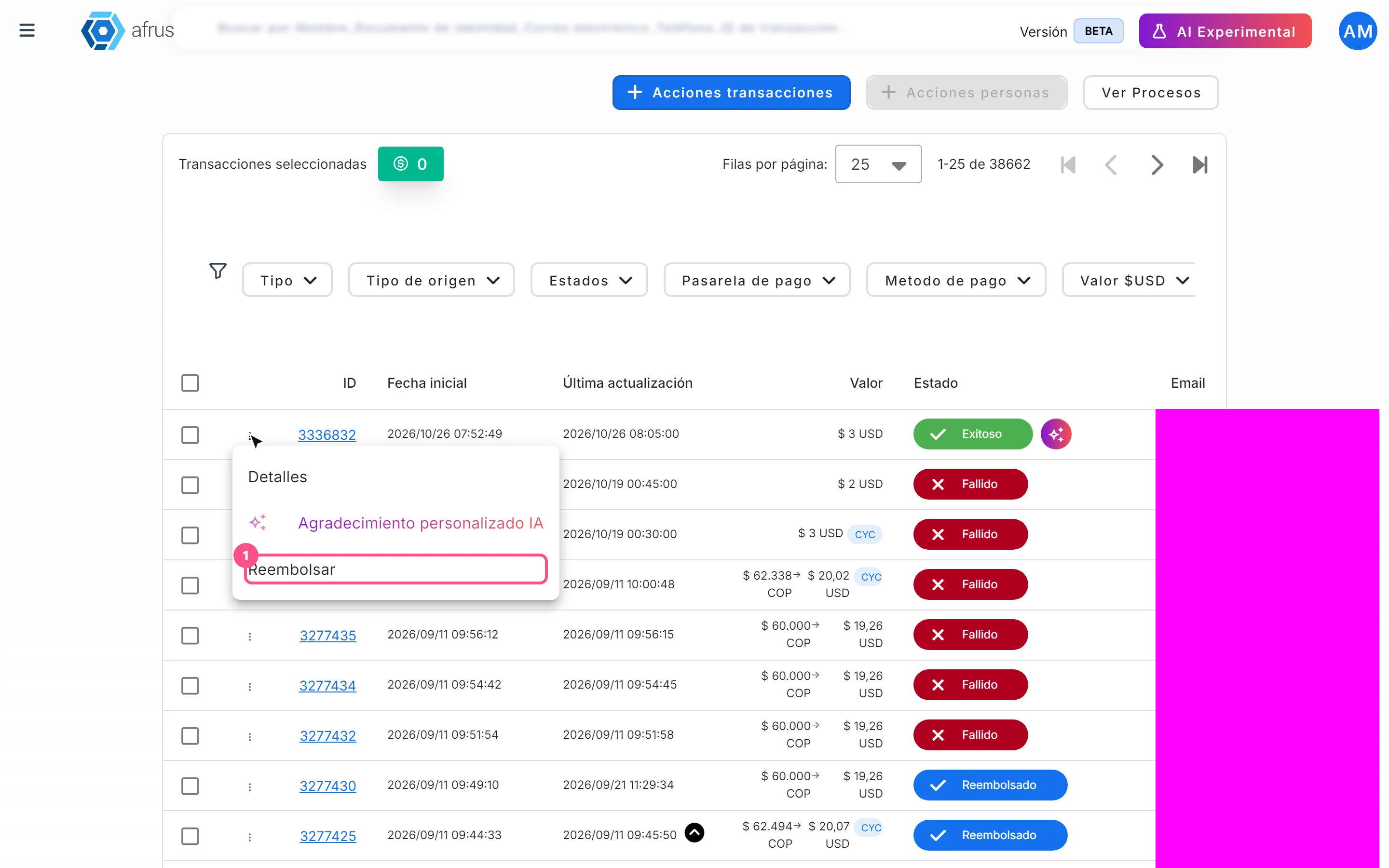
Learn how to refund a successful donation from Transactions and what happens next.
afrus.ai
Transactions
October 27, 2026
How to mark a transaction as fraud
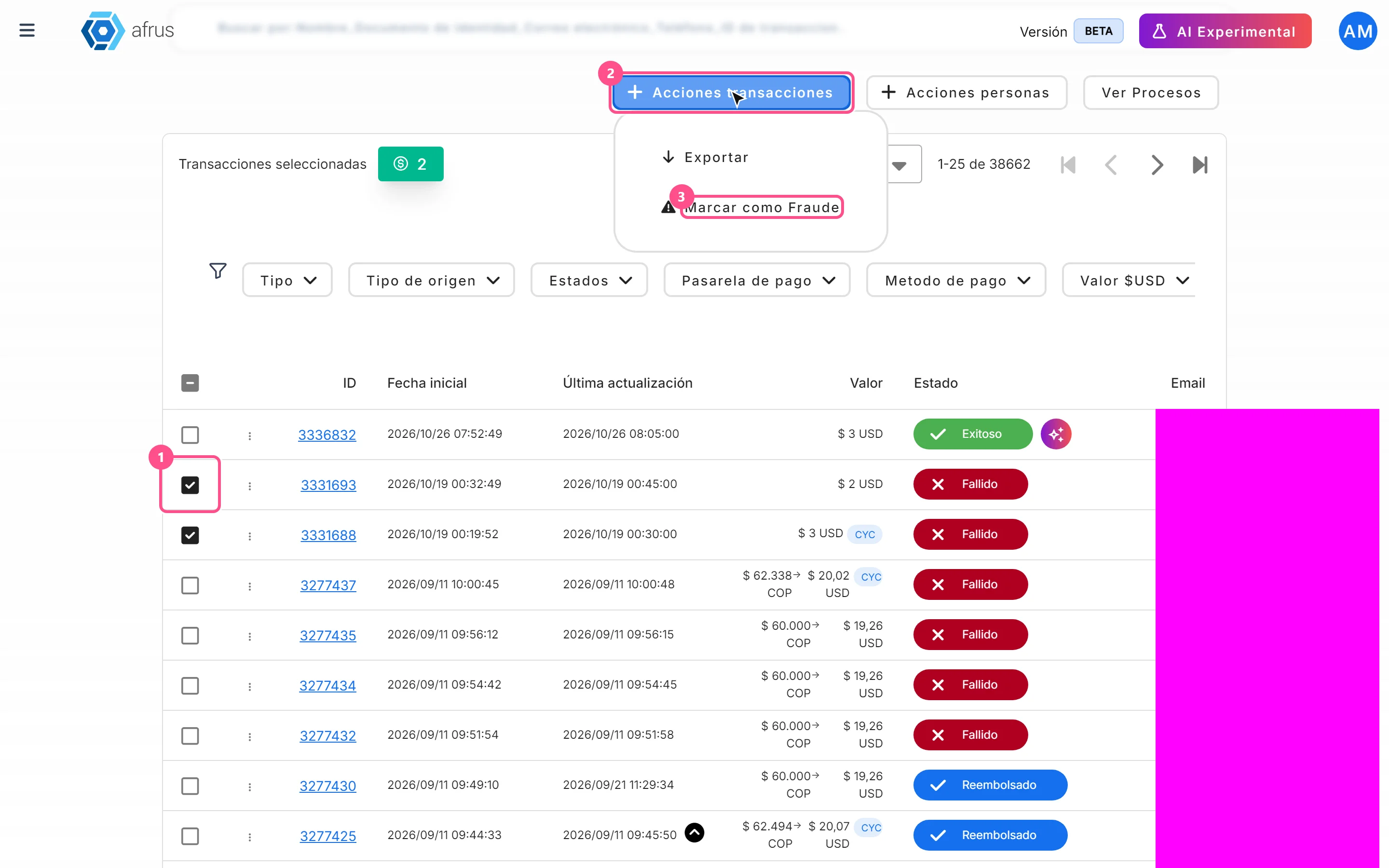
Learn how to mark transactions as fraud and what happens to them and to the linked donors.
afrus.ai