🡠 Back


What Transactions are for
Reading time
1 min
Transactions
October 27, 2026
afrus.ai
Learn what the Transactions module is for: finding payments, refunding, cleaning up fraud, exporting and AI thank-yous.
In this article
Labels are shown as they appear in the Spanish version of the console.
The Transactions module lets you:
- Find any payment. Search by name, ID document, email, phone or ID and open its details, including the gateway's response when a payment fails.
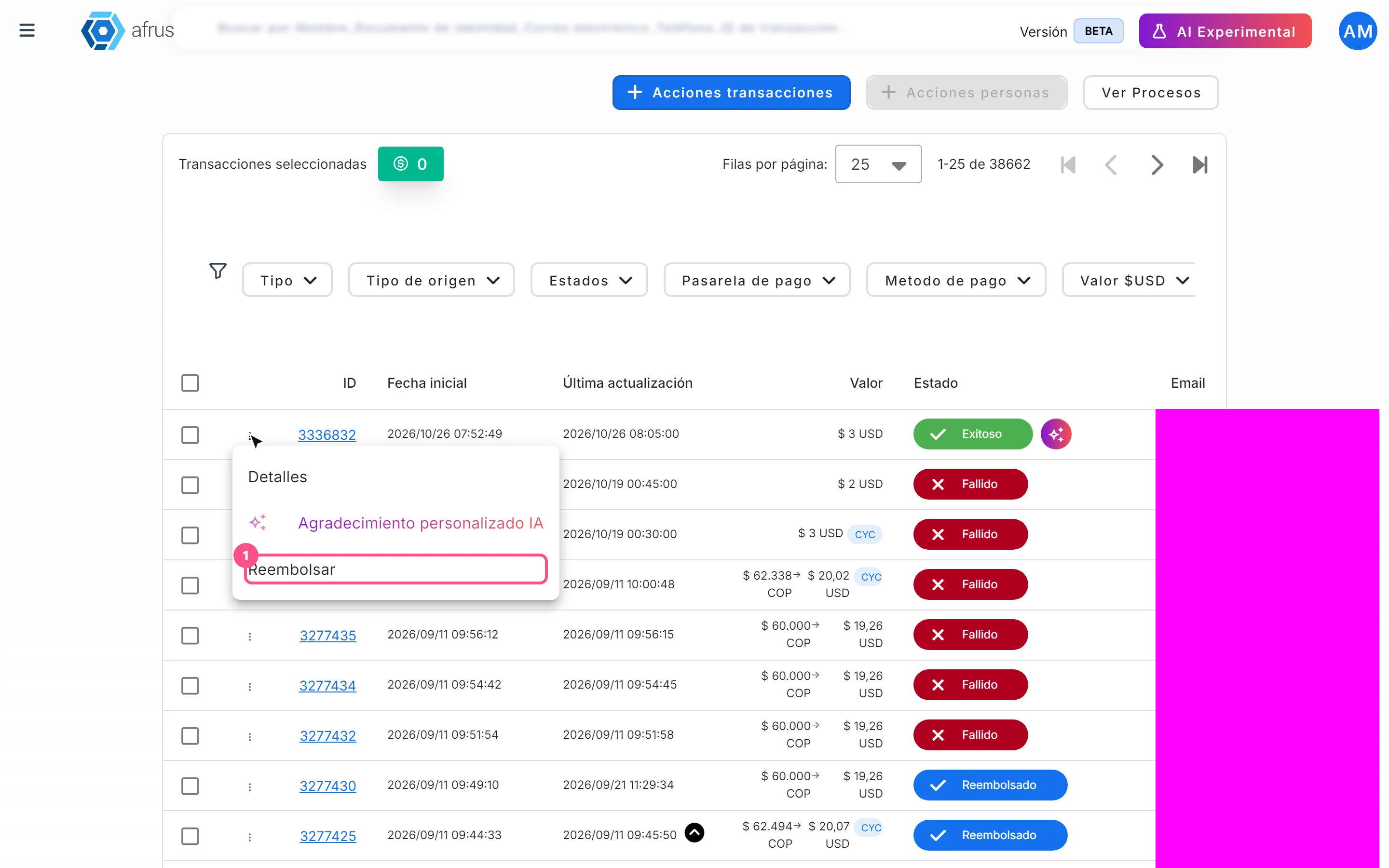
- Refund donations. Return successful donations on gateways that allow it.
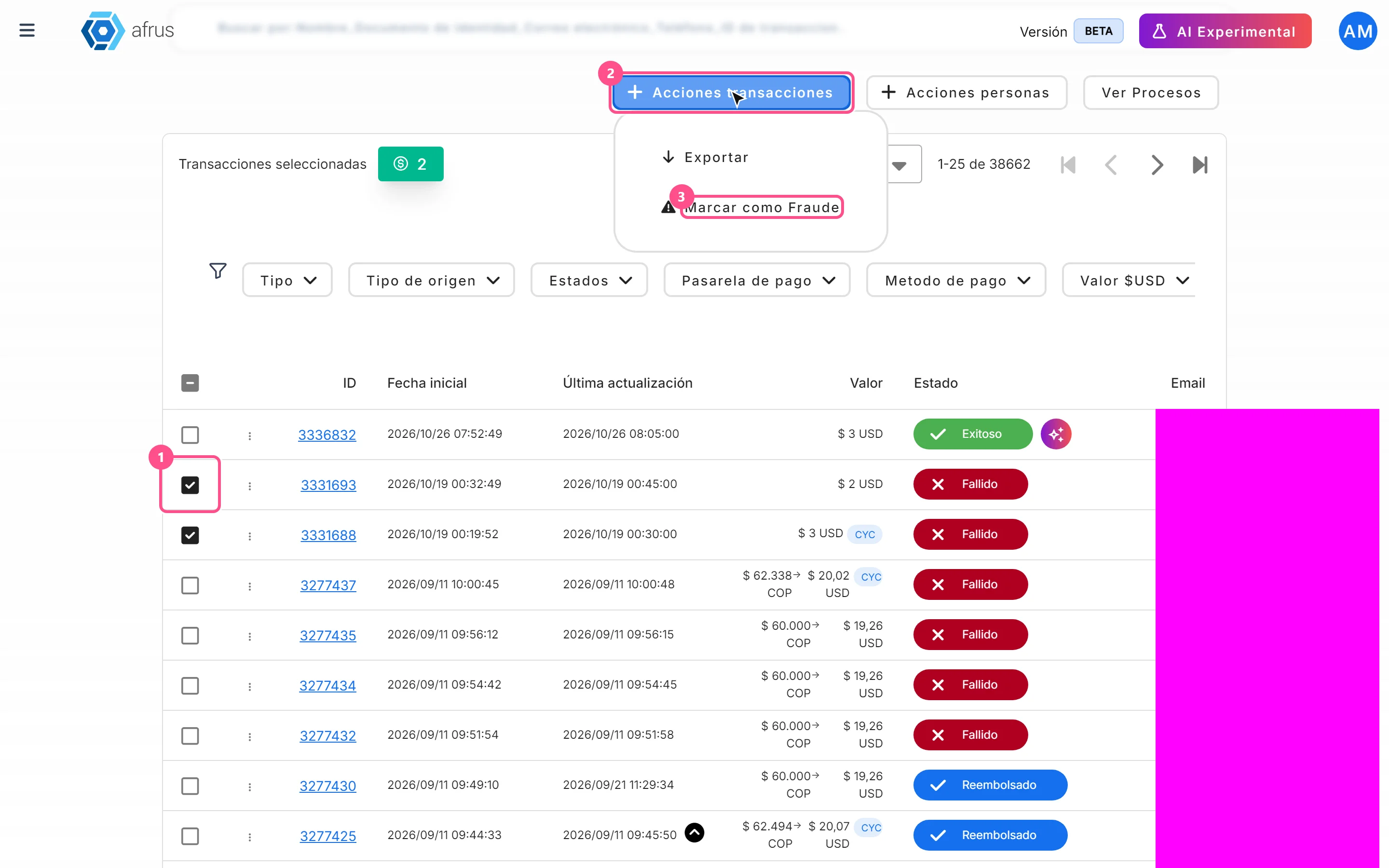
- Clean up fraud. Mark fraudulent payments to remove them from the list and your database.
- Export to Excel. Download the transactions you choose or all those matching your filters.
- Say thank you with AI. Send the donor a thank-you email written with AI.
Need help? Talk to the afrus team
In this article
✕
Related Tutorials
Transactions
October 27, 2026
What Transactions are in AFRUS
Learn what the Transactions module is: the list of every payment your organization receives, one-time and recurring.
afrus.ai

Transactions
October 27, 2026
How to create an AI thank-you from Transactions
Learn how to send a donor a thank-you email written with AI from a successful transaction.
afrus.ai
Transactions
October 27, 2026
How to refund a donation
Learn how to refund a successful donation from Transactions and what happens next.
afrus.ai
Transactions
October 27, 2026
How to mark a transaction as fraud
Learn how to mark transactions as fraud and what happens to them and to the linked donors.
afrus.ai