🡠 Back


How to create an AI thank-you from Transactions
Reading time
1 min
Transactions
October 27, 2026
afrus.ai
Learn how to send a donor a thank-you email written with AI from a successful transaction.
In this article
Labels are shown as they appear in the Spanish version of the console.
Before you start
- The transaction must be Exitoso (Successful).
- Your organization needs an active Business profile; otherwise the option doesn't appear.
- You need at least one user with a signature in AI > Firmas de usuarios (User signatures). Only those users appear as senders.
Step by step
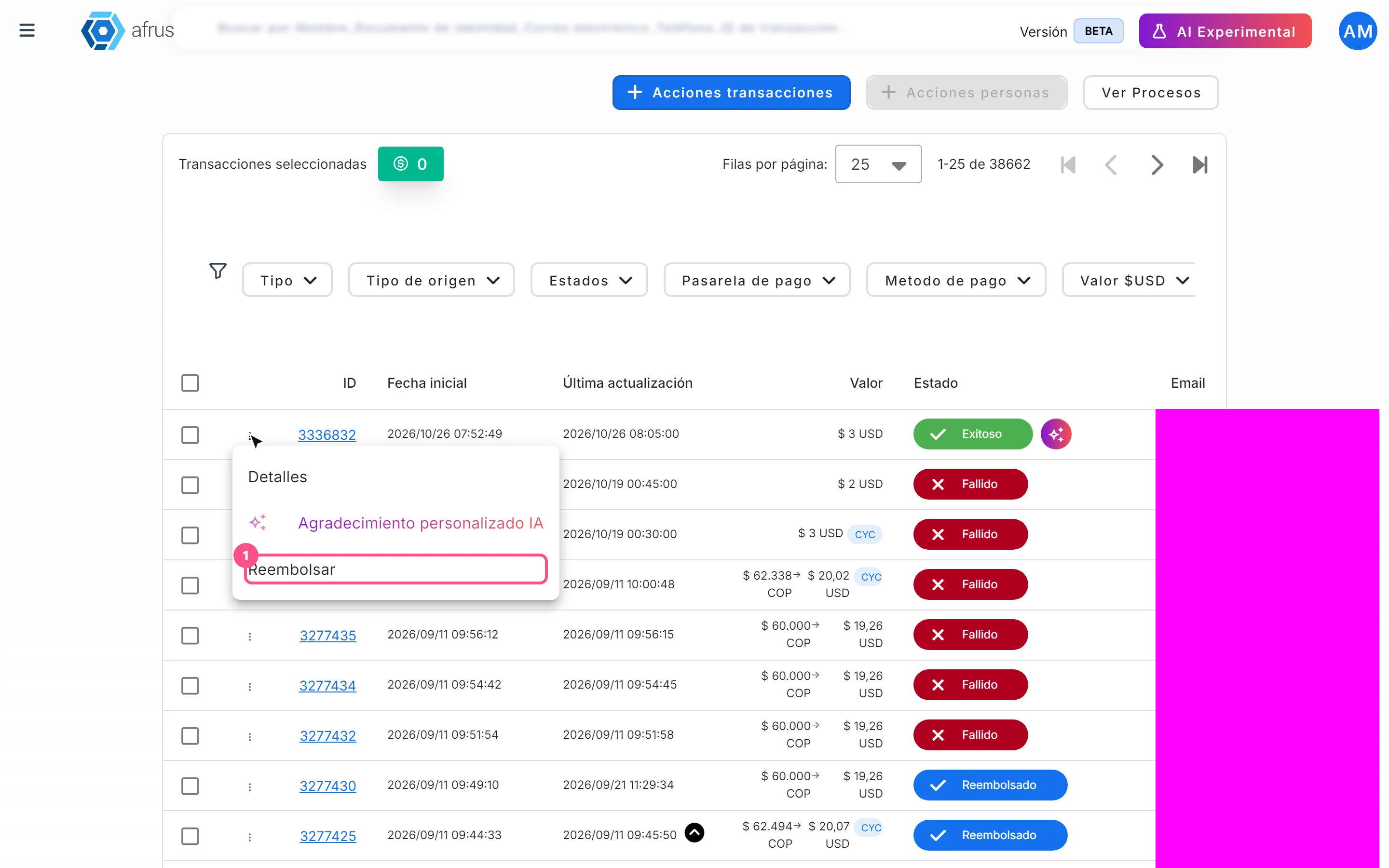
- Open the thank-you. In Transacciones, open the row's three-dot menu and choose Agradecimiento personalizado IA (AI personalized thank-you), or use the sparkle button next to Exitoso.
- Choose the sender. Select a user and click "Continuar" (Continue). The email is sent from their signature address.
- Wait for the draft. You will see AI preparando tu mensaje (AI preparing your message).
- Review and edit. Adjust Asunto (Subject, max. 128 characters) and Cuerpo del correo (Body, max. 1600). "Regenerar" (Regenerate) asks for another version.
- Send. Click "Enviar mensaje" (Send message).
You will see "El agradecimiento se ha enviado correctamente" (The thank-you was sent successfully). The email goes to that transaction's person.
Frequently asked questions
Can I use Merge tags?
Not for now: variables are sent as literal text. Type the name and details directly.
Can it be undone?
No. Once sent, the email is in the donor's inbox.
Need help? Talk to the afrus team
In this article
✕
Related Tutorials

Transactions
October 27, 2026
What Transactions are in AFRUS
Learn what the Transactions module is: the list of every payment your organization receives, one-time and recurring.
afrus.ai
Transactions
October 27, 2026
What Transactions are for
Learn what the Transactions module is for: finding payments, refunding, cleaning up fraud, exporting and AI thank-yous.
afrus.ai
Transactions
October 27, 2026
How to refund a donation
Learn how to refund a successful donation from Transactions and what happens next.
afrus.ai
Transactions
October 27, 2026
How to mark a transaction as fraud
Learn how to mark transactions as fraud and what happens to them and to the linked donors.
afrus.ai