🡠 Back


What the Radar - fraud monitor is
Reading time
1 min
Follow up
October 27, 2026
afrus.ai
Learn what the Radar - fraud monitor is: the list of your organization's transactions marked as fraud.
In this article
Labels are shown as they appear in the Spanish version of the console.
The Radar is the list of your organization's transactions that have been marked as fraud. You'll find it in Follow up > Radar - monitor de fraude; the screen is called Transacciones Fraudulentas (Fraudulent transactions).
For each transaction you see, among other data, its Valor (amount), Email, Nombre (name), Estado (status), Estado anterior (previous status, before it was marked as fraud), the Marcada como fraude el (marked as fraud on) date, Pasarela de pago (gateway), Método de pago (payment method), Widget and Campaña (campaign).
Frequently asked questions
Can I mark transactions as fraud from the Radar?
No. You mark them from Transacciones (Transactions); on the Radar the rows are already fraud.
Need help? Talk to the afrus team
In this article
✕
Related Tutorials
Follow up
October 27, 2026
What Boleto Itaú is for
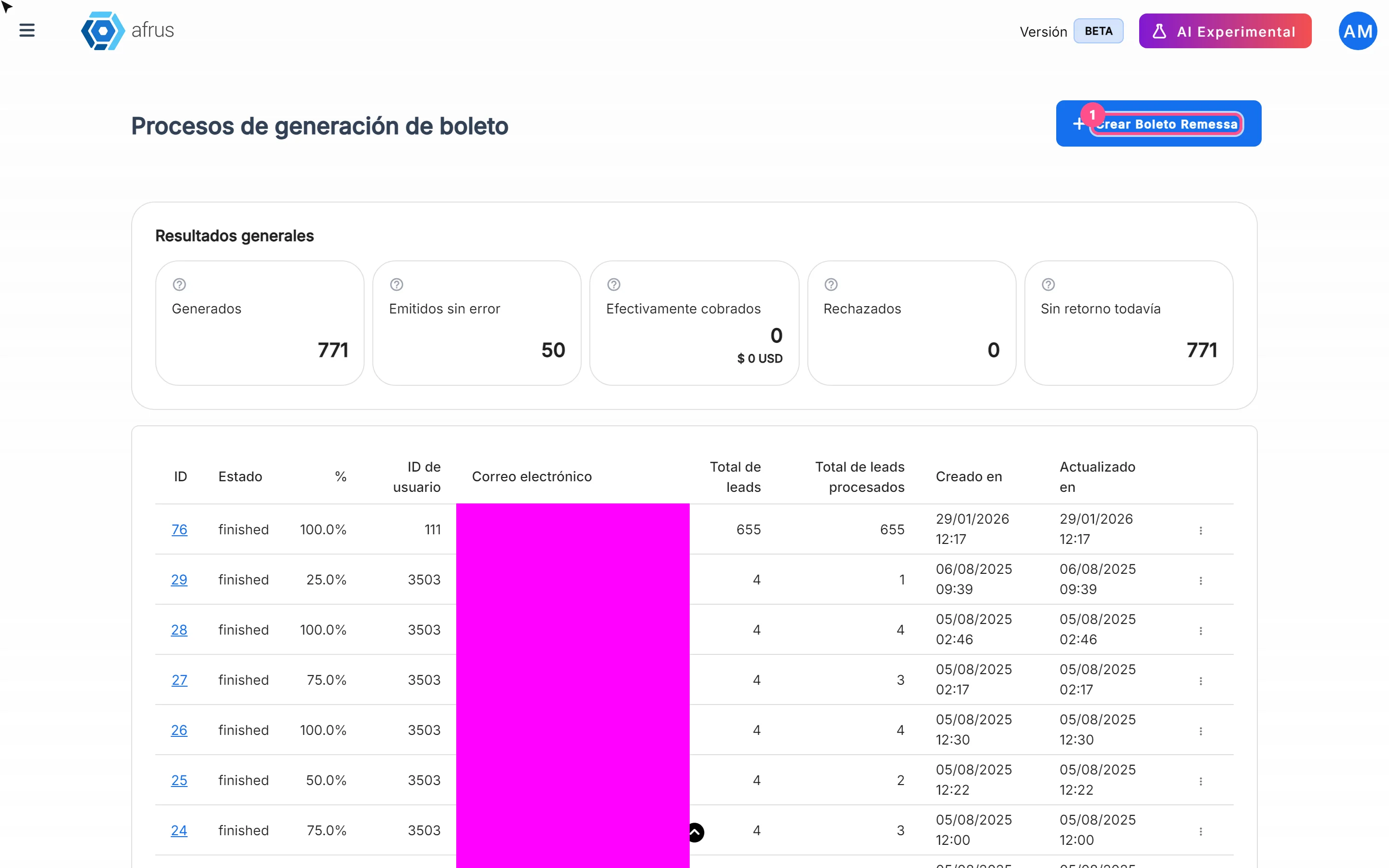
Learn what Boleto Itaú is for: generating boletos in batches, getting the bank file and tracking how many were collected.
afrus.ai
Follow up
October 27, 2026
How often Subscription tasks update
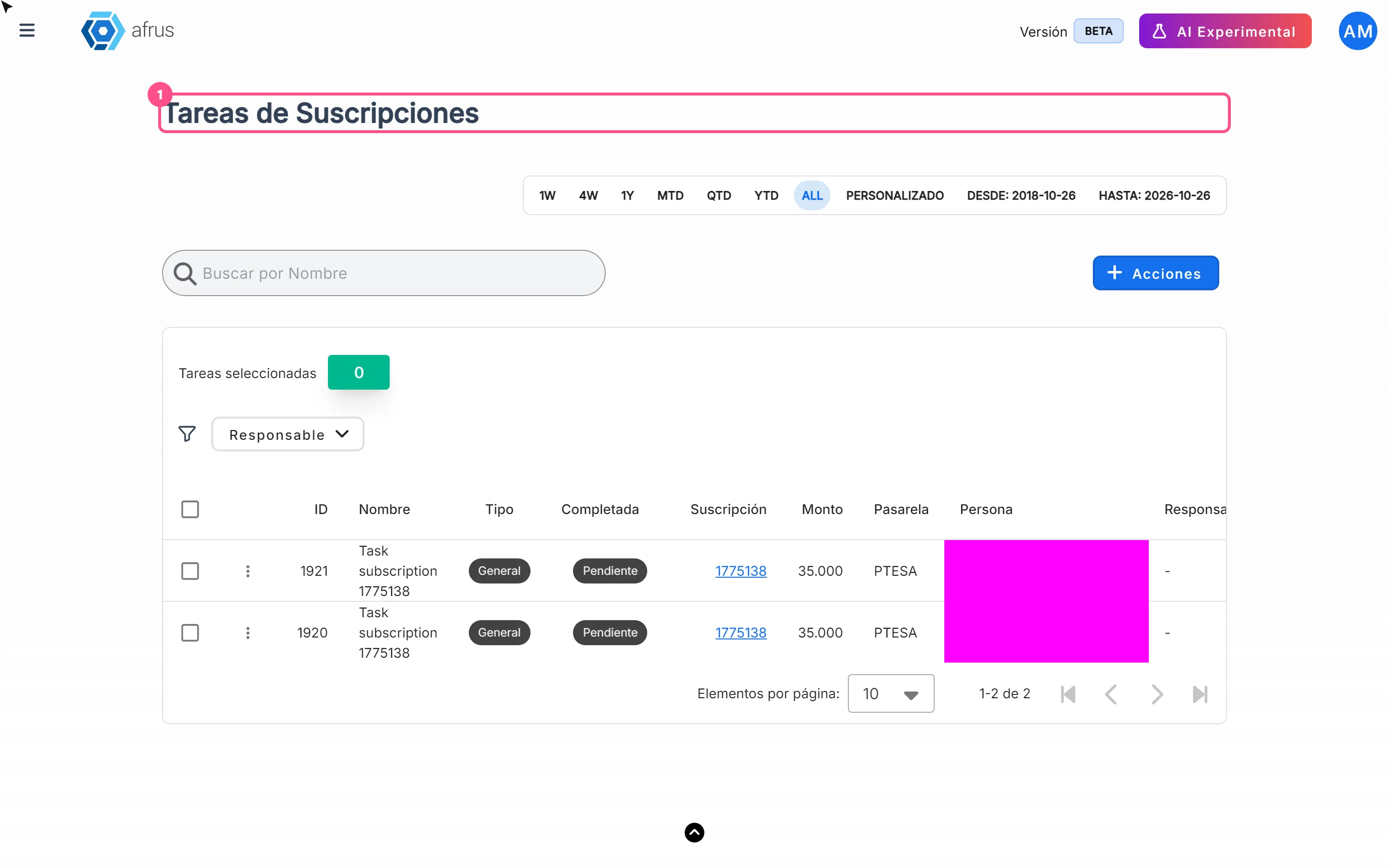
Learn when Subscription tasks are created and reopened, and when the screen updates.
afrus.ai
Follow up
October 27, 2026
Does the task leave the list when the subscription is charged?
Learn what happens to a Subscription task when the subscription is charged successfully again.
afrus.ai
Follow up
October 27, 2026
Subscription task statuses
Learn what the Pending and Completed statuses and the task types mean in Subscription tasks.
afrus.ai