🡠 Back


What the Radar - fraud monitor is for
Reading time
1 min
Follow up
October 27, 2026
afrus.ai
Learn what the Radar is for: reviewing fraud in one place, spotting patterns and exporting for reconciliation.
In this article
Labels are shown as they appear in the Spanish version of the console.
- Review fraud in one place. Every transaction marked as fraud, with its previous status and the date it was marked.
- Spot patterns. Filter by Pasarela de pago, Metodo de pago, Campaña, Widgets, Tipo (type), Estado anterior and amount range.
- Reconcile and analyze. Export the list with "Acciones" (Actions) > Exportar (Export).
- See each case in detail. Open it from the row menu.
Step by step: review the Radar
- Open the Radar. Go to Follow up > Radar - monitor de fraude.
- Choose the dates. By default the current month is shown. The filter uses the transaction date, not the date it was marked as fraud.
- Filter or search. Use the filters or the search box. The table shows 25 rows per page.
Need help? Talk to the afrus team
In this article
✕
Related Tutorials
Follow up
October 27, 2026
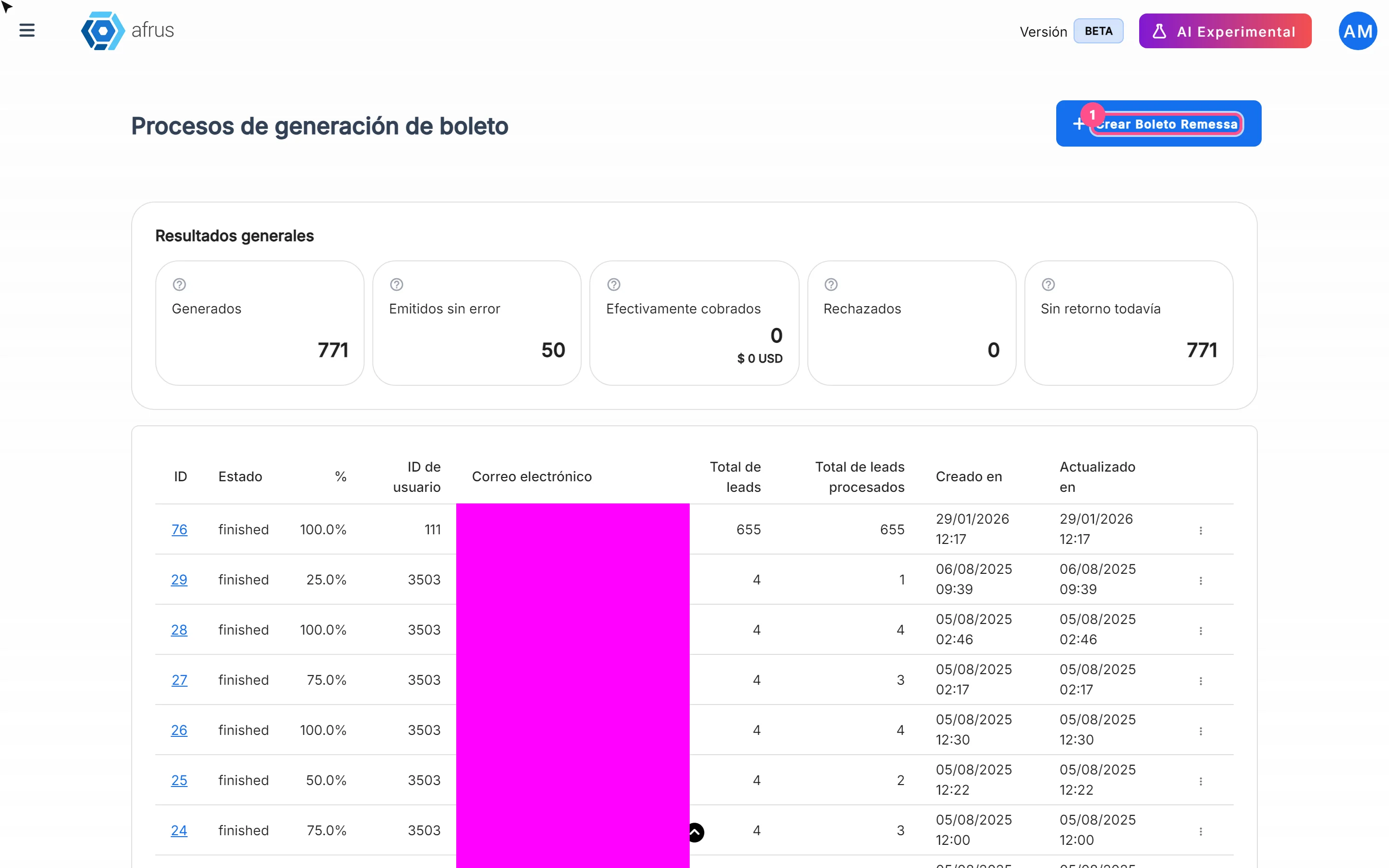
What Boleto Itaú is for
Learn what Boleto Itaú is for: generating boletos in batches, getting the bank file and tracking how many were collected.
afrus.ai
Follow up
October 27, 2026
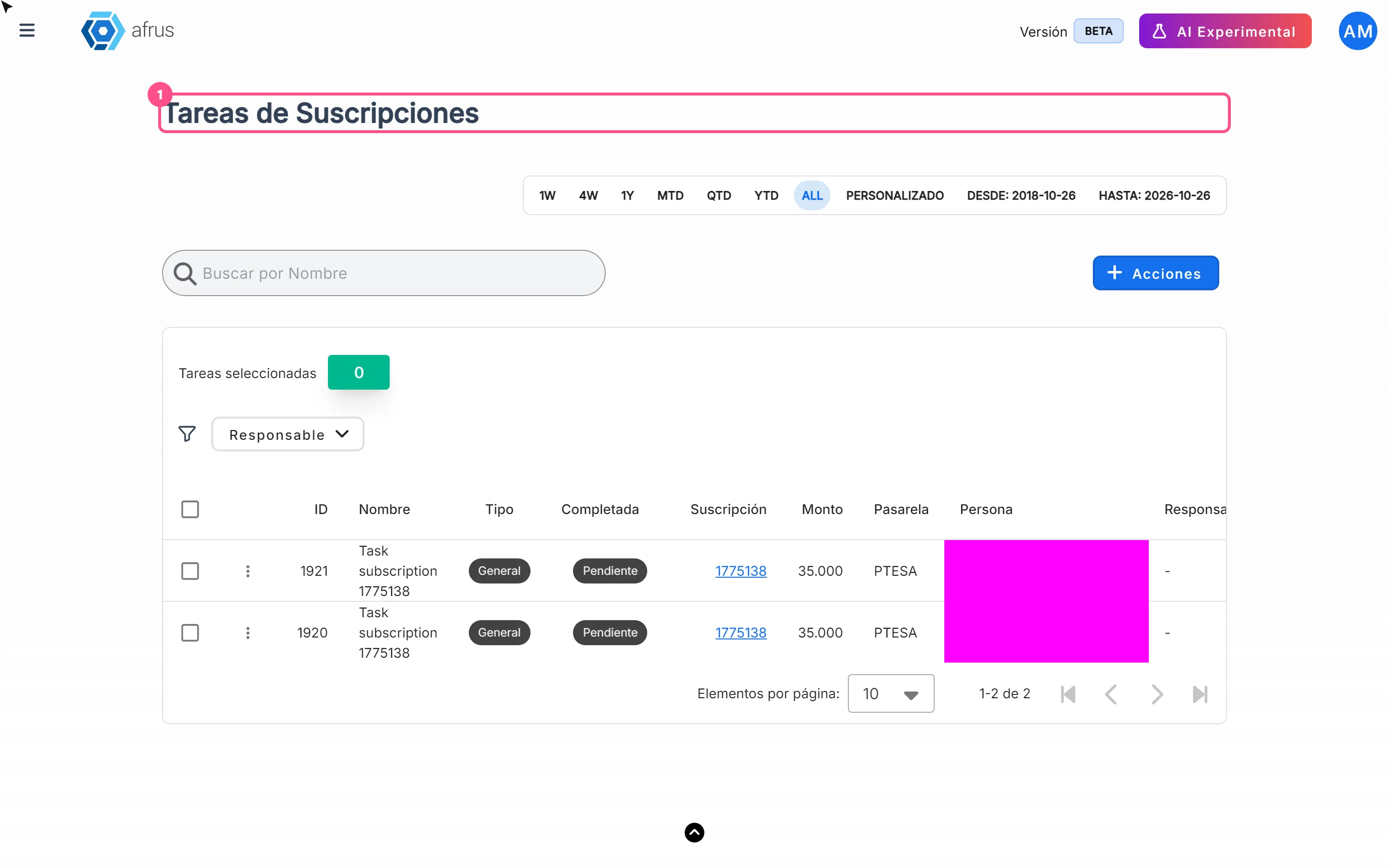
How often Subscription tasks update
Learn when Subscription tasks are created and reopened, and when the screen updates.
afrus.ai
Follow up
October 27, 2026
Does the task leave the list when the subscription is charged?
Learn what happens to a Subscription task when the subscription is charged successfully again.
afrus.ai
Follow up
October 27, 2026
Subscription task statuses
Learn what the Pending and Completed statuses and the task types mean in Subscription tasks.
afrus.ai